




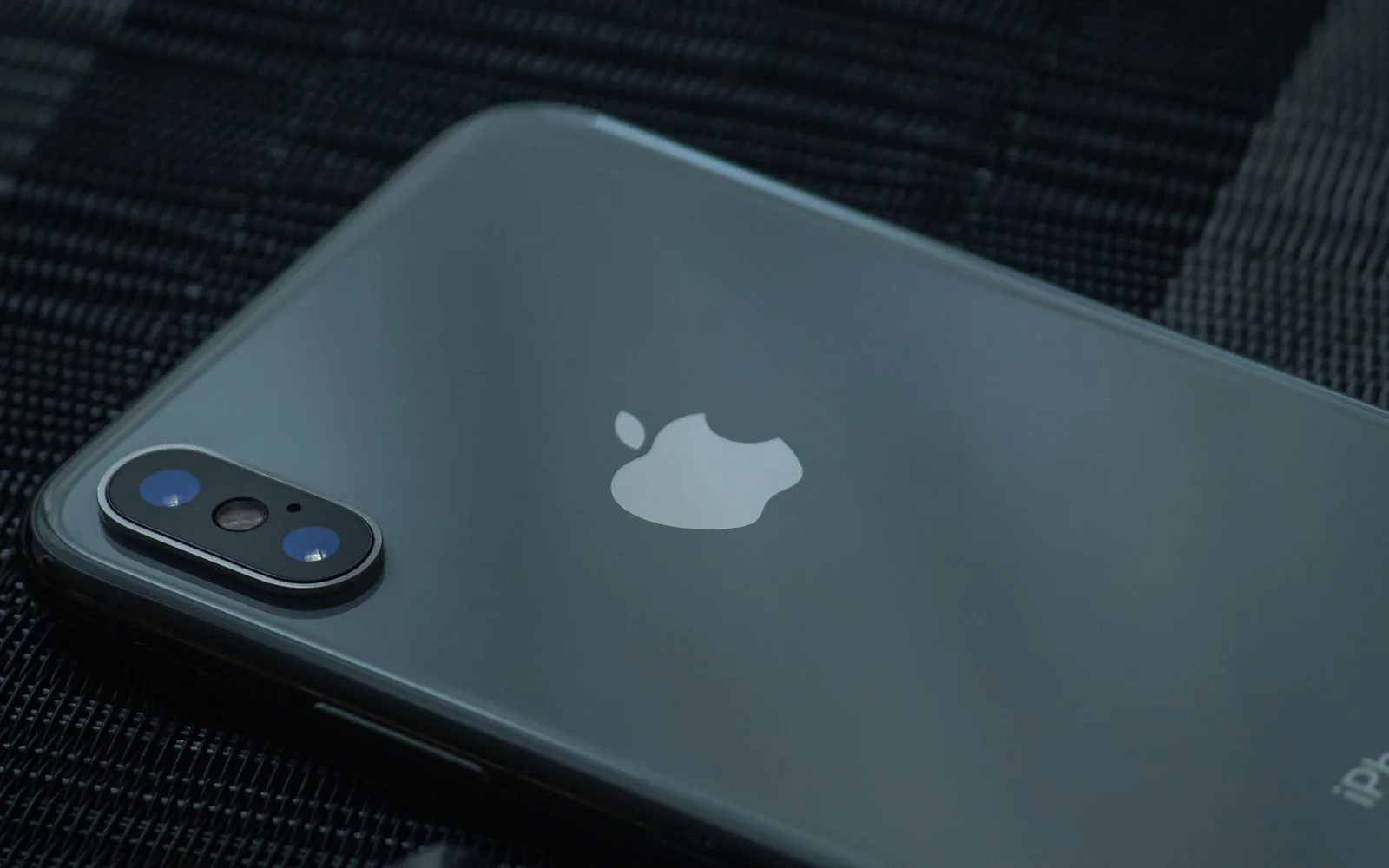
Does a Cracked Back of an iPhone Affect Performance?
Blog7 min read
No appointment needed
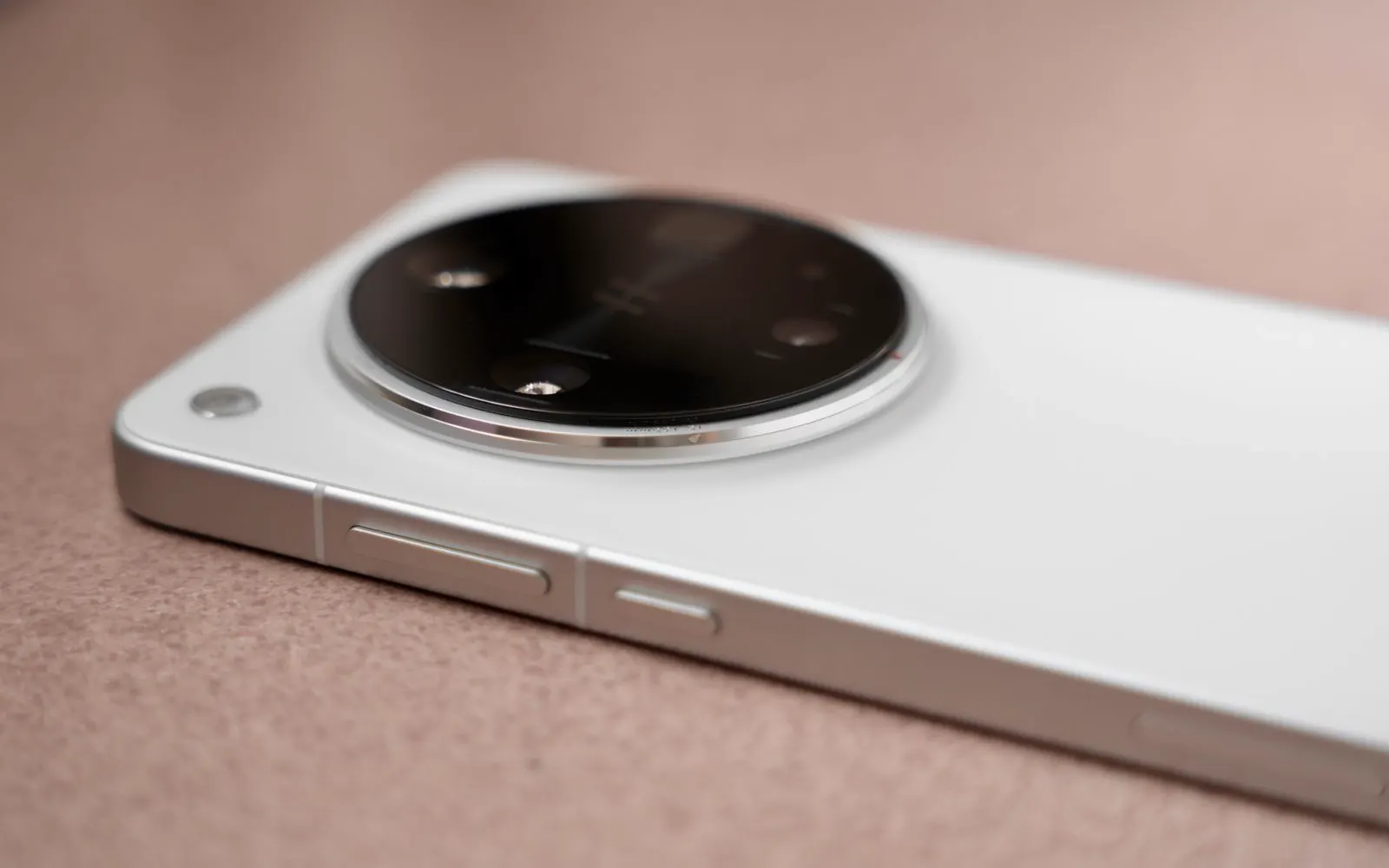
Camera repair
A cracked camera lens, blurry photos, black camera screen, or focus problem does not always mean the entire camera needs replacement. The issue may involve the outer camera glass, camera module, autofocus system, stabilization hardware, or another connected component. CELLTECH provides cell phone and tablet camera repair across Dallas and El Paso for problems including cracked camera glass, blurry photos, focus problems, black camera screens, shaking cameras, front camera issues, rear camera problems, and liquid related damage.
Need your camera working again quickly? You do not need to diagnose the problem yourself. Bring your device to a CELLTECH store, explain what the camera is doing, and we can inspect the problem before explaining the available repair options, estimated repair time, and price.
Customers who trust CELLTECH
A customer holding up a repaired iPhone at the CELLTECH counter.
Screen repair, in store

A customer checking a repaired phone before leaving the store.
Charging port repair, in store

A customer on the shop floor after a same day repair.
Same day repair
A customer collecting his phone at the case wall.
Phone repair, in store
A customer outside the store after an iPhone 15 repair.
iPhone 15 repair

A customer with his repaired phone at the counter.
Phone repair, in store
A customer holding up his repaired phone in the store.
Phone repair, in store

A customer holding up his repaired phone on the mall concourse.
Phone repair, in store
I dropped it in the car park on a Tuesday morning and had written the phone off in my head by lunchtime. They took it in, quoted me on the spot and handed it back the same afternoon with the old panel in a bag so I could see what had actually broken.
Alicia R.
iPhone 14 Pro screen repair
It was down to twenty percent before lunch every single day and I assumed I was being sold a new battery whatever I said. They tested it in front of me first, showed me the health reading, then swapped it and had me out inside the hour.
Tomas G.
Galaxy S23 battery replacement
I put a full cup of coffee across the keyboard and had four years of work on there with no backup. They opened it the same day, cleaned the board properly rather than just drying it out, and every key on it still works months later.
Priya N.
MacBook Air liquid damage
The last place I used quoted one number on the phone and a different one at the counter. These people looked at the port, told me what it would cost before they touched anything, and that was exactly what I paid when I collected it.
Kevin M.
iPad 10th generation charging port
The back was shattered end to end and pieces of it were coming away in my hand. I left it with them on my lunch break, came back after work, and there is no seam and no gap anywhere on it. You would not know it had happened.
Samuel O.
Pixel 8 back glass repair
What actually decided it for me was the 90 day malfunction warranty, because I had been burned by a cheap repair before that failed inside a fortnight. Nothing has gone wrong with this one, but I would have had somewhere to go if it had.
Renata C.
iPhone 12 camera repair
Why CELLTECH
Modern device cameras can contain several separate components. A visible crack does not automatically mean the camera module is damaged, and blurry photos do not always mean the camera needs replacement. CELLTECH starts with the symptoms and device inspection before recommending a repair. Choosing CELLTECH also gives you access to fast repair options and warranty protection after your repair. At CELLTECH:
Image quality
The way a photo comes out is usually the first clue. Common signs include:
Blurry photos do not automatically mean that the camera module has failed. Possible causes include:
Dirty camera glass, Scratched camera lens cover, Cracked camera glass, Camera protector interference, Cell phone case interference, Autofocus problems, Camera hardware damage, Liquid or condensation
Before seeking repair, gently clean the outside camera glass with a soft cloth.
If you use a camera lens protector or case around the camera area, remove it temporarily and test the camera again.
If the camera remains blurry, the device may need inspection.
Get Your Camera Checked
A focus problem can make photos look blurry even when the camera glass appears clean. Symptoms may include:
Camera repeatedly moving in and out of focus
Camera refusing to focus on an object
One camera focusing while another does not
Focus failing after a drop, Photos remaining blurry at normal distances
First, clean the camera glass and remove accessories that may interfere with the camera.
Restart the device and check for available software updates.
If the focus problem remains, the camera system may need inspection.
If the same spot appears in the same position across many photos, check the outside camera glass first. Clean the lens carefully. If the mark remains, possible causes include:
Damage to the camera glass, Dust behind damaged glass, Internal contamination, Moisture, Camera module problems
If contamination is behind the camera glass, cleaning the outside does not remove it.
The device may need inspection to determine whether the lens glass, camera component, or another area requires attention.
If the camera preview shakes or jumps while the device is being held still, the stabilization or focus system may have been affected. This can happen after physical impact. Possible symptoms include:
Constant camera shaking, Blurry photos, Unstable video, Focus problems, Unusual movement after a drop
A new or unusually loud rattle combined with blurry or shaking images can also indicate a problem with moving camera components.
The device should be inspected before the cause is confirmed.
Low light makes the camera work harder, so softness indoors or at night does not always point to damaged hardware. Compare:
Daylight photos stay sharp, Night photos look grainy, The camera hunts for focus indoors, Image quality improves with more light
One lens performs worse than the others
If daylight photos are sharp and only low light shots suffer, the camera may be working within normal limits for the device.
If low light quality dropped noticeably after a drop, the camera system should be inspected.
Video uses focus and stabilization differently from still photography, so a camera fault can appear in video first. You may notice:
Video drifting in and out of focus
Shaky footage while the device is held still
Soft video at one zoom level only
Clear photos from the same camera, Focus hunting while recording
Record a short clip with each camera and note which one is affected.
A problem that repeats on one camera points to that camera system rather than the app.
A camera problem that appears right after an update is worth separating from physical damage before any component is replaced. Useful checks include:
Restarting the device, Testing another camera app, Installing any newer update
Clearing the camera app cache where available
Comparing the front and rear cameras
If the camera stays blurry through every check, the cause is more likely to be hardware than software.
Bring the device in and describe when the change began.
Portrait photography can depend on:
Camera focus, Camera hardware, Depth information, Multiple cameras, Lighting, Subject distance, Software processing
If Portrait Mode suddenly stops working correctly after a drop or previous camera repair, the camera system should be checked.
Portrait Mode itself may not be the only issue.
Not working
When a camera opens black, freezes, or will not switch, the fault is usually in the hardware behind the glass. Common signs include:
Sometimes the Camera app opens but the preview remains black. Before assuming that the camera hardware has failed:
Run the basic checks from "Before You Bring Your Device In" first: restart, test both cameras, try another camera app, and install any available update.
If one camera works while another consistently remains black, this can help identify which part of the camera system may be affected.
If the problem continues after basic troubleshooting, the device may need inspection.
The front camera can fail separately from the rear camera system. Possible symptoms include:
Black front camera, Blurry selfies, Camera unable to focus, Front camera unavailable in apps
Camera app freezing when switching to the front camera
Poor video call quality
The cause may involve the camera itself, another connected component, or software.
Inspection helps determine the actual problem.
On Face ID equipped iPhones, the front camera and TrueDepth system are closely related. A front camera repair can involve components that are important to Face ID functionality. If Face ID is already not working before repair, tell the technician before service begins. Repair requirements depend on the exact iPhone model, damaged component, and repair process. Your CELLTECH store can also explain:
Any Face ID considerations related to the repair
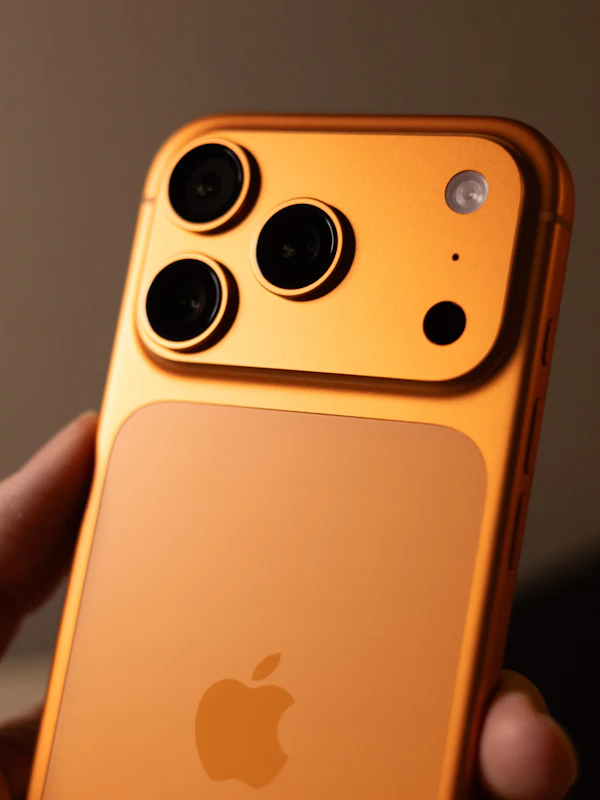
Modern devices can contain several rear cameras. Depending on the model, these may include:
Main camera, Ultra wide camera, Telephoto camera, Macro camera, Depth related sensors
One camera can sometimes develop a problem while other rear cameras continue working. You may notice:
One zoom level is blurry.
One camera stays black.
The camera works normally until you switch lenses.
A certain shooting mode fails.
The exact camera causing the problem should be identified before replacement is recommended.
Devices with multiple cameras can switch between different lenses while zooming. A problem that consistently appears at a particular zoom level may help identify which camera system is affected. Possible symptoms include:
Main camera works but telephoto is blurry.
Ultra wide camera remains black.
The image shakes at one zoom level.
Camera cannot focus after switching lenses.
Zoom suddenly produces poor image quality.
Not every change while zooming indicates hardware failure.
Modern camera systems also use software and may automatically switch between cameras depending on lighting, distance, and shooting conditions.
Consistent problems should be inspected.
A camera flash issue can occur separately from a camera module problem. Symptoms may include:
Flash does not activate.
Flashlight works but camera flash does not.
Flash works only sometimes.
Camera and flashlight both stop working.
Test the flashlight separately.
If the flashlight works normally but the camera flash does not, the issue may involve software, camera settings, or another part of the camera system.
If neither function works, hardware inspection may be useful.
If switching cameras causes the Camera app to freeze, turn black, or close, test the front and rear cameras individually where possible. Also try another app that uses the camera. If one camera works consistently and another does not, tell the technician which camera is affected. This can provide useful information during diagnosis.
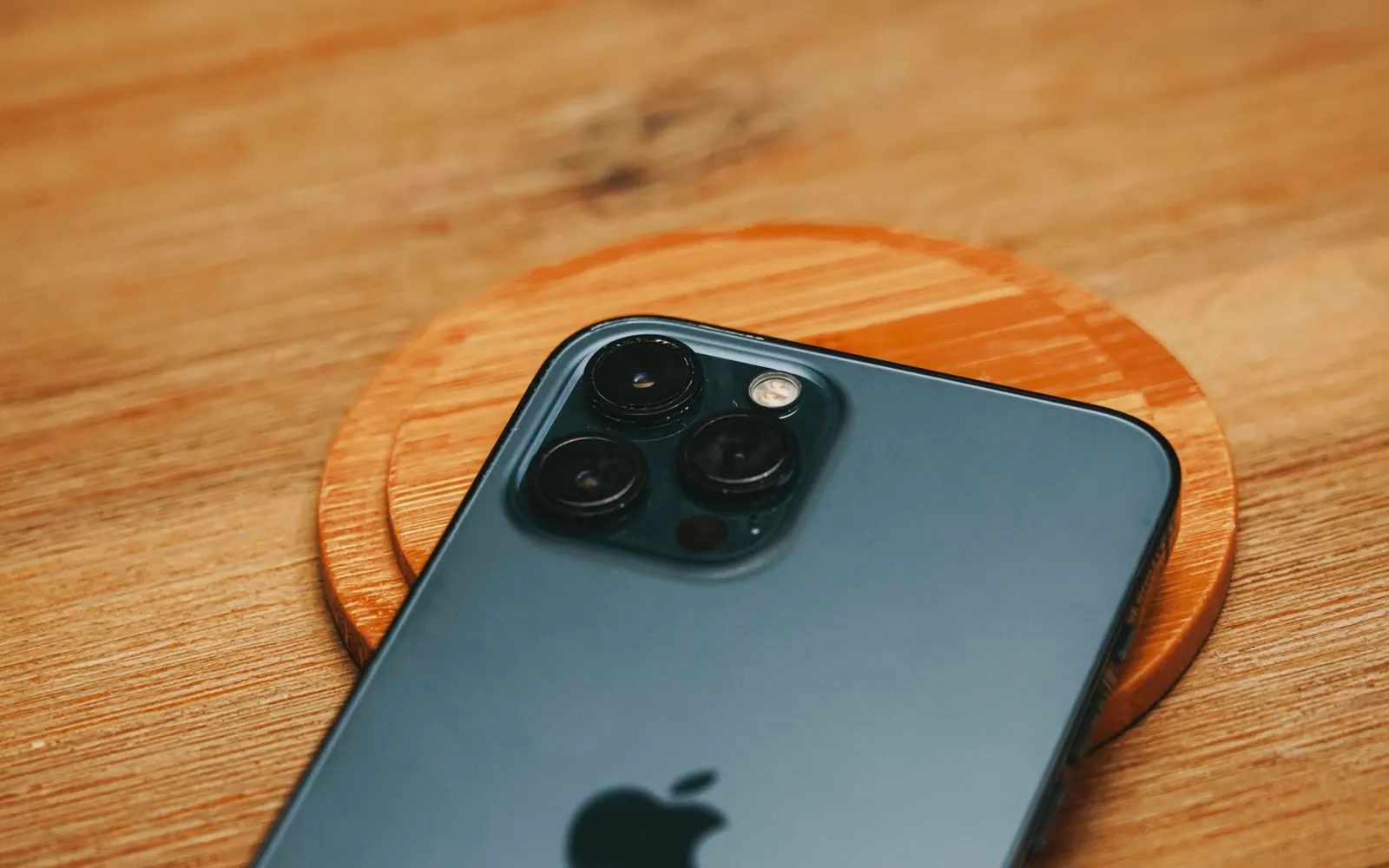
Damage
Impact and liquid can reach the camera system without leaving an obvious mark on the outside. Common signs include:
A drop can crack the protective glass over the rear camera while the camera underneath continues to work. You may notice:
Visible cracks, Small chips, Missing glass, Light streaks in photos, Glare around lights, Hazy photos, Dust around the camera
Cracked camera glass should not automatically be treated as a failed camera module.
On some devices, the damaged outer glass may be serviceable separately.
On other models, the repair may involve a larger rear assembly.
The device should be inspected before deciding which component requires replacement.
Camera lens glass repair may be one of the faster services on supported models when the appropriate part is available.
Get Your Camera Lens Checked
If your camera glass is cracked but the device still takes clear photos, the camera module may still be functioning correctly. However, damaged outer glass can leave the camera area more exposed to:
Dust, Moisture, Scratches, Debris, Additional impact damage
Repairing the damaged area before further contamination reaches the camera can help prevent the problem from becoming more complicated.
Some camera systems contain moving components for stabilization and focusing. A small amount of movement can be normal on certain devices. However, if a noticeable rattle begins after a hard drop and the camera also becomes blurry, shaky, or unable to focus, the camera system should be inspected. The camera should not be diagnosed from sound alone.
Visible fog or moisture behind the camera glass means moisture has entered an area that should normally remain dry. Even if the visible condensation later disappears, moisture can affect camera connections and other internal components. If condensation appears inside the camera area, have the device inspected rather than assuming the problem has fully resolved.
Explore Liquid Damage Repair
A hard impact can affect more than the outer camera glass. The same drop can damage:
Camera module, Focus system, Stabilization system, Camera lens cover, Back glass, Frame, Internal connections
This is why inspection should look beyond the most visible crack.
The repair should address the component that is actually causing the problem.
Liquid can affect several components of a device at the same time. Camera symptoms after liquid exposure can include:
Black camera screen, Fog behind camera glass, Blurry photos, Focus failure, Camera app problems, Flash problems, Condensation
A liquid damaged device should be inspected before camera module replacement is recommended.
The camera may not be the only affected component.
Because additional diagnosis may be required, liquid related camera repairs may take longer than a straightforward camera glass repair.
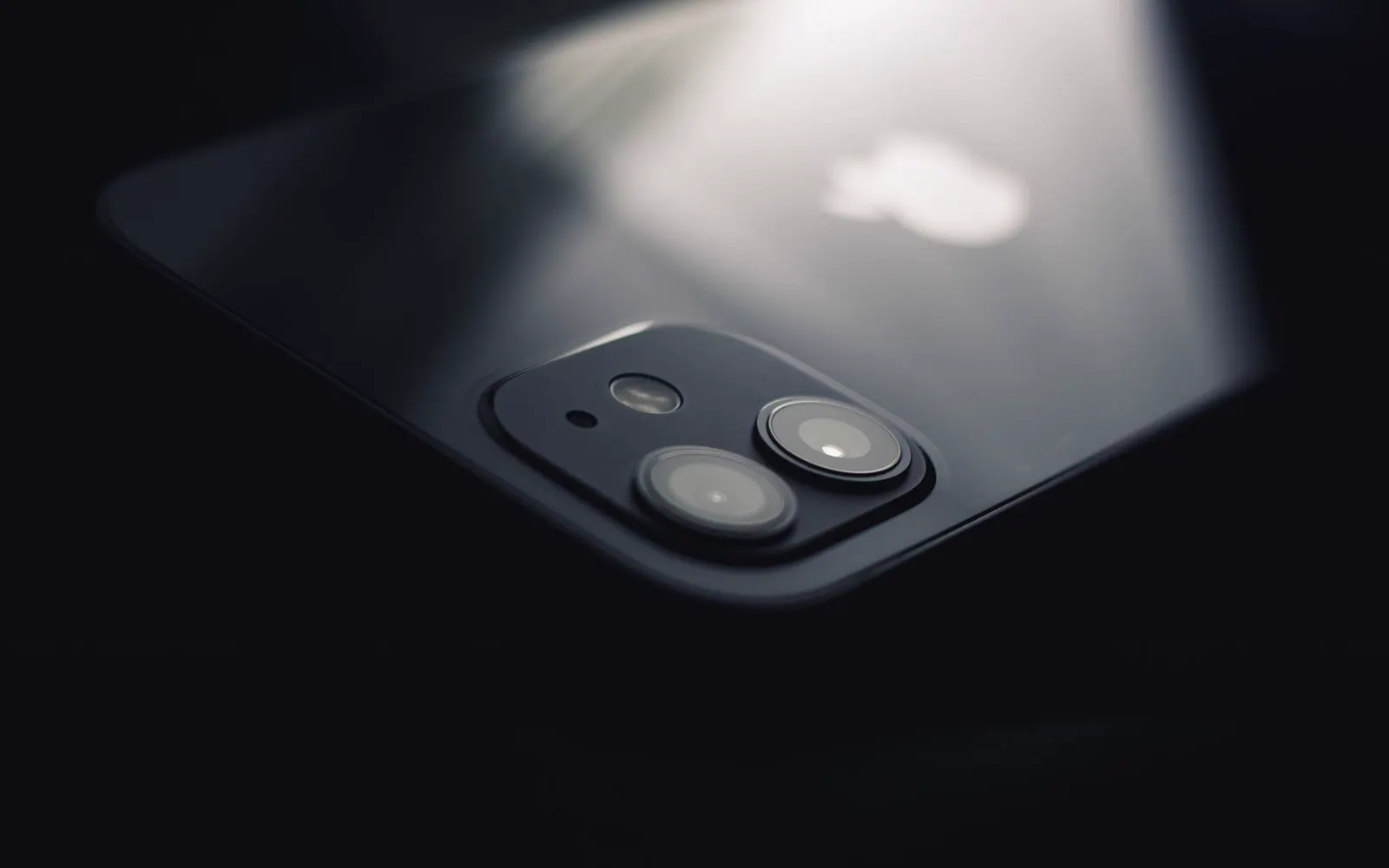
Glass or module
The correct repair depends on which component is damaged. Camera lens glass repair may be possible when only the outer protective glass is damaged, the camera still focuses correctly, photos remain clear, and the camera module itself continues to work. Whether that outer glass can be serviced on its own depends on the device design and the repair options available for your model.
Camera module repair or replacement may be needed when the camera remains black, focus does not work, images shake constantly, camera hardware has impact damage, photos remain blurry after the outer lens is clean, or a camera consistently fails. Inspection helps determine which of the two repairs is appropriate, so an entire camera system is not replaced when the protective glass over it is the only damaged part.
What we cover
CELLTECH provides camera repair options for many cell phones and tablets. Depending on the exact model and parts availability, this can include devices from brands and product families such as:
Camera repair options are available for many iPhone models. Front camera repairs on Face ID equipped models may require additional consideration because of the TrueDepth system. Once the exact iPhone model is identified, CELLTECH can confirm:
Camera repair availability, Parts availability, View iPhone Repair
CELLTECH provides camera repair options for many Samsung Galaxy devices. Different Galaxy models can use different camera modules and multi-camera configurations. Your store can confirm:
Exact replacement camera, Repair cost, Expected repair time, View Samsung Repair
Camera repair availability may also include:
Google Pixel, Motorola, LG, OnePlus, Other Android cell phones, Apple iPad, Android tablets
Repair and parts availability vary by exact device model.
How it works
Tell us what the camera is doing: a black preview, blurry or unfocused photos, a rattle when the device moves, a flash that has stopped, or a fault that began after a drop.
We check the outer camera glass and the functions tied to the fault, front and rear, and across the separate rear modules where the model carries more than one of them.
You get the component being replaced, the part type, the price, and the camera features worth testing afterward, explained before the camera repair is approved.
You decide whether to go ahead. Repair work starts only once the recommended camera repair and its price have been explained, and the inspection is free either way.
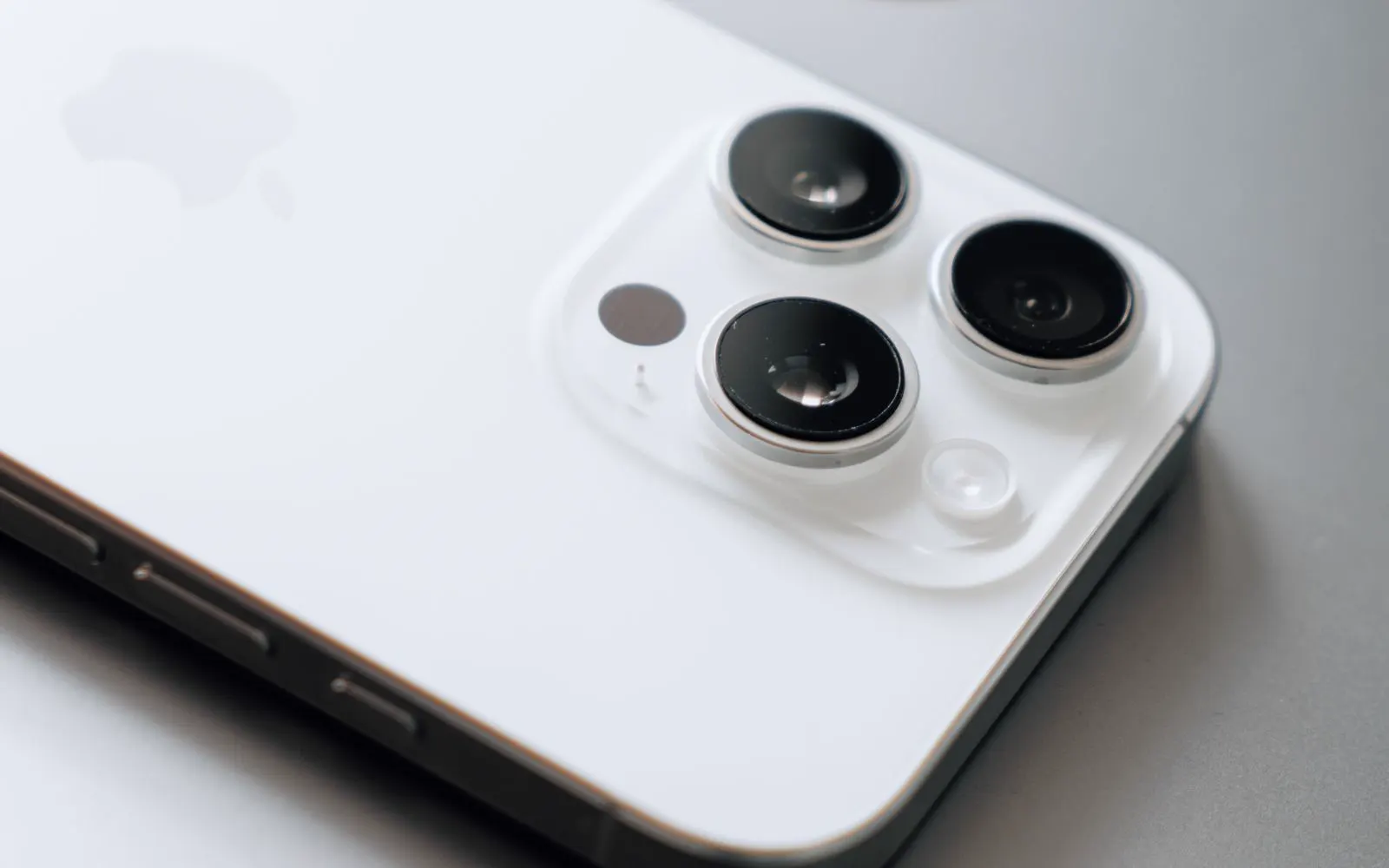
Pricing
There is no single price that applies to every camera repair. Cost depends on several factors.
Different devices use different camera systems and replacement components. The exact model is needed to identify the correct part, price, and repair time.
Replacing protective outer camera glass is a different repair from replacing the actual camera module. Camera lens glass repair may be faster and less involved on some devices.
Front and rear camera systems use different components. On some devices, front camera systems also interact with facial authentication or other sensors.
Some devices contain several rear camera modules. Replacement component pricing can vary between them. A telephoto camera, ultra wide camera, or primary camera does not necessarily use the same replacement component.
The same drop may damage the camera, back glass, frame, or another component. Additional damage can affect both the final price and repair time.
Camera components for a very recent flagship and for an older model sit at different price points. Newer camera systems can carry a higher component cost, while some older models depend on the remaining supply of a part that is no longer made in volume.
A camera fault that follows liquid exposure usually needs broader diagnosis than a cracked lens cover, because liquid can reach more than one component. That additional work can affect both the price and the time quoted.
The camera system is inspected before a price is given, so the quote reflects the component actually causing the problem rather than the largest assembly that could be replaced.
Replacement components vary in price and availability depending on the device. Parts availability can also determine whether your camera repair is:
Eligible for a faster turnaround
CELLTECH provides a quote after confirming the device and repair required.
Turnaround
You may not need to spend the entire day without a working camera. Many common CELLTECH camera repairs can be completed in as little as 20 minutes when the correct part is available and the damage is limited to the repairable component. Same day camera repair is available for many supported devices. Camera repair time depends on:
Straightforward camera lens glass or common camera component repairs can be among the faster services.
More complicated front camera, multi-camera, Face ID related, or liquid damage repairs may require additional time.
Your CELLTECH store can provide a more accurate estimate after the device has been inspected.
Repair or replace
A failed camera does not automatically mean the entire device needs replacement. Repair may make sense when:
Before your visit
A few basic checks can make diagnosis easier.
Use a clean, soft cloth to remove fingerprints and dust from the outside camera glass. If image quality improves, the camera hardware may not require repair.
Camera lens protectors can sometimes affect image quality, glare, or focus. Temporarily remove the protector and test the camera again.
Cases or accessories around the camera area can sometimes interfere with camera performance. Test the camera without them where practical.
Temporary software problems can sometimes clear after restarting the device. Test the camera again after the restart.
Some camera problems can be software related. Check for available operating system updates before assuming a hardware component has failed.
Check whether:
Both cameras fail.
Only the front camera fails.
One rear camera fails.
A specific zoom level fails.
This information can help narrow down the problem.
If the device still works, back up important photos, contacts, files, and other information before repair. Many camera hardware repairs do not normally require personal files to be removed, but maintaining a current backup is recommended.
Access to the device may help verify camera functions after repair. Testing can include the repaired camera, autofocus, zoom, flash, video, and related functionality.
If getting the device back quickly is important, ask whether the required camera component is currently in stock for your model. Turnaround depends on it more than on anything else.
After the repair
Before leaving the store, test the functions related to your repair. Depending on the device, this may include:
Other nearby features affected by the repair
Testing repaired functions can help identify any remaining issue before you leave.
Water resistance
Water resistance is not permanent. It can decrease because of:
If camera repair requires the device to be opened, ask what sealing process applies after repair.
Do not assume that a repaired device has exactly the same water resistance it had when new.
CELLTECH camera repairs are backed by a 90 day malfunction warranty. This warranty gives you added confidence after the repair. If the repaired camera component develops a covered malfunction within the 90 day malfunction warranty period, bring your device and repair information back to CELLTECH so the issue can be reviewed according to the applicable warranty terms. The 90 day malfunction warranty applies to qualifying repair related malfunctions. New accidental damage, physical impact, cracked glass caused by another incident, new liquid exposure, misuse, or unrelated device problems may be treated separately. Before approving the repair, you can ask:
Other repairs
CELLTECH also provides repair services for other device problems.
Our locations
CELLTECH provides cell phone and tablet camera repair across Dallas and El Paso. Many CELLTECH locations are inside major shopping centers.
Use the store finder to choose your nearest location and view current contact information, directions, and store hours.
Seven Texas stores · Open 7 days a week
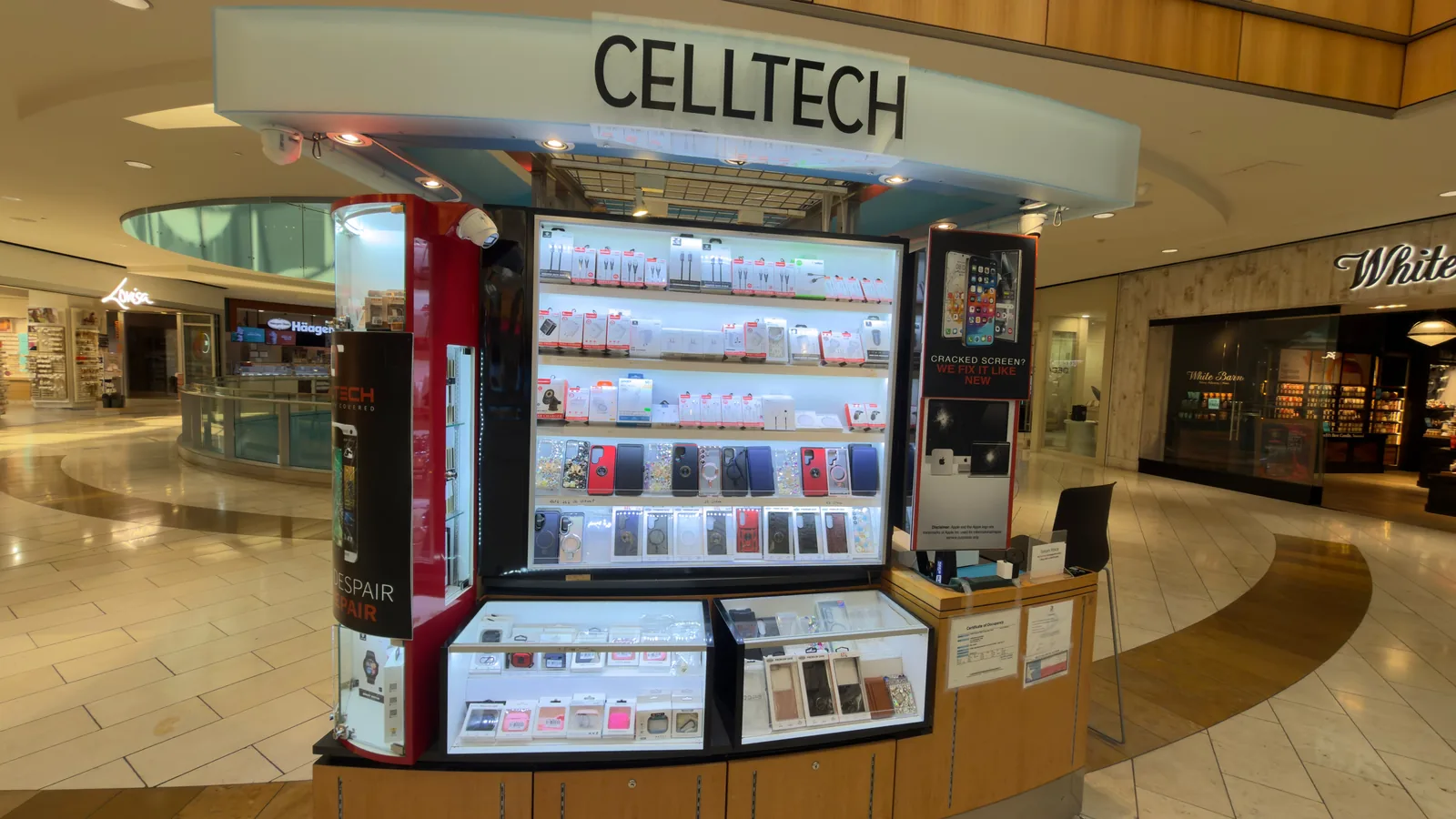
13350 Dallas Pkwy, Kiosk 6505, Dallas, TX 75240
Find CELLTECH located on Level 2 by Bath and Body Works.

3811 S Cooper St, Suite 2402, Arlington, TX 76015
Find CELLTECH located on Level 2 next to GameStop.
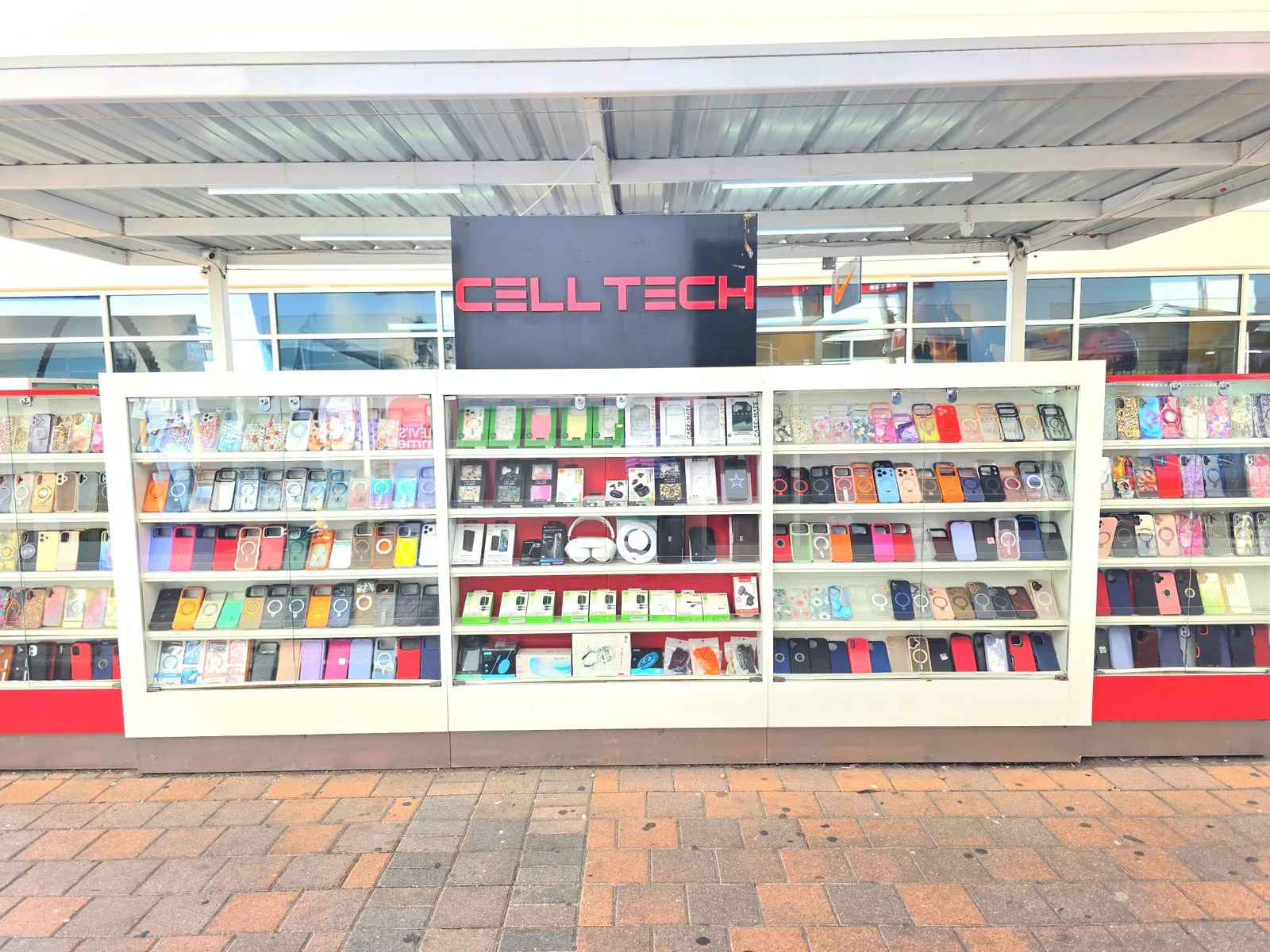
2950 W Interstate 20, Grand Prairie, TX 75052
Visit CELLTECH at Grand Prairie Premium Outlets.
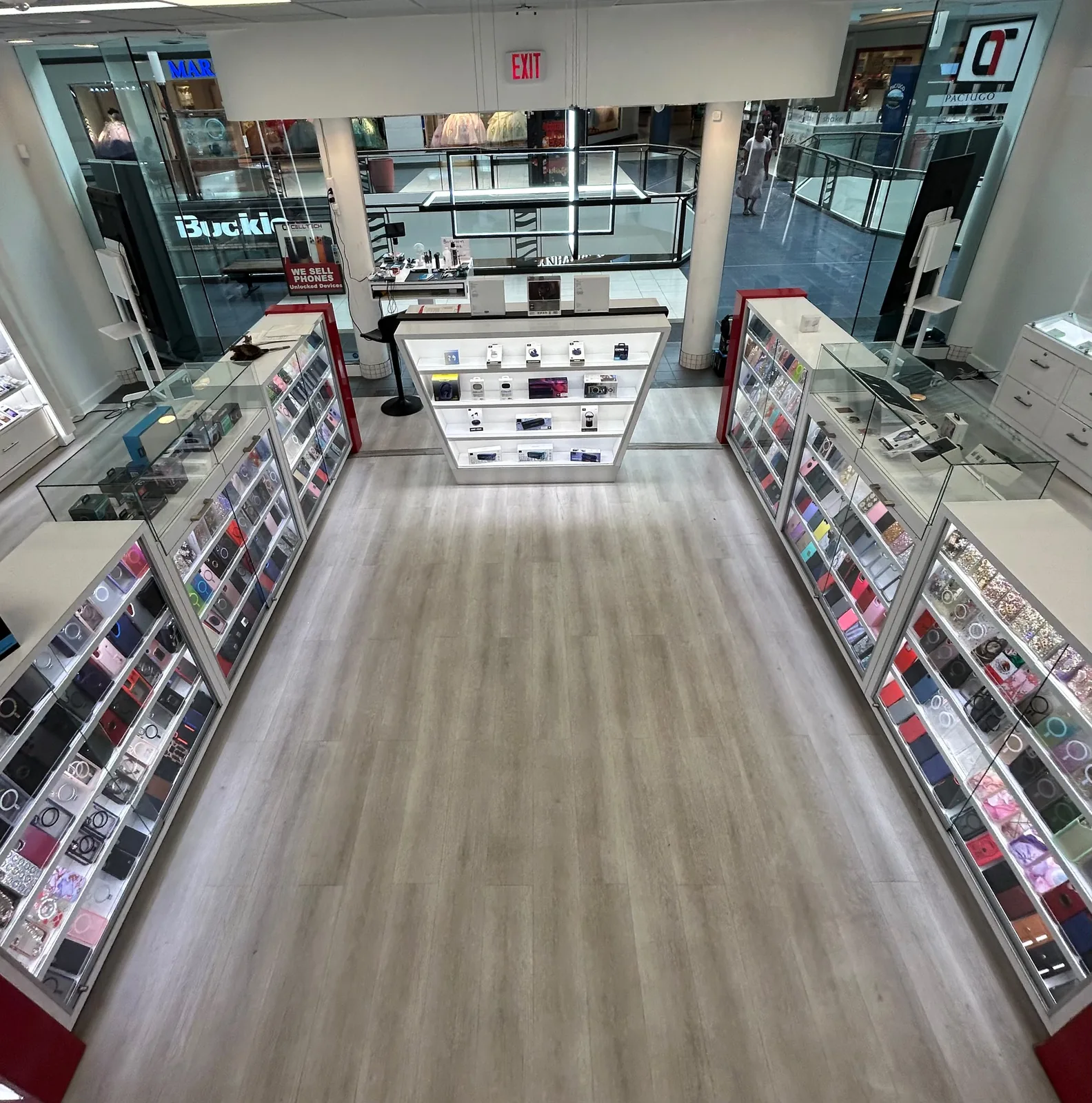
2063 Town East Mall, Kiosk 2208, Mesquite, TX 75150
Find CELLTECH located on Level 2 inside Town East Mall.
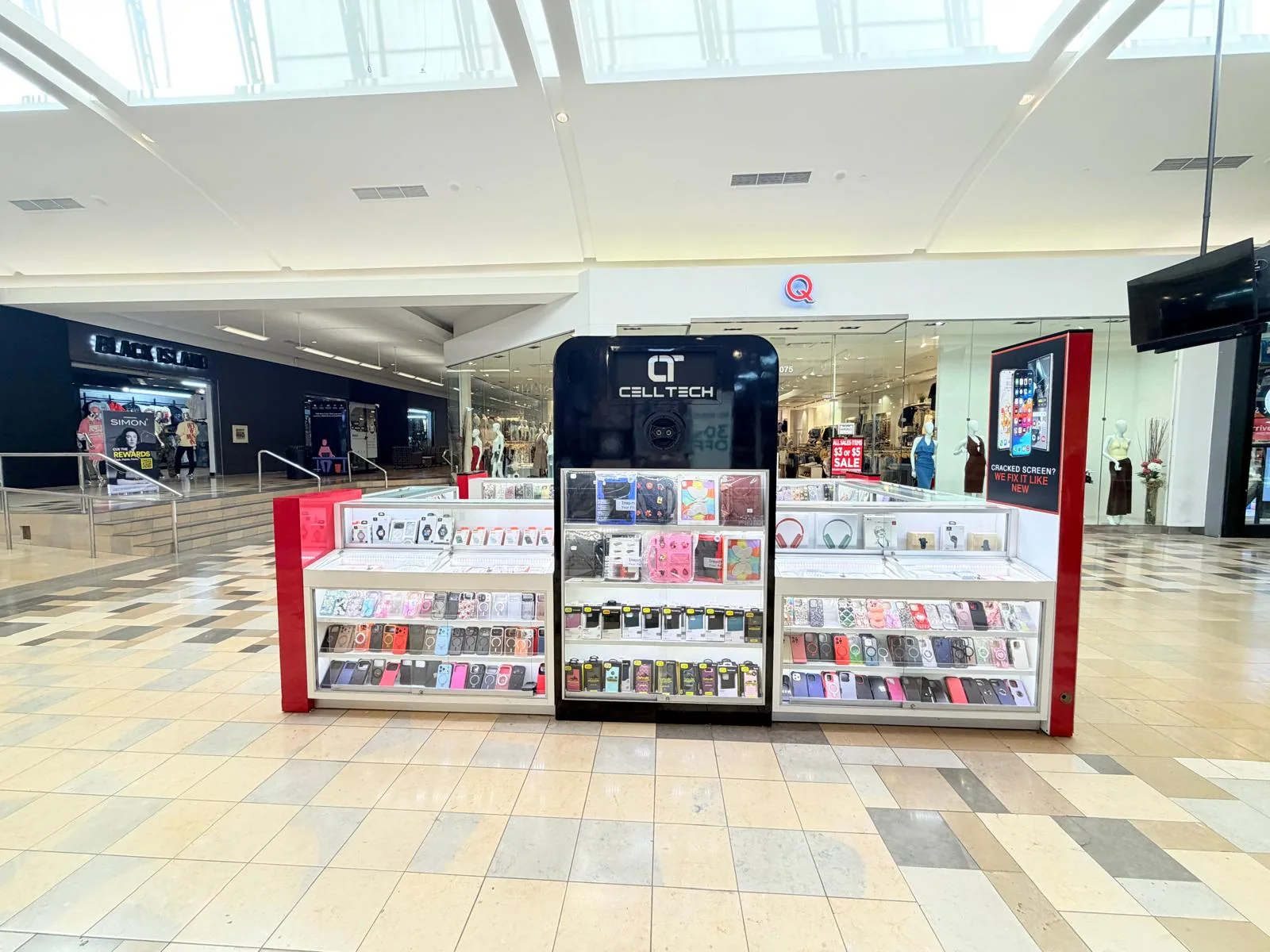
1101 Melbourne Rd, Kiosk 92, Hurst, TX 76053
Find CELLTECH in front of James Avery inside North East Mall.
8401 Gateway Blvd W, Kiosk K113, El Paso, TX 79925
Find CELLTECH located on Level 2 inside Cielo Vista Mall, in front of Hollister & Zumiez.
2601 Preston Rd, Suite 2210, Frisco, TX 75034
Visit CELLTECH at Stonebriar Centre in Frisco.
Straight answers to what people usually ask before bringing a device in for camera repair.
Blurry photos can be caused by dirty or damaged camera glass, camera protectors, autofocus problems, camera hardware, liquid exposure, or another issue. Clean the outside camera glass and remove accessories before assuming the camera needs replacement. If the problem remains, CELLTECH can inspect the camera and explain the available repair.
Focus problems can come from the camera glass, software, autofocus system, or camera hardware. If cleaning the lens, restarting the device, and basic troubleshooting do not solve the problem, the camera should be inspected.
A camera that shakes continuously after a drop may have damage to the focus or stabilization system. The device should be inspected to determine which component is affected.
Some camera systems contain moving components. A small amount of movement may be normal on certain models. A new rattle after impact combined with blurry, unstable, or unfocused images should be inspected.
On some devices, outer camera glass can be serviced separately from the camera module. On other devices, the repair may involve a larger assembly. The exact repair depends on the device model and damage.
Repair may still be appropriate because cracked outer glass can expose the camera area to dust, moisture, scratches, and additional damage. CELLTECH can inspect whether the damage is limited to the protective glass.
Not necessarily. Restart the device, test another camera app, and compare the front and rear cameras. If the problem remains, the device may need inspection.
Devices with multiple cameras can use separate camera modules. One camera may develop a problem while another continues working. The exact repair depends on the device design and affected component.
On some devices, individual camera components can be serviced separately. Other devices may use combined camera assemblies. The available repair depends on the exact model.
Condensation behind the camera glass means moisture has entered the camera area. Even if the visible fog later disappears, the device should be inspected for possible liquid related damage.
Yes. Liquid exposure can affect cameras and several other internal components at the same time. Diagnosis should happen before camera replacement is recommended.
CELLTECH provides camera repair options for many iPhone models. For detailed iPhone specific repair information, visit the iPhone Repair page. View iPhone Repair.
CELLTECH provides camera repair options for many Samsung Galaxy devices. For Samsung specific repair information, visit the Samsung Repair page. View Samsung Repair.
Front camera repair availability depends on the device model and component that is damaged. CELLTECH can inspect the device and explain the available repair options.
Rear camera repair is available for many devices depending on the model, damaged camera component, and parts availability.
On Face ID equipped iPhones, some front camera and TrueDepth components are closely related. The effect depends on the exact iPhone model and repair required. If Face ID is already not working, mention this before repair begins.
Many camera hardware repairs do not normally require personal photos or files to be removed. However, backing up important information before repair is recommended whenever possible.
Price depends on the device model, damaged component, replacement part, parts availability, and any additional damage. CELLTECH provides a quote after the required repair has been identified.
Repair time depends on the device, camera component, parts availability, and extent of damage. Many common camera repairs can be completed in as little as 20 minutes when the required component is available. Same day camera repair is also available for many supported devices.
Yes. Same day camera repair is available for many supported devices. Availability depends on: Exact device model, Camera component, Parts availability, Extent of damage, Whether additional components are affected. Your nearest CELLTECH store can give you a more accurate turnaround after checking the device.
Many common CELLTECH repairs can be completed in as little as 20 minutes. Camera repair time depends on the device and component being repaired. A straightforward camera lens glass or supported camera component repair may be faster than a complicated multi-camera, front camera, or liquid damage repair.
Yes. CELLTECH camera repairs are backed by a 90 day malfunction warranty. The warranty applies to covered repair related malfunctions according to CELLTECH's applicable warranty terms.
No appointment is required for a standard walk-in visit. Walk-ins are welcome at CELLTECH locations.
From the workshop
Blog7 min read
Blog12 min read
Blog9 min read

Blog15 min read
A camera fault tends to be discovered at exactly the wrong moment, with something worth photographing already in front of you. Bring the device to your nearest CELLTECH store and have the outer glass, the module, and the software checked in that order, so you only pay for the part that has actually failed.