


How to Recover Data from a Broken Phone Before It’s Too Late
Blogs4 min read
No appointment needed
Liquid damage service
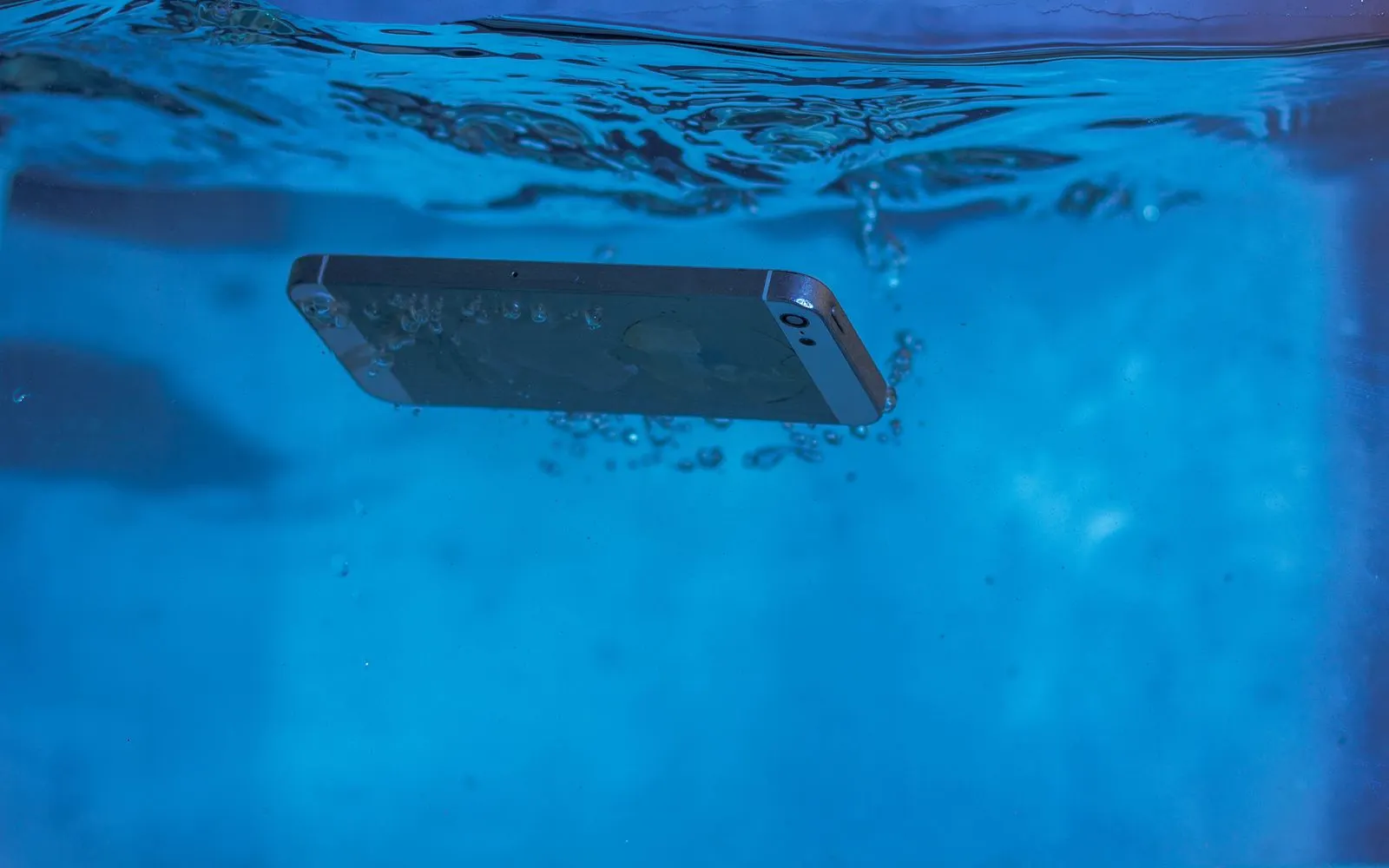
Water or liquid exposure can affect more than one part of your device. A wet device may continue working normally at first, or it may develop charging problems, a black screen, camera issues, poor audio, unexpected shutdowns, or complete power loss. CELLTECH provides water damage and liquid damage repair services across Dallas and El Paso for supported cell phones, tablets, and other devices.
Need your device checked quickly? You do not need to determine which component has been affected yourself. Bring your device to a CELLTECH store, explain what happened, and we can inspect the symptoms before explaining the available repair options, expected repair time, and price.
Customers who trust CELLTECH
A customer holding up a repaired iPhone at the CELLTECH counter.
Screen repair, in store

A customer checking a repaired phone before leaving the store.
Charging port repair, in store

A customer on the shop floor after a same day repair.
Same day repair
A customer collecting his phone at the case wall.
Phone repair, in store
A customer outside the store after an iPhone 15 repair.
iPhone 15 repair
A customer with his repaired phone at the counter.
Phone repair, in store
A customer holding up his repaired phone in the store.
Phone repair, in store
A customer holding up his repaired phone on the mall concourse.
Phone repair, in store
I dropped it in the car park on a Tuesday morning and had written the phone off in my head by lunchtime. They took it in, quoted me on the spot and handed it back the same afternoon with the old panel in a bag so I could see what had actually broken.
Alicia R.
iPhone 14 Pro screen repair
It was down to twenty percent before lunch every single day and I assumed I was being sold a new battery whatever I said. They tested it in front of me first, showed me the health reading, then swapped it and had me out inside the hour.
Tomas G.
Galaxy S23 battery replacement
I put a full cup of coffee across the keyboard and had four years of work on there with no backup. They opened it the same day, cleaned the board properly rather than just drying it out, and every key on it still works months later.
Priya N.
MacBook Air liquid damage
The last place I used quoted one number on the phone and a different one at the counter. These people looked at the port, told me what it would cost before they touched anything, and that was exactly what I paid when I collected it.
Kevin M.
iPad 10th generation charging port
The back was shattered end to end and pieces of it were coming away in my hand. I left it with them on my lunch break, came back after work, and there is no seam and no gap anywhere on it. You would not know it had happened.
Samuel O.
Pixel 8 back glass repair
What actually decided it for me was the 90 day malfunction warranty, because I had been burned by a cheap repair before that failed inside a fortnight. Nothing has gone wrong with this one, but I would have had somewhere to go if it had.
Renata C.
iPhone 12 camera repair
Why CELLTECH
Liquid damage can be different from a cracked screen or worn battery because several components may be affected at the same time. A device that does not charge after liquid exposure may have a charging connection problem, battery problem, internal damage, or moisture still present inside the device. CELLTECH starts with inspection rather than assuming one component needs replacement. At CELLTECH:
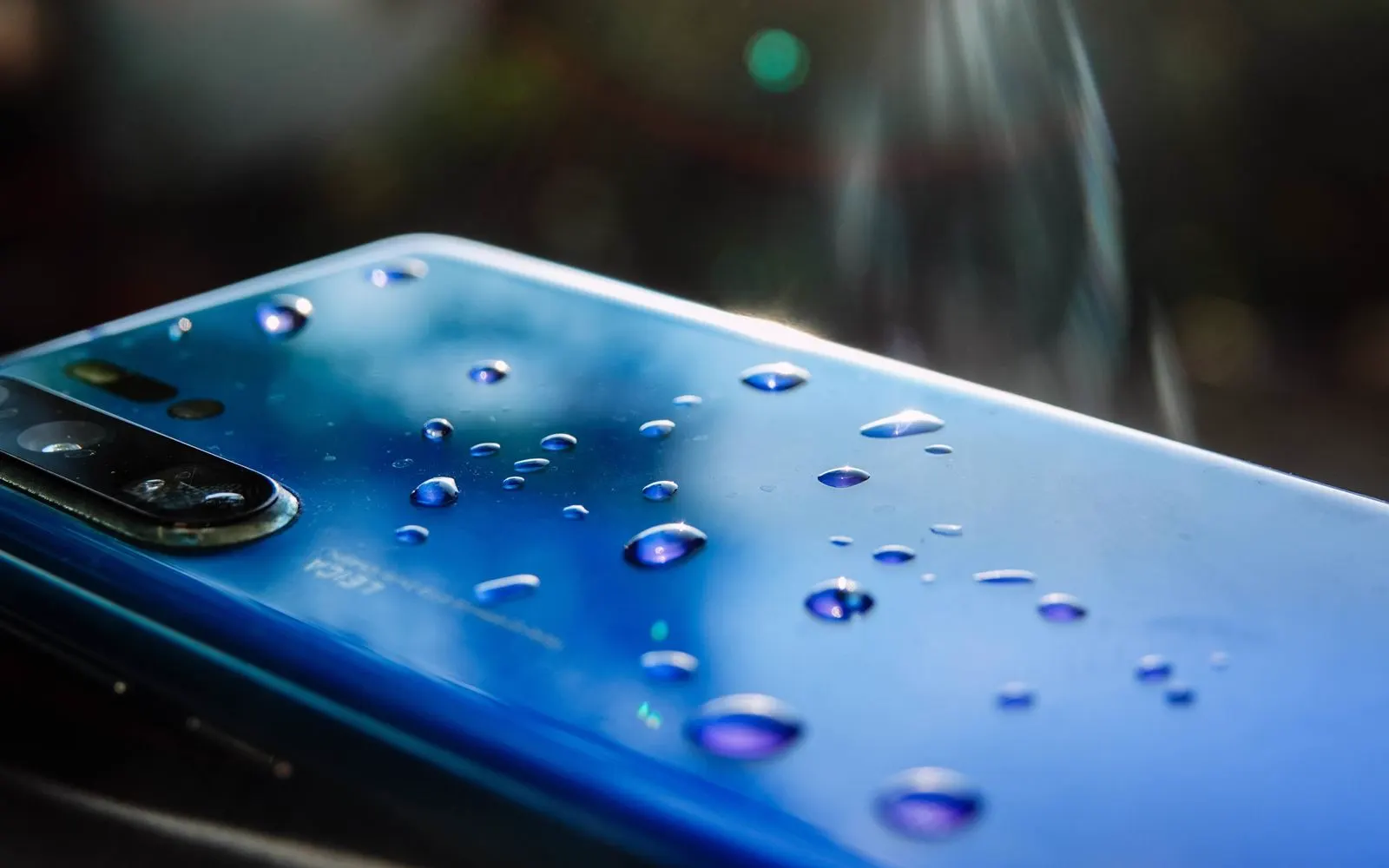
First steps
What you do immediately after liquid exposure can matter.
If the device or charging connection is wet, disconnect wired charging accessories. Do not continue wired charging while moisture may still be present. If charging problems remain after the device has dried, bring it to CELLTECH for inspection.
Do not try to force dry the device using excessive heat. High temperatures can create additional problems for internal components and the battery. Allow the device to dry naturally and arrange professional inspection if symptoms continue.
Avoid placing paper, cotton swabs, tools, or other objects inside the charging connection. If moisture, debris, or charging problems remain, the port and charging system should be inspected.
Rice does not repair liquid damaged electronics. Small particles can also enter openings and create additional contamination. If your device develops problems after liquid exposure, bring it to CELLTECH rather than relying on rice as a repair method.
Even when the outside appears dry, moisture or liquid related damage may remain inside the device. If the device is not behaving normally after exposure, have it inspected.
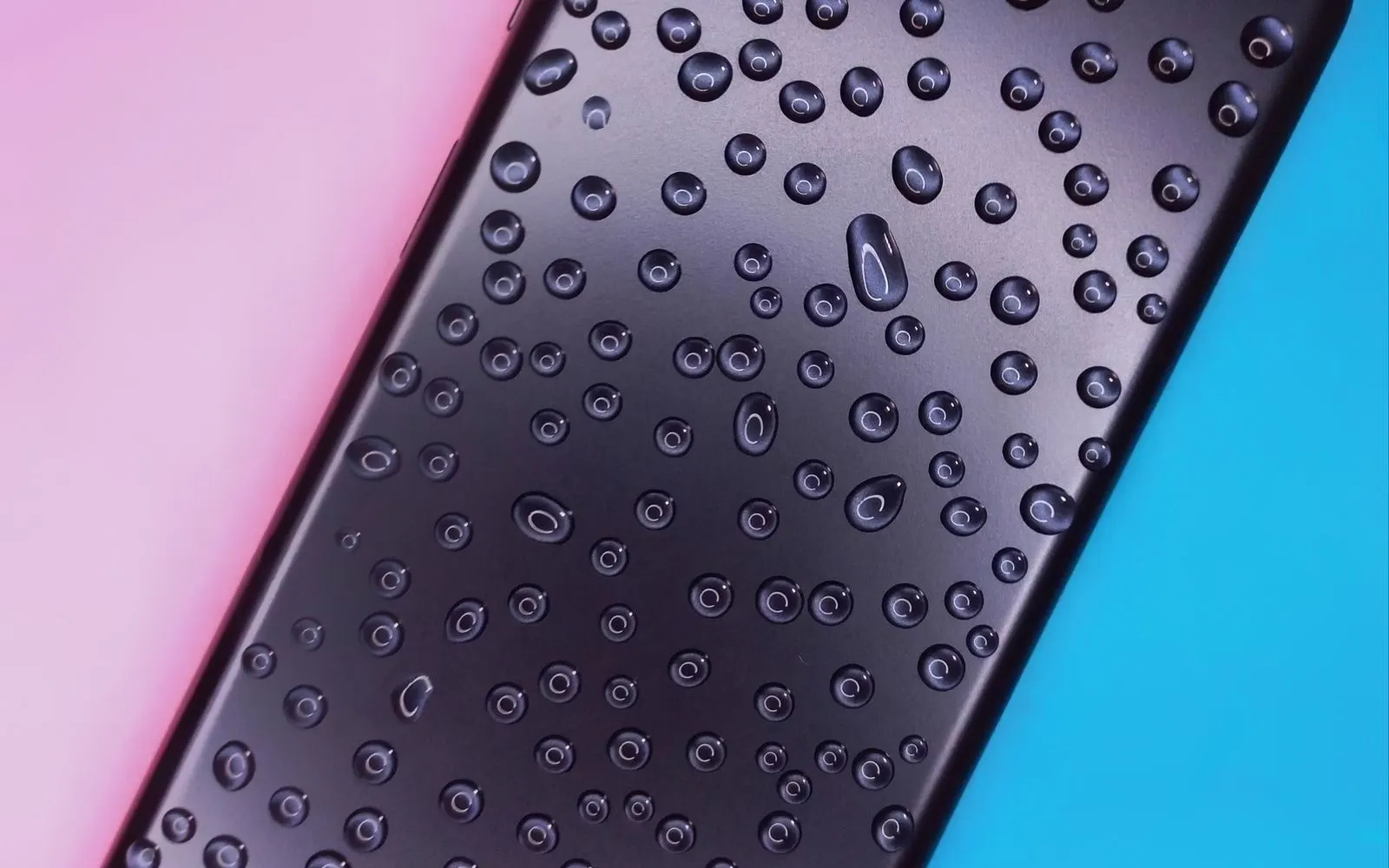
Symptoms
Liquid exposure can produce different symptoms depending on which components are affected. Common signs include:
A device that becomes completely unresponsive after liquid exposure may have damage involving:
A device with no power after liquid exposure should be diagnosed before any individual component replacement is recommended.
Once the affected component is identified, CELLTECH can explain repair availability, expected repair time, and parts availability.
A black display does not always mean the entire device has stopped operating. If the device still:
Vibrates, Makes notification sounds, Rings, Connects to another device, Produces charging sounds
The display or related connections may have been affected.
If the entire device is unresponsive, additional components may also be involved.
Explore Screen Repair
Charging problems are common after moisture reaches the charging connection or internal charging system. Possible symptoms include:
Wired charging not working, Charging connecting and disconnecting, Moisture warning, Charging only at certain angles
Device recognizing a cable but not charging
Device charging unusually slowly
The problem may involve moisture, the charging port, battery, cable, adapter, charging circuitry, or another component.
The cause should be confirmed before charging port replacement is recommended.
Explore Charging Port Repair
Some devices can detect moisture around the charging connection and temporarily prevent wired charging. This is designed to reduce the risk of charging while moisture is present. If your device displays a moisture or liquid detection warning:
The first steps above apply here: let the connection dry on its own, and do not force wired charging while the warning is showing.
If the warning continues after the device appears completely dry, the charging system may need inspection.
Liquid exposure can sometimes be followed by:
Faster battery drain, Unexpected shutdowns, Battery percentage changing quickly, Charging problems, Device becoming unusually warm
These symptoms do not automatically prove that the battery itself is damaged.
The battery and related components should be considered together during diagnosis.
Explore Battery Replacement
Fog or visible moisture behind camera glass indicates that moisture has entered an area that should normally remain dry. Camera related symptoms can include:
Condensation behind the lens, Blurry photos, Camera unable to focus, Black camera preview, Shaking image, Camera app problems
Even if visible condensation later disappears, liquid related damage may still have affected internal camera components or connections.
Explore Camera Repair
Liquid exposure can temporarily or permanently affect audio components. You may notice:
Muffled speaker sound, Low audio, Distorted sound, Microphone problems, Poor call quality, Audio cutting in and out
Moisture around an external speaker opening does not automatically mean the speaker needs replacement.
If audio remains abnormal after the device has dried, inspection may be appropriate.
Liquid related display problems can include:
Dead touch areas, Ghost touches, Delayed response, Screen flickering, Black sections, Colored lines, Complete display failure
Liquid can affect the display itself or other components involved in screen operation.
Explore Screen Repair
A device may become warm during normal use, but unusual heat after liquid exposure can indicate that something is not operating normally. If the device becomes excessively hot, stop using it and arrange professional inspection.
Spread
Liquid does not necessarily remain in one area of a device. Depending on how the exposure happened, affected components can include:
This is why CELLTECH begins with the symptoms and device inspection rather than assuming that one visible problem is the only damage.
Two devices exposed the same way can end up needing completely different repairs, which is why diagnosis comes before any quote.
Corrosion
Liquid exposure can affect internal metal connections and electronic components. Problems may not always appear immediately. A device can seem to work normally after exposure and later develop:
This is one reason a device that develops symptoms after liquid exposure should be inspected rather than relying only on whether it still powers on.
Corrosion spreads slowly, so an early check often means less work.
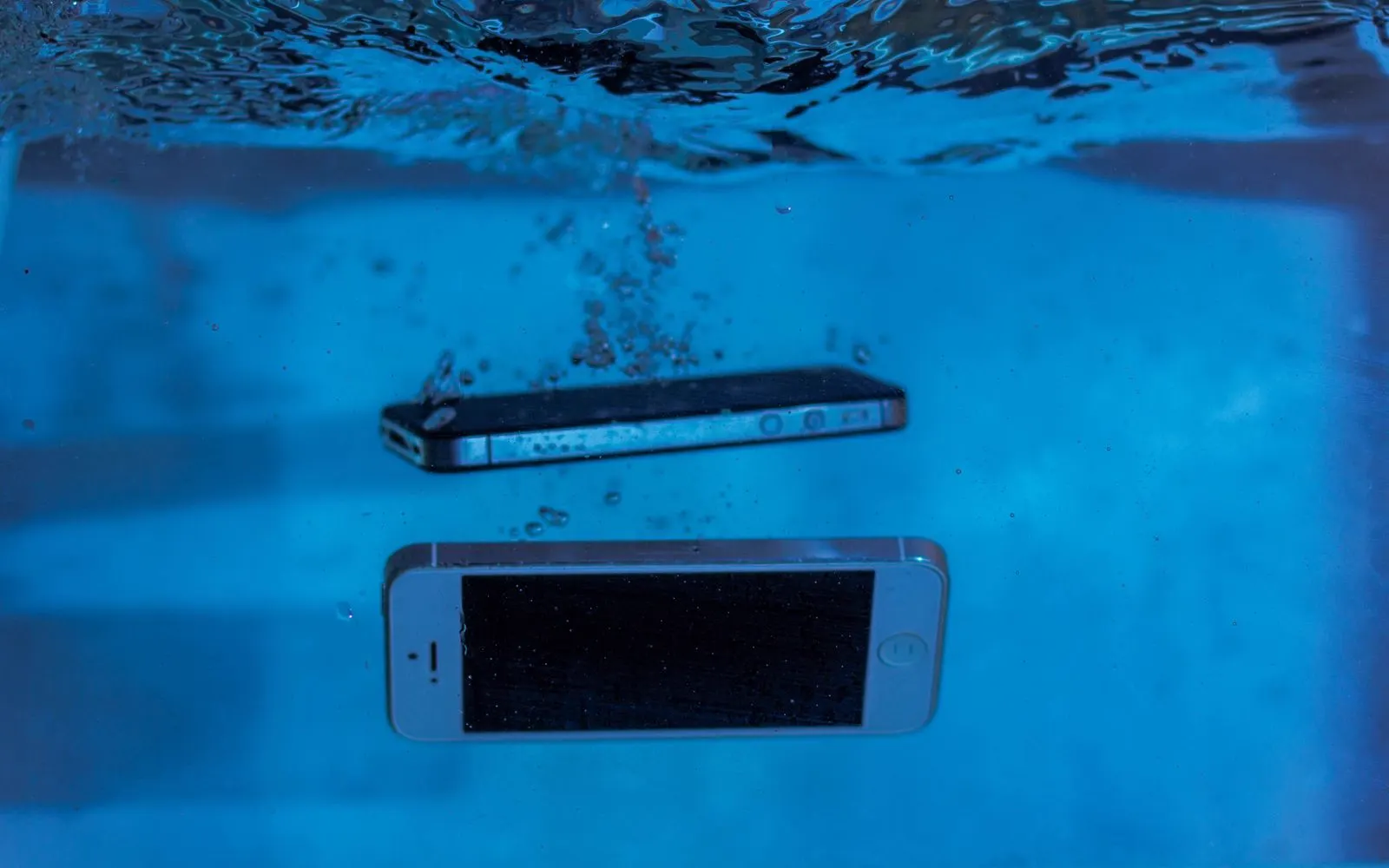
Ratings
Some modern devices are designed with a level of water resistance. That does not mean they are protected from every type of liquid exposure. Water resistance can vary depending on:
Water resistance can also decrease over time.
A device that was water resistant when new should not automatically be assumed to have exactly the same protection years later.
Liquid type
Not every liquid exposure is the same. Tell the technician what the device came into contact with if you know. Examples can include:
Different liquids can leave different residues inside or around the device.
This information can be useful during inspection and may affect the repair approach.
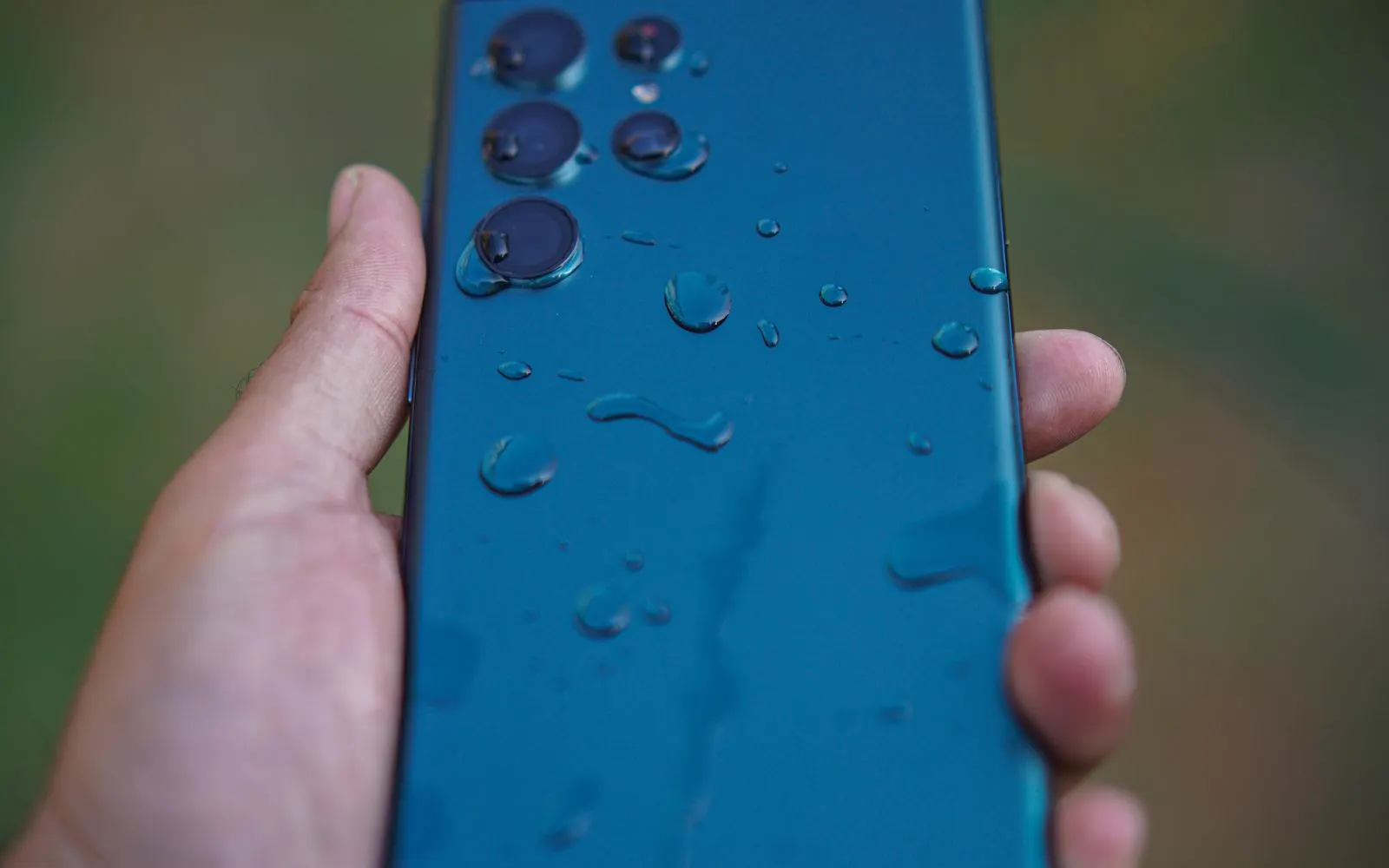
iPhone
CELLTECH provides liquid damage inspection and repair options for supported iPhone models.
A liquid detection alert on the iPhone
iPhone not charging over a wired connection
Face ID no longer working after the incident
Condensation behind the camera lens, Speakers sounding muffled after exposure, iPhone not turning on at all
Supported iPhones can detect liquid around the charging connection. If a liquid detection warning appears, avoid forcing a wired connection while moisture may still be present. If the alert remains after the connector has fully dried, or the iPhone continues having charging problems, inspection may be appropriate.
Many iPhone models include a Liquid Contact Indicator that can show whether the device has been exposed to water or another liquid containing water. An indicator alone does not explain which component has been affected. Diagnosis is still needed to understand the actual repair requirements.
Liquid exposure around the front camera or related components can sometimes affect Face ID. If Face ID stopped working after the incident, mention this before repair begins.
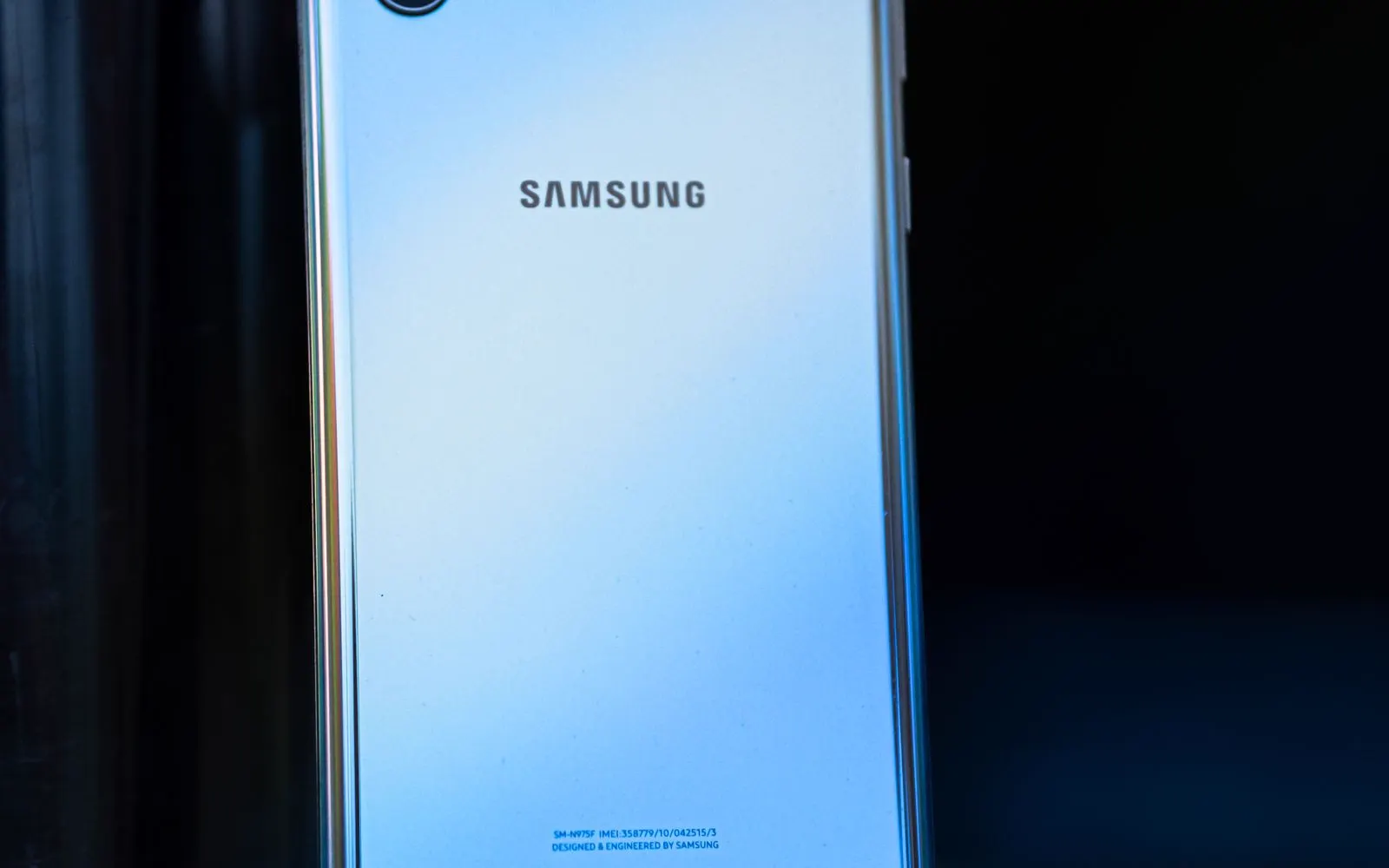
Samsung Galaxy
CELLTECH provides water and liquid damage repair options for supported Samsung Galaxy devices.
A moisture detected warning on the Galaxy
Galaxy not charging over USB-C, Display problems appearing after the incident, Condensation behind the camera lens, Speakers sounding muffled after exposure, Galaxy not turning on at all
Many Galaxy devices can detect moisture around the USB-C charging connection. When moisture is detected, wired charging may be temporarily blocked. Do not force the charging connection while the warning is active. If the warning remains after the charging connection has completely dried, the device may need inspection.
Some Samsung Galaxy models carry IP water and dust resistance ratings. The exact rating depends on the model. Water resistance is not permanent and can decrease with normal wear, physical damage, or previous repair.
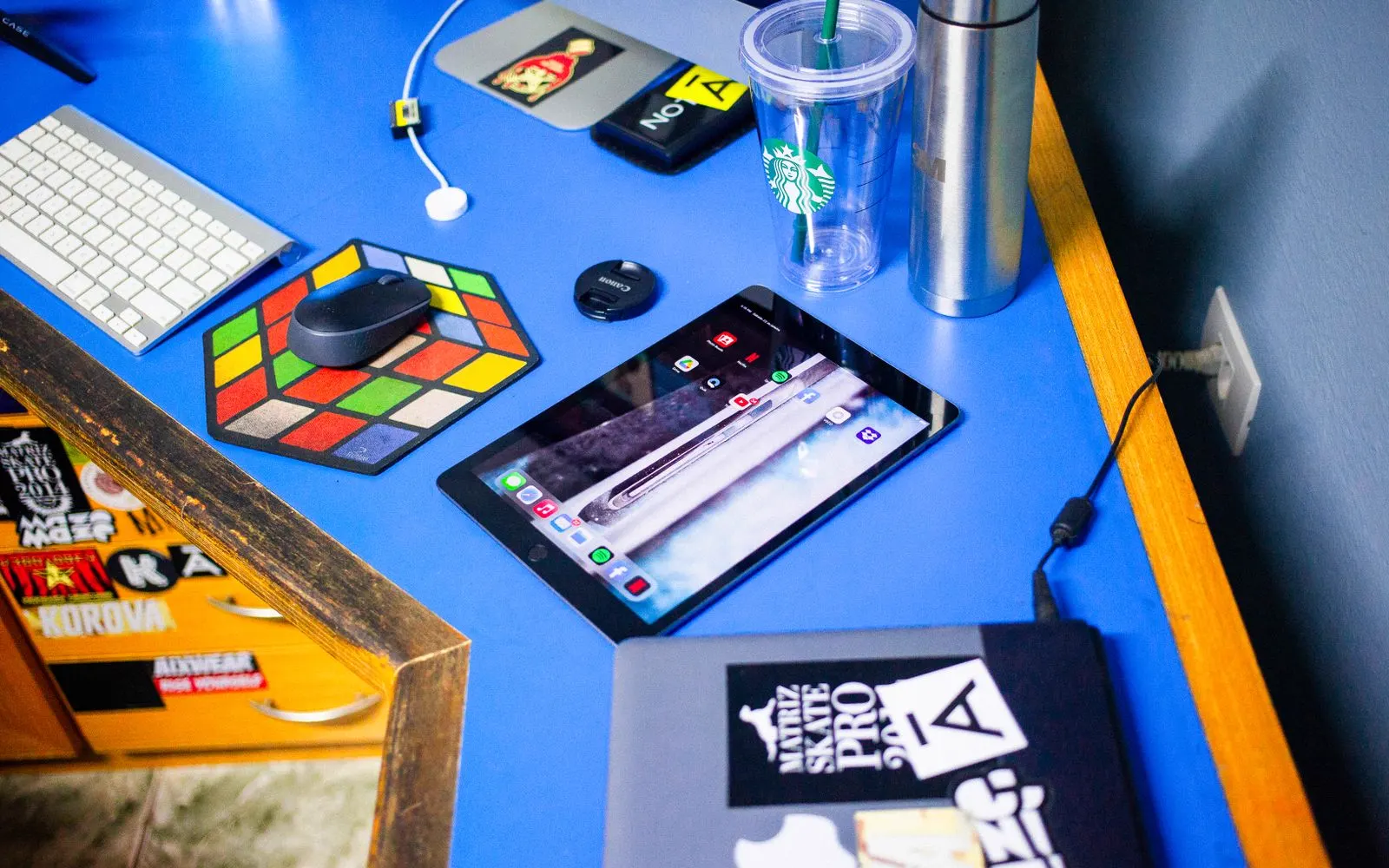
Tablets
CELLTECH can provide water damage inspection and repair options for supported tablets. This can include:
Liquid exposure can affect tablet displays, batteries, charging connections, speakers, cameras, and internal components.
Repair availability depends on the exact device and damage.
Damage or port
If a device stops charging after contact with liquid, the charging port is one possible cause, but it is not the only possibility. The problem may involve:
The charging system should be inspected before a replacement port is recommended.
Damage or screen
If the screen goes black, flickers, develops colored lines, or stops responding after liquid exposure, screen damage may be involved. However, the problem may extend beyond the display. Replacing only the visible damaged component without considering liquid exposure may not address every issue. This is why diagnosis should come before the final repair recommendation.
How it works
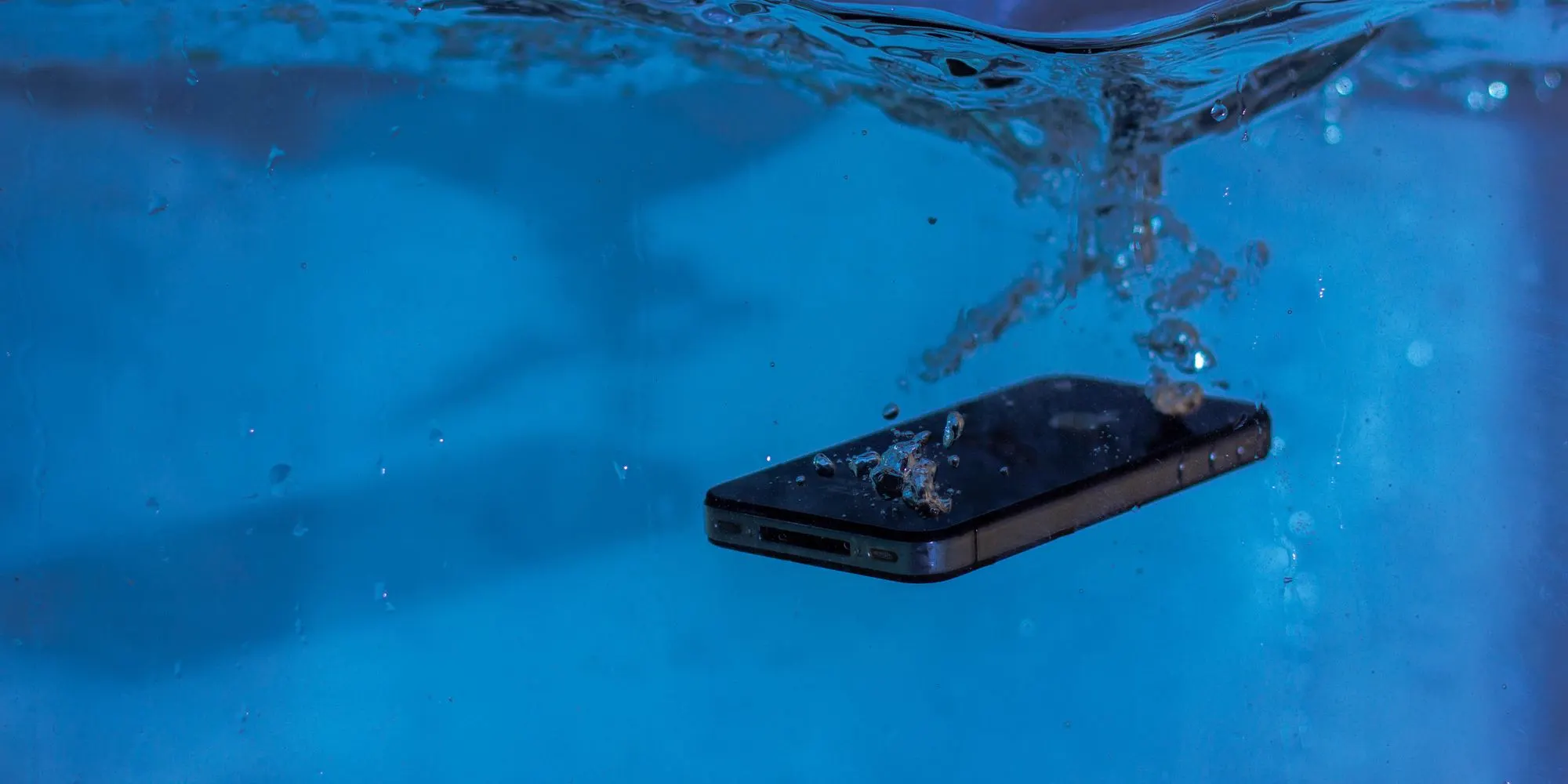
Tell us what happened: which liquid, how long the exposure lasted, whether the device was submerged or charged afterward, when the symptoms started, and what stopped working.
We inspect the device against those symptoms, because liquid rarely affects one component alone. The charging system, display, cameras, speakers and battery are all considered before a repair is proposed.
You get the available repair options, the price, the expected turnaround, and the limits liquid damage places on all of it, explained plainly before anything is approved.
You decide whether to go ahead. Work begins only after the available repair and its price have been explained, and no outcome is promised before the device has been inspected.
Pricing
There is no single price that applies to every water damaged device. The final cost depends on what has actually been affected.
Different devices use different internal designs and components. The exact model helps identify replacement parts and available repair options.
A small amount of moisture around a charging connection is different from full submersion or exposure to another type of liquid. The repair requirements can therefore be very different.
Liquid damage may involve one or several components, such as:
Display, Battery, Charging system, Camera, Speaker, Microphone, Other internal hardware
A single affected component may have a simpler repair path than a device with several damaged systems.
Repair cost changes depending on which components need replacement and what parts are available. Parts availability can also affect:
Overall turnaround
A device with widespread internal damage can require a different repair approach from one with a single affected component. CELLTECH provides a quote after the device and available repair options have been identified.
Turnaround
Water damage repair time depends on:
Outcomes
Not every liquid damaged device has the same repair outcome. Some devices may have one repairable affected component. Others may have damage involving several internal systems. The realistic repair options depend on:
CELLTECH can inspect the device and explain the available options without promising a repair outcome before diagnosis.
Repair or replace
Liquid exposure does not automatically mean the entire device needs replacement. Repair may make sense when:
Several major components are damaged.
Internal damage is extensive.
Parts are difficult to obtain.
Repair cost approaches replacement cost.
The device no longer meets your needs.
A real repair quote gives you a better basis for comparing repair with replacement.
Before your visit
Do not connect a charging cable while the device or charging connection is still wet. If charging problems remain after drying, bring the device in for inspection.
Rice does not repair internal liquid damage and can introduce additional particles around device openings. Professional inspection is more useful when the device develops symptoms after liquid exposure.
Do not use excessive external heat to force the device to dry. High heat can create additional problems for internal components.
If the device is behaving abnormally after liquid exposure, repeated charging or continued heavy use is not a substitute for inspection. Bring the device to CELLTECH and explain exactly what happened.
If the device is functioning normally and you can safely access your data, keep an up-to-date backup of important:
Photos, Videos, Contacts, Messages, Documents, Authentication information, Other files
Do not rely on a damaged device as the only copy of important information.
If getting your device back quickly is important, ask which component has been affected and whether the required part is in stock. Turnaround depends on it more than on anything else.
Your data
Water damage repair does not automatically mean that personal data must be deleted. However, liquid damage can affect storage, power, and other internal components, and the condition of the device determines what access or repair is possible.
If your device is still functioning normally, maintaining a current backup of important information is recommended before any repair.
A device that has already stopped responding cannot be backed up at the counter, which is why the backup is worth making while it still works.
Water resistance
Water resistance is not permanent. It can decrease because of:
A device that has already suffered liquid exposure or required internal repair should not automatically be assumed to have the same water resistance it had when new.
Ask what sealing process applies to your repair, and treat the device as no longer water resistant unless you are told otherwise.
CELLTECH backs qualifying completed repair work with a 90 day malfunction warranty. Because liquid exposure can affect several internal systems, the warranty applies to covered repaired or replaced components according to CELLTECH's applicable warranty terms. If a repaired component develops a covered malfunction during the 90 day malfunction warranty period, bring the device and repair information back to CELLTECH so the issue can be reviewed. The 90 day malfunction warranty does not mean the device is protected against new liquid exposure. Before approving service, ask:
Other repairs
CELLTECH also provides repair services for other device problems.
Further reading
Our locations
CELLTECH provides water and liquid damage repair services across Dallas and El Paso. Many CELLTECH locations are inside major shopping centers.
Use the store finder to choose your nearest location and view current contact information, directions, and store hours.
Seven Texas stores · Open 7 days a week
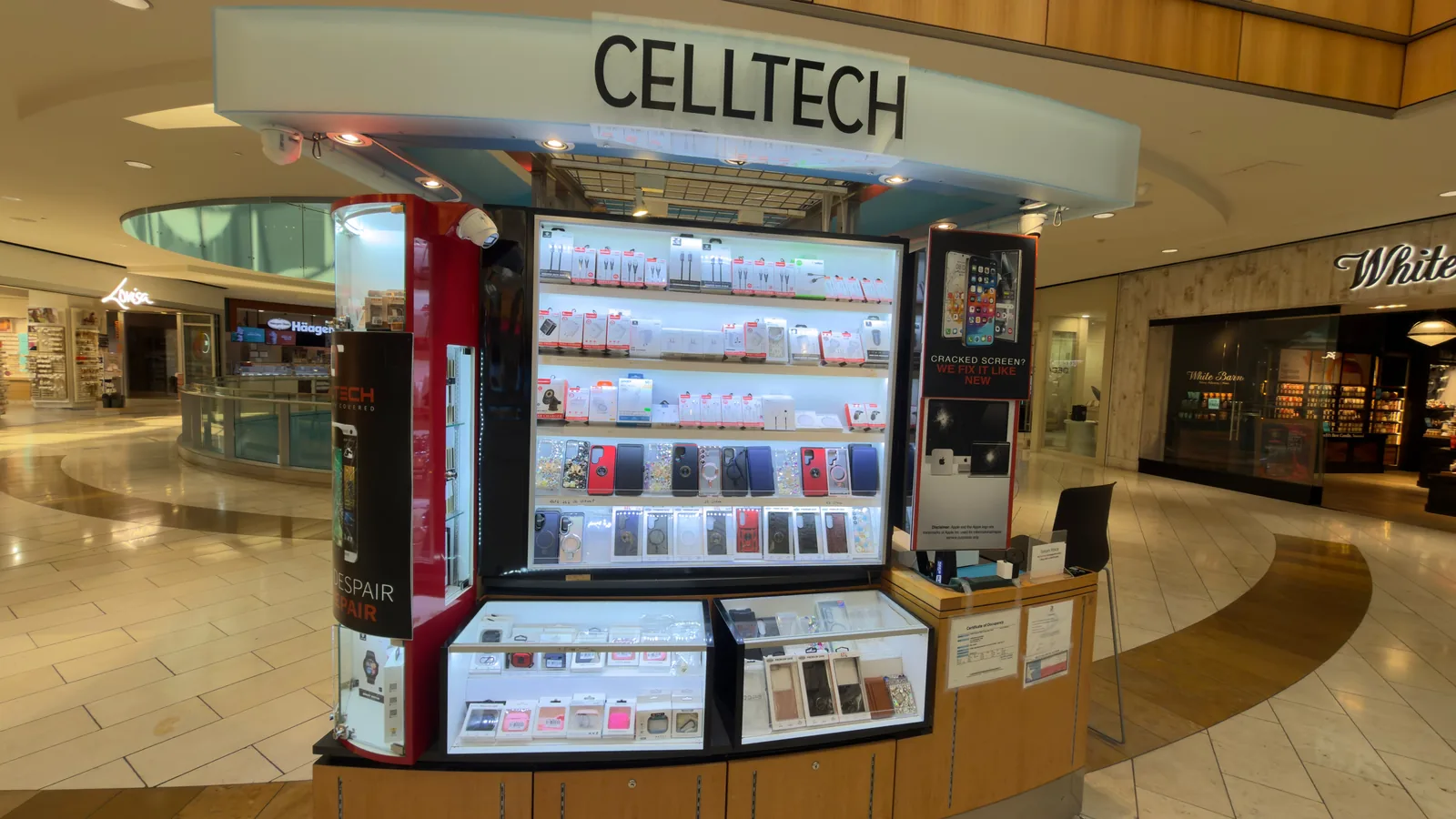
13350 Dallas Pkwy, Kiosk 6505, Dallas, TX 75240
Find CELLTECH located on Level 2 by Bath and Body Works.
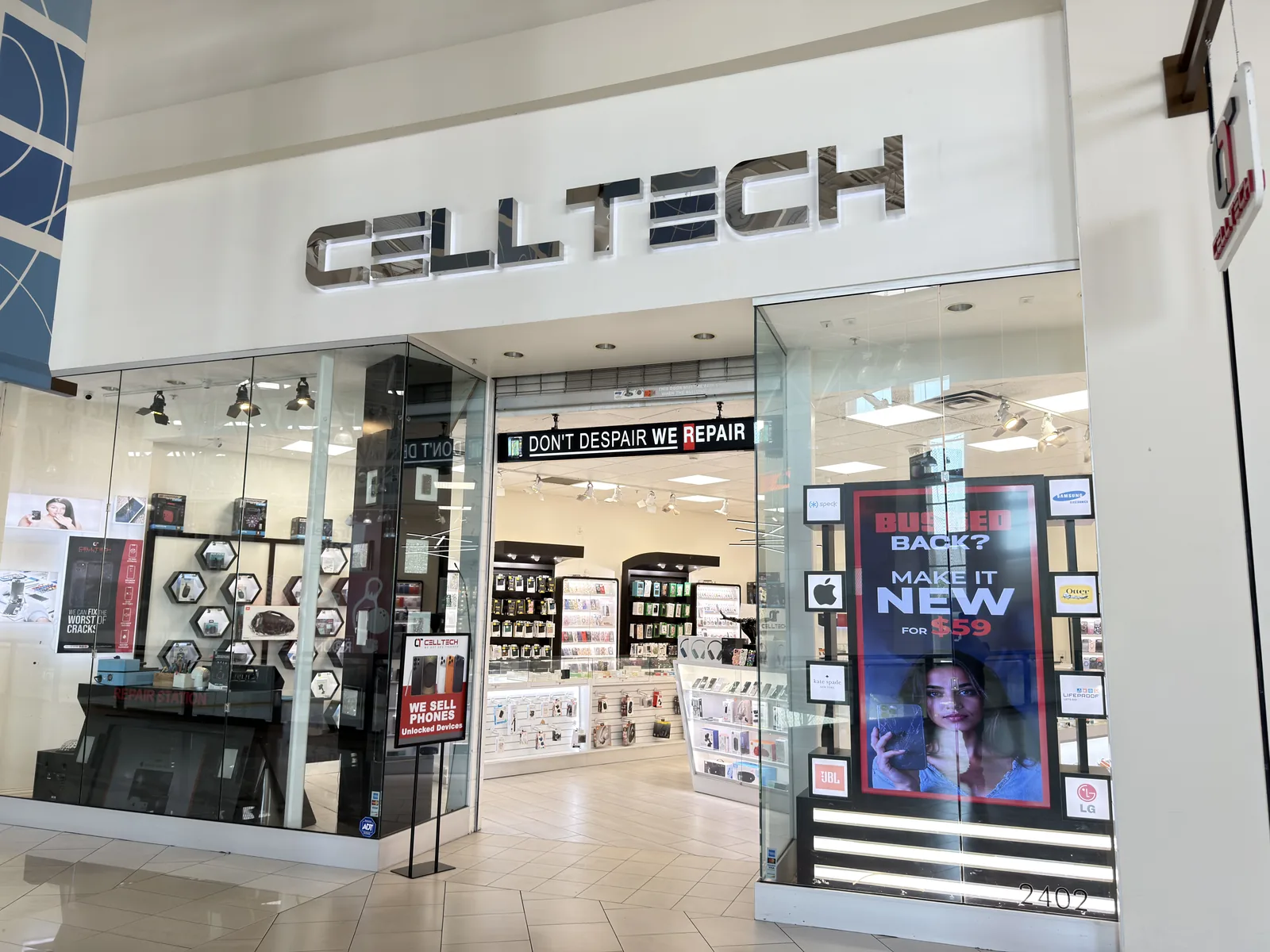
3811 S Cooper St, Suite 2402, Arlington, TX 76015
Find CELLTECH located on Level 2 next to GameStop.
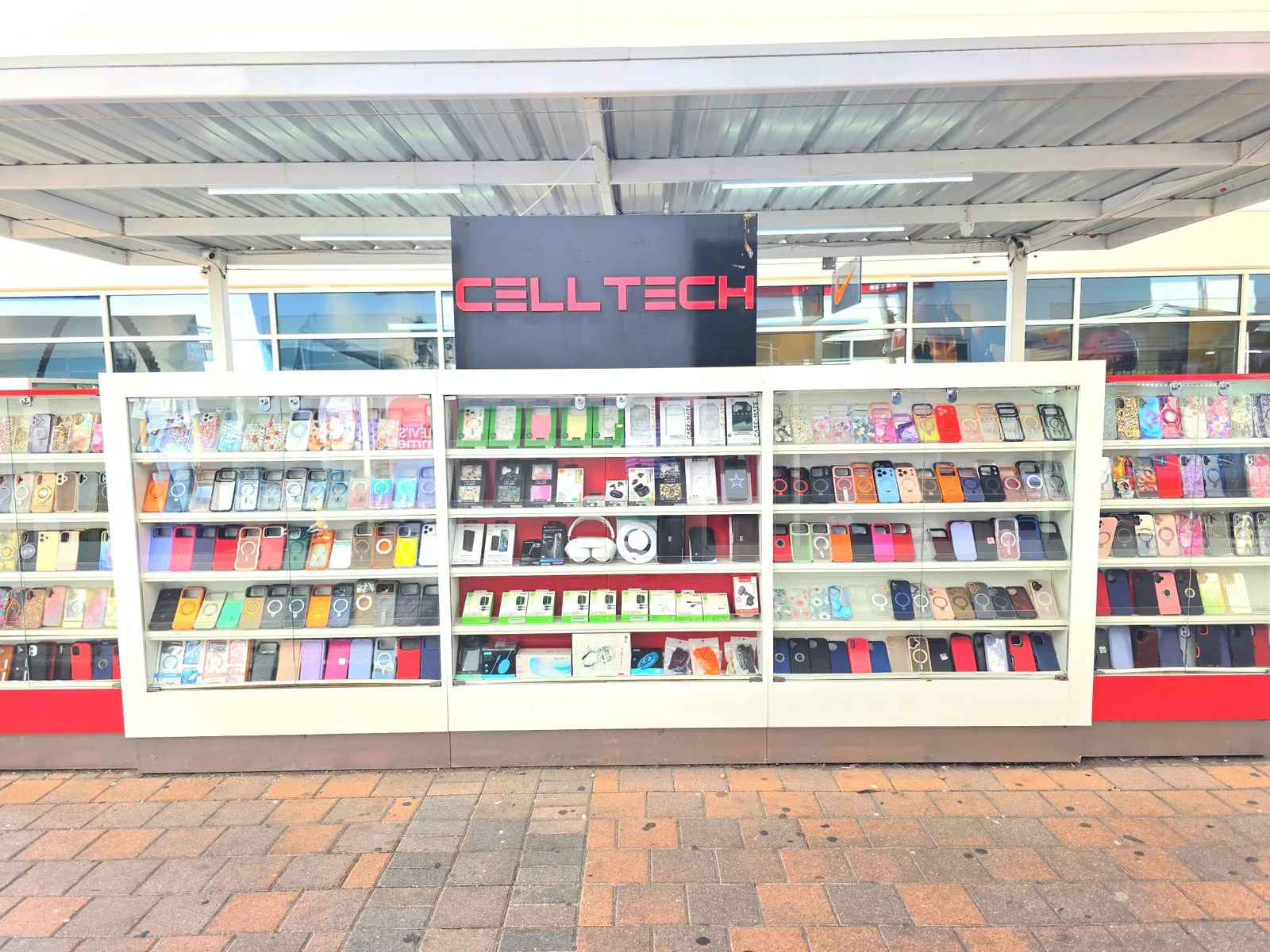
2950 W Interstate 20, Grand Prairie, TX 75052
Visit CELLTECH at Grand Prairie Premium Outlets.
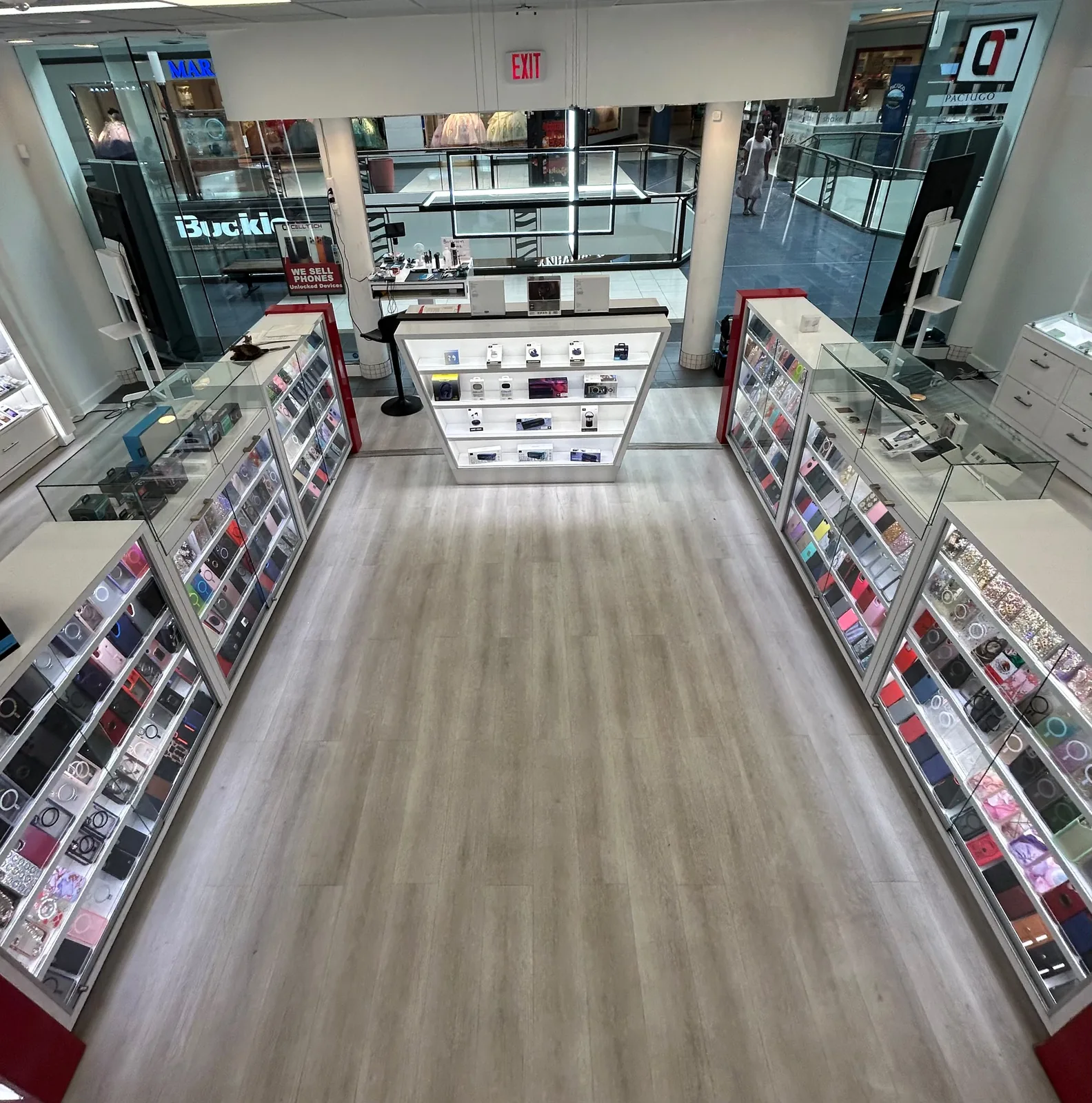
2063 Town East Mall, Kiosk 2208, Mesquite, TX 75150
Find CELLTECH located on Level 2 inside Town East Mall.
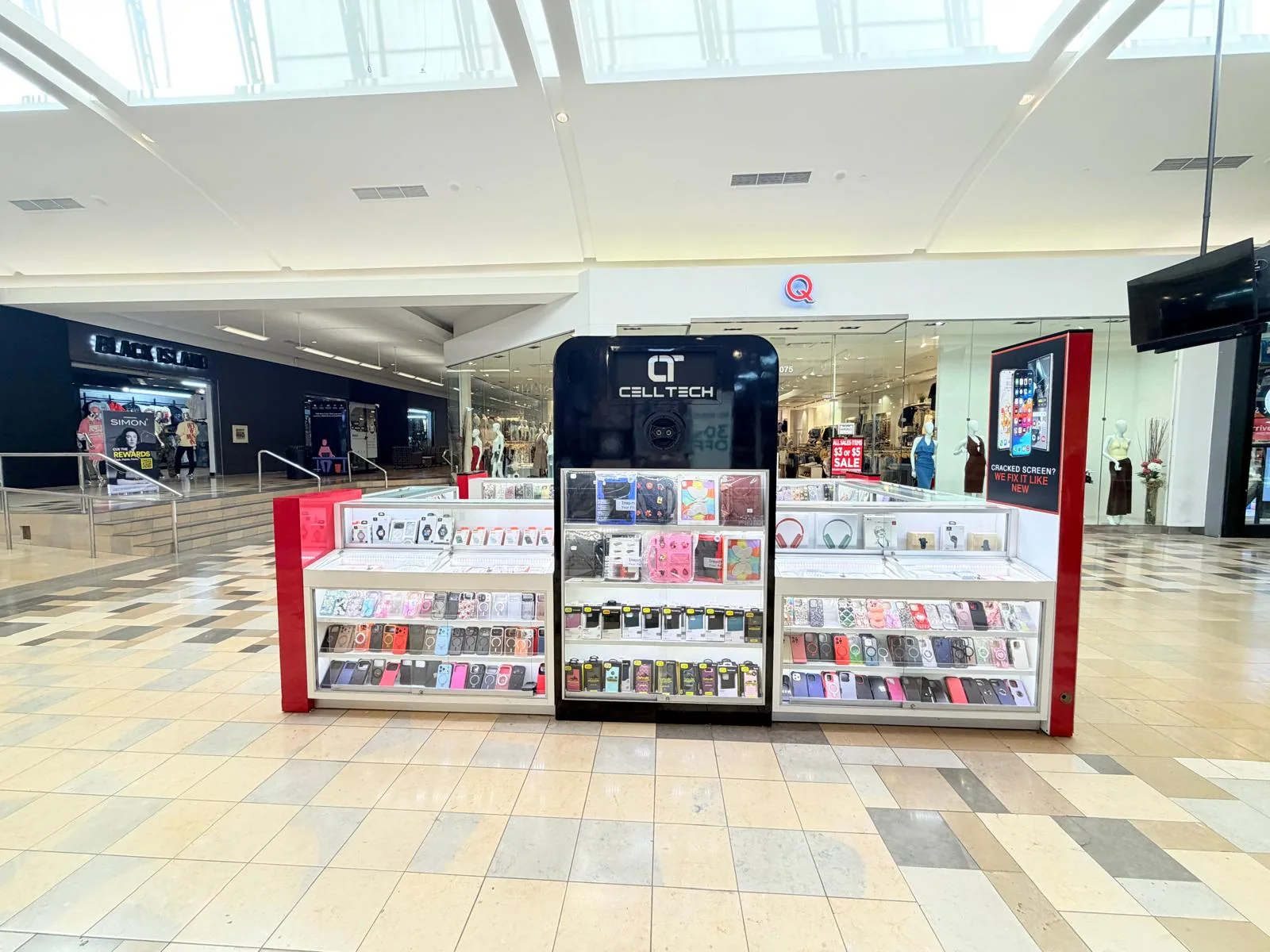
1101 Melbourne Rd, Kiosk 92, Hurst, TX 76053
Find CELLTECH in front of James Avery inside North East Mall.
8401 Gateway Blvd W, Kiosk K113, El Paso, TX 79925
Find CELLTECH located on Level 2 inside Cielo Vista Mall, in front of Hollister & Zumiez.
2601 Preston Rd, Suite 2210, Frisco, TX 75034
Visit CELLTECH at Stonebriar Centre in Frisco.
Straight answers to what people usually ask before bringing a device in for water damage repair.
Sometimes. The repair options depend on the extent of liquid exposure, the components affected, device condition, and parts availability. The device should be inspected before a repair outcome is promised.
Disconnect wired charging if the device or charging connection is wet. Avoid external heat, do not insert objects into the charging connection, and do not put the device in rice. If problems remain after exposure, have the device inspected.
No. Rice does not repair internal liquid damage and small particles can enter device openings.
Do not use wired charging while the device or charging connection is still wet. Allow the connection to dry before reconnecting a cable.
Some devices can detect moisture around the charging connection and temporarily block wired charging. If the warning remains after the charging connection is completely dry, inspection may be appropriate.
Liquid may have affected the battery, display, charging system, power related hardware, or another internal component. Diagnosis is needed before the repair can be determined.
Liquid may have affected the screen, display connection, power system, or another internal component. If the device still vibrates or produces sounds, the display may be one possible cause.
Moisture can affect the charging connection, but charging problems can also involve the battery, cable, adapter, charging circuitry, or another component. The charging system should be inspected if the problem continues.
Condensation behind camera glass indicates that moisture has entered the camera area. Even if the visible fog disappears, internal components may still have been exposed.
Yes. Liquid exposure can be associated with charging problems, unexpected shutdowns, poor battery performance, or other power related symptoms. The battery should not automatically be replaced without considering the rest of the device.
Yes. Liquid exposure can affect audio quality, speaker performance, microphones, and other connected components.
Yes. CELLTECH provides water and liquid damage inspection and repair options for supported iPhone models. The available repair depends on the condition of the device and components affected. View iPhone Repair.
Yes. CELLTECH provides water and liquid damage repair options for supported Samsung Galaxy devices. The device should be inspected to determine what repair is appropriate. View Samsung Repair.
No. An IP rating indicates a tested level of resistance under specific conditions. Water resistance can also decrease over time because of wear, damage, or previous repair.
Yes. Some liquid related problems may not appear immediately. Charging, display, camera, audio, battery, or power problems can develop after the original incident.
Not automatically. However, the condition of a liquid damaged device can affect data access. Maintain a current backup whenever the device is functioning normally.
Cost depends on the device model, type of liquid exposure, affected components, replacement parts, and extent of internal damage. CELLTECH provides a quote after the device has been inspected.
Repair time depends on diagnosis, device condition, affected components, and parts availability. Same day water damage service is available for many devices. If diagnosis identifies a common screen, battery, camera, or charging component repair, some supported repairs may be completed in as little as 20 minutes when the required part is available. More complex liquid damage may require additional time.
Yes. Same day service is available for many water damaged devices depending on: Device condition, Affected components, Parts availability, Extent of liquid exposure, Diagnosis required. Your CELLTECH store can provide a more accurate turnaround after inspection.
Water damage itself does not have one fixed repair time because several components can be affected. However, if inspection identifies a common repairable component, some supported screen, battery, charging, or camera repairs can be completed in as little as 20 minutes when the required part is available.
It can be when the damage is limited and the repair cost is reasonable compared with replacing the device. A diagnosis and repair quote can help you compare the options.
CELLTECH backs qualifying completed repair work with a 90 day malfunction warranty. The warranty applies to covered repaired or replaced components according to the applicable warranty terms. New liquid exposure is not treated as a repair malfunction.
Yes. Walk-ins are welcome at CELLTECH locations. Bring the affected device in and explain what happened so the available repair options can be assessed.
From the workshop
Blogs4 min read
Blogs3 min read
Blog7 min read
Blog12 min read
Liquid damage keeps developing after the outside has dried. Corrosion spreads quietly across the board, and a device that seems fine on the first day can fail in the second week. Bring it to your nearest CELLTECH store as it is, without waiting to see whether it settles, and have it inspected before more components are drawn in.