


Signs Your Charging Port Needs Professional Repair
Blog3 min read
No appointment needed
Charging repair
A device that does not charge, charges only at certain angles, or keeps disconnecting from the cable does not automatically need a new battery. The problem may involve the charging port, cable, power adapter, debris, moisture, battery, or another charging related component. CELLTECH provides charging port repair across Dallas and El Paso for supported cell phones, tablets, iPads, MacBooks, and laptops.
Need your device charging properly again today? You do not need to diagnose the charging problem yourself. Bring your device to a CELLTECH store, explain what is happening, and we can inspect the charging system before explaining the available repair options, expected repair time, and price.
Customers who trust CELLTECH
A customer holding up a repaired iPhone at the CELLTECH counter.
Screen repair, in store

A customer checking a repaired phone before leaving the store.
Charging port repair, in store

A customer on the shop floor after a same day repair.
Same day repair
A customer collecting his phone at the case wall.
Phone repair, in store
A customer outside the store after an iPhone 15 repair.
iPhone 15 repair
A customer with his repaired phone at the counter.
Phone repair, in store
A customer holding up his repaired phone in the store.
Phone repair, in store

A customer holding up his repaired phone on the mall concourse.
Phone repair, in store
I dropped it in the car park on a Tuesday morning and had written the phone off in my head by lunchtime. They took it in, quoted me on the spot and handed it back the same afternoon with the old panel in a bag so I could see what had actually broken.
Alicia R.
iPhone 14 Pro screen repair
It was down to twenty percent before lunch every single day and I assumed I was being sold a new battery whatever I said. They tested it in front of me first, showed me the health reading, then swapped it and had me out inside the hour.
Tomas G.
Galaxy S23 battery replacement
I put a full cup of coffee across the keyboard and had four years of work on there with no backup. They opened it the same day, cleaned the board properly rather than just drying it out, and every key on it still works months later.
Priya N.
MacBook Air liquid damage
The last place I used quoted one number on the phone and a different one at the counter. These people looked at the port, told me what it would cost before they touched anything, and that was exactly what I paid when I collected it.
Kevin M.
iPad 10th generation charging port
The back was shattered end to end and pieces of it were coming away in my hand. I left it with them on my lunch break, came back after work, and there is no seam and no gap anywhere on it. You would not know it had happened.
Samuel O.
Pixel 8 back glass repair
What actually decided it for me was the 90 day malfunction warranty, because I had been burned by a cheap repair before that failed inside a fortnight. Nothing has gone wrong with this one, but I would have had somewhere to go if it had.
Renata C.
iPhone 12 camera repair
Why CELLTECH
A device that does not charge does not always have a damaged charging port. Replacing the port without first considering the cable, adapter, battery, moisture, and charging behavior can lead to an unnecessary repair. CELLTECH starts with the symptoms and device before recommending charging port repair. When you choose CELLTECH, you also get fast service options and warranty protection after the repair. At CELLTECH:
Symptoms
Charging port problems can appear in several ways. One symptom alone does not confirm that the port needs replacement, but these signs can indicate that the charging system should be inspected.
If connecting a charger produces no charging response, possible causes can include:
Damaged charging cable, Faulty power adapter, Charging port problem, Debris or contamination, Moisture, Battery problem, Charging related hardware, Another internal component
Try another compatible charging cable and power adapter where available.
If the problem continues, have the device inspected.
Get Your Charging Problem Checked.
If charging starts only when the cable is:
Tilted upward, Tilted downward, Held to one side, Pressed into position, Kept completely still
the charging connection should be checked.
Possible causes include: Worn charging connector, Damaged cable connector, Debris in the port, Loose charging connection, Physical charging port damage.
Do not continue forcing or bending the cable into position.
Have the charging system inspected to identify the cause.
A charging cable should connect appropriately for the device design. If the cable suddenly feels unusually loose or falls out easily, possible causes can include:
Debris inside the connection, Port wear, Damaged connector, Damaged cable, Physical impact
The cause should be confirmed before the charging port is replaced.
Repeated charging interruptions can be frustrating. You may notice:
Charging icon repeatedly appearing and disappearing, Charging sound repeating, Cable disconnecting with minor movement, Charging percentage not increasing normally
Device repeatedly switching between charging and not charging
Possible causes include the cable, power source, charging connection, battery, or another component.
Inspection can help determine what is actually failing.
Slow charging does not automatically mean the charging port is damaged. Charging speed can be affected by:
Charger power, Cable condition, Battery condition, Device temperature, Heavy device usage, Charging settings
Debris or damage in the charging connection
Charging related hardware
If charging has become significantly slower than normal with a compatible charging setup, have the device checked.
A device can show that it is charging while the battery percentage stays where it was. Possible signs include:
Charging animation with no percentage change
Percentage rising only while the screen is off
Percentage dropping while still connected, Charging stopping shortly after it starts
This pattern can point toward the charging connection, the battery, or the power actually reaching the device.
An inspection can establish which of them is responsible before any component is replaced.
Devices become slightly warm during normal charging. Heat concentrated around the connection itself is worth checking. Possible signs include:
Noticeable heat around the port, Warmth in the cable connector, Charging pausing until the device cools, Discoloration around the connection
Stop charging and disconnect the cable if the connection becomes uncomfortably hot.
Have the charging system and the charger checked before continuing to use them.
On most devices the charging connection also carries data and accessories. Possible signs include:
Wired headphones not being detected, Adapters and docks not responding, External displays not connecting, File transfer failing on a computer
A connection that still charges but carries no data can involve the port.
Mention which accessories fail, because that narrows the diagnosis considerably.
Some charging connections are also used for data and accessories. Possible symptoms can include:
Charger not recognized, Computer not detecting the device, Accessories not connecting, Data connection working intermittently, Charging working but data connection failing
Data connection working while charging is unreliable
The exact behavior can provide useful information during diagnosis.
Cable or port
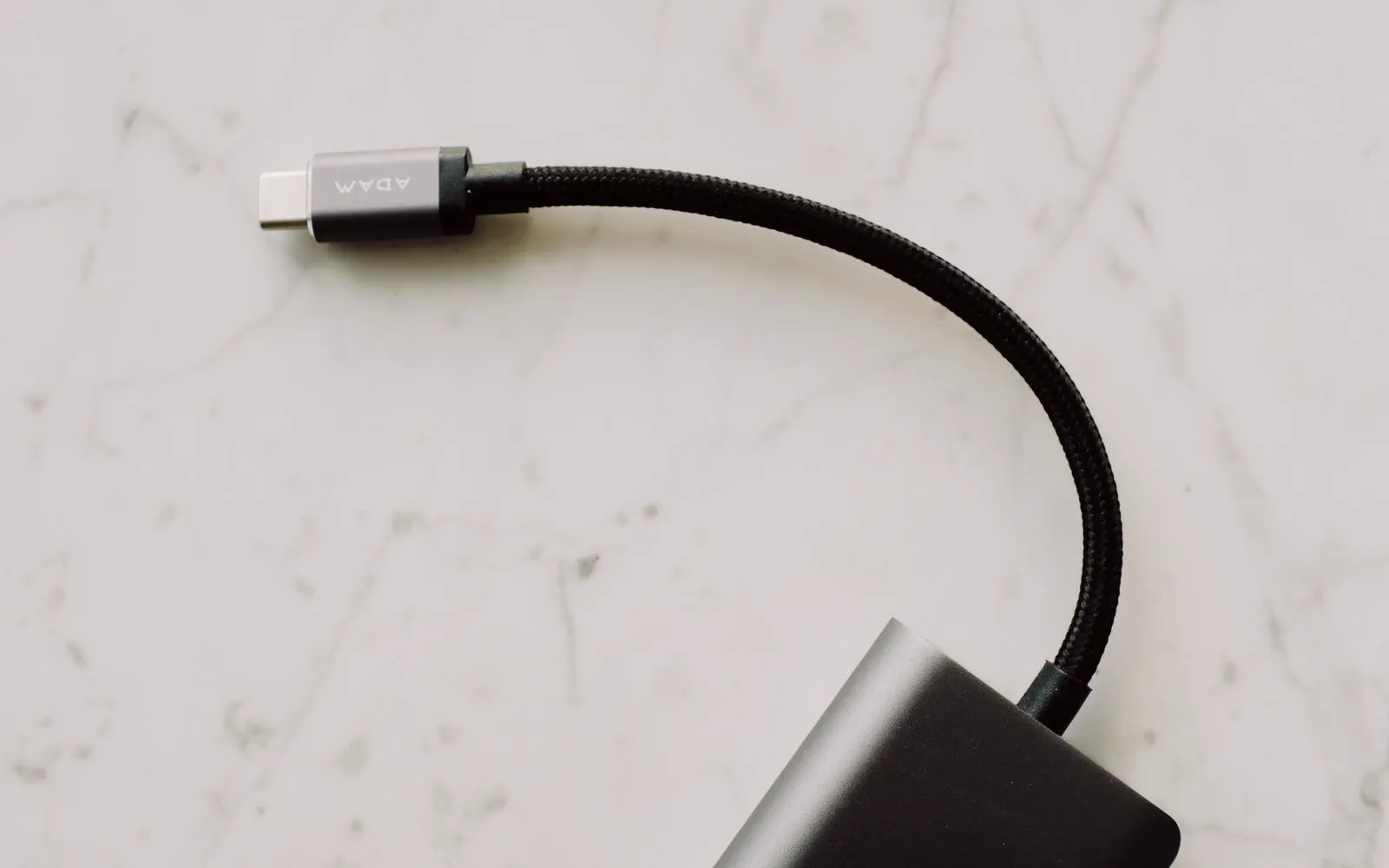
Before assuming that the device needs repair, consider the charging cable. A damaged cable can cause symptoms similar to a damaged charging port, including visible cable damage, a damaged connector, intermittent charging, charging only in certain positions, a cable that works with one device but not another, and a cable that no longer fits correctly.
Where possible, test with another compatible cable. If another cable works normally, the original cable may be causing the problem.
If multiple compatible cables produce the same problem, the device itself may need inspection rather than a new cable.
Adapter or port
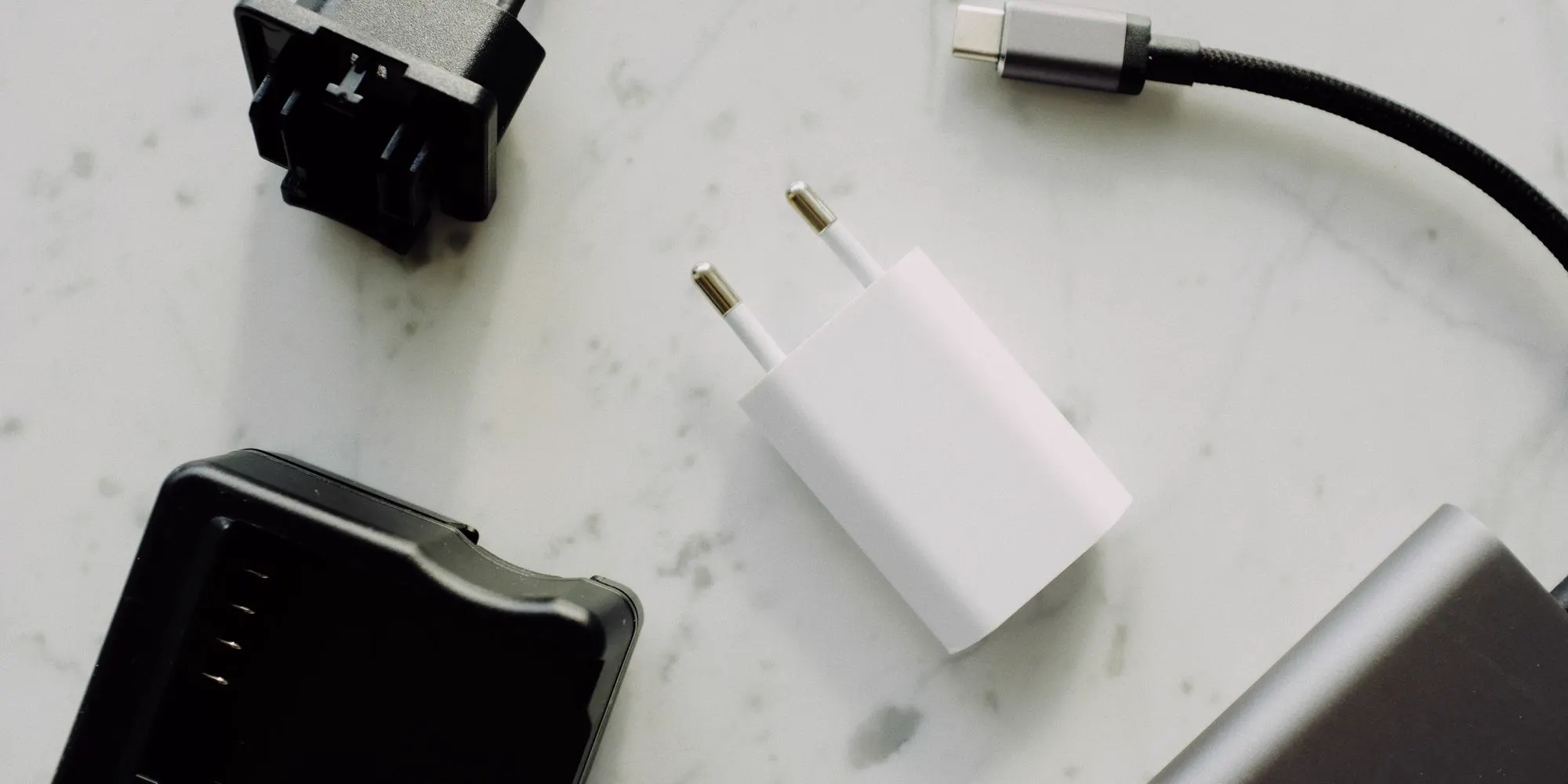
The wall adapter can also affect charging. A power adapter may stop providing power, provide insufficient power, work intermittently, be incompatible with the device, or charge one device differently from another.
Where practical, test another compatible adapter and a different wall outlet, because a weak outlet can look exactly like a failing port.
A charger that suits one device does not always deliver what another needs, so match the adapter to the device.
If charging problems continue across different compatible charging setups, the device itself should be checked, and CELLTECH can explain the repair option.
Port or battery
Battery and charging port problems can sometimes produce very similar symptoms.
Signs pointing toward the charging connection include a cable that feels loose, charging only at certain angles, charging that disconnects when the cable moves, multiple compatible cables failing the same way, and an unreliable wired data connection.
Signs pointing toward the battery include draining unusually fast, unexpected shutdowns, percentage dropping suddenly, very short battery life, and shutting off once disconnected from power.
Neither list proves which component is damaged. Inspection tells whether the connection, the battery, or another component needs attention. Explore Battery Replacement.
Debris and damage
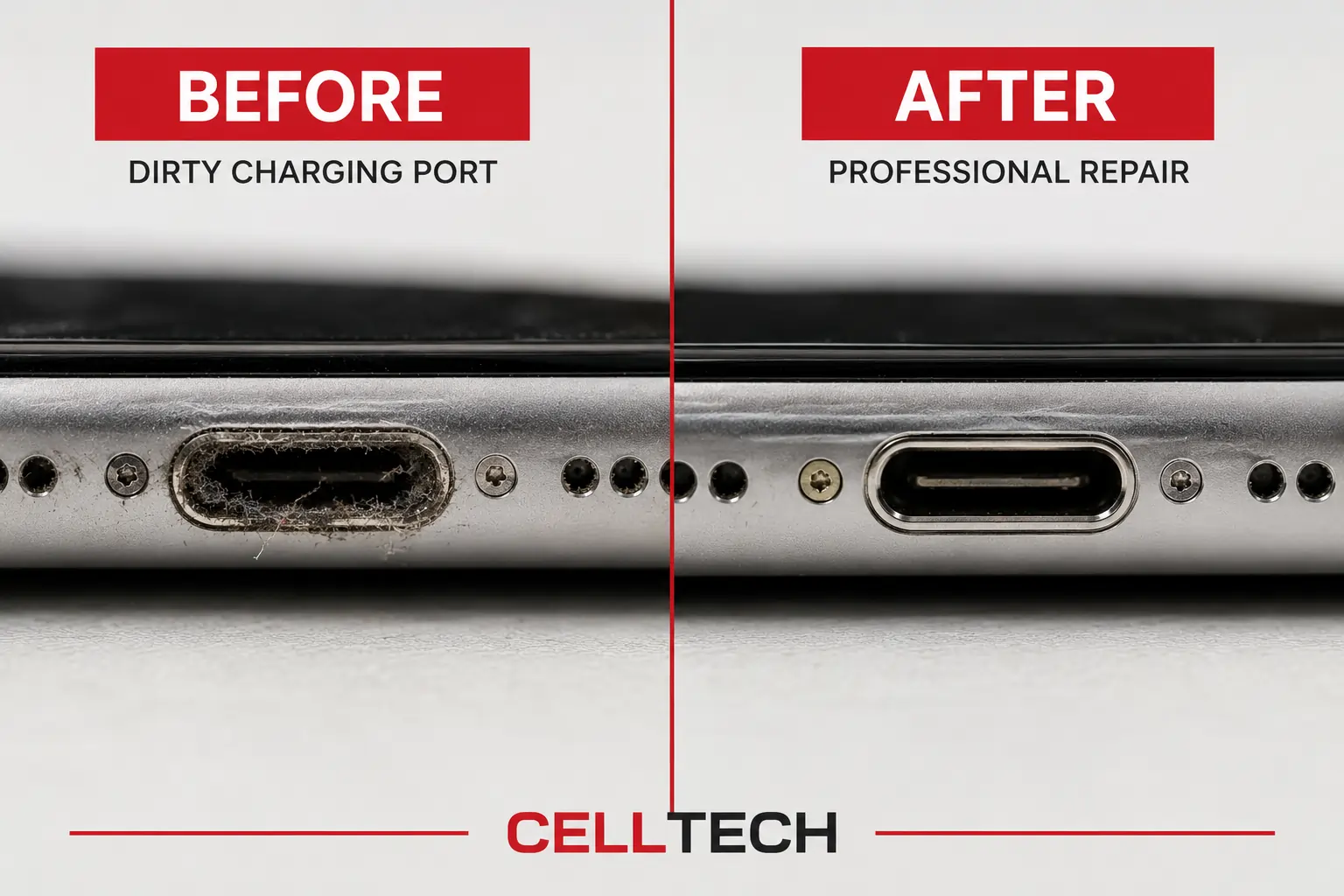
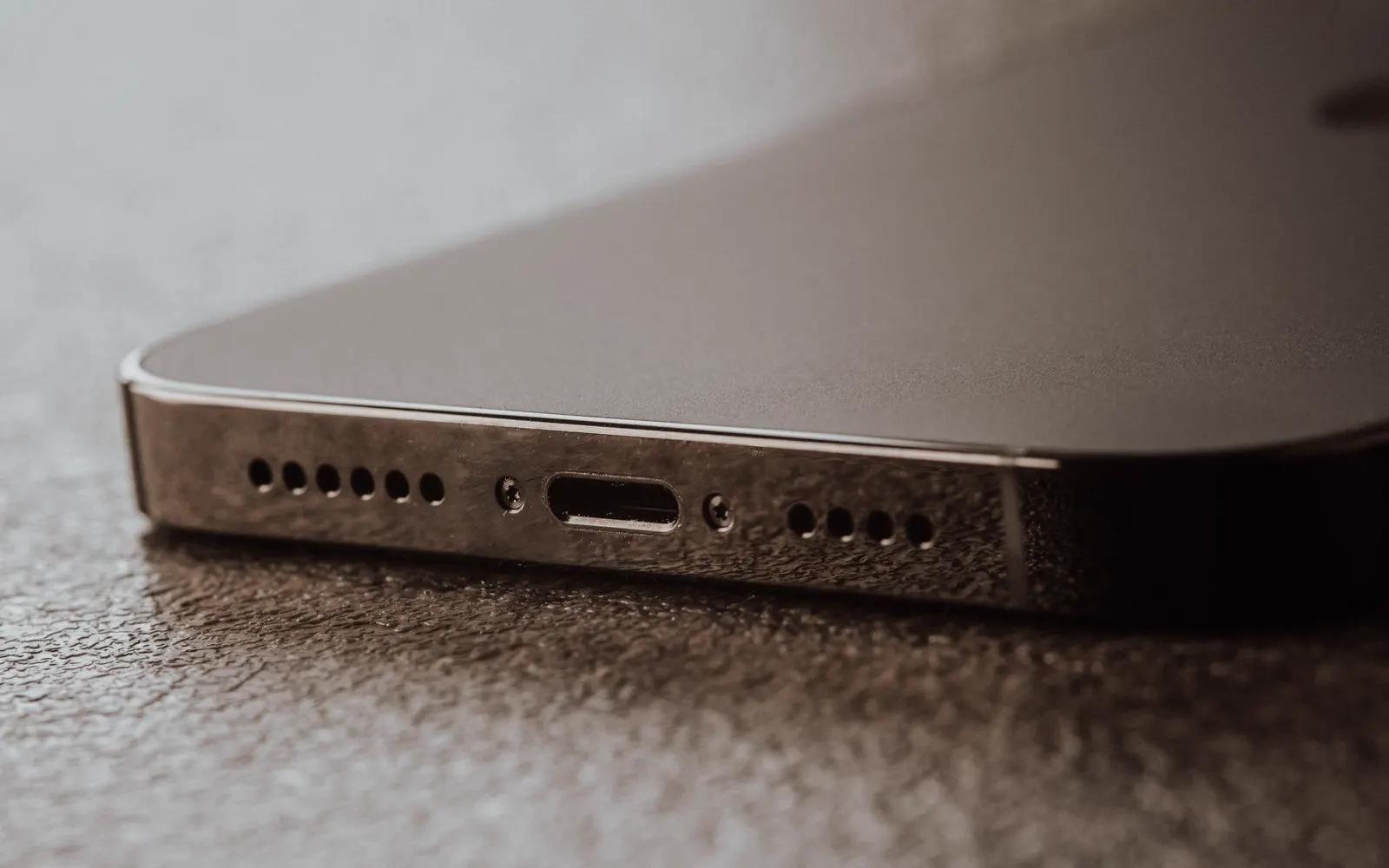
Charging connections are exposed every time a cable is inserted. Over time, dust, lint, debris, or physical damage can interfere with the connection. Possible symptoms include:
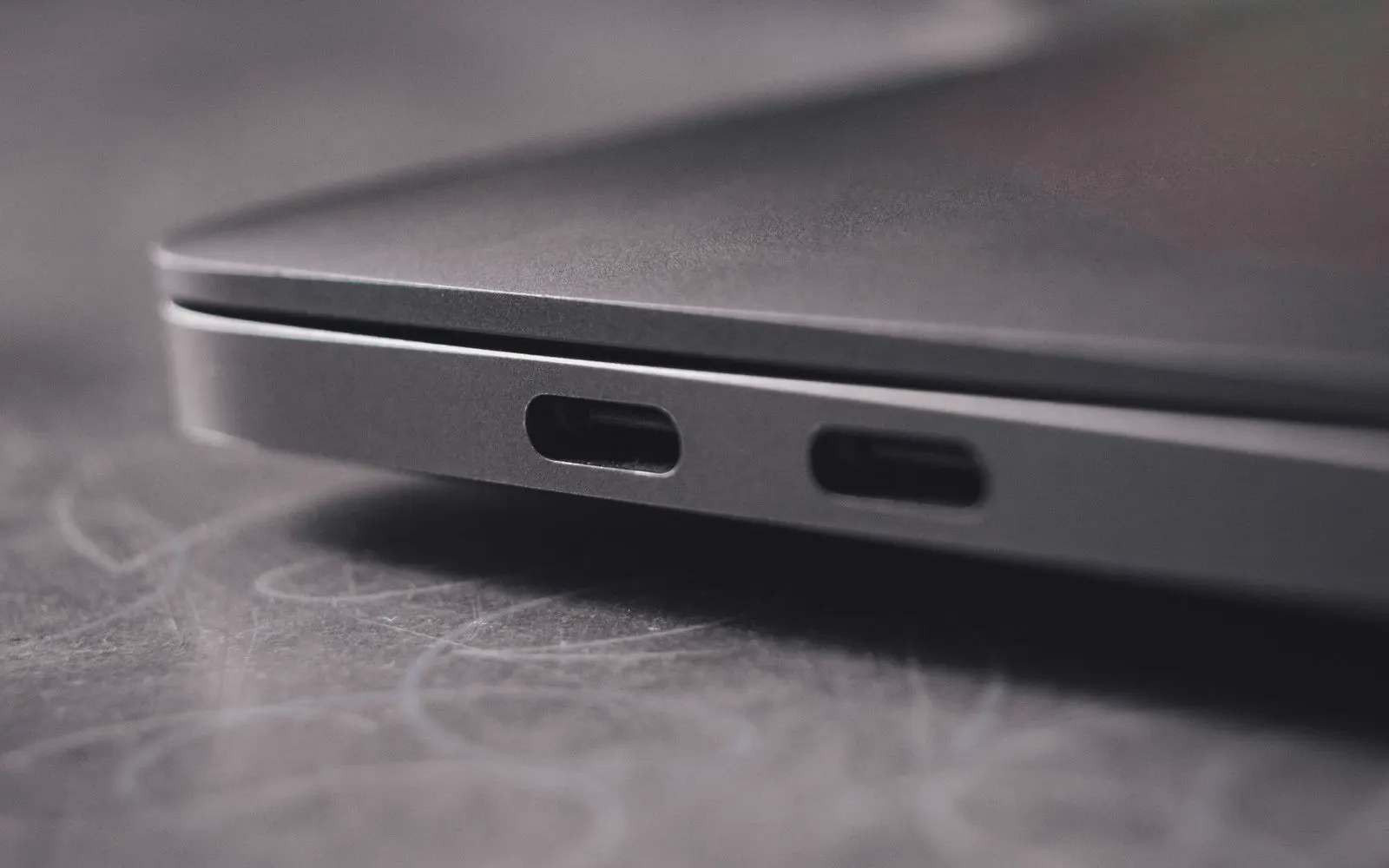
USB-C is used across many newer devices, including newer iPhone generations, Samsung Galaxy models, iPads, tablets, MacBooks, and Windows laptops. A USB-C charging connection can support more than charging depending on the device. It may also be used for:
Lightning
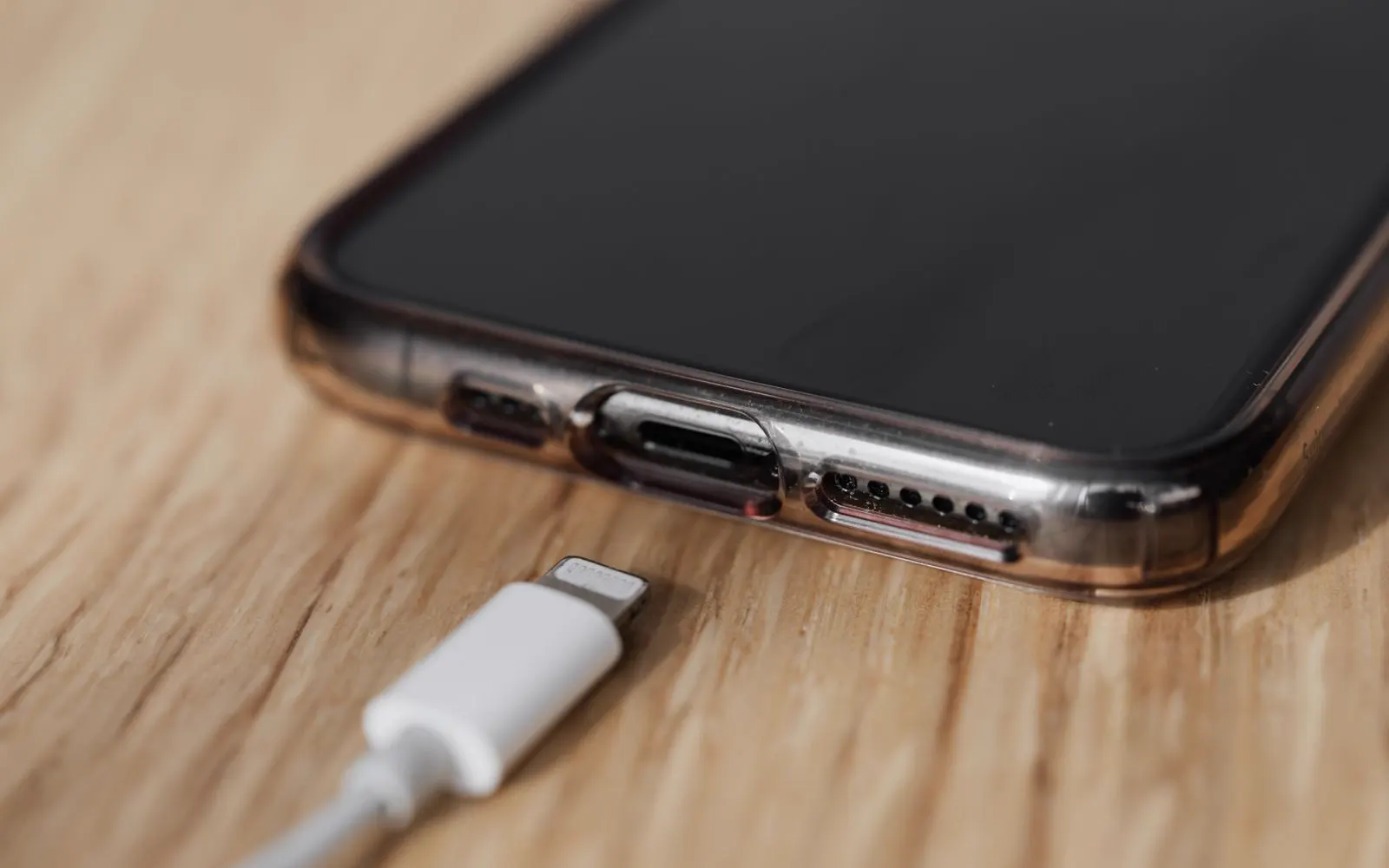
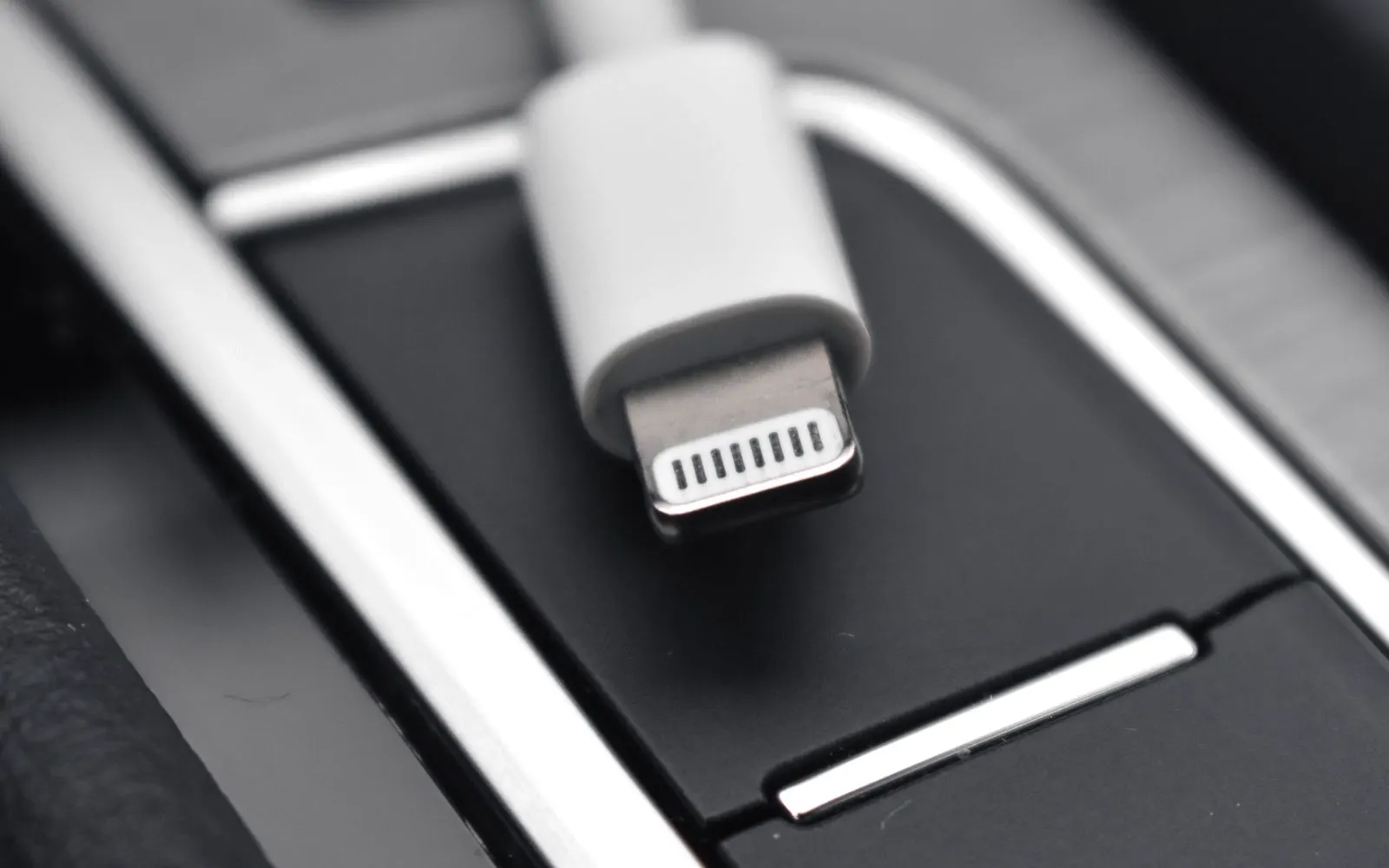
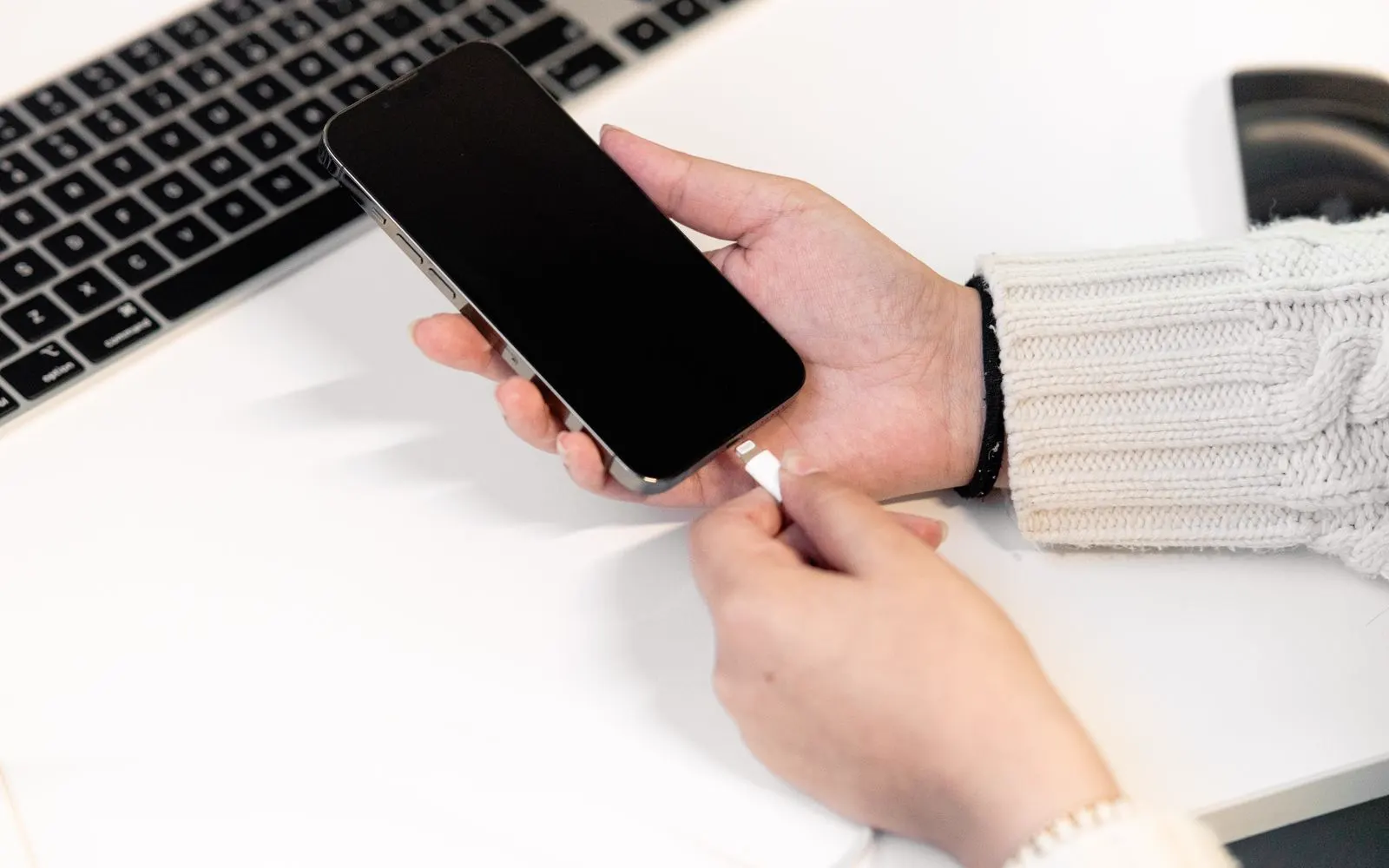
Many previous generation iPhone and iPad models use a Lightning connection. Possible Lightning charging symptoms can include:
Moisture warning
Some devices can detect moisture around the charging connection and temporarily stop wired charging. A moisture warning does not automatically mean the charging port is permanently damaged.
If your device reports moisture or liquid around the charging connection, disconnect wired charging, do not force the connection, allow it to dry, do not insert objects into the port, and avoid excessive external heat.
If the warning remains after the device and connection are completely dry, or charging still does not work, the device may need inspection, because something still triggers the sensor. Explore Water Damage Repair.
After liquid
If charging problems started after liquid exposure, do not assume that only the charging port is affected. Liquid can potentially affect the charging connection, the battery, the display, the cameras, internal connections, power related hardware, and other electronic components.
Tell the technician about any recent liquid exposure, even if the device continued working afterward, because the symptom you see may not be the whole picture.
Liquid related charging problems should begin with diagnosis. A 20 minute repair should not automatically be expected when liquid damage affects more than one component, and the diagnosis decides what the repair involves.
Wireless or wired
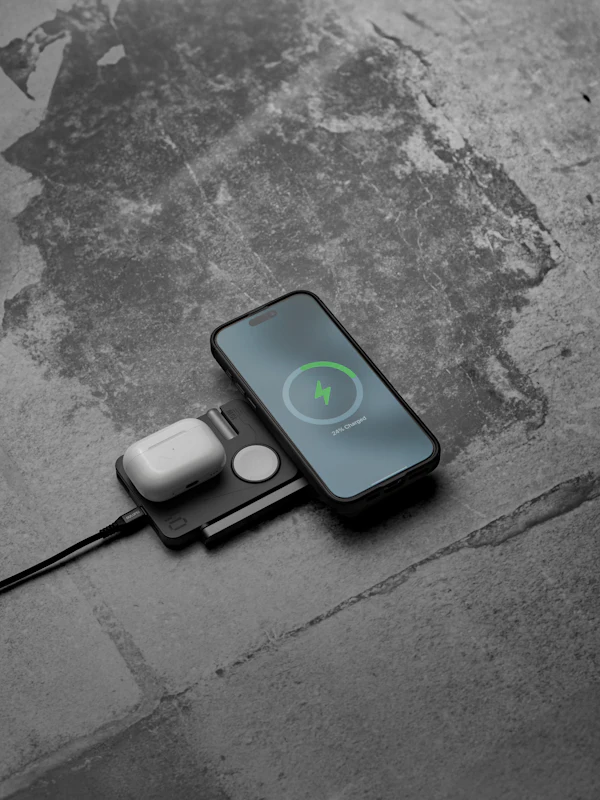
Some devices support wireless charging. If wireless charging works but wired charging does not, this can provide useful diagnostic information. However, it does not automatically prove that the charging port itself has failed.
The problem can still involve the charging cable, the power adapter, the charging connection, software, charging related hardware, or another component.
Wireless charging uses a separate coil, so it can keep working while the wired path is broken anywhere along its length.
The wired charging system should be inspected before the port is replaced, so a working component is not swapped out.
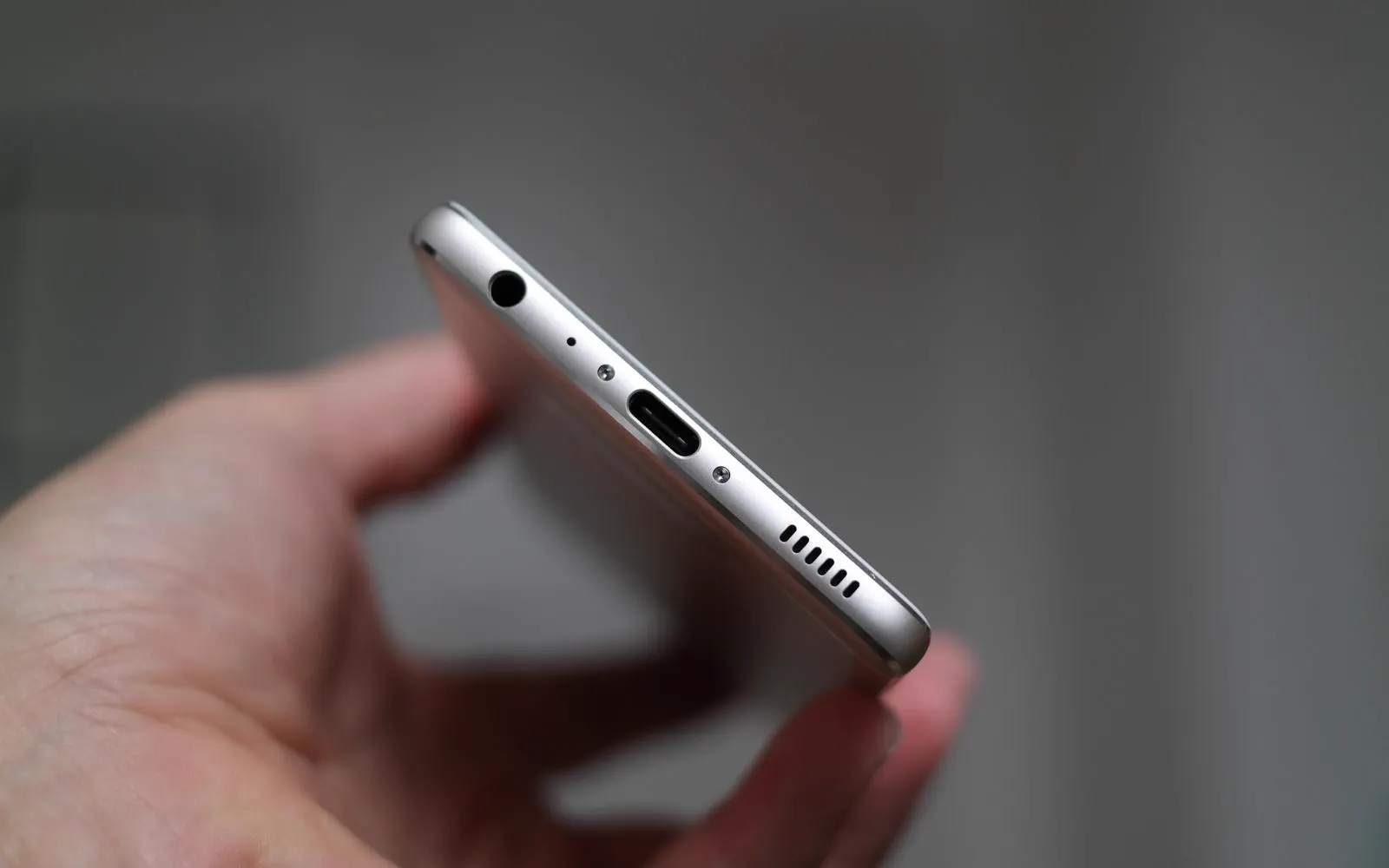
iPhone
CELLTECH provides charging repair options for supported iPhone models. Depending on the generation, an iPhone uses Lightning or USB-C, which decides the replacement component.
The charging port is only one possible cause: cable, adapter, moisture, and battery should also be considered.
Once the model is identified, CELLTECH can confirm the component and parts availability.
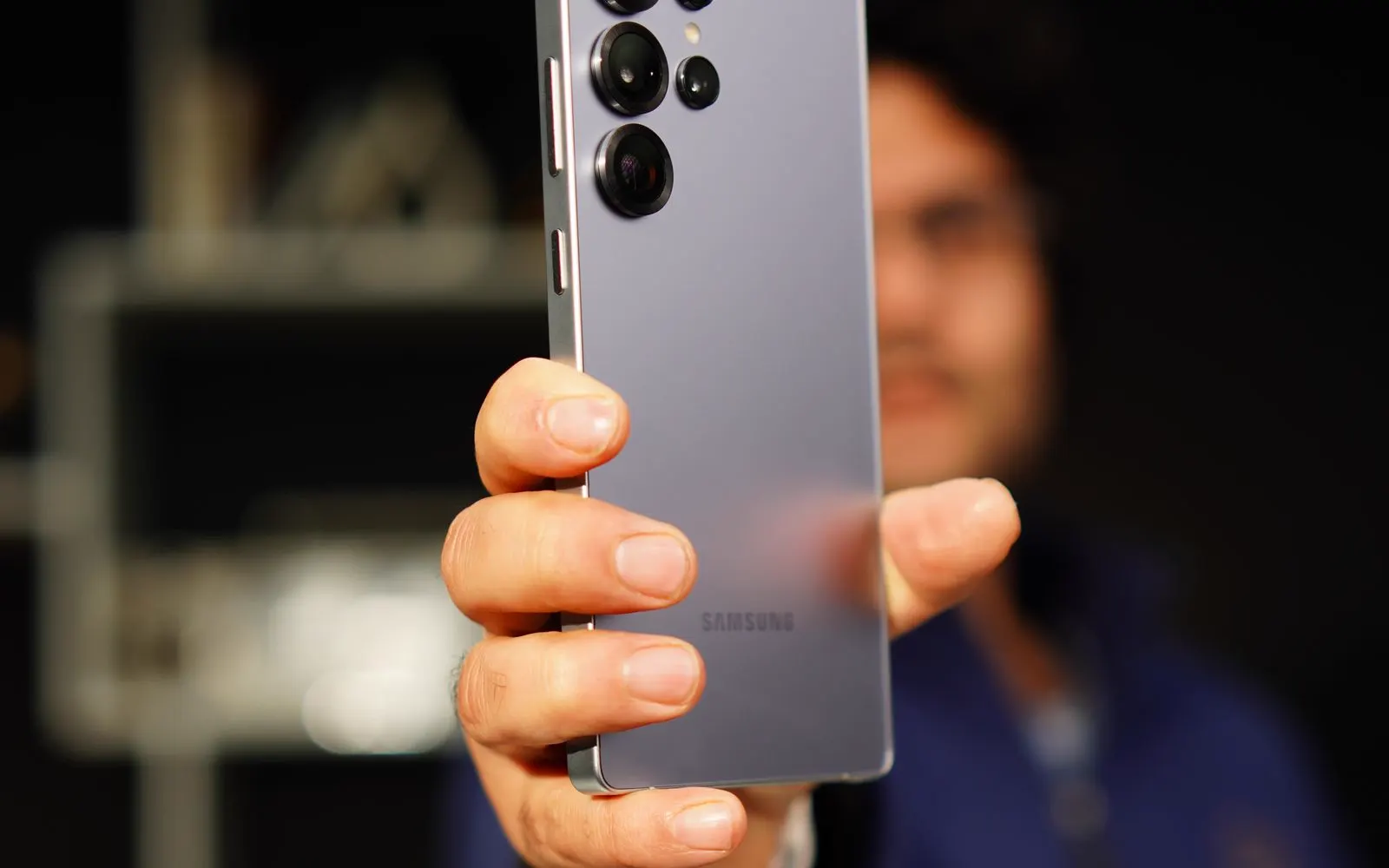
Samsung Galaxy
CELLTECH provides charging repair options for supported Samsung Galaxy devices. Modern Galaxy devices use USB-C, and the exact model decides the replacement component.
Some Galaxy devices detect moisture in the USB connection and block wired charging until it dries completely.
If the warning continues once dry, or the Galaxy still does not charge, inspection may be appropriate.
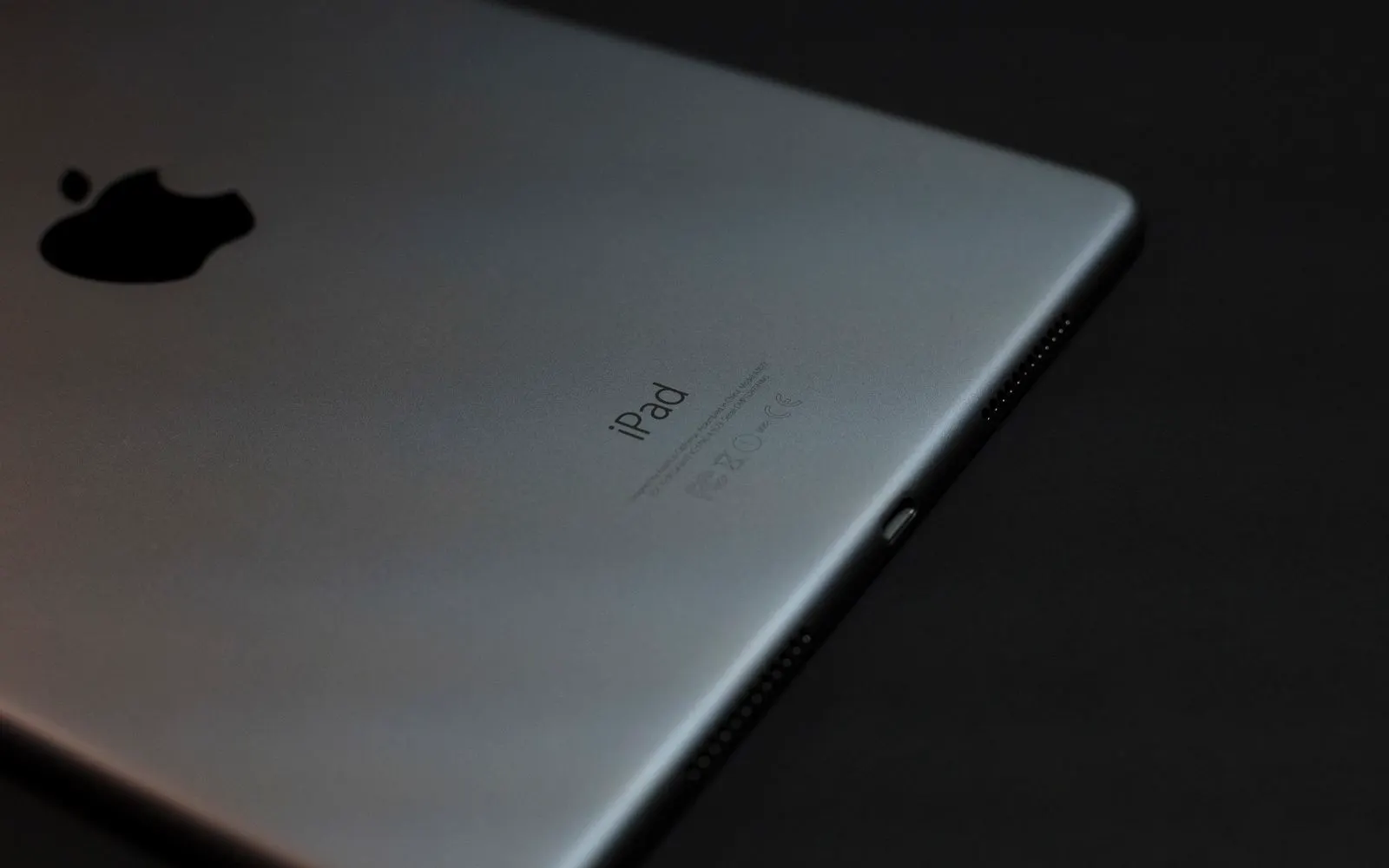
iPad
CELLTECH provides charging repair options for supported iPad models. Different iPad generations can use Lightning or USB-C, so the generation should be confirmed first.
iPads can require an appropriate power adapter, so the charger should be considered alongside the port.
A phone charger will often fill an iPad slowly or not at all, which looks like a failing port.
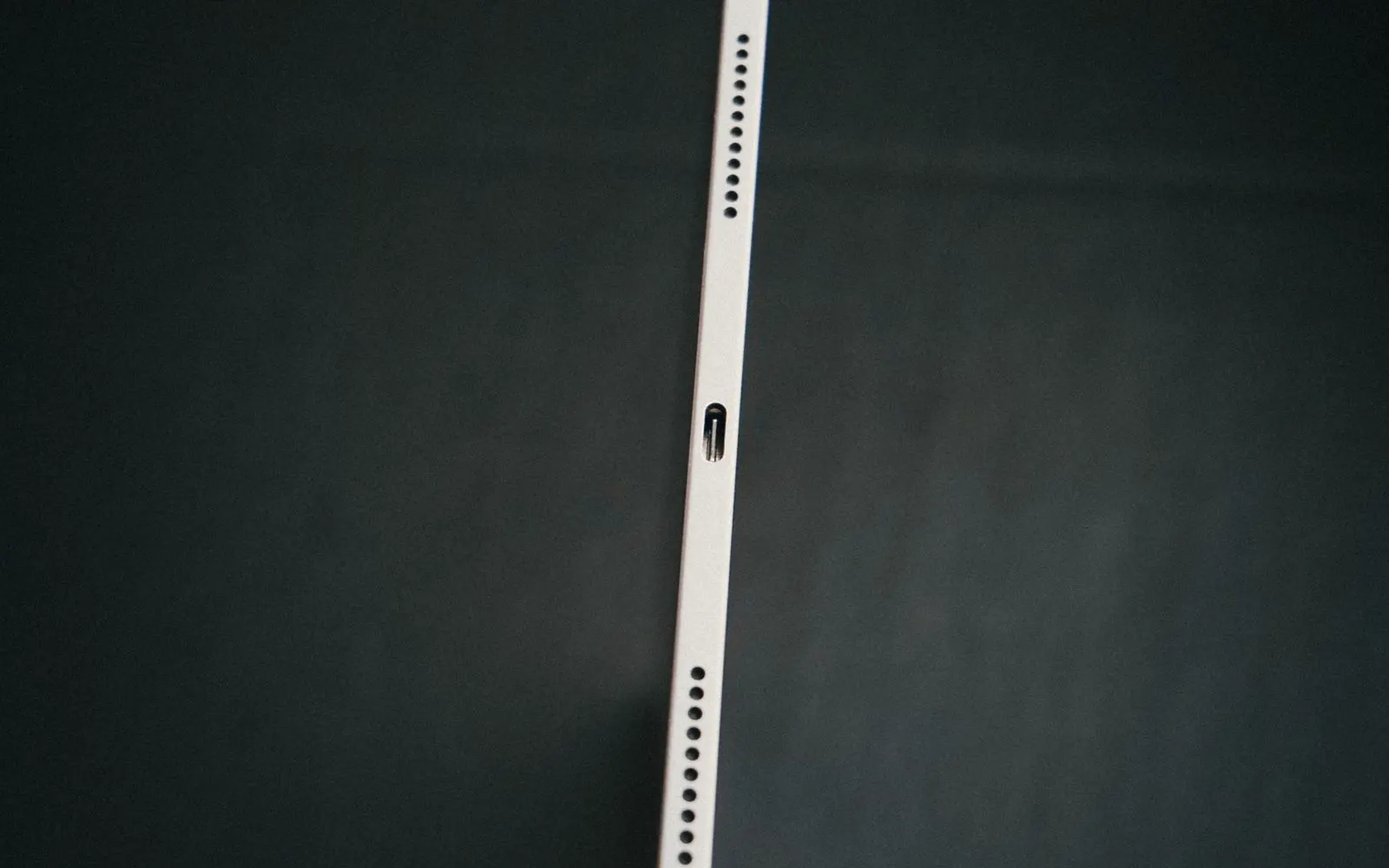
Tablets
Charging repair may be available for supported tablets, including Apple iPad, Samsung Galaxy tablets, and other supported Android tablets. Construction varies widely between brands.
Tablet charging connections and internal designs vary considerably from one model to the next.
Repair availability depends on the exact tablet and the replacement component it takes, so bring the charger you normally use.
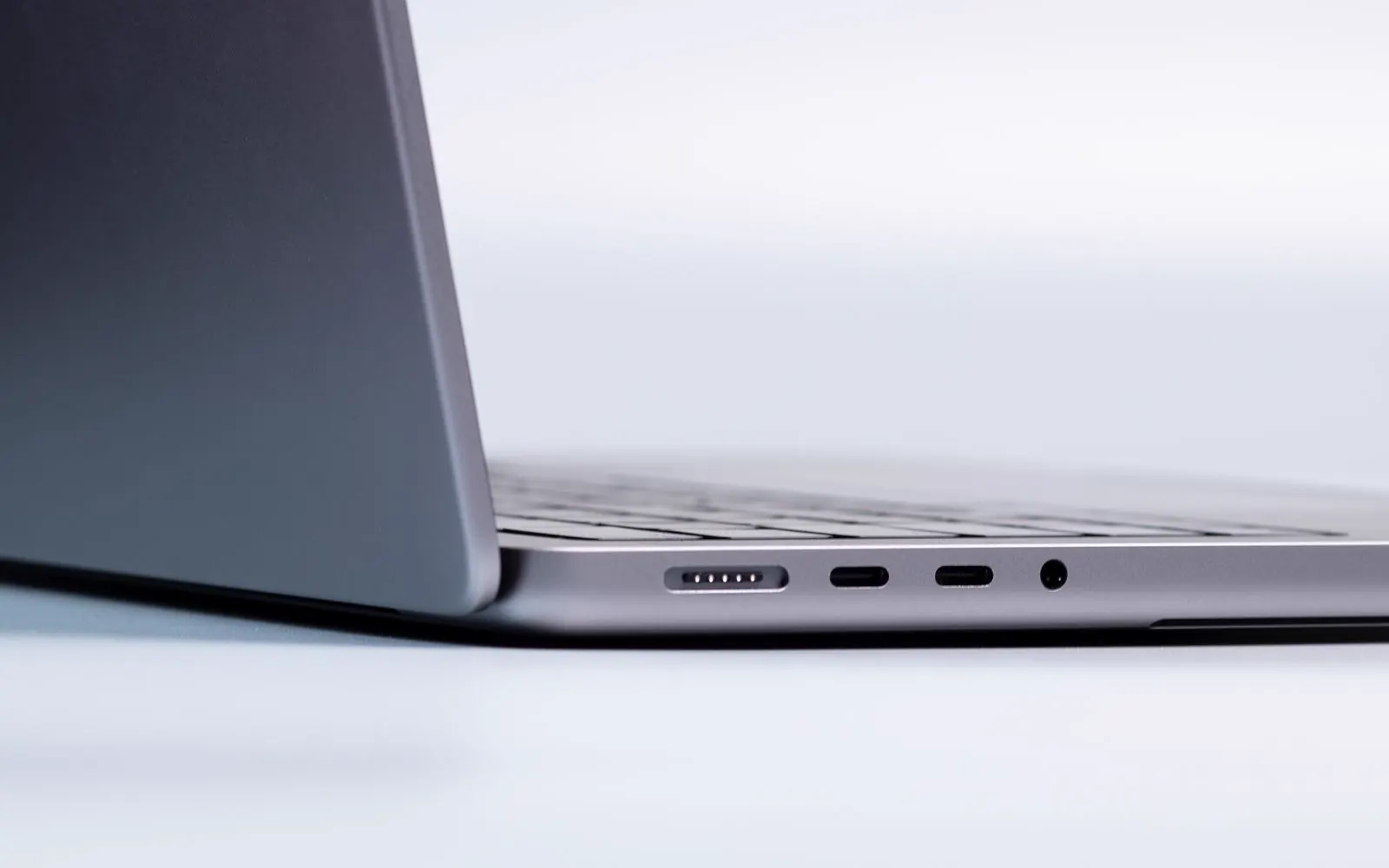
Laptops
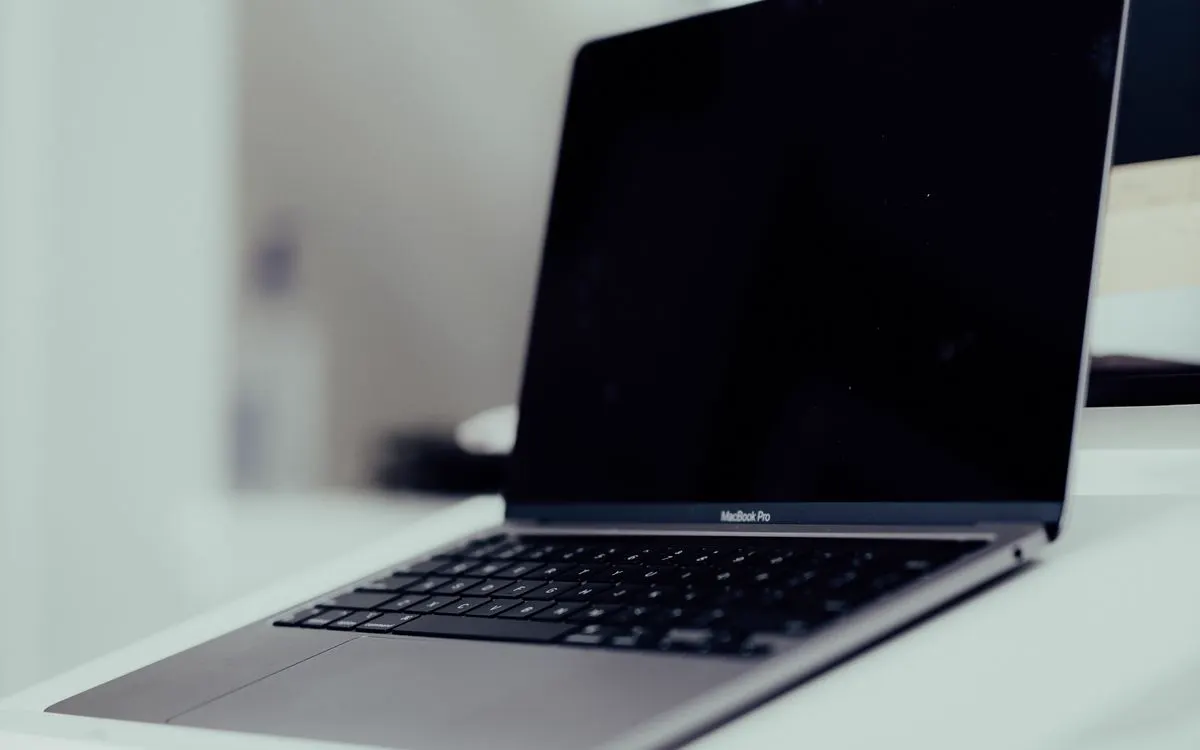
CELLTECH provides charging repair options for supported MacBook and Windows laptop models. Laptop charging systems differ significantly from cell phones and tablets, and charging may use:
A laptop that does not charge can involve the charger, the cable, the charging connection, the battery, or internal power hardware on the board.
The exact laptop model should be identified before a repair is recommended, because the connector alone does not settle it.
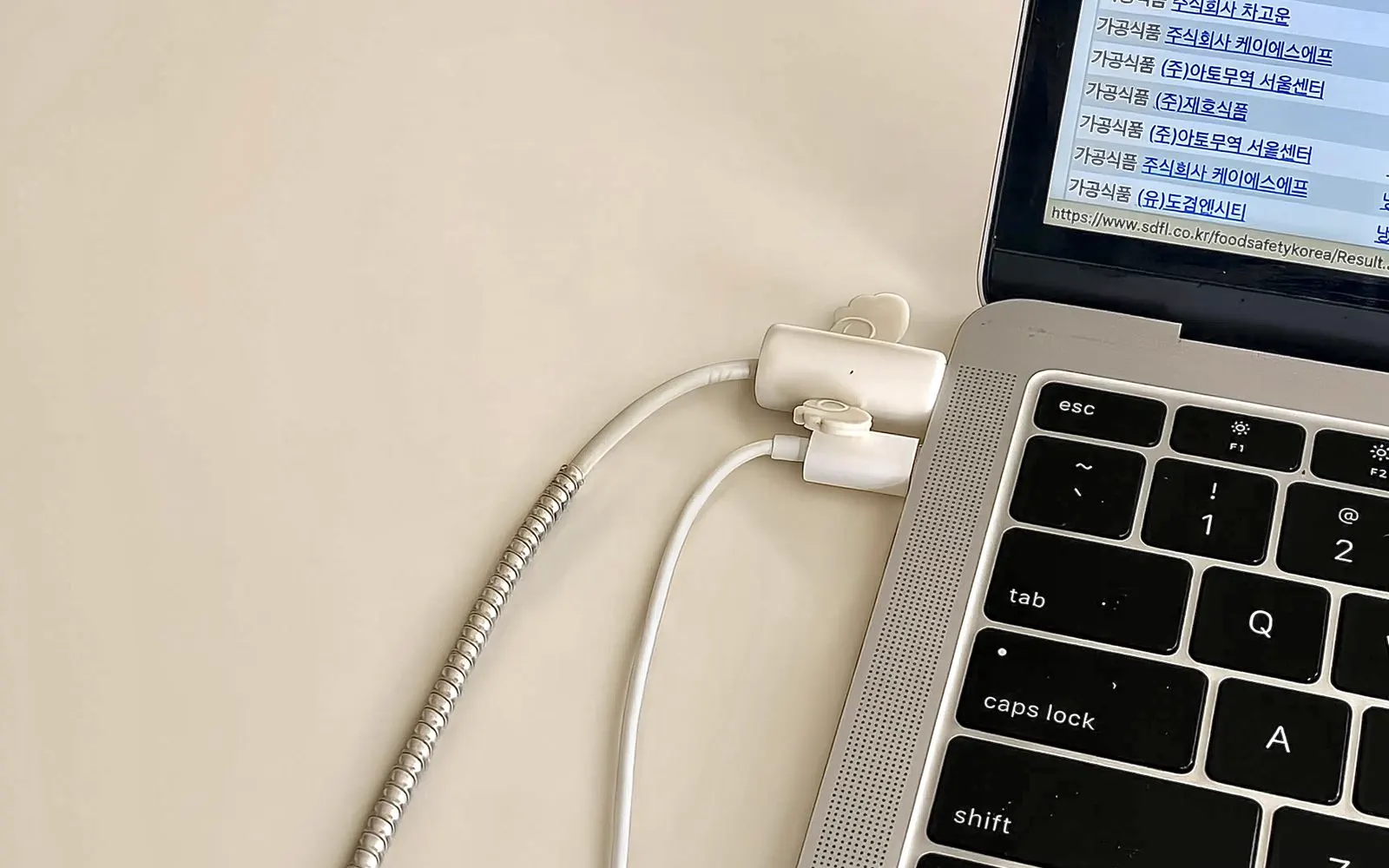
MacBook
Different MacBook generations can use USB-C, MagSafe, or other supported Apple charging configurations, and the generation decides which repair actually applies.
A single port failing while the others still work usually points at that port rather than the battery.
The adapter, cable, battery, charging connection, and exact MacBook model should all be considered together before a repair.
What we cover
Charging repair options may be available for supported devices from several categories.
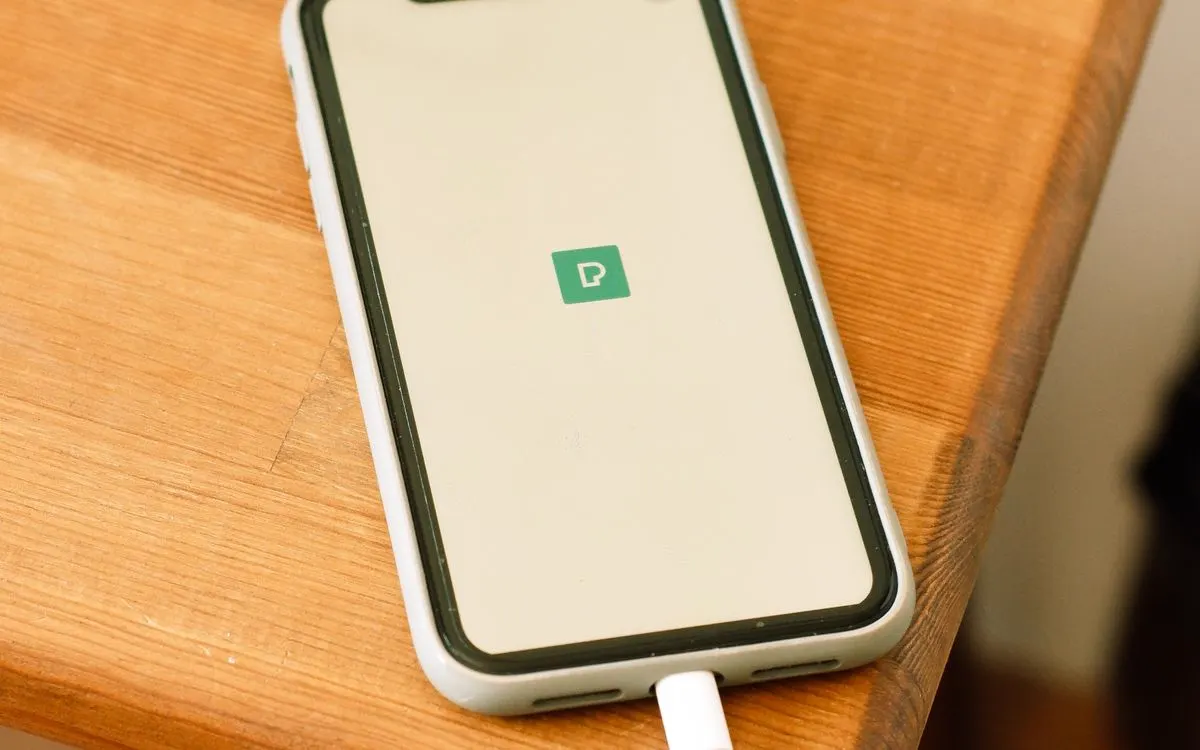
This can include supported models from:
Apple iPhone, Samsung Galaxy, Google Pixel, Motorola, OnePlus, LG, Other Android cell phones
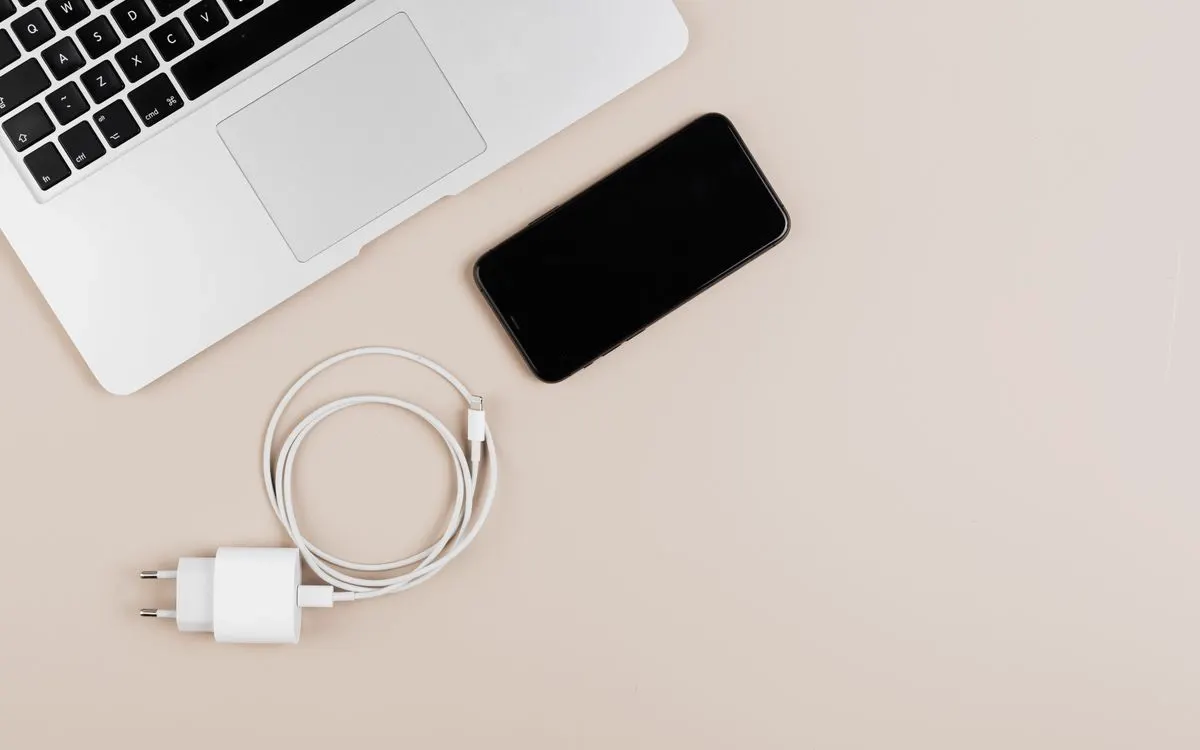
This can include:
Apple iPad, Samsung Galaxy tablets, Other supported Android tablets
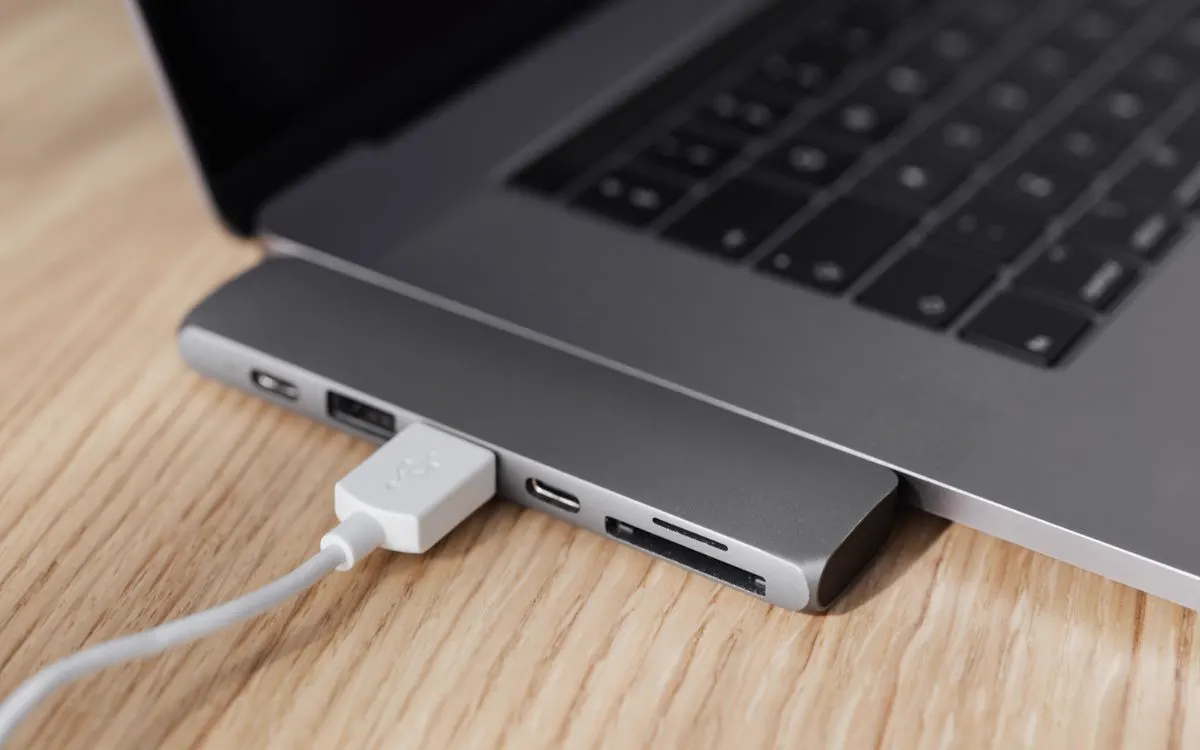
Charging repair options may include supported:
MacBook models, Dell laptops, HP laptops, Lenovo laptops, ASUS laptops, Acer laptops, Microsoft Surface models, Other Windows laptops
How it works
Tell us what the device is doing: charging only at certain angles, dropping the connection, showing a moisture warning, or a problem that began after a drop or a spill.
We check the charging connection and the related symptoms, because the port is not always at fault. A cable, an adapter, debris, the battery or internal charging hardware can behave the same way.
You get the component involved, the price, the expected turnaround, and the charging functions worth testing afterward, explained before the charging port repair is approved.
You decide whether to go ahead. Work begins only after the available charging repair and its price have been explained, and the inspection costs nothing either way.
Pricing
There is no single price that applies to every charging port repair. Cost depends on several factors.
Different devices use different charging connectors and internal designs. The exact device model is needed to identify the appropriate replacement component.
Repair requirements can vary between:
Lightning, USB-C, MagSafe, Laptop power connections, Other device specific connectors
Different charging systems can require different components and repair procedures.
A charging problem does not always require complete port replacement. The required repair depends on what is actually causing the problem. A bad cable or battery, for example, should not result in unnecessary port replacement.
Some charging components require more disassembly or additional repair work to access. Device construction can affect:
Repair time, Repair cost
Charging problems can sometimes occur together with:
Battery problems, Liquid damage, Frame damage, Internal damage, Previous repair issues
Additional damage can affect both repair price and turnaround.
Replacement component availability can vary by model and generation. It can also determine whether the repair happens while you wait or requires additional ordering time. CELLTECH provides a quote after confirming the device and available repair.
Turnaround
You may not need to spend the entire day without a working charging connection. Many common CELLTECH charging port repairs can be completed in as little as 20 minutes when the correct component is available and no additional damage is found. Same day charging port repair is also available for many supported devices. Repair time depends on:
Straightforward cell phone charging port repairs can be among the faster services.
Tablets, laptops, liquid damaged devices, and repairs requiring extensive disassembly can require additional time.
Your CELLTECH store can provide a more accurate estimate after confirming the device and repair.
Repair or replace
A charging problem does not automatically mean you need a new device. Repair may make sense when:
Before your visit
A few simple checks can provide useful information before your visit.
If another compatible cable works correctly, your original cable may be causing the problem. If multiple cables produce the same symptoms, the device may need inspection.
A faulty or incompatible adapter can affect charging. Testing another appropriate adapter can help distinguish adapter problems from device problems.
Where appropriate, test another wall outlet or compatible charging source. If charging problems continue across multiple setups, bring the device in for inspection.
If the connector feels loose or only works when pushed to one side, do not continue forcing it into position. Repeated pressure can make physical damage worse.
If you suspect debris or damage inside the connection, have the port inspected rather than inserting sharp or inappropriate objects.
Tell the technician if the charging problem began after water, moisture, or another liquid exposure. This matters because liquid can affect more than the charging port.
If the problem happens only with the charger you normally use, bringing the cable and adapter can help explain the issue.
If your device is working normally enough to access your files, maintain a current backup before repair.
If you need the device back quickly, ask whether the required charging component is currently in stock for your model. Turnaround depends on it more than on anything else.
After the repair
Depending on the device, relevant checks can include:
Charging works without holding the cable at an angle
If something does not behave as expected, mention it before leaving the store.
Water resistance
Water resistance is not permanent. It can decrease because of:
If charging port repair requires the device to be opened, ask what sealing or reassembly process applies.
Do not assume that a repaired device has exactly the same water resistance it had when new.
The 90 day malfunction warranty applies to covered repair related malfunctions and does not mean the device is protected from new liquid exposure.
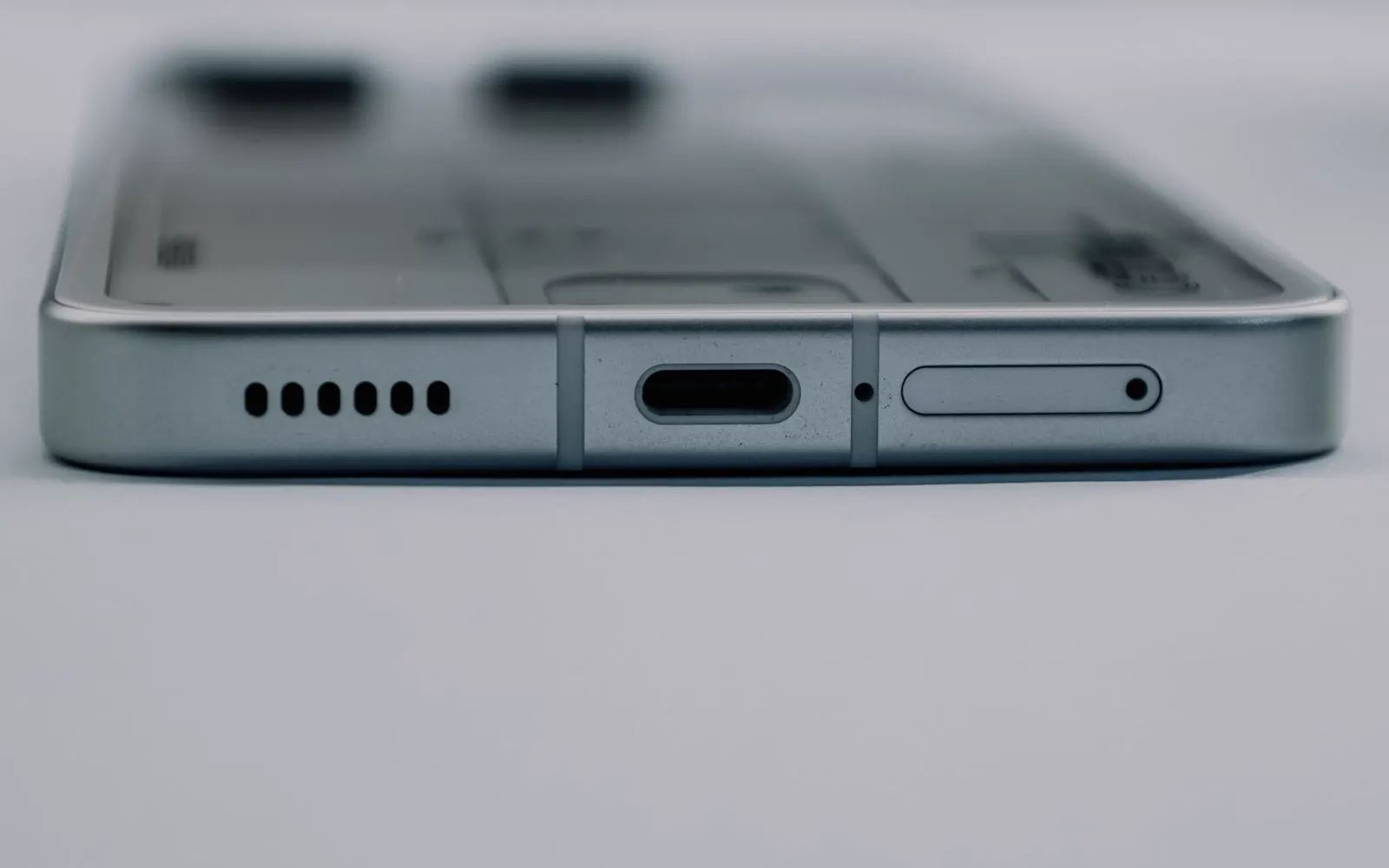
Warranty
CELLTECH charging port repairs are backed by a 90 day malfunction warranty. This gives you added confidence after your repair. If the repaired or replaced charging component develops a covered malfunction during the 90 day malfunction warranty period, bring your device and repair information back to CELLTECH so the issue can be reviewed according to the applicable warranty terms. The 90 day malfunction warranty applies to qualifying repair related malfunctions. New accidental damage, physical impact, new liquid exposure, misuse, cable damage, adapter problems, or unrelated device issues may be treated separately. Before approving service, you can ask:
Other repairs
CELLTECH also provides repair services for other device problems.
Further reading
Our locations
CELLTECH provides charging port repair services across Dallas and El Paso. Many CELLTECH locations are inside major shopping centers.
Use the store finder to choose your nearest location and view current contact information, directions, and store hours.
Seven Texas stores · Open 7 days a week
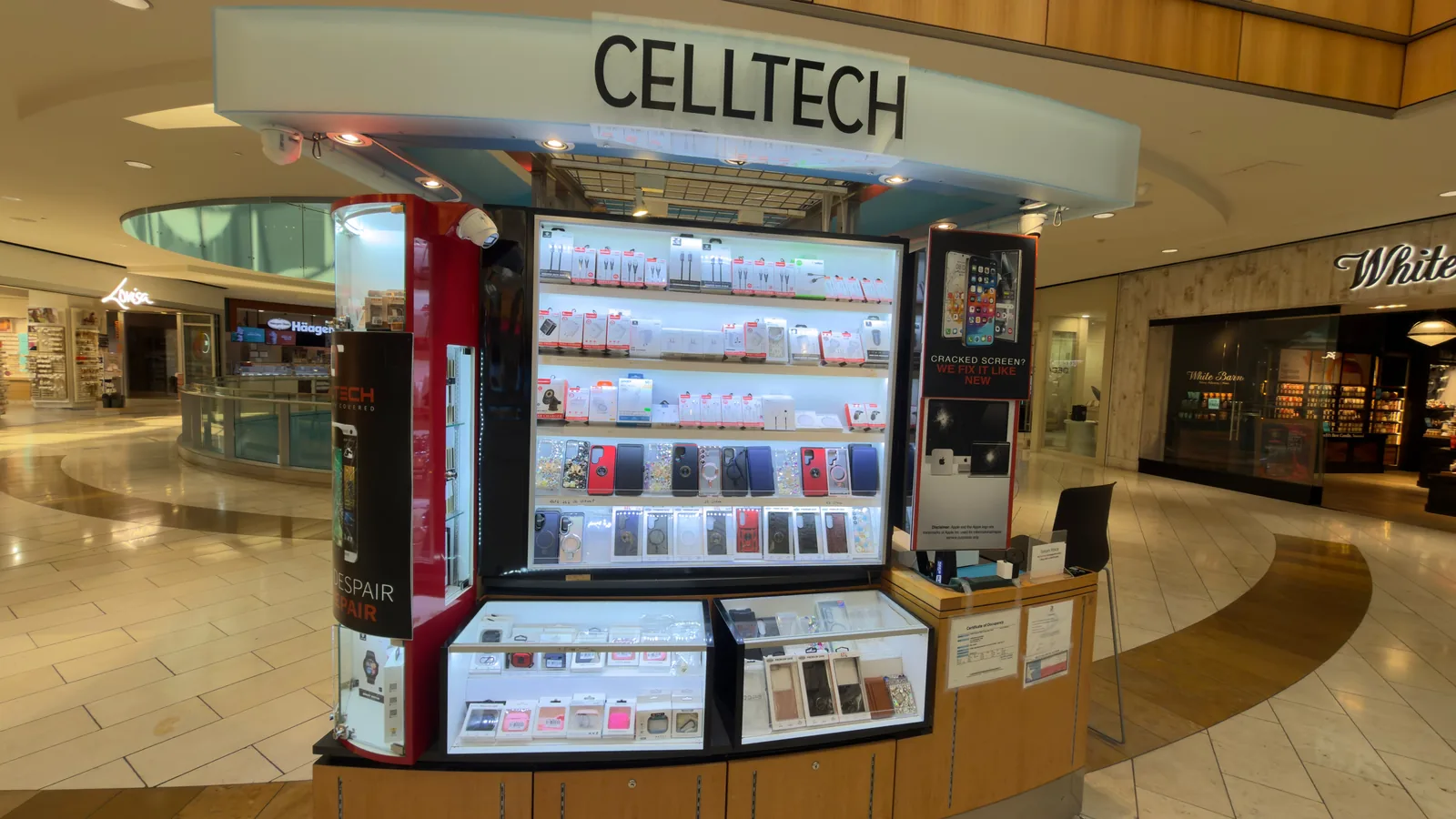
13350 Dallas Pkwy, Kiosk 6505, Dallas, TX 75240
Find CELLTECH located on Level 2 by Bath and Body Works.

3811 S Cooper St, Suite 2402, Arlington, TX 76015
Find CELLTECH located on Level 2 next to GameStop.
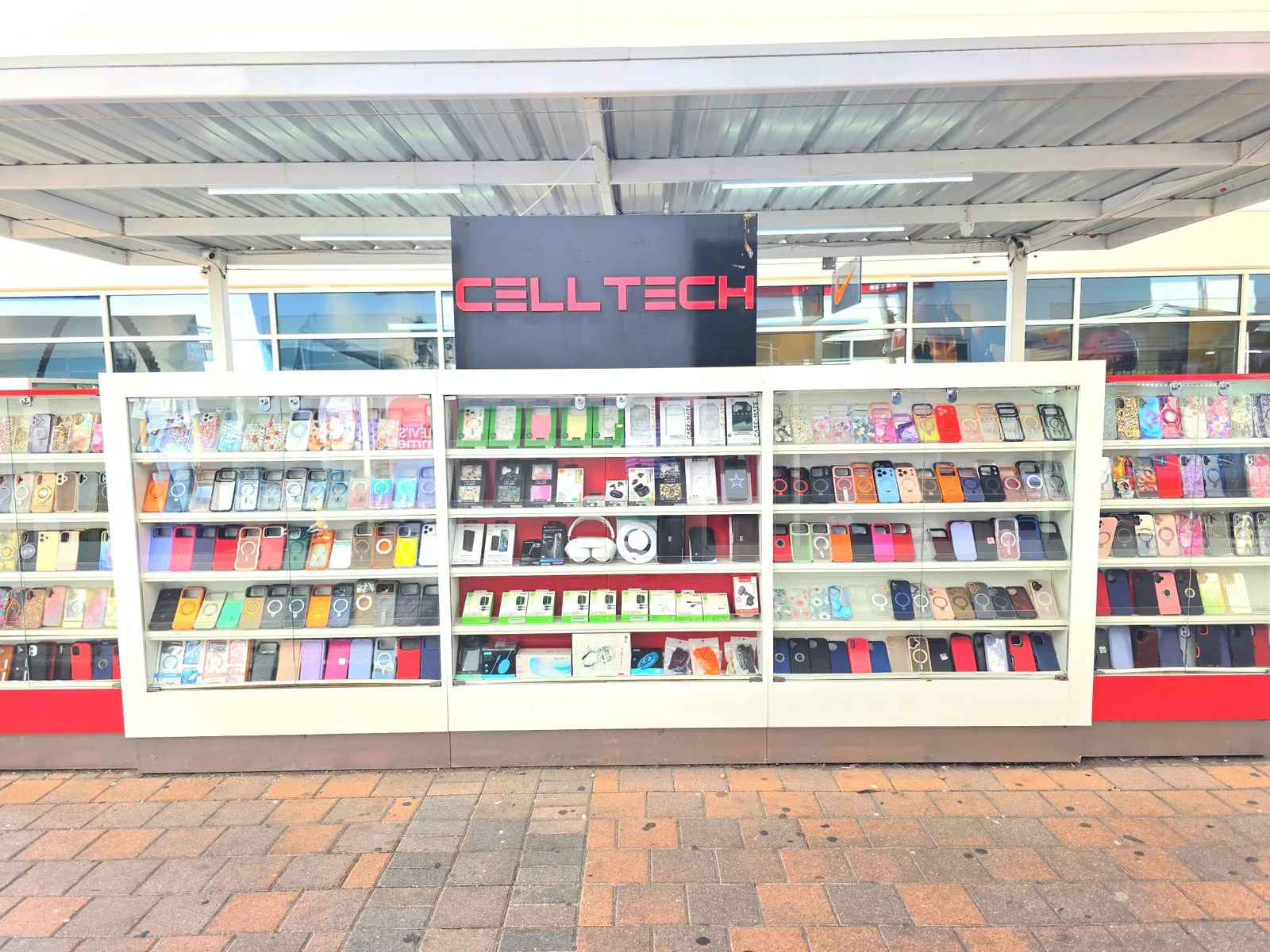
2950 W Interstate 20, Grand Prairie, TX 75052
Visit CELLTECH at Grand Prairie Premium Outlets.
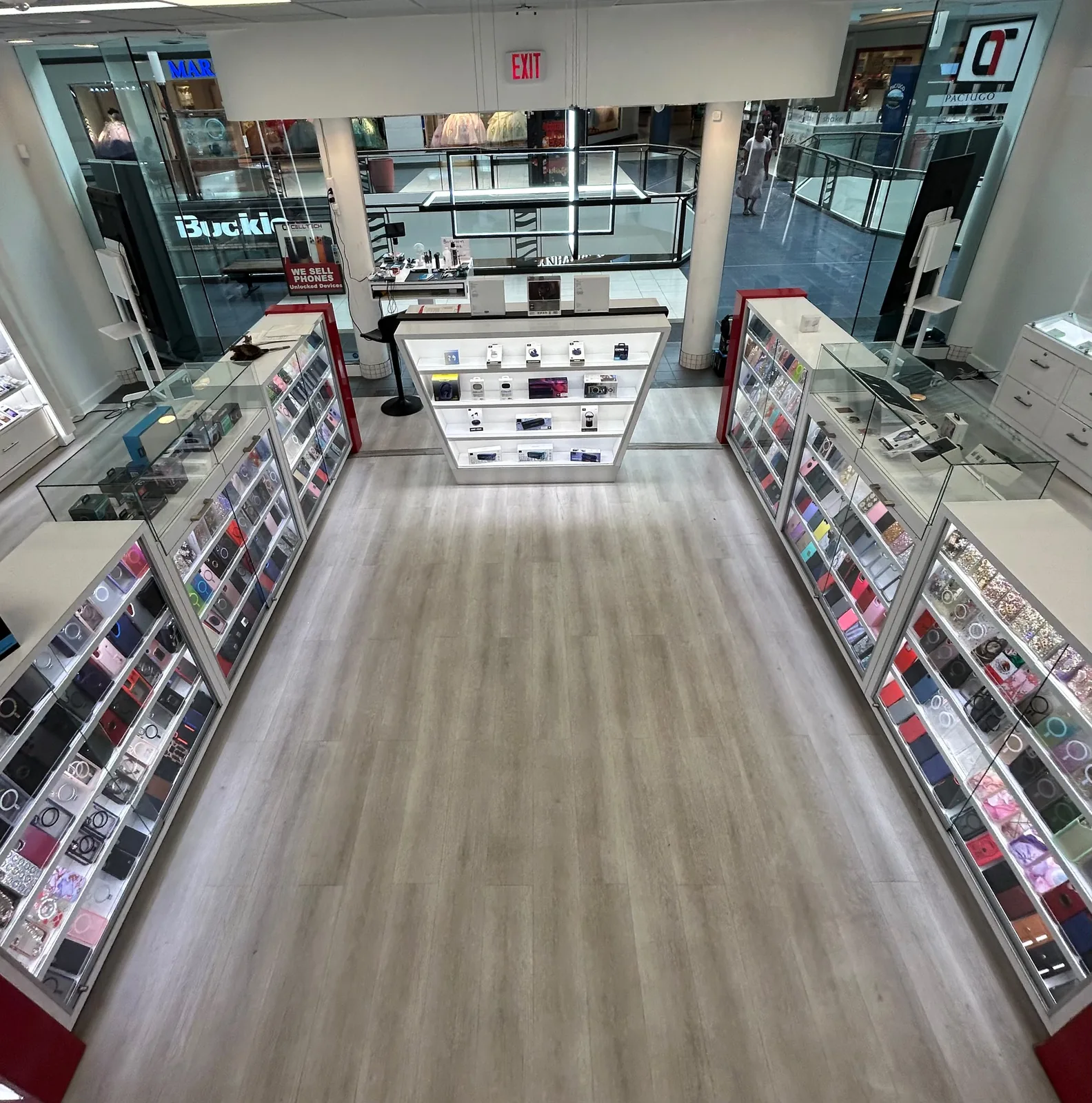
2063 Town East Mall, Kiosk 2208, Mesquite, TX 75150
Find CELLTECH located on Level 2 inside Town East Mall.
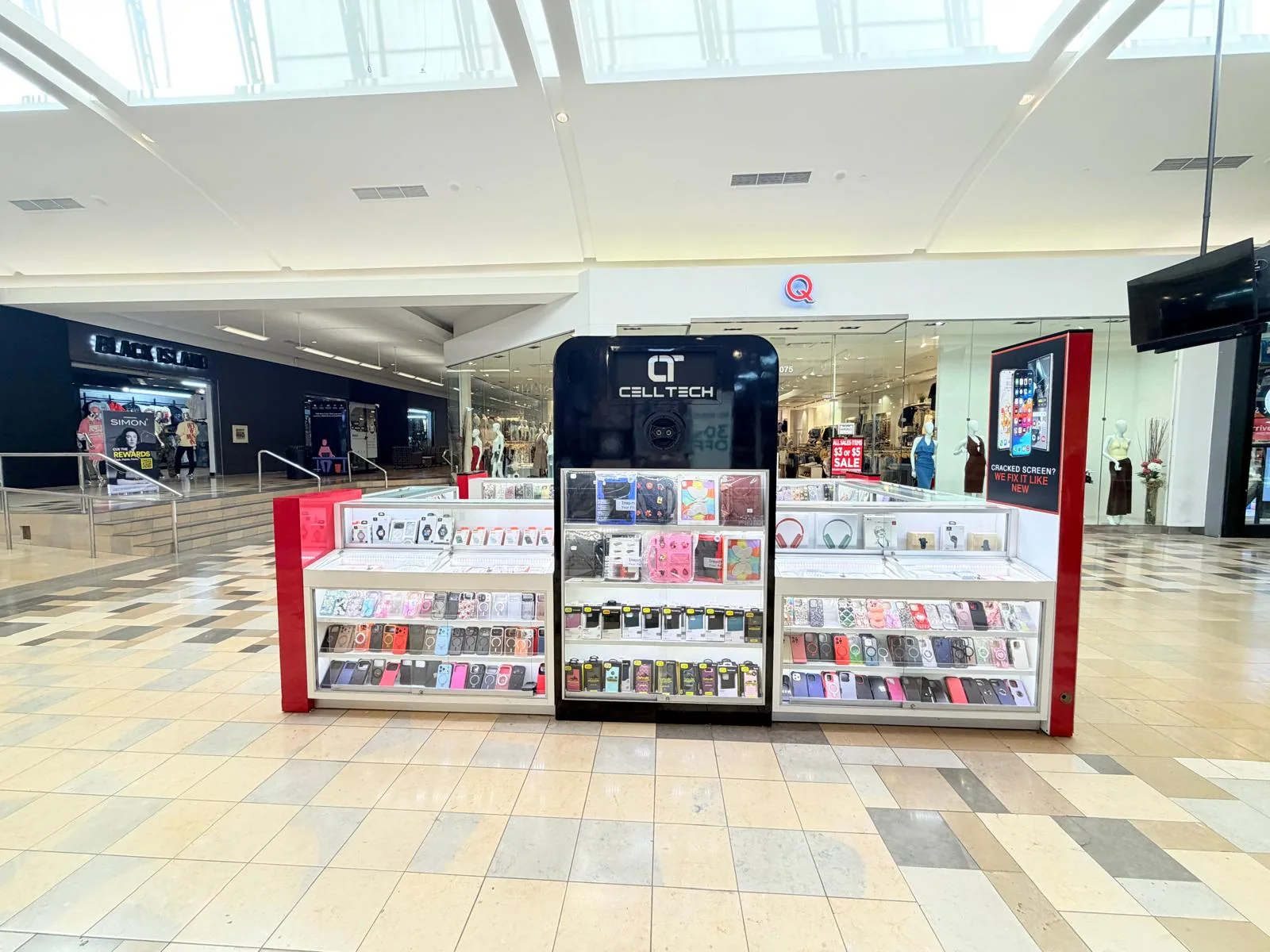
1101 Melbourne Rd, Kiosk 92, Hurst, TX 76053
Find CELLTECH in front of James Avery inside North East Mall.
8401 Gateway Blvd W, Kiosk K113, El Paso, TX 79925
Find CELLTECH located on Level 2 inside Cielo Vista Mall, in front of Hollister & Zumiez.
2601 Preston Rd, Suite 2210, Frisco, TX 75034
Visit CELLTECH at Stonebriar Centre in Frisco.
Straight answers to what people usually ask before bringing a device that will not charge in for repair.
Possible signs include a loose cable connection, charging only at certain angles, repeated charging disconnections, or multiple compatible cables having the same problem. These symptoms can also have other causes, so inspection is recommended before port replacement.
A cell phone may stop charging because of the cable, power adapter, charging connection, battery, moisture, software, or another hardware issue. The charging port is only one possible cause.
This can happen because of a damaged cable, debris, connector wear, or charging port damage. Avoid forcing the cable into position and have the charging connection inspected if the problem continues.
A loose connection can result from port wear, debris, physical damage, or a damaged cable connector. The device and cable should both be considered.
Intermittent charging can involve the cable, adapter, charging connection, battery, or another component. If the problem occurs with multiple compatible cables and adapters, have the device checked.
Not necessarily. Charging speed can also be affected by charger power, cable condition, battery condition, temperature, device usage, and charging settings.
Yes. Battery and charging system problems can sometimes produce similar symptoms. Diagnosis can help determine which component requires attention.
Yes. CELLTECH provides charging repair options for supported iPhone models using Lightning or USB-C connections. Repair availability depends on the exact model and component.
Yes. CELLTECH provides charging repair options for supported Samsung Galaxy devices. Modern Galaxy devices commonly use USB-C connections.
Charging repair options are available for supported iPad models. Different generations can use Lightning or USB-C.
Charging repair may be available for supported Apple iPad, Samsung Galaxy tablet, and other tablet models. Availability depends on the exact device.
CELLTECH provides charging repair options for supported MacBook and Windows laptop models. The exact repair depends on the laptop and charging connection.
Some devices can detect moisture around the charging connection and temporarily prevent wired charging. Allow the connection to dry completely before reconnecting wired power.
Not necessarily. A moisture warning can be temporary. If the warning continues after the charging connection is completely dry or wired charging still fails, the device may need inspection.
On compatible devices, wireless charging can sometimes continue even when wired charging has a problem. This does not by itself prove that the charging port is damaged.
On devices where the charging connection also handles data, a hardware problem may affect charging, data, or both. The available repair depends on the device and affected component.
Many charging port hardware repairs do not normally require personal data to be removed. However, maintaining a current backup before any device repair is recommended whenever possible.
Cost depends on the device model, charging connection, required repair, replacement component, parts availability, and additional damage. CELLTECH provides a quote after the device has been inspected.
Repair time depends on the device, charging connection, parts availability, and extent of damage. Many common charging port repairs can be completed in as little as 20 minutes when the required component is available. Same day service is also available for many supported devices. More complicated tablet, laptop, liquid damaged, or multi-component repairs can require additional time.
Yes. Same day charging port repair is available for many supported devices. Availability depends on: Exact device, Charging connection, Replacement component, Parts availability, Extent of damage, Liquid exposure, Additional affected components. Your nearest CELLTECH store can confirm current availability for your device.
Many common CELLTECH charging repairs can be completed in as little as 20 minutes. The exact turnaround depends on the device model, charging component, internal construction, damage, and parts availability.
Yes. CELLTECH charging port repairs are backed by a 90 day malfunction warranty. The warranty applies to qualifying repair related malfunctions according to the applicable warranty terms.
Repair can make sense when the charging problem is the main issue, the rest of the device works well, and repair cost is reasonable compared with replacement. Repair can also be more convenient than replacing and setting up another device.
No appointment is required for a standard walk-in visit. Walk-ins are welcome at CELLTECH locations. For less common devices, check with your nearest store to confirm: Repair availability, Parts availability, Expected turnaround.
From the workshop
Blog3 min read
Blogs3 min read
Blog7 min read
Blog12 min read
Charging that only works at one angle is a warning rather than a workaround. Every adjustment puts more strain on the connection, and a port that is merely dirty this month can be a damaged one by the next. Bring the device to your nearest CELLTECH store and have the port, the cable, and the battery checked together.