




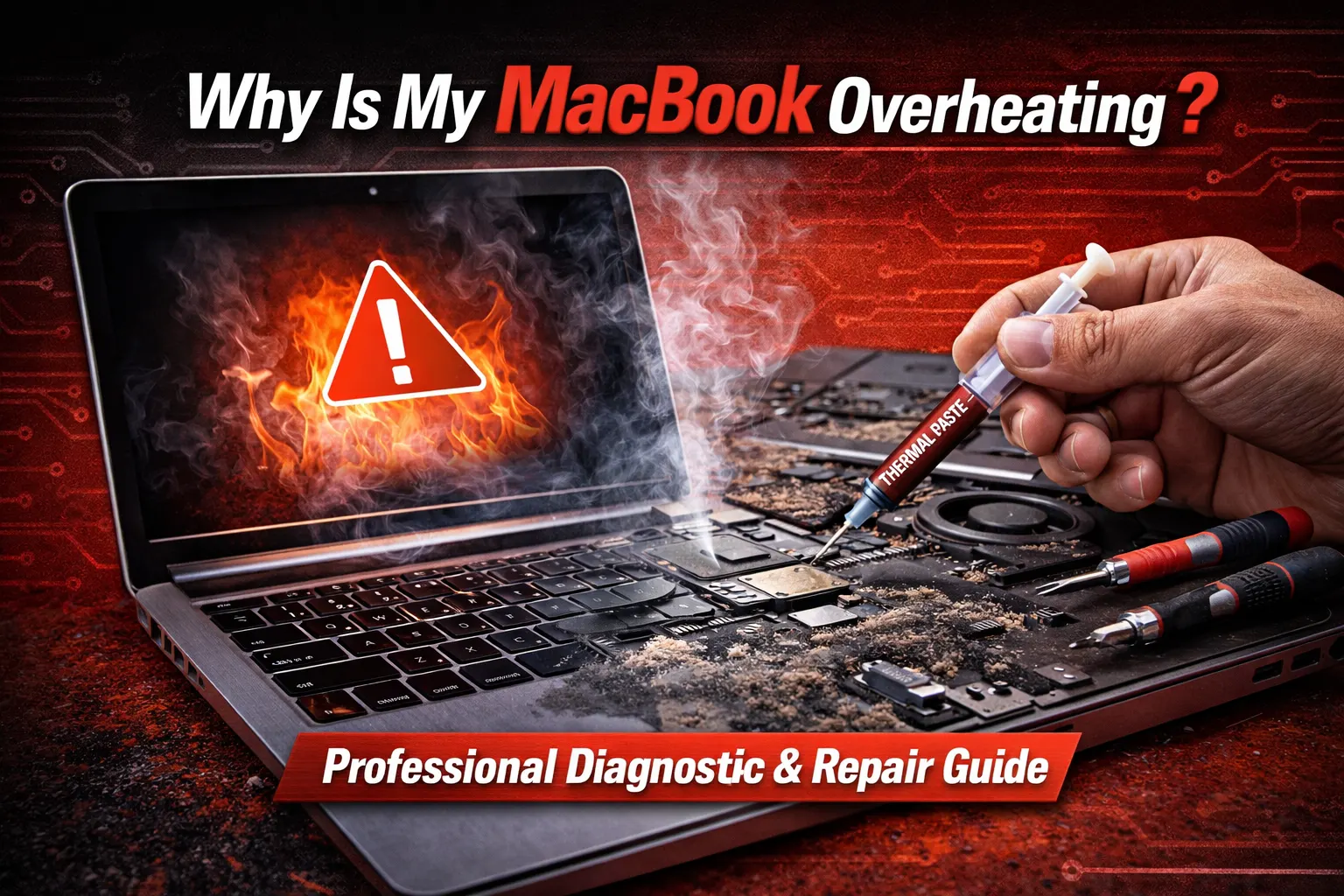
Why Is My MacBook Overheating? A Professional Diagnostic Guide
Blogs3 min read
No appointment needed

MacBook repair
A MacBook is usually the one machine everything else runs through, so a cracked display, a battery that will not hold a charge, a key that has stopped responding, or a Mac that shows nothing at all is rarely a small inconvenience. CELLTECH repairs supported MacBook Air and MacBook Pro models, covering screens, batteries, charging, keyboards, trackpads, liquid exposure and Macs that will not start.
Bring the machine in and describe what it is doing. It is inspected before any repair is named, and you get the available option, the price and the expected turnaround before a single screw comes out. For Windows machines and other brands, see our broader laptop repair service.
A MacBook fault is often one component rather than the whole machine. The diagnostic establishes which one before you are asked to spend anything.
Customers who trust CELLTECH

A customer holding up a repaired iPhone at the CELLTECH counter.
Screen repair, in store

A customer checking a repaired phone before leaving the store.
Charging port repair, in store

A customer on the shop floor after a same day repair.
Same day repair
A customer collecting his phone at the case wall.
Phone repair, in store

A customer outside the store after an iPhone 15 repair.
iPhone 15 repair

A customer with his repaired phone at the counter.
Phone repair, in store
A customer holding up his repaired phone in the store.
Phone repair, in store

A customer holding up his repaired phone on the mall concourse.
Phone repair, in store
I dropped it in the car park on a Tuesday morning and had written the phone off in my head by lunchtime. They took it in, quoted me on the spot and handed it back the same afternoon with the old panel in a bag so I could see what had actually broken.
Alicia R.
iPhone 14 Pro screen repair
It was down to twenty percent before lunch every single day and I assumed I was being sold a new battery whatever I said. They tested it in front of me first, showed me the health reading, then swapped it and had me out inside the hour.
Tomas G.
Galaxy S23 battery replacement
I put a full cup of coffee across the keyboard and had four years of work on there with no backup. They opened it the same day, cleaned the board properly rather than just drying it out, and every key on it still works months later.
Priya N.
MacBook Air liquid damage
The last place I used quoted one number on the phone and a different one at the counter. These people looked at the port, told me what it would cost before they touched anything, and that was exactly what I paid when I collected it.
Kevin M.
iPad 10th generation charging port
The back was shattered end to end and pieces of it were coming away in my hand. I left it with them on my lunch break, came back after work, and there is no seam and no gap anywhere on it. You would not know it had happened.
Samuel O.
Pixel 8 back glass repair
What actually decided it for me was the 90 day malfunction warranty, because I had been burned by a cheap repair before that failed inside a fortnight. Nothing has gone wrong with this one, but I would have had somewhere to go if it had.
Renata C.
iPhone 12 camera repair

What is it doing?
Start with what the Mac is actually doing. Open the description that matches it — each explains what the symptom can mean on a MacBook and what is worth checking before a repair is recommended.
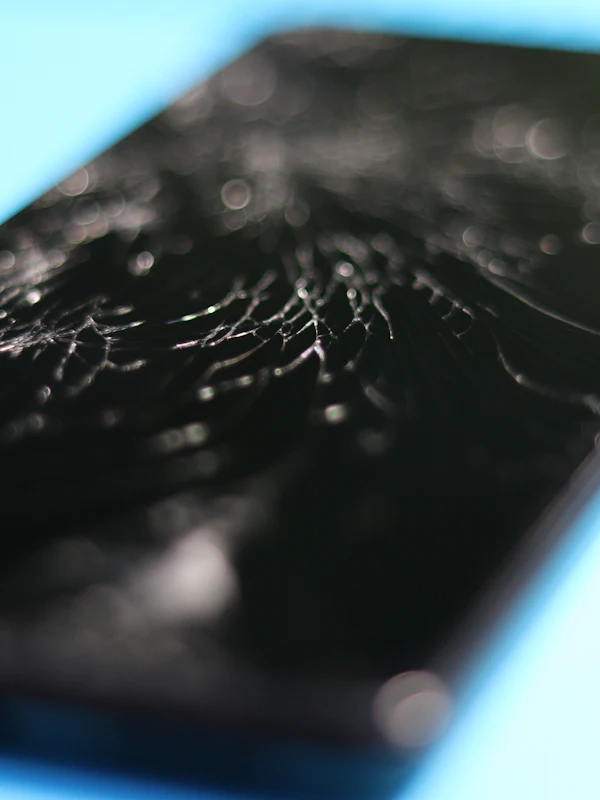
A damaged MacBook display can show more than broken glass, and on a Mac the panel and the lid assembly are closely tied together. You may see:
Cracked or chipped glass, Vertical or horizontal lines, Dark patches or blotches, A backlight that has failed
An image visible only under bright light
Flickering when the lid moves
A display that works at some angles only
A crack that appears small can still reach the panel behind it, and a display that flickers as the lid opens usually points at the cable that runs through the hinge rather than at the screen itself.
Avoid closing and opening the lid repeatedly while a display fault is developing, and have the machine inspected before a replacement is ordered.
macOS reports battery condition itself, which makes a Mac battery easier to judge than most. Signs worth acting on include:
A Service Recommended or Service Battery message
Runtime far below what it used to be
Shutdowns with charge still showing
A Mac that only runs while plugged in
Charge that jumps or drops suddenly
A trackpad that has become stiff or raised
Check the battery condition under System Settings, then Battery, and compare it with how the machine actually behaves. A condition reading of Normal does not rule out a fault, and Service Recommended does not always mean the battery has failed.
A trackpad that has started to sit proud of the case is the one symptom not to wait on, because it usually means the battery underneath has swollen. Stop charging the Mac and bring it in.
Charging on a Mac runs through the port, the cable, the adapter and the battery, and any of them can produce the same symptom. Look for:
No charging indicator at all, Charging only on one port
A connection that drops in and out
An adapter that gets unusually hot
A MagSafe connector that will not sit flat
Slow charging from a working adapter
MacBook generations charge differently. Some use MagSafe, some charge over USB-C, and several recent models support both, so the exact machine decides which part is involved.
Try a second known-good cable and adapter, and a different port, before assuming the port has failed. If only one port has stopped working, that narrows the fault considerably.
Apple has used more than one keyboard mechanism across MacBook generations, and the design in your machine changes what the repair involves. Symptoms include:
Keys that repeat characters, Keys that do nothing
A key that feels sticky or shallow
A row that has stopped responding, Keys that fail only when warm
The butterfly mechanism used on some models is far more sensitive to dust and crumbs than the scissor mechanism that replaced it, which is why a single unresponsive key is worth raising early rather than living with.
Tell the store whether the machine has had liquid near it, because a keyboard fault after a spill is a different job from a worn key.
A trackpad fault on a Mac is not always the trackpad. What you may notice:
The cursor jumping or stuttering, Clicks that do not register, A surface that feels raised, Gestures that stop working, A trackpad that clicks constantly
Where the trackpad has started to feel raised or clicks on its own, a swollen battery underneath is a common cause and the machine should be brought in rather than kept in use.
Where the surface is flat and the fault is in the tracking, the trackpad, its cable or a software setting are all worth checking before a part is replaced.
A Mac showing nothing at all is not automatically a dead machine. The fault may sit in:
The battery, The charging system, The display or backlight, The logic board, The startup software
Listen and look for the signs of life that narrow it down: a startup chime, a fan, a keyboard backlight, or a faint image under a bright light. A Mac that makes a sound but shows nothing is usually a display problem rather than a power one.
Leave the machine on a known-good charger for a while before assuming the worst, and tell the store what it did last before it stopped.
A spill on a Mac spreads through the keyboard into the parts underneath, and the damage continues after the surface has dried. Symptoms can include:
Keys that stopped after a spill, A trackpad that no longer clicks
A machine that will not power on
Speakers that crackle or cut out, Ports that no longer register
Do not power the Mac on to test it and do not put it on charge. Both push current through components that are still wet and can turn a recoverable machine into an unrecoverable one.
Bring it in as it is and say what was spilled and when. Liquid damage is assessed rather than quoted from a description, and no outcome is promised before that assessment.
Heat and fan noise are symptoms rather than faults, and on a Mac they usually have a cause worth finding. Common patterns include:
Fans at full speed while idle
A case too hot to rest on
Performance that drops under load, Shutdowns during heavy work, Dust visible in the vents
Software is the first thing to rule out. Activity Monitor will show whether a process is holding the processor at full load, and a machine that runs cool once that process is closed does not need a repair.
Where the machine runs hot with nothing demanding running, blocked vents, dust, failing fans or aged thermal paste are the usual causes and the Mac should be inspected.
What we repair
Repairs available for supported MacBook Air and MacBook Pro models. Which of them applies to your machine is confirmed by the diagnostic, not by the symptom alone.
Display replacement for cracked panels, failed backlights, lines and dark patches. On several MacBook generations the display is supplied as a complete lid assembly, so the exact model decides both the part and the price of a MacBook screen repair.
Battery replacement for Macs reporting Service Recommended, shutting down early, or running only on mains power. A swollen battery is treated as urgent, because the pressure reaches the trackpad and the case before it reaches anything else.
Repair for MagSafe and USB-C charging faults, ports that no longer hold a connection, and Macs that will not power on. The adapter, cable, port and battery are tested against one another so the failed part is the one that gets replaced.
Repair for unresponsive or repeating keys, sticky keys after a spill, and trackpads that will not click or track. Both butterfly and scissor keyboard generations are supported, subject to parts availability for the exact model.
Your model
Parts, price and turnaround all follow the exact machine, and MacBooks that look alike from the outside can differ completely inside. The generations CELLTECH supports include:
Repair availability depends on the generation rather than the family name, so a MacBook Air from one year and a MacBook Air from another can need different parts for the same fault.
Open the Apple menu and choose About This Mac. The model name and year appear there, and System Information lists the serial number underneath. If the Mac will not start, the model identifier is also printed in small type along the underside of the case, and a technician can read it from there.
MacBooks built on Apple silicon and those built on Intel processors are laid out differently inside, which affects what can be replaced and what has to be configured afterwards. About This Mac names the chip. Bring that detail with you and the availability question is answered faster.
Some Mac repairs require configuration after a component is replaced. If that applies to your model, ask what is involved before approving the work.

Diagnostics
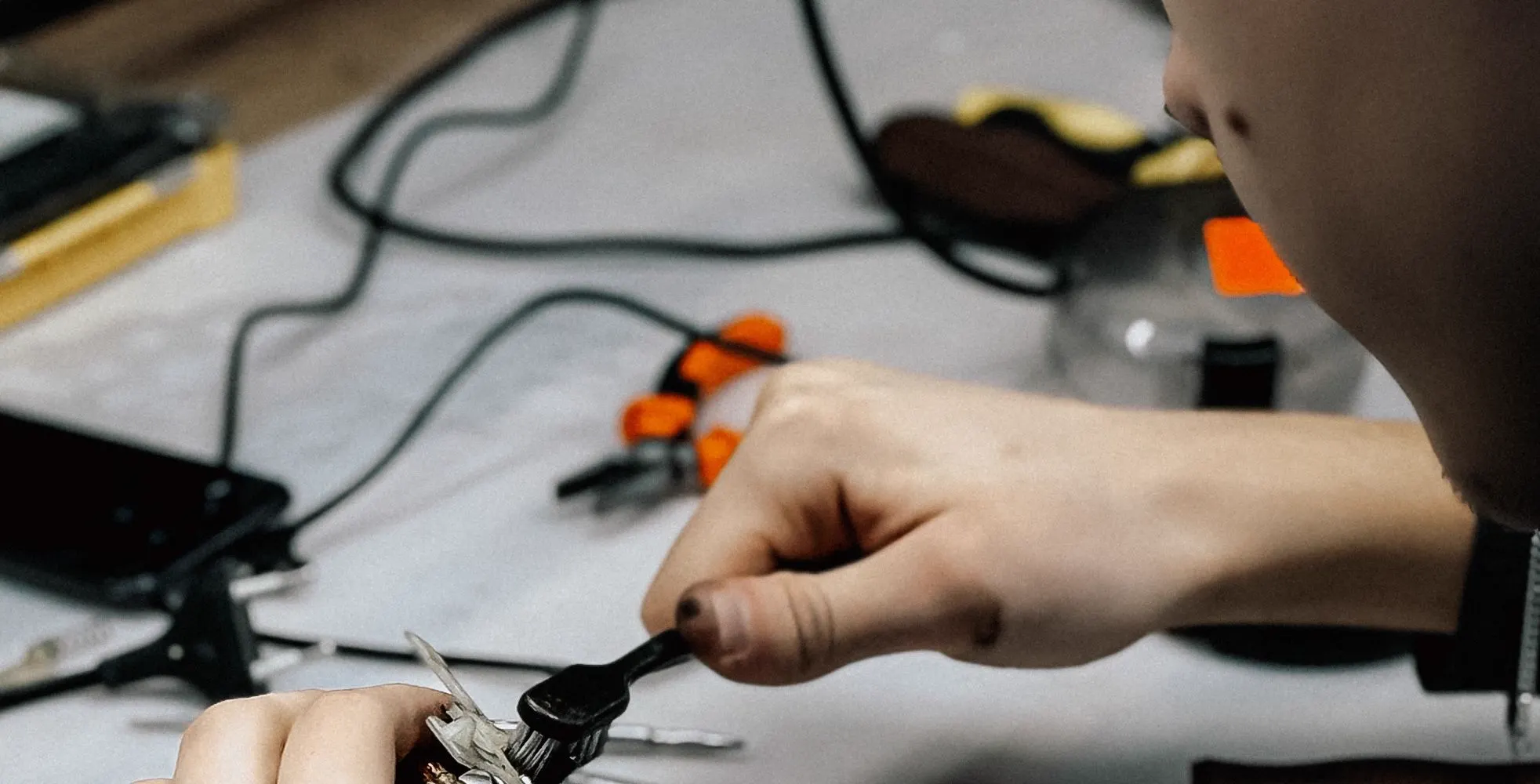
The diagnostic exists to name the failed part before anything is ordered or opened. Depending on the symptom, it can cover:
A MacBook can show one symptom for several different reasons, and the most visible fault is not always the only one. A machine that arrives for a screen can turn out to have taken the impact through the hinge as well.
Apple Diagnostics can be run on the machine where it starts, and the result is read alongside the physical inspection rather than instead of it. You are told what was found either way, whether or not you go ahead.
How it works
Describe the fault and what happened before it started: a drop, a spill, an update, or nothing at all. Mention any work done previously, because that changes what we look at first.
The machine is inspected and tested against the symptom, and the model and chip are confirmed. The obvious fault is rarely the only one, so related components are checked in the same pass.
You get the component involved, the price, the expected turnaround, and any configuration the model needs afterward, all explained before you are asked to approve anything.
You decide whether to go ahead. Nothing is opened until the repair and its price have been explained, and the diagnostic findings are yours whether you continue or not.

Pricing
There is no single price for MacBook repair. What it costs depends on the machine in front of us and the part that has actually failed.
Two MacBooks with the same name and different years can take different displays, batteries and keyboards. The generation is what the quote is built from, which is why it is confirmed before a figure is given.
A battery replacement, a display, a charging port and a keyboard are different amounts of work and different parts. The diagnostic decides which one you are actually paying for.
Some MacBook components are supplied individually and others only as a complete assembly. Where a display comes as a full lid, the price reflects that, and you are told which it is before the work is approved.
A drop that cracked a screen can also reach the hinge, the case or the ports. Faults found during the diagnostic are quoted together, because the machine only has to be opened once.
Availability varies between current and older MacBook generations. Where a component has to be ordered, that affects turnaround more than price, and the store will tell you which situation you are in.
Certain Mac components need configuring once fitted. Where that applies to your model, it is part of the quoted work rather than an extra discovered later.
The MacBook is inspected before a price is given, so the figure you approve reflects the machine on the bench rather than an estimate offered over the phone.
A quote covers the replacement component and the labor to fit it, and qualifying repairs carry the 90 day malfunction warranty. Compare what is included rather than the headline number alone.
Turnaround
You are told the expected turnaround with the quote, before you decide.
A diagnostic is usually completed while you wait, and straightforward work on a supported model can often be finished the same day when the component is in stock. MacBook repair time depends on:
Whether more than one fault is found
A battery or a charging repair on a common model is usually among the quicker jobs. A display supplied as a complete lid assembly, or a machine with liquid inside it, takes longer and is quoted that way.
Where a part has to be ordered for an older MacBook, the wait is on the component rather than the work, and you are told that up front instead of discovering it later.
Your CELLTECH store can give a firmer estimate once the model has been confirmed and the fault identified.
Repair or replace
A MacBook holds its value longer than most machines, which changes this calculation. A quote is what makes it answerable.
Repair also avoids the time it takes to migrate accounts, files and applications onto a new machine, which is often the larger cost of replacing a Mac.
A diagnostic gives you a real number to weigh against a replacement, and you are free to take it away and think about it.

Before your visit
A few minutes beforehand makes the visit shorter and the repair simpler.
Most hardware repairs do not require your files to be removed, but a current backup is still the right precaution before any machine is opened. Time Machine to an external drive, or iCloud, are both fine.
Repaired functions are tested before you leave, and that usually means signing in. Bring the account password, and the FileVault password if the disk is encrypted, or several checks cannot be completed in store.
Activation Lock can prevent some post-repair steps. Where the Mac still starts, signing out of Find My beforehand avoids a delay. Where it does not start, bring proof of ownership instead.
For a charging fault, the adapter and cable are part of the diagnosis. Bringing them lets the store test your setup rather than a substitute, which sometimes finds the fault in the accessory instead of the Mac.
About This Mac gives the model, year and chip in one place. Noting them before you leave home means parts availability can be checked while you are at the counter.
Earlier work, a spill however long ago, or a machine that has been opened before all change what the technician looks at first. It is worth saying even if it seems unrelated.
After the repair
Depending on the work done, test the relevant functions before you leave the counter:
Touch ID where the model has it
If anything behaves differently from how it did before, say so at the counter rather than after you get home. It is far easier to look at while the machine is still on the bench.
Warranty
Qualifying MacBook repairs carry a 90 day malfunction warranty. If the repaired or replaced component develops a covered malfunction inside that period, bring the Mac and your repair information back and it will be reviewed under the applicable terms. New accidental damage, a fresh spill, or an unrelated fault are handled separately. Before approving service, you can ask:
Why CELLTECH
A Mac is worth diagnosing properly before anything is replaced, because the visible symptom and the failed part are often not the same thing. At CELLTECH:
Other repairs
CELLTECH also repairs the rest of what you carry, and handles Windows machines and other brands through our broader laptop repair service.
Our locations
CELLTECH provides MacBook repair across Dallas and El Paso. Many CELLTECH locations are inside major shopping centers.
Use the store finder to choose your nearest location and view current contact information, directions, and store hours.
Seven Texas stores · Open 7 days a week

13350 Dallas Pkwy, Kiosk 6505, Dallas, TX 75240
Find CELLTECH located on Level 2 by Bath and Body Works.

3811 S Cooper St, Suite 2402, Arlington, TX 76015
Find CELLTECH located on Level 2 next to GameStop.
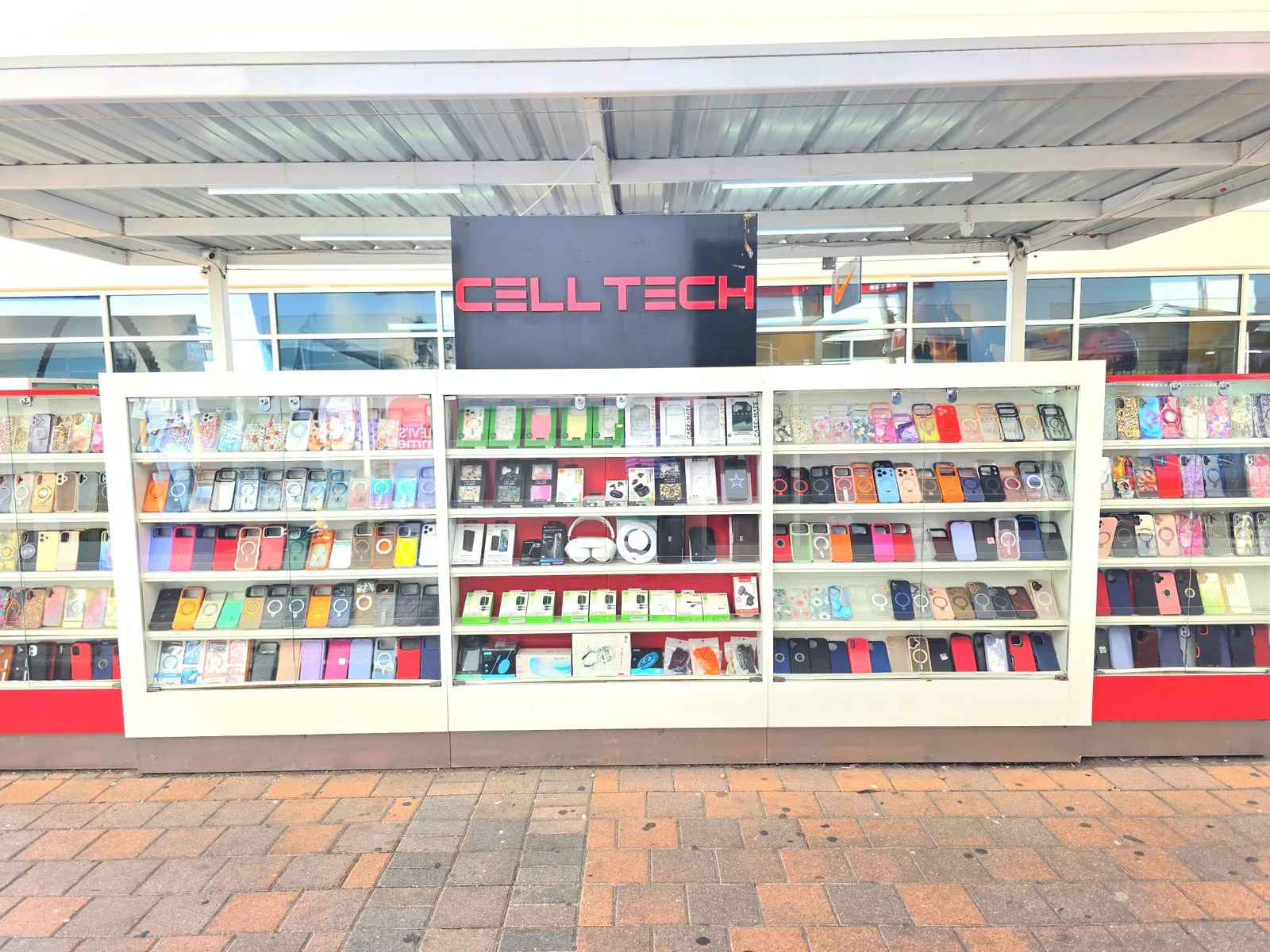
2950 W Interstate 20, Grand Prairie, TX 75052
Visit CELLTECH at Grand Prairie Premium Outlets.

2063 Town East Mall, Kiosk 2208, Mesquite, TX 75150
Find CELLTECH located on Level 2 inside Town East Mall.

1101 Melbourne Rd, Kiosk 92, Hurst, TX 76053
Find CELLTECH in front of James Avery inside North East Mall.
8401 Gateway Blvd W, Kiosk K113, El Paso, TX 79925
Find CELLTECH located on Level 2 inside Cielo Vista Mall, in front of Hollister & Zumiez.
2601 Preston Rd, Suite 2210, Frisco, TX 75034
Visit CELLTECH at Stonebriar Centre in Frisco.
Straight answers to what people usually ask before bringing a Mac in.
Yes, for supported MacBook Air and MacBook Pro models. On several generations Apple supplies the display as a complete lid assembly rather than a bare panel, so the exact model and year decide both the part and the price. The Mac is inspected first to confirm whether the damage stopped at the glass or reached the panel behind it.
Open System Settings, then Battery, and look at the condition. A Service Recommended message, runtime well below what you are used to, shutdowns with charge still showing, or a Mac that only runs on mains power are all worth having checked. A trackpad that has started to sit raised is the urgent one, because that usually means the battery has swollen.
On a MacBook that is a classic sign of a swollen battery pressing up against the trackpad from underneath. Stop charging the machine and bring it in rather than continuing to use it. Left alone, the pressure can go on to distort the case and the keyboard as well.
Yes. MacBook generations charge differently, some over MagSafe, some over USB-C, and several recent models support both. The charging hardware inside differs accordingly, so the exact model is confirmed before a charging repair is quoted.
It depends on the model and the keyboard mechanism it uses. Apple has shipped both butterfly and scissor designs, and what can be replaced individually differs between them. The Mac is inspected so you are told which applies to yours before anything is approved.
Do not power it on to test it and do not put it on charge. Both push current through components that may still be wet. Bring the machine in as it is and say what was spilled and when. Liquid damage is assessed rather than quoted from a description.
Not necessarily. A Mac that will not start often has a working drive behind a failed display, battery or charging component, and restoring normal operation can be enough to reach the files. It should be assessed before any conclusion is drawn about the data.
Most hardware repairs do not require your data to be removed. A current Time Machine or iCloud backup is still recommended before any machine is opened, and no data-retention outcome is promised before the Mac has been inspected.
Repaired functions are tested before you collect the Mac, and most of those checks need the machine signed in. Bring the account password, and the FileVault password if the disk is encrypted, or several tests cannot be completed in store.
It depends on the model and year, which component failed, how Apple supplies that part, and whether more than one fault is found. CELLTECH inspects the Mac and gives you a price and an expected turnaround before any work begins.
The diagnostic is usually done while you wait. Straightforward work on a supported model can often be completed the same day when the component is in stock, while display assemblies, older generations and liquid damage take longer. You are told the expected turnaround with the quote.
Qualifying repairs carry a 90 day malfunction warranty covering the repaired or replaced component under the applicable terms. New accidental damage, a fresh spill and unrelated faults are treated separately.
Yes. This page covers MacBook repair specifically; our laptop repair service covers Windows machines and other brands, including screens, batteries, charging, keyboards and machines that will not start.
Often, yes. A Mac that still runs a supported macOS version and performs well otherwise is usually worth a single-component repair, and repairing avoids the time it takes to migrate everything onto a new machine. A quote gives you a real number to compare against a replacement.
From the workshop
Blogs3 min read
Blog7 min read
Blog12 min read
Blog9 min read
A MacBook fault that gets worked around rarely stays the same size. A key becomes a keyboard, a swelling battery becomes a trackpad and a case, a small crack reaches the panel. Bring the machine to your nearest CELLTECH store and find out which single part has failed before it becomes several.