




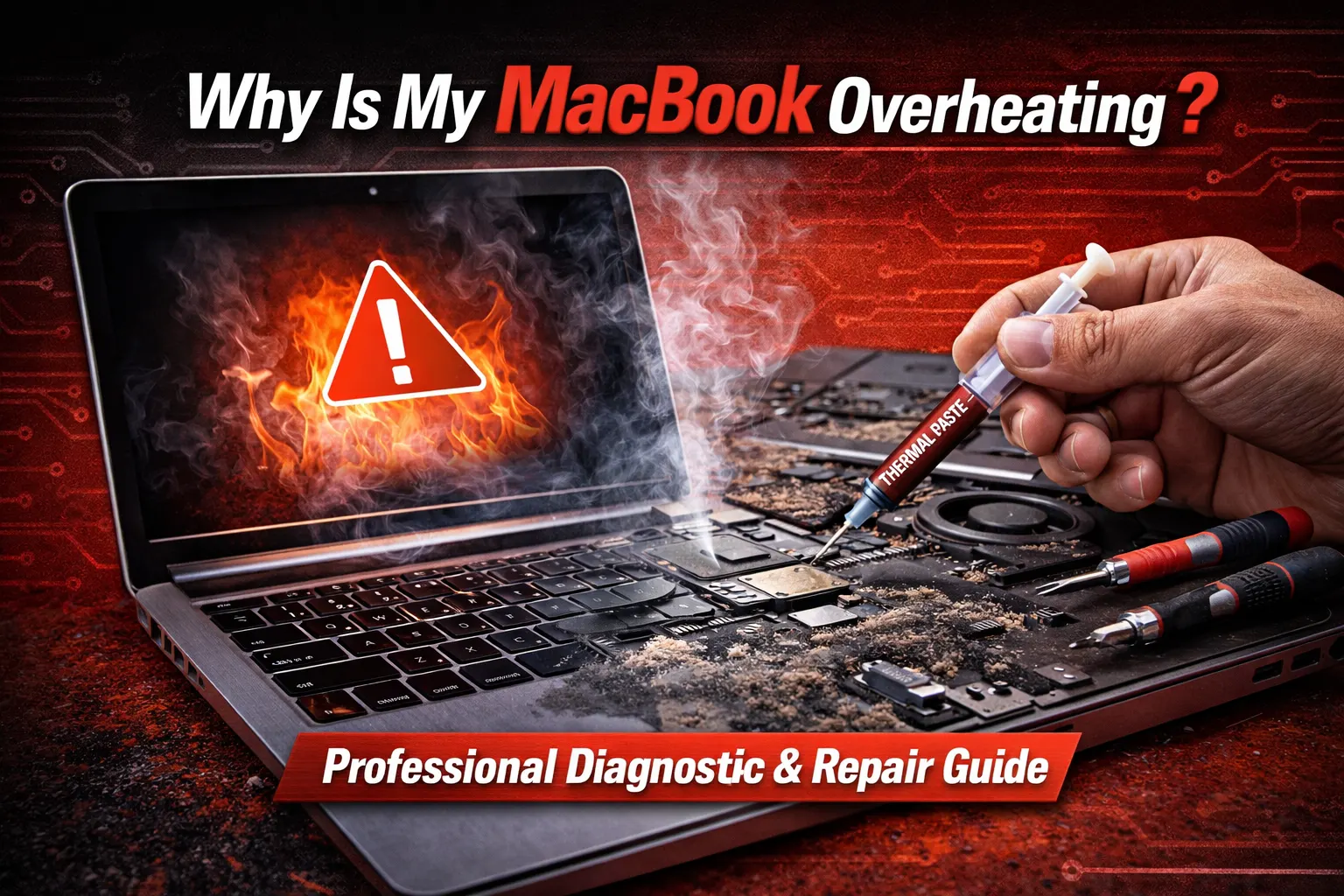
Why Is My MacBook Overheating? A Professional Diagnostic Guide
Blogs3 min read
No appointment needed
Laptop and MacBook repair
A cracked laptop screen, weak battery, charging problem, damaged keyboard, or device that does not turn on can interrupt work, school, communication, and everyday tasks. CELLTECH provides laptop repair services across Dallas and El Paso for supported MacBook and Windows laptop models. Common problems can include damaged screens, battery issues, charging problems, keyboard and touchpad faults, overheating, hinge damage, liquid exposure, and laptops that do not start correctly.
Need your laptop working again quickly? You do not need to diagnose the problem yourself. Bring your laptop to a CELLTECH store, explain what is happening, and we can inspect the device before explaining the available repair options, expected repair time, and price.
Customers who trust CELLTECH

A customer holding up a repaired iPhone at the CELLTECH counter.
Screen repair, in store

A customer checking a repaired phone before leaving the store.
Charging port repair, in store

A customer on the shop floor after a same day repair.
Same day repair
A customer collecting his phone at the case wall.
Phone repair, in store

A customer outside the store after an iPhone 15 repair.
iPhone 15 repair

A customer with his repaired phone at the counter.
Phone repair, in store
A customer holding up his repaired phone in the store.
Phone repair, in store

A customer holding up his repaired phone on the mall concourse.
Phone repair, in store
I dropped it in the car park on a Tuesday morning and had written the phone off in my head by lunchtime. They took it in, quoted me on the spot and handed it back the same afternoon with the old panel in a bag so I could see what had actually broken.
Alicia R.
iPhone 14 Pro screen repair
It was down to twenty percent before lunch every single day and I assumed I was being sold a new battery whatever I said. They tested it in front of me first, showed me the health reading, then swapped it and had me out inside the hour.
Tomas G.
Galaxy S23 battery replacement
I put a full cup of coffee across the keyboard and had four years of work on there with no backup. They opened it the same day, cleaned the board properly rather than just drying it out, and every key on it still works months later.
Priya N.
MacBook Air liquid damage
The last place I used quoted one number on the phone and a different one at the counter. These people looked at the port, told me what it would cost before they touched anything, and that was exactly what I paid when I collected it.
Kevin M.
iPad 10th generation charging port
The back was shattered end to end and pieces of it were coming away in my hand. I left it with them on my lunch break, came back after work, and there is no seam and no gap anywhere on it. You would not know it had happened.
Samuel O.
Pixel 8 back glass repair
What actually decided it for me was the 90 day malfunction warranty, because I had been burned by a cheap repair before that failed inside a fortnight. Nothing has gone wrong with this one, but I would have had somewhere to go if it had.
Renata C.
iPhone 12 camera repair
Why CELLTECH
Laptop problems are not always caused by the first component that appears damaged. A laptop that does not turn on could have a battery, charger, charging connection, display, or another hardware problem. A black screen does not always mean that the entire laptop has failed. CELLTECH starts with the symptoms and exact device before recommending a repair. When you choose CELLTECH, you also get fast service options and warranty protection after the repair. At CELLTECH:
What we fix
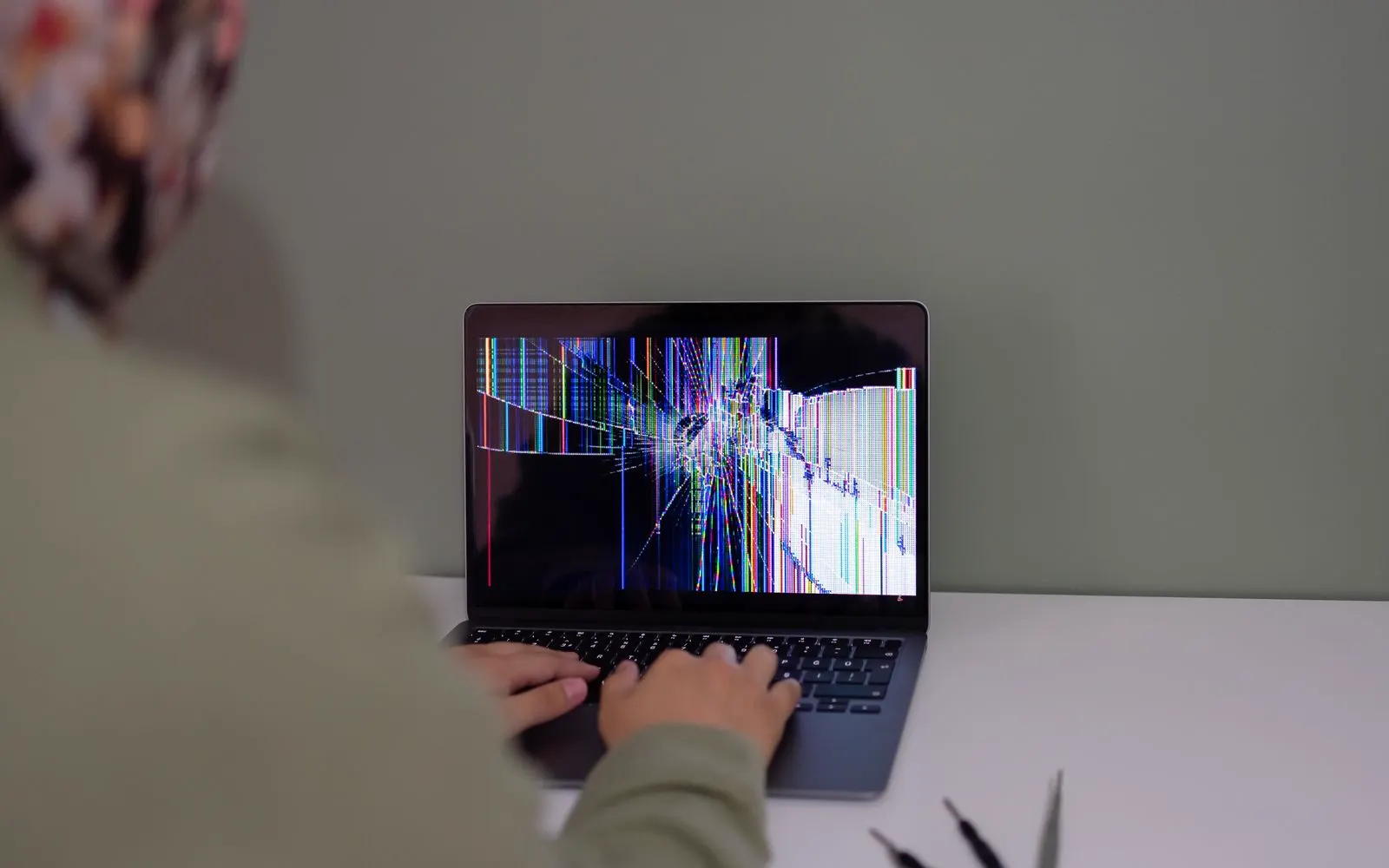
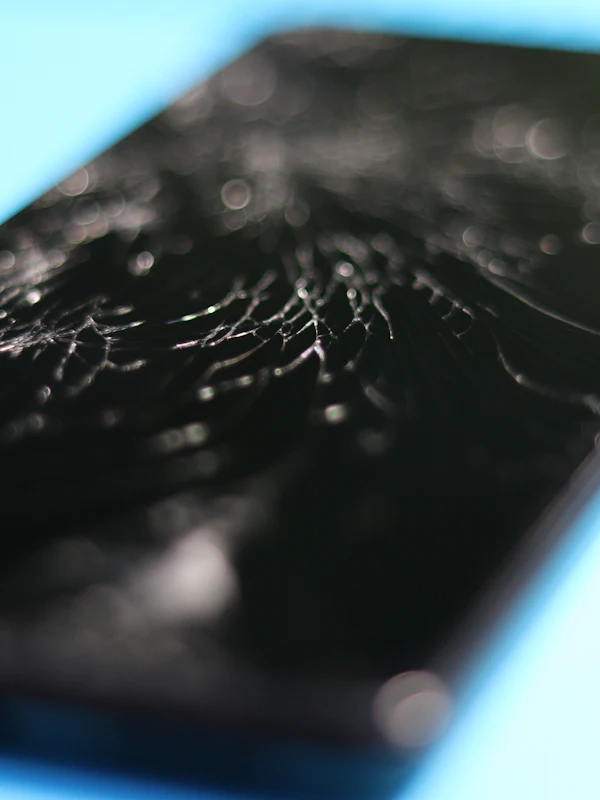
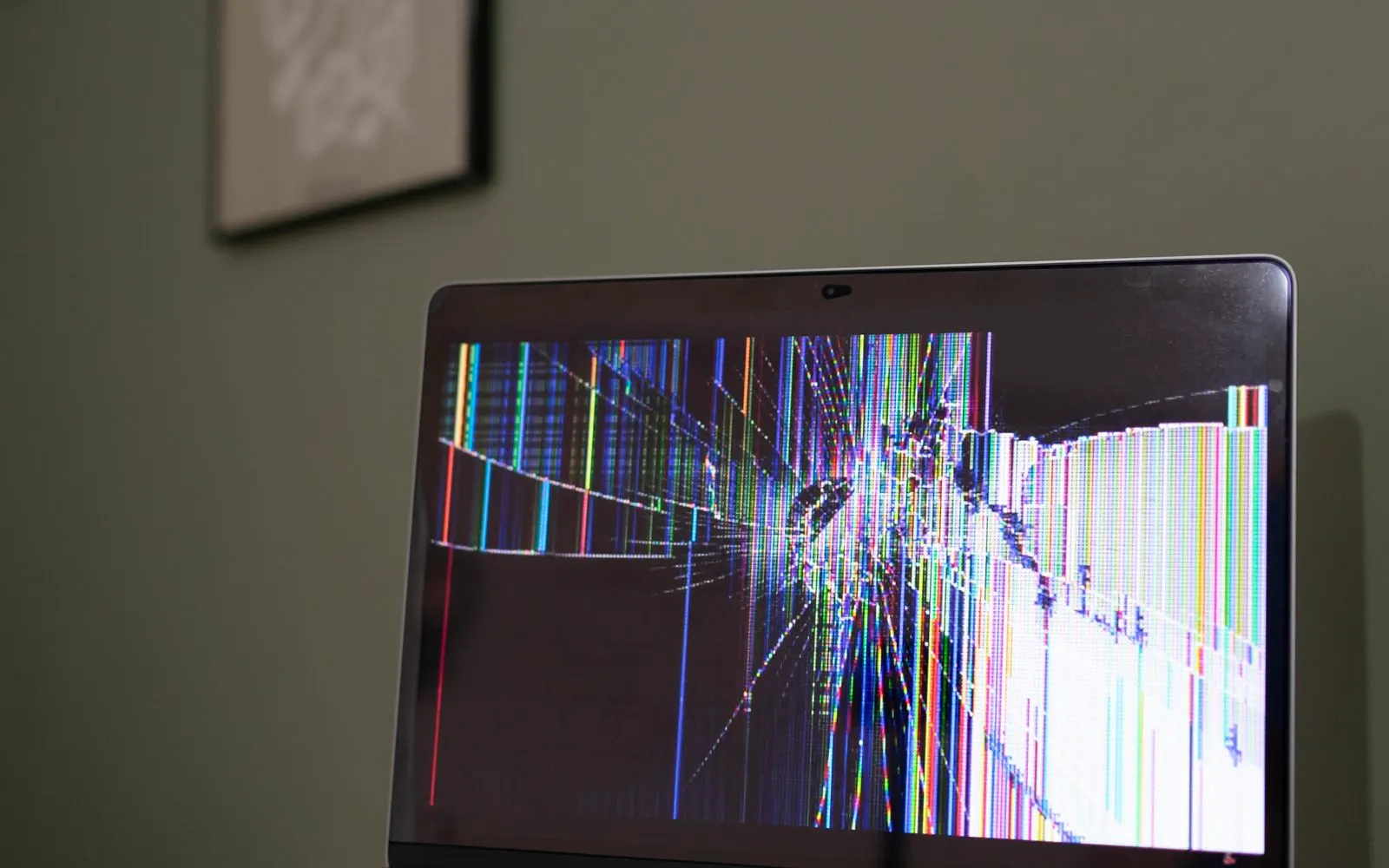
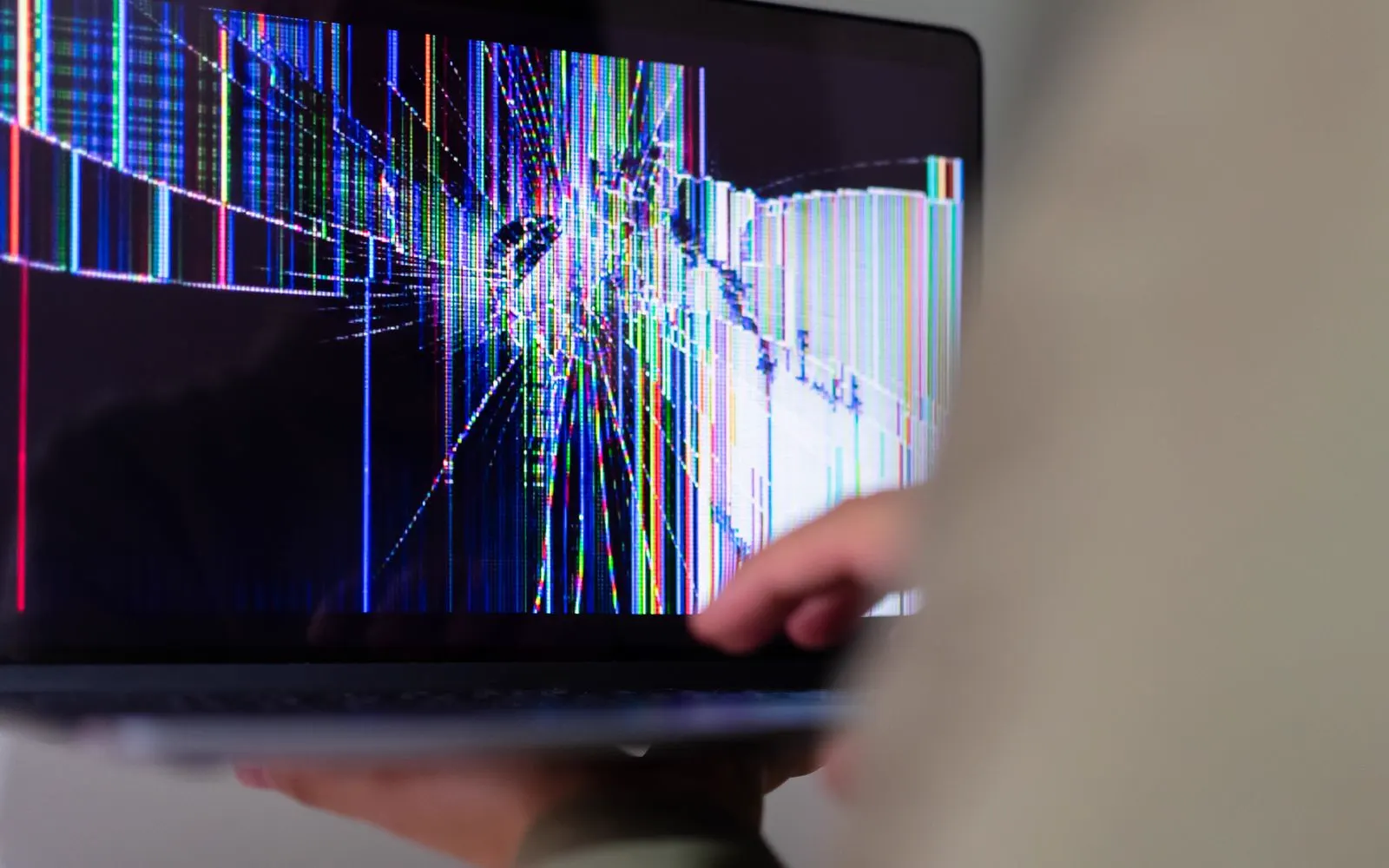
Laptop screens can develop problems after drops, pressure, impact, or normal hardware failure. Possible symptoms include:
Cracked display, Black screen, Colored lines, Flickering, Dark areas, White screen, Image distortion, Missing sections of the image, Brightness problems
Screen displaying an image only at certain angles
The outer surface can sometimes appear undamaged even when the LCD or other display hardware underneath has failed.
The exact replacement screen depends on your laptop model, screen size, resolution, connector, and display configuration.
Explore Laptop Screen Repair
A black laptop screen does not automatically mean the entire device has stopped working. You may still notice:
Power lights, Keyboard lights, Fan activity, Startup sounds, Charging indicators
The device connecting to an external display
Possible causes can involve:, Laptop display, Display connection, Graphics related hardware, Power, Software, Another internal component
The device should be inspected before screen replacement is recommended.
If a display related repair is confirmed, CELLTECH can explain:
Replacement component, Parts availability, Expected repair time
Display problems can appear as:
Flickering, Green lines, Pink lines, White lines, Vertical or horizontal lines, Image distortion, Brightness changes, Screen cutting in and out
Restarting the laptop and checking available software updates can help rule out some temporary software issues.
If the problem began after impact, pressure, or physical damage, the screen or display connection should be inspected.
If the image appears, disappears, flickers, or changes when the laptop lid moves, the problem may involve more than the display panel itself. Possible causes can include:
Display connection, Screen assembly, Hinge related damage, Cable wear, Another internal component
Inspection can help determine which part is actually causing the problem.
If a cable, display, or related component requires repair, CELLTECH can confirm the fastest available service option.
Battery
Laptop batteries gradually lose their ability to hold charge as they age. Possible signs that a battery needs attention include:
Device only working while connected to power
A battery symptom does not automatically confirm that battery replacement is required.
The charger, charging connection, software, and other power related components can sometimes produce similar problems.
If your laptop shuts down shortly after the charger is disconnected, battery performance may be one possible cause. However, the battery should not automatically be replaced without considering the device and power system. CELLTECH can inspect the symptoms and explain the available repair options. If battery replacement is confirmed, ask about:
Battery availability, Repair price
Charging related messages can sometimes indicate a battery problem, but they can also involve:
Charger, Charging cable, Charging port, Battery connection, Power related hardware, Software or firmware
The cause should be identified before a battery replacement is recommended.
Supported MacBook models can provide battery condition information within macOS. You may see battery information such as Normal or Service Recommended, depending on the Mac and macOS version. Battery health information should be considered together with actual everyday performance. If your MacBook battery no longer provides useful runtime, shuts down unexpectedly, or shows a battery service message, CELLTECH can inspect the device and explain available repair options.
Charging
A laptop that does not charge does not automatically need a replacement battery. Possible causes can include:
Where practical, test the device with a compatible charger before assuming that the charging port or battery has failed.
If charging continues to fail, the laptop should be inspected.
Many modern laptops can use USB-C for charging. However, not every USB-C charger provides the same amount of power. Charging problems can include:
Laptop not charging, Slow charging, Charging disconnecting, Device only charging through one port, Cable feeling loose, Charging working intermittently
The charger, cable, port, and exact laptop power requirements should be considered before repair is recommended.
If the USB-C charging connection is confirmed as the affected component, CELLTECH can check:
Repair availability, Repair time, Parts availability
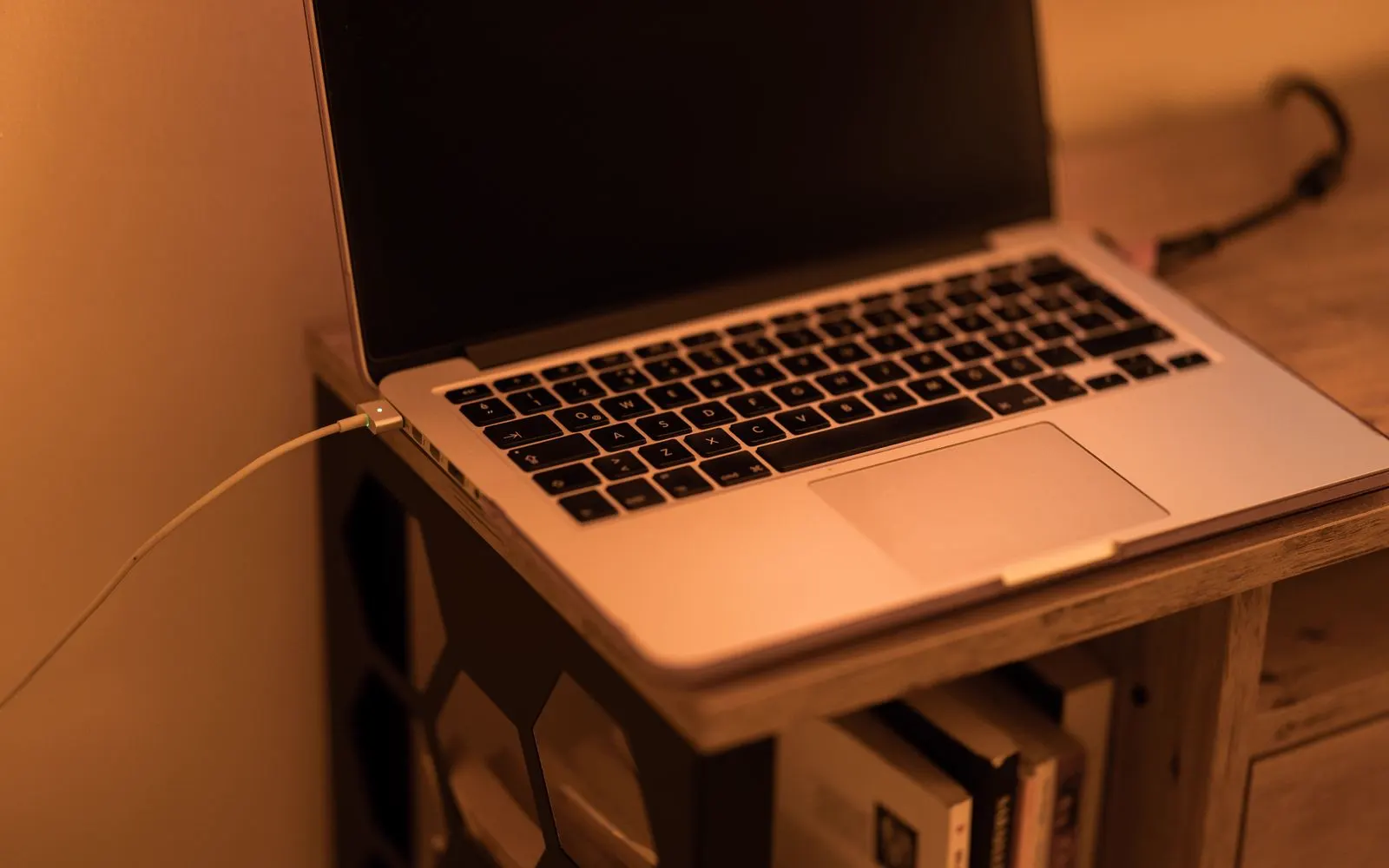
Different MacBook generations can use different charging connections. Depending on the model, charging may involve USB-C, MagSafe, or another supported Apple charging configuration. If a MacBook does not charge, the problem can involve:
Power adapter, Cable, Charging connection, Battery, Software, Internal power hardware
The exact MacBook model should be identified before the repair is determined.
Keyboard
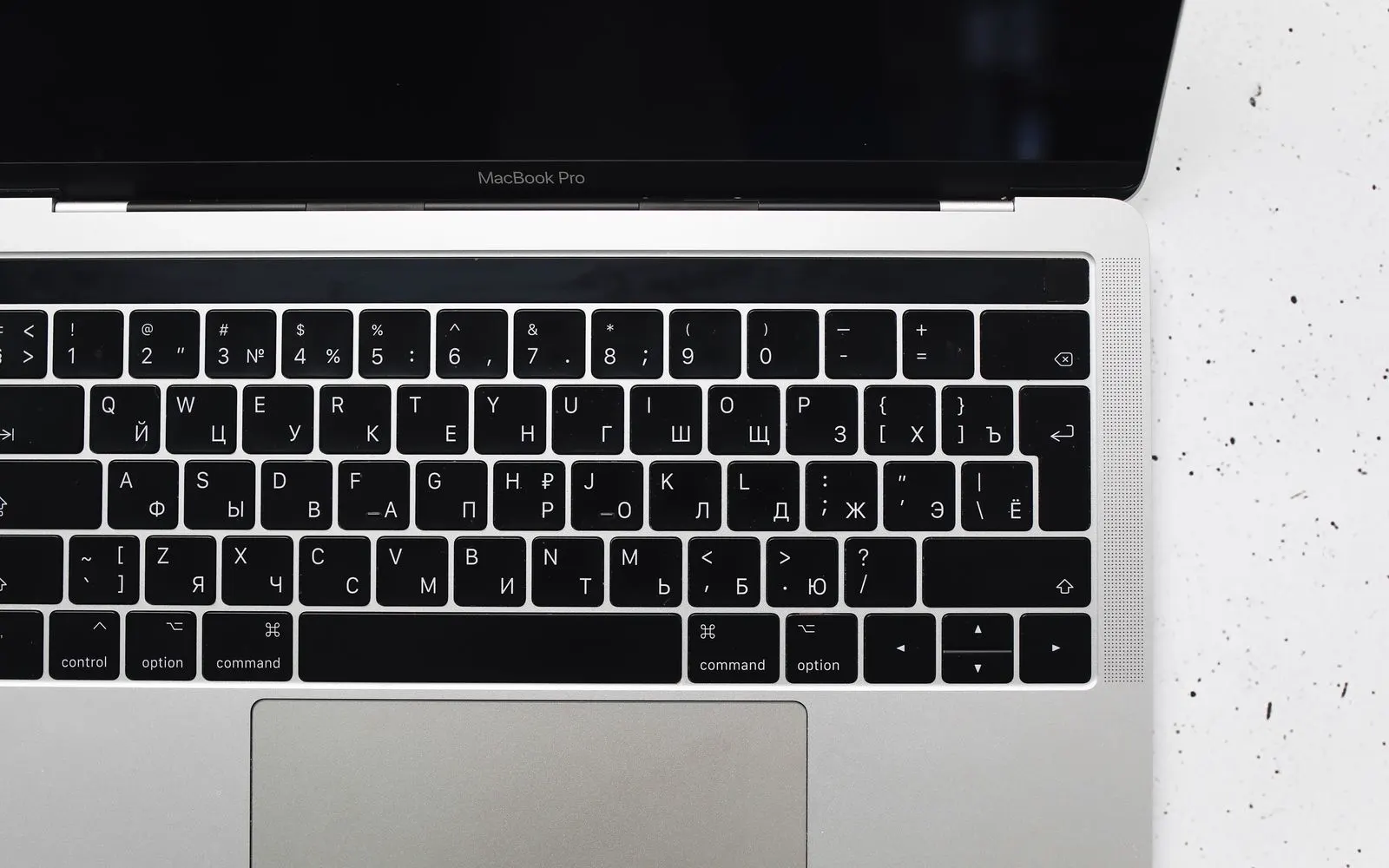
Keyboard problems can make an otherwise working laptop difficult to use. Possible symptoms include:
Before assuming that the keyboard needs replacement, restart the device and check whether the problem occurs consistently across different applications.
External keyboard testing can also provide useful information during diagnosis.
Repair availability depends on the exact laptop model and keyboard construction.
Touchpad
Touchpad problems can include:
Some laptops also allow the touchpad to be disabled through a keyboard shortcut or system setting, so basic checks can help before hardware repair is recommended.
Hinges
Laptop hinges experience repeated movement every time the device is opened and closed. Possible hinge related symptoms include:
Do not continue forcing a damaged or unusually stiff hinge.
Additional pressure can sometimes damage the display housing, frame, or internal display connection.
Repair availability depends on the laptop model and extent of damage.
Cooling
A laptop can become warm during demanding work such as gaming, video editing, software updates, or other intensive tasks. However, persistent overheating or unusual fan behavior may need attention. Possible symptoms include:
Do not block laptop ventilation while the device is in use.
If overheating continues during normal operation, have the device inspected.
No power
A laptop that does not start should not automatically be treated as a battery problem. Possible causes can involve:
Look for:
Charging lights, Keyboard lights, Fan movement, Startup sounds, Display backlight
Other signs that the device is receiving power
If the laptop appears to be running but the display remains black, the screen or display system may be involved.
If the device shows no response at all, broader diagnosis may be required.
Liquid damage
Liquid exposure can affect more than one laptop component at the same time. Possible symptoms include:
If liquid has entered the laptop and the device is behaving abnormally, avoid repeatedly powering or charging it as a way of testing whether it still works.
Liquid related repair should begin with inspection because more than one internal component may be affected.
A 20 minute repair should not automatically be expected for liquid damage.
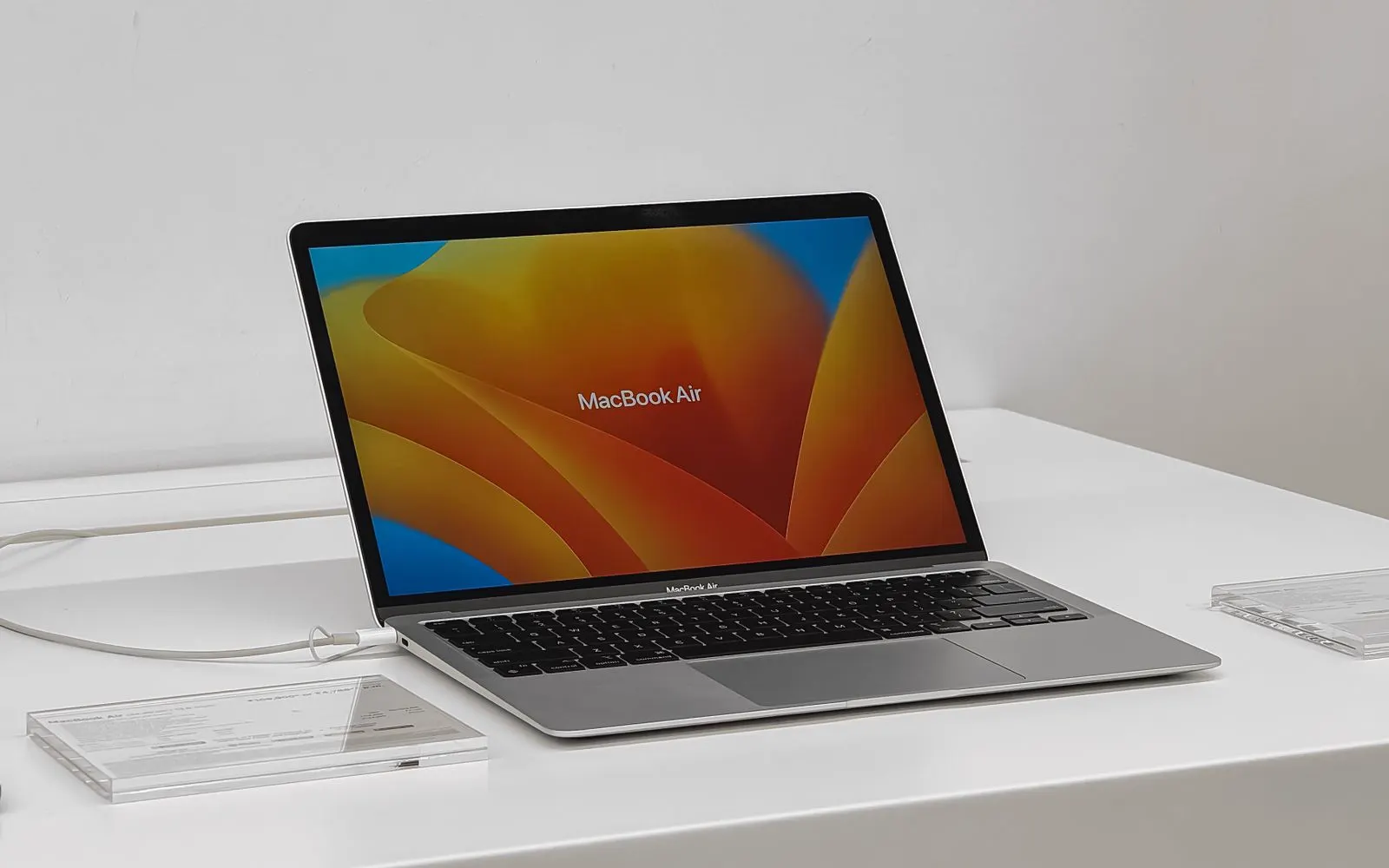
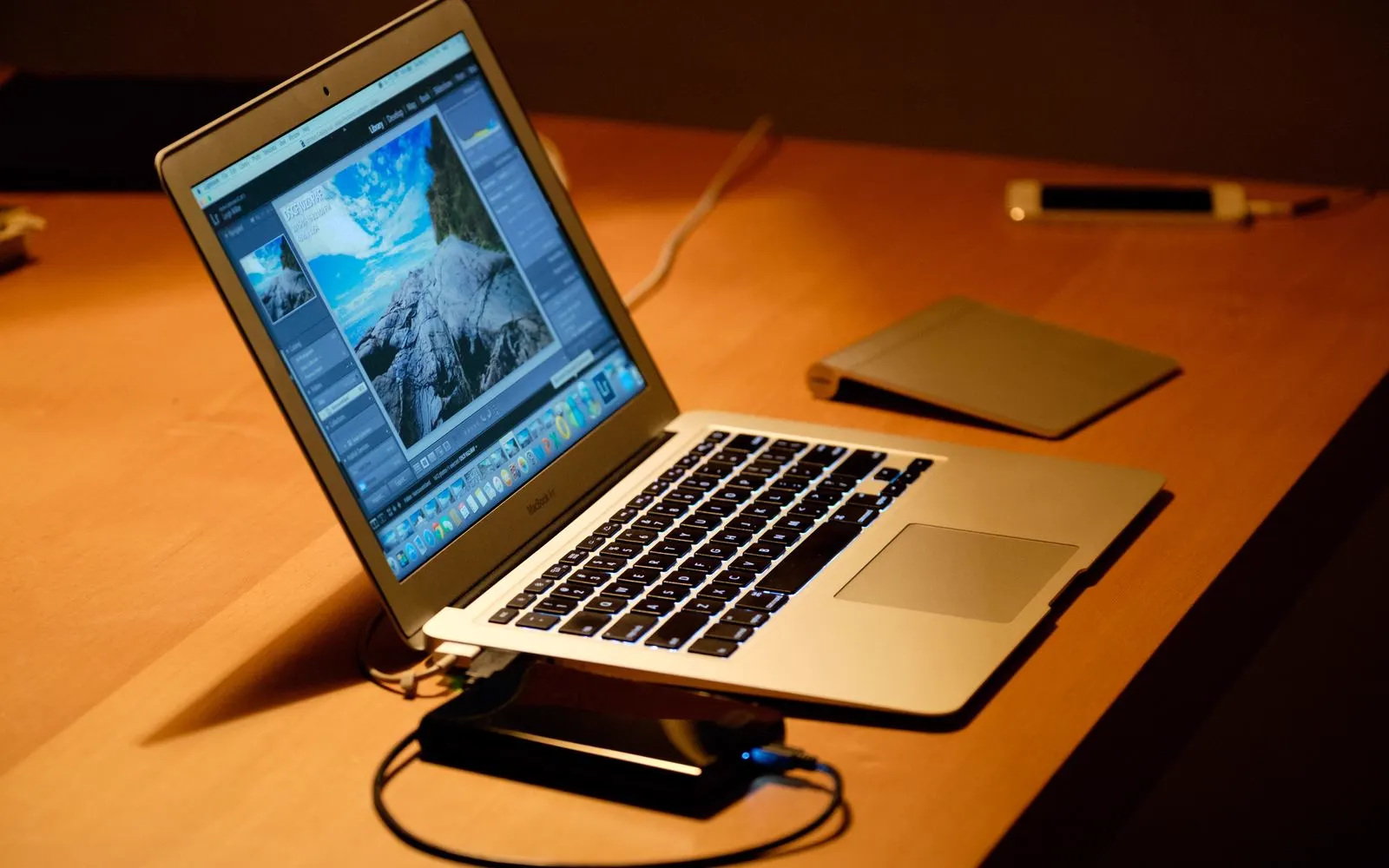
MacBook
CELLTECH provides repair options for supported MacBook models. This can include devices from Apple laptop families such as:
Repair availability depends on the exact MacBook Air generation and affected component. Common problems can include:
Screen damage, Battery problems, Charging problems, Keyboard issues, Trackpad problems, Liquid damage, MacBook not turning on
MacBook Pro generations use different displays, batteries, charging systems, keyboards, ports, and internal designs. The exact model should be identified before parts availability and repair options are confirmed. Once identified, CELLTECH can explain:
Repair option, Parts availability, Expected turnaround
Some newer Mac repairs can involve model specific configuration or calibration requirements after certain replacement parts are installed. If applicable to your MacBook and repair, ask what post-repair configuration is required before approving service. Also ask about:
Repair time, Part type
Windows laptops
CELLTECH provides repair options for supported Windows laptop models. Repair availability can vary significantly by manufacturer, model, configuration, and parts availability. Supported devices may include models from brands such as:
Repair availability depends on the exact Dell model and affected component. Supported repairs may include screen, battery, charging, keyboard, and other common hardware issues depending on parts availability.
HP laptops come in many configurations, so the exact model should be identified before replacement parts are confirmed.
Repair requirements vary between Lenovo laptop families and generations. The exact model helps determine component compatibility, pricing, and turnaround.
Screen, battery, keyboard, charging, and other repair availability depends on the exact device and available components. CELLTECH can confirm repair options before work begins.
Microsoft Surface devices have model specific hardware and serviceable components. The exact Surface model should be identified before the repair option is confirmed.
Find your model
Knowing the exact model helps identify compatible replacement parts.
Model information may appear:
On the bottom of the laptop, On a manufacturer label, Within Windows system information, Within the manufacturer's support software
Mac model information can be viewed within macOS when the device is working. If the laptop cannot power on or you cannot identify the exact model, bring the device to CELLTECH and the model can be checked. Once the model is identified, the store can also confirm:
Parts availability, Repair price, Estimated turnaround
How it works
Tell us what the laptop is doing: a cracked or black screen, fast battery drain, keys or a touchpad that stopped, a damaged hinge, liquid exposure, or a machine that will not start.
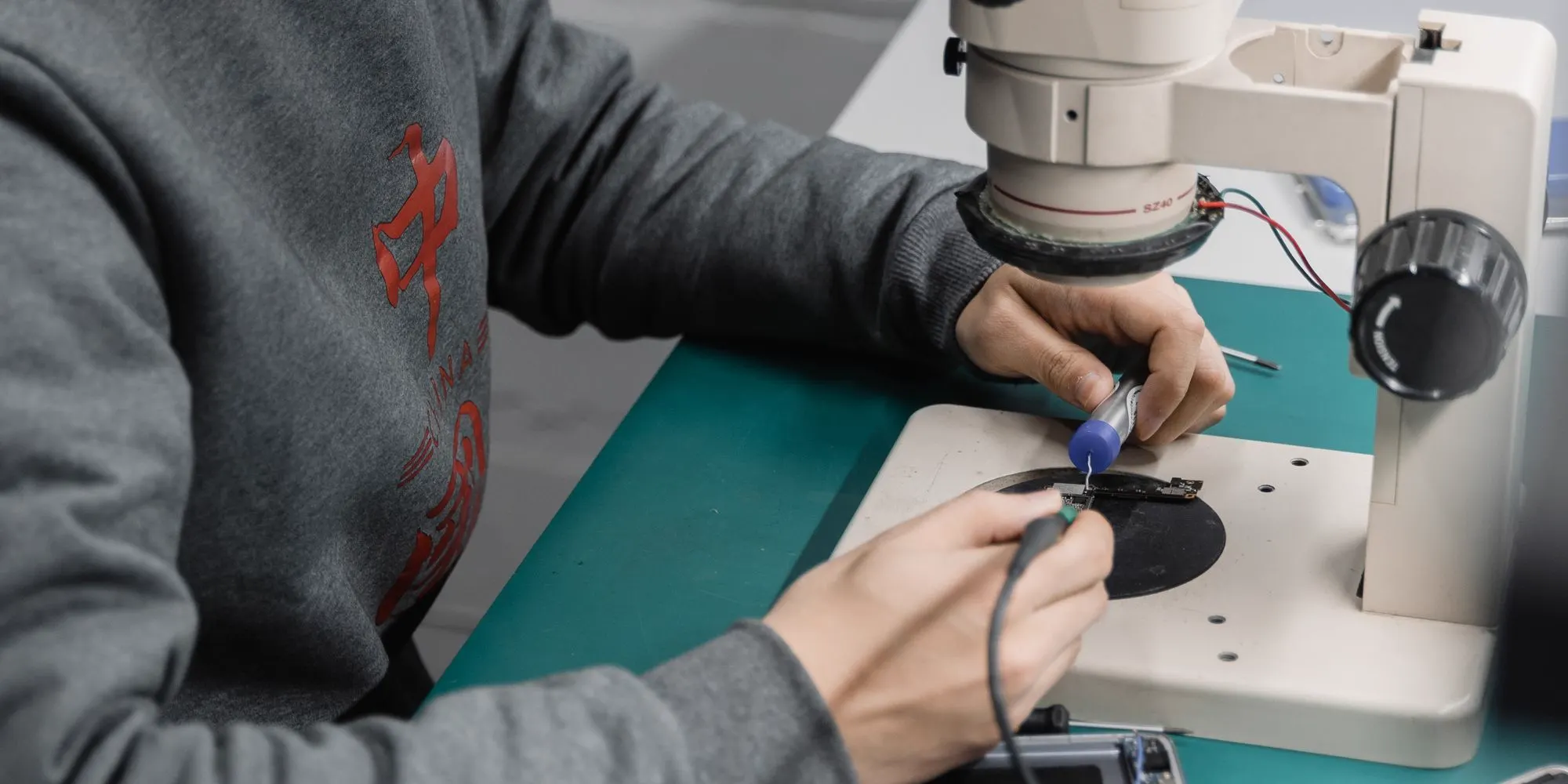
We inspect it against the visible damage and the symptoms. The obvious problem is rarely the only one, because a drop can reach the display, the hinge and the internals in the same fall.
You get the component being replaced, the repair cost, the expected turnaround, and the functions worth testing afterward, explained before the laptop repair is approved.
You decide whether to go ahead. Work begins only after the proposed repair and its price have been explained, and you can take the quote away and decide later.
Pricing
There is no single repair price that applies to every laptop. The cost depends on several factors.
Different laptop models use different displays, batteries, keyboards, ports, hinges, and internal components. The exact laptop model is needed to identify compatible parts.
A screen replacement is different from battery, keyboard, charging, hinge, or liquid damage repair. Each service can involve a different part, level of disassembly, and repair time.
Replacement component pricing varies considerably between devices. A display for one laptop model can be very different from another model from the same manufacturer.
Some laptops require more disassembly than others to access the affected component. This can affect:
Repair time, Labor, Disassembly required
One incident can damage several components. For example, a drop can affect:
Screen, Hinge, Frame, Charging connection, Internal hardware
Additional damage can increase both price and repair time.
Very new, older, or less common laptop models may have different parts availability. Parts availability can also determine whether the repair:
Requires additional ordering time
CELLTECH provides a quote after confirming the device and available repair option.
Turnaround
Laptop repair time depends on:
Repair or replace
A cracked screen, weak battery, charging problem, or damaged keyboard does not automatically mean you need a new laptop. Repair may make sense when:
Repair can also help you avoid the time required to purchase, transfer files to, configure, and set up another laptop.
Several major components are damaged.
The laptop has extensive internal damage.
Required parts are difficult to obtain.
Repair cost approaches replacement cost.
The laptop no longer meets your needs.
A repair quote gives you a realistic number to compare with replacing the device.
Before your visit
A few steps can make the repair process easier.
If the laptop is still working normally, back up important:
Documents, Photos, Videos, School files, Work files, Browser information, Authentication information, Other important data
Use another storage device or an appropriate cloud backup service.
Hardware repair does not automatically mean personal files are removed, but maintaining a current backup is recommended before service.
Device access may help technicians test repaired functions after service. Depending on the repair, testing can include:
Screen, Keyboard, Touchpad, Charging, Battery, Webcam, Audio, Wi-Fi, Other functions
Knowing the exact model can help check parts availability. It can also help determine:
Repair price, Repair time, Component compatibility
If the problem involves charging, battery behavior, or unexpected shutdowns, bringing the charger you normally use can provide useful diagnostic information. This can help distinguish between a laptop problem and a charger or cable problem.
If the laptop previously had a screen, battery, keyboard, charging, or other internal repair, mention this before service. Previous repair information can be useful during inspection.
If the laptop has had recent liquid exposure, mention what happened even if the device continued working afterward. Liquid can affect more than one component.
If getting your laptop back quickly is important, ask whether the required replacement component is currently in stock for your model. Turnaround depends on it more than on anything else.
After the repair
Depending on the repair, relevant checks can include:
If something does not behave as expected, mention it before leaving the store.
Your files
Many hardware repairs do not normally require personal files to be deleted. However, the answer depends on the repair and condition of the laptop. Storage problems, severe liquid damage, operating system work, or other internal faults can involve different risks. If your laptop is still working, back up important information before repair whenever possible.
CELLTECH laptop repairs are backed by a 90 day malfunction warranty. This gives you added confidence after the repair. If the repaired or replaced component develops a covered malfunction during the 90 day malfunction warranty period, bring your laptop and repair information back to CELLTECH so the issue can be reviewed according to the applicable warranty terms. The 90 day malfunction warranty applies to qualifying repair related malfunctions. New accidental damage, physical impact, new liquid exposure, misuse, or unrelated laptop problems may be treated separately. Before approving service, you can ask:
Other repairs
CELLTECH also provides repair services for other devices.
Our locations
CELLTECH provides laptop repair services across Dallas and El Paso. Many CELLTECH locations are inside major shopping centers.
Use the store finder to choose your nearest location and view current contact information, directions, and store hours.
Seven Texas stores · Open 7 days a week

13350 Dallas Pkwy, Kiosk 6505, Dallas, TX 75240
Find CELLTECH located on Level 2 by Bath and Body Works.

3811 S Cooper St, Suite 2402, Arlington, TX 76015
Find CELLTECH located on Level 2 next to GameStop.
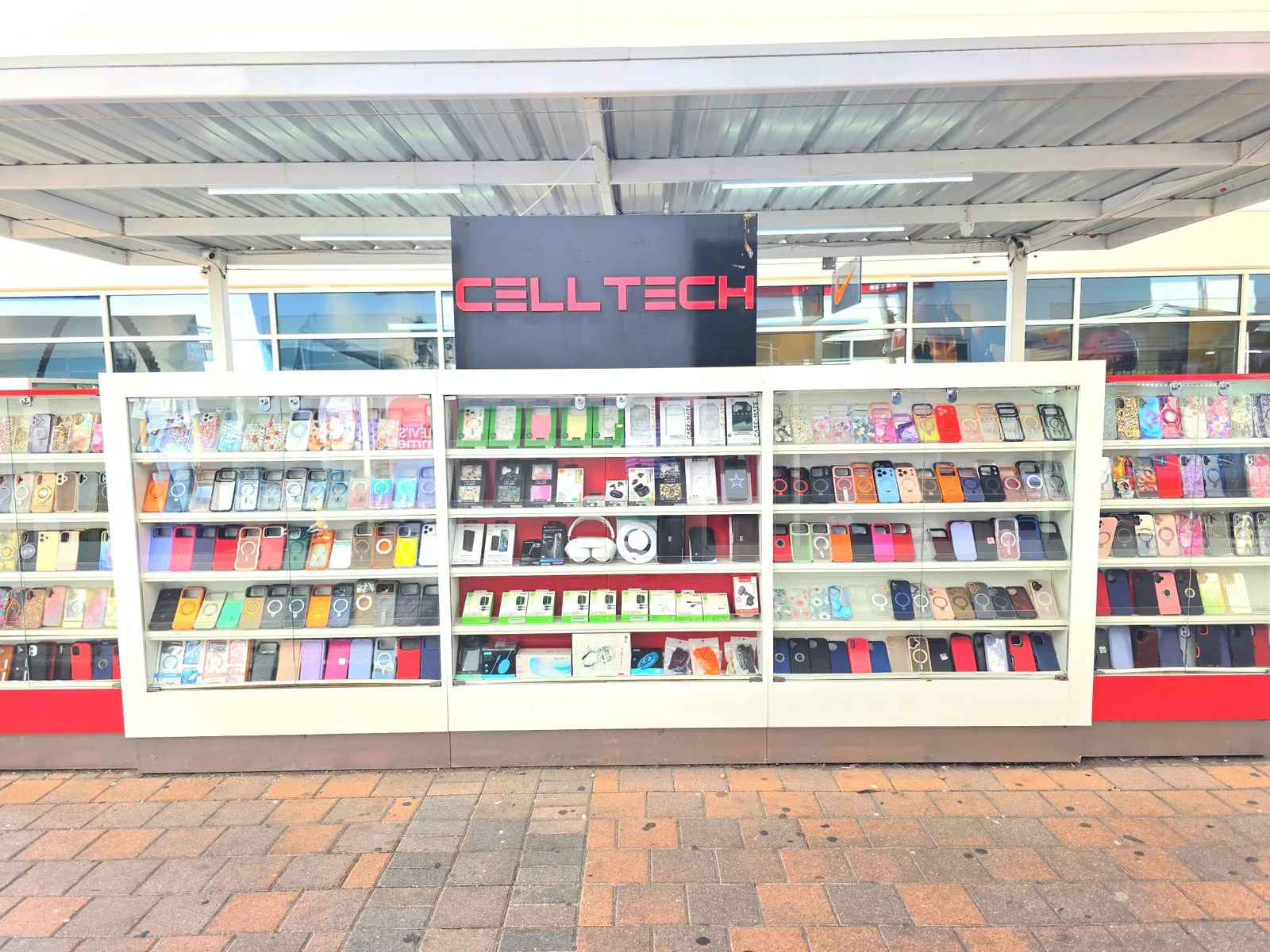
2950 W Interstate 20, Grand Prairie, TX 75052
Visit CELLTECH at Grand Prairie Premium Outlets.
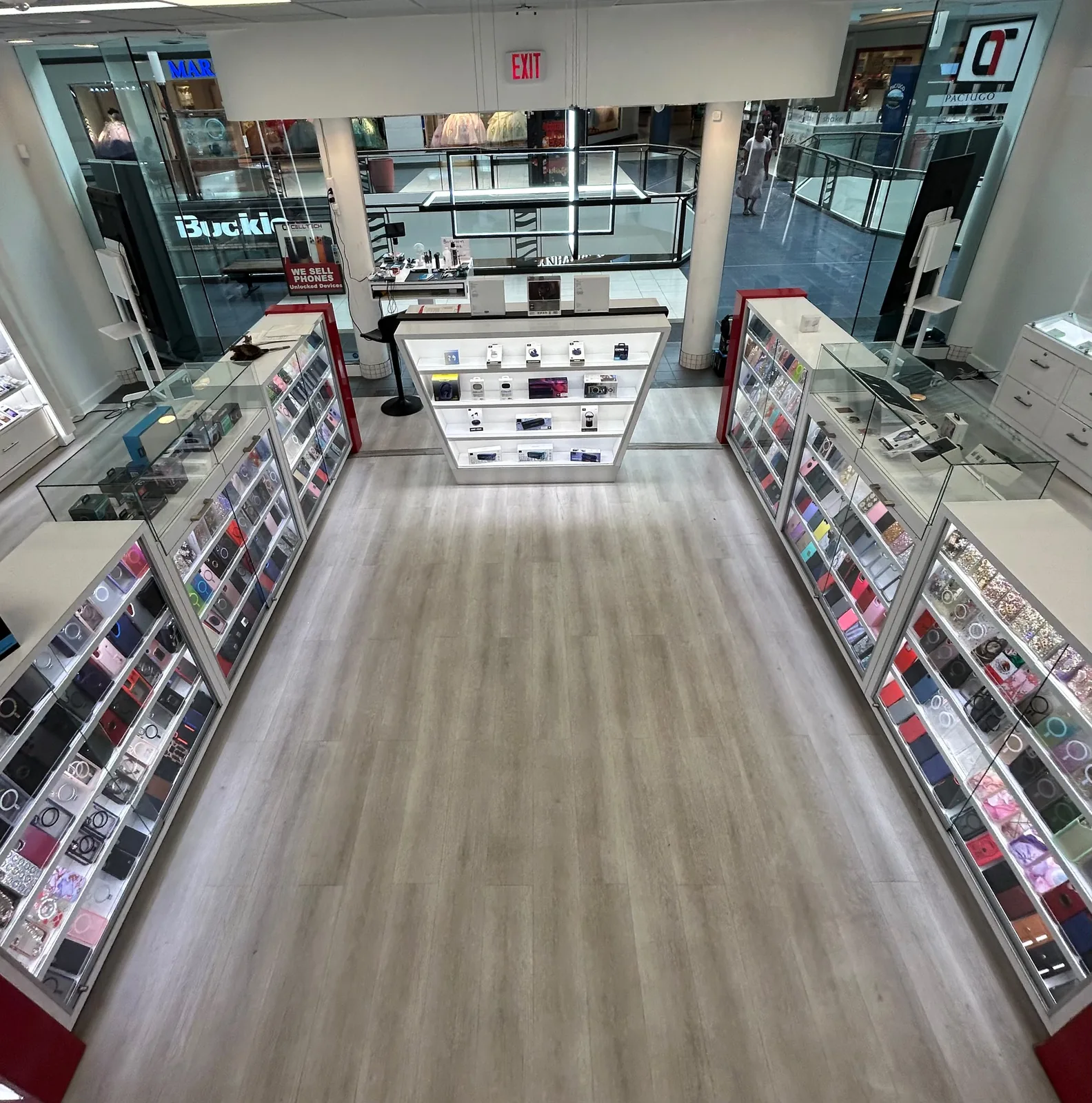
2063 Town East Mall, Kiosk 2208, Mesquite, TX 75150
Find CELLTECH located on Level 2 inside Town East Mall.
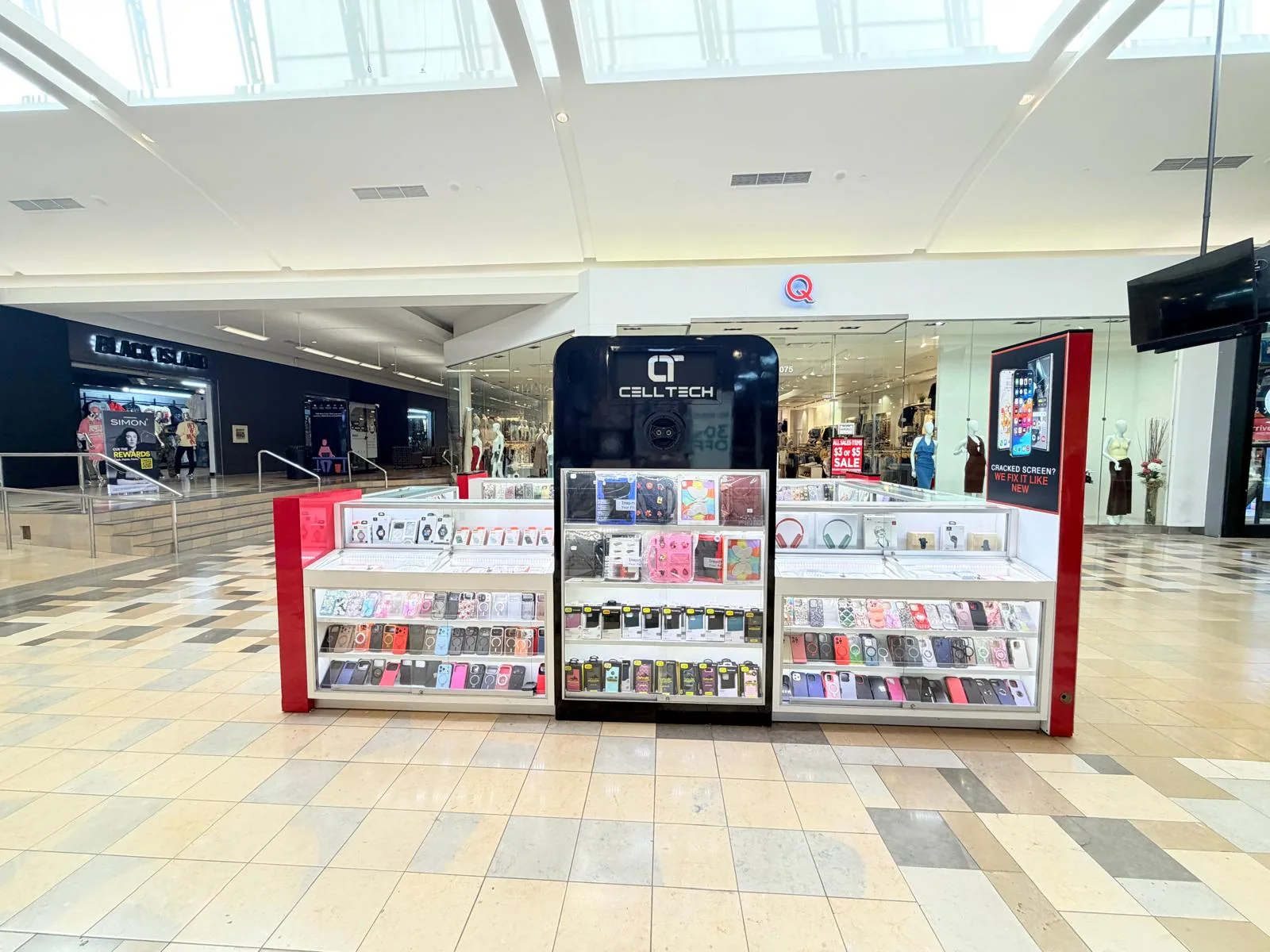
1101 Melbourne Rd, Kiosk 92, Hurst, TX 76053
Find CELLTECH in front of James Avery inside North East Mall.
8401 Gateway Blvd W, Kiosk K113, El Paso, TX 79925
Find CELLTECH located on Level 2 inside Cielo Vista Mall, in front of Hollister & Zumiez.
2601 Preston Rd, Suite 2210, Frisco, TX 75034
Visit CELLTECH at Stonebriar Centre in Frisco.
Straight answers to what people usually ask before bringing a device in for laptop repair.
Yes. CELLTECH provides repair options for supported MacBook and Windows laptop models. Repair availability depends on the exact laptop and affected component.
Yes. CELLTECH provides screen replacement options for supported laptop models. The exact display and parts availability should be confirmed before repair.
A black display can involve the screen, display connection, graphics related hardware, power, software, or another component. If the laptop still shows signs of power, the display system may be one possible cause. Inspection is recommended before screen replacement is confirmed.
Battery replacement may be available for supported laptop models. Battery symptoms should be checked before replacement is recommended.
Laptop battery life can be affected by battery age, screen brightness, applications, workload, device temperature, and other factors. If runtime has become unusually short during normal use, the battery and laptop should be checked.
Charging problems can involve the charger, cable, charging connection, battery, software, or internal power hardware. The charging system should be inspected before one component is assumed to be faulty.
Charging connection repair availability depends on the exact laptop model and damaged component. The device should be inspected first.
Keyboard repair availability depends on the laptop model and keyboard construction. CELLTECH can inspect the problem and confirm available repair options.
Touchpad or trackpad repair availability depends on the exact laptop and problem. Software settings and hardware should both be considered during diagnosis.
Hinge related repair may be available depending on the laptop model and extent of damage. Because hinge damage can also affect the frame or display housing, the device should be inspected.
Overheating can be related to heavy workload, airflow, dust, fan problems, thermal management, battery issues, or another hardware problem. Persistent overheating during normal use should be inspected.
A fan can become louder during intensive tasks. Constant or unusually loud fan behavior during light use may indicate heat, airflow, fan, software, or another system issue.
CELLTECH can inspect supported laptops after liquid exposure. Because liquid can affect several components, diagnosis should happen before a final repair recommendation is made.
Yes. CELLTECH provides repair options for supported MacBook Air and MacBook Pro models. The exact repair depends on the MacBook model, damaged component, and parts availability.
Yes. CELLTECH provides repair options for supported Windows laptops. Availability depends on manufacturer, exact model, required repair, and replacement parts.
Repair availability for Microsoft Surface devices depends on the exact model and component. Contact your nearest CELLTECH store to confirm support for your specific Surface model before visiting.
Many standard hardware repairs do not normally require personal files to be removed. However, keeping a current backup before repair is recommended whenever the device is working.
Laptop repair cost depends on the exact model, repair required, replacement component, parts availability, and additional damage. CELLTECH provides a quote after the device has been inspected.
Repair time depends on the exact laptop, required repair, parts availability, and extent of damage. Same day laptop service is available for many supported repairs. Some common straightforward repairs may be completed in as little as 20 minutes when the correct part is available. More complicated laptop repairs can require additional time.
Yes. Same day laptop repair is available for many supported services. Availability depends on: Exact laptop model, Repair required, Parts availability, Device construction, Extent of damage, Additional diagnosis required. Your nearest CELLTECH store can confirm current availability for your device.
Some common CELLTECH laptop repairs can be completed in as little as 20 minutes. The exact turnaround depends on the laptop model, repair type, parts availability, and how much disassembly is required. Screen, hinge, liquid damage, and other complex repairs can require additional time.
Yes. CELLTECH laptop repairs are backed by a 90 day malfunction warranty. The warranty applies to qualifying repair related malfunctions according to the applicable warranty terms.
Repair can make sense when the rest of the laptop works well and repair cost is reasonable compared with replacement. A repair quote can help you compare both options.
No appointment is required for a standard walk-in visit. Walk-ins are welcome at CELLTECH locations.
From the workshop
Blogs3 min read
Blog7 min read
Blog12 min read
Blog9 min read
A laptop fault rarely waits for a convenient week. Bring yours to your nearest CELLTECH store before a deadline forces the decision, and say whether there is work on it that has not been backed up, because that single detail changes the order in which the technician approaches the machine.