

Is It Better to Repair or Replace a Damaged Phone?
Blog4 min read
No appointment needed
Walk-in screen repair
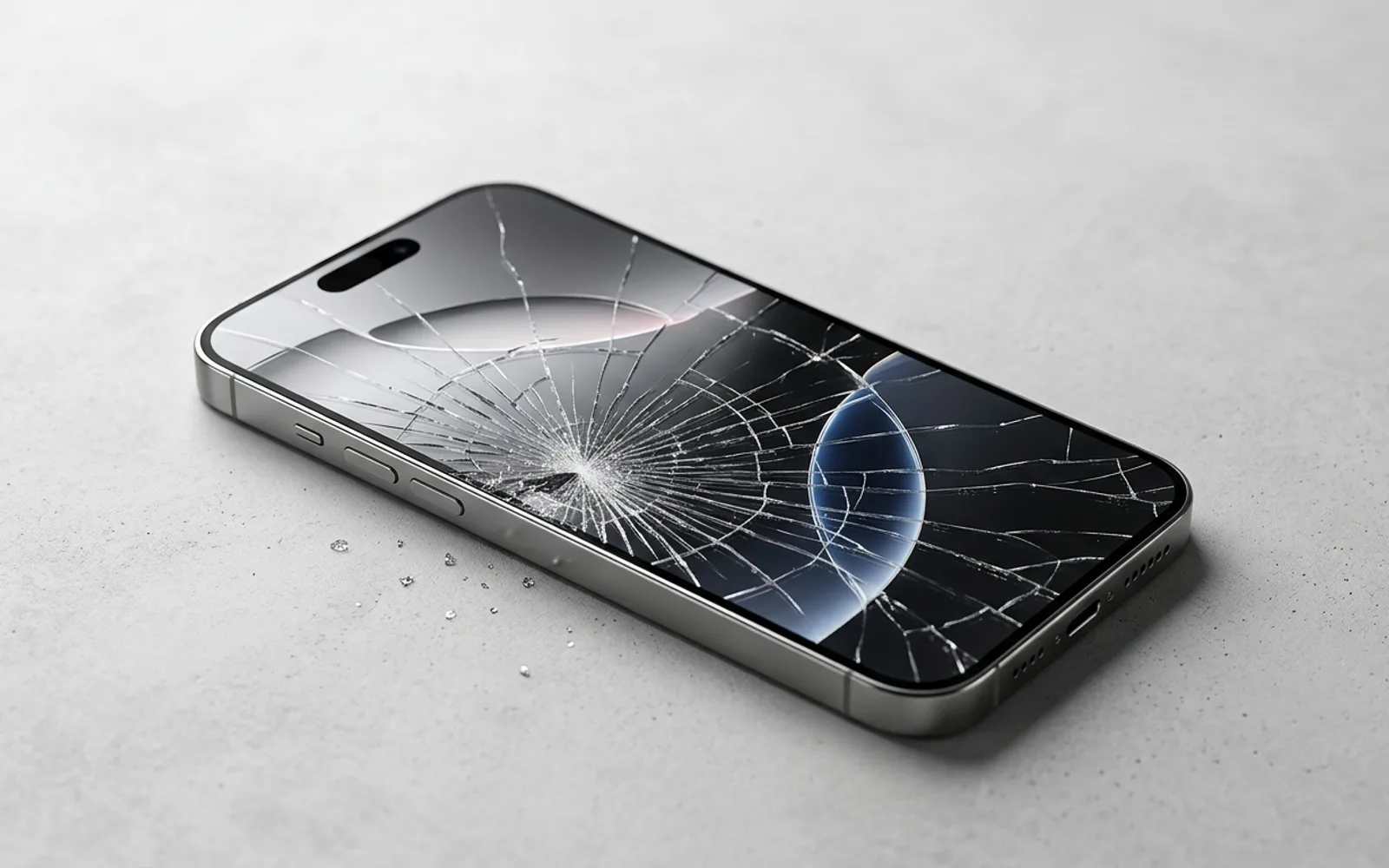
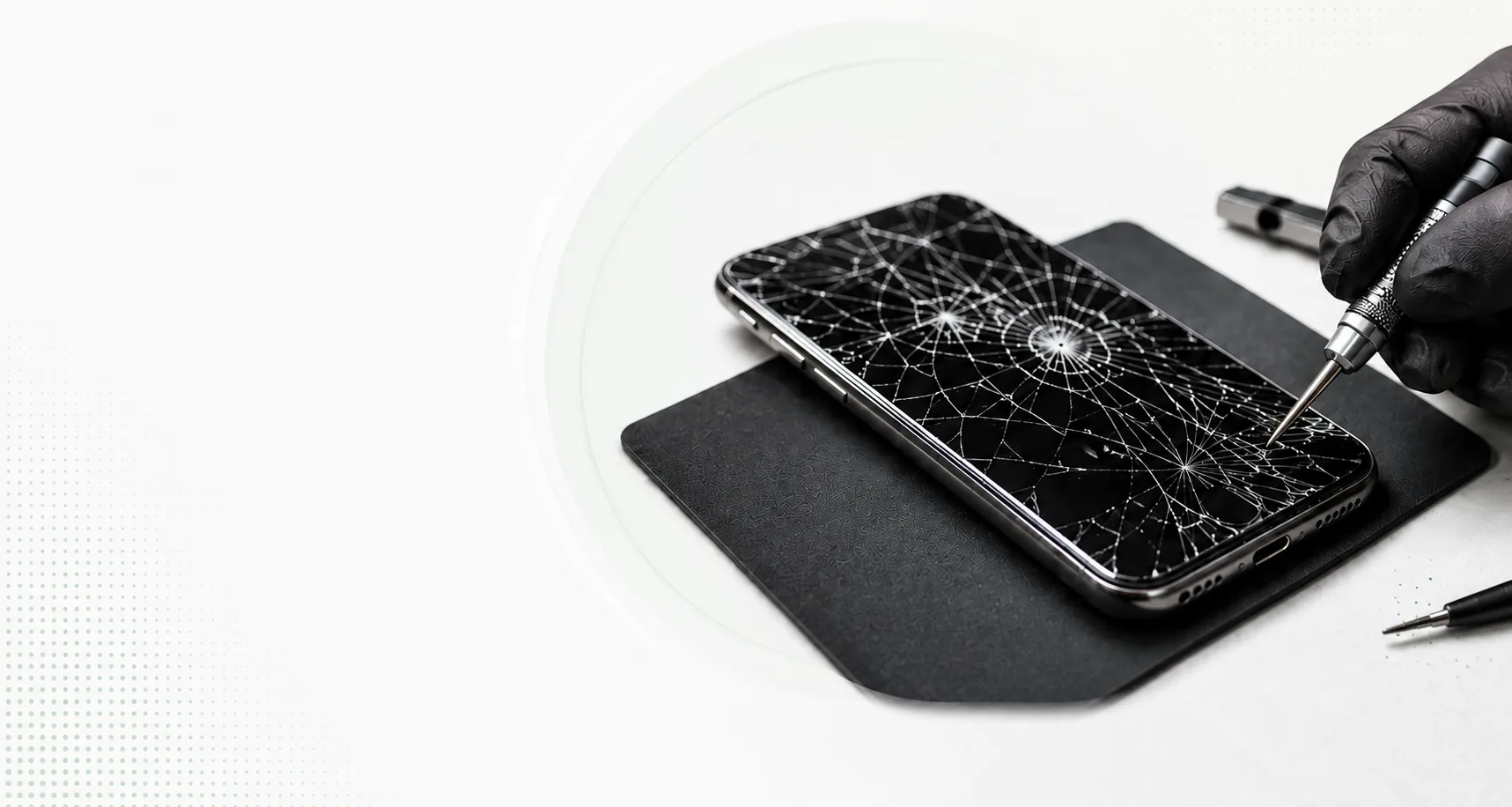
A cracked screen is not always just broken glass. The display underneath can also develop black patches, colored lines, flickering, dead areas, or touch problems. In other cases, the outer glass may be badly cracked while the image and touch continue to work normally.
CELLTECH provides screen repair for cell phones, tablets, MacBooks, and Windows laptops across Dallas and El Paso. Bring your device to a CELLTECH store, explain what happened, and we can inspect the screen before explaining the available repair options, expected repair time, and price.
Customers who trust CELLTECH
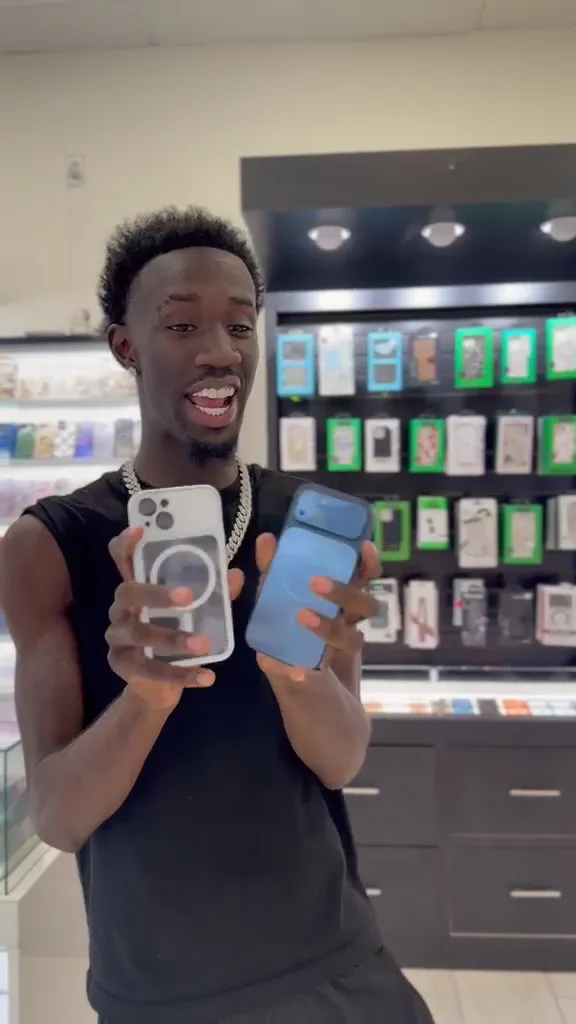
A customer holding up a repaired iPhone at the CELLTECH counter.
Screen repair, in store

A customer checking a repaired phone before leaving the store.
Charging port repair, in store

A customer on the shop floor after a same day repair.
Same day repair
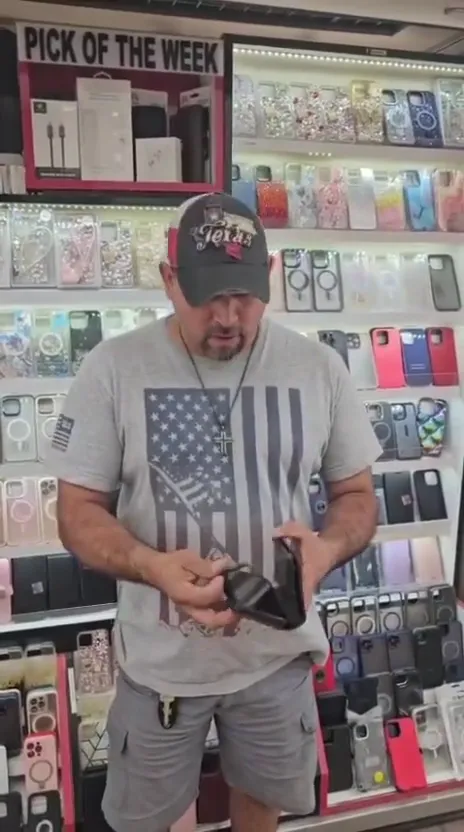
A customer collecting his phone at the case wall.
Phone repair, in store
A customer outside the store after an iPhone 15 repair.
iPhone 15 repair
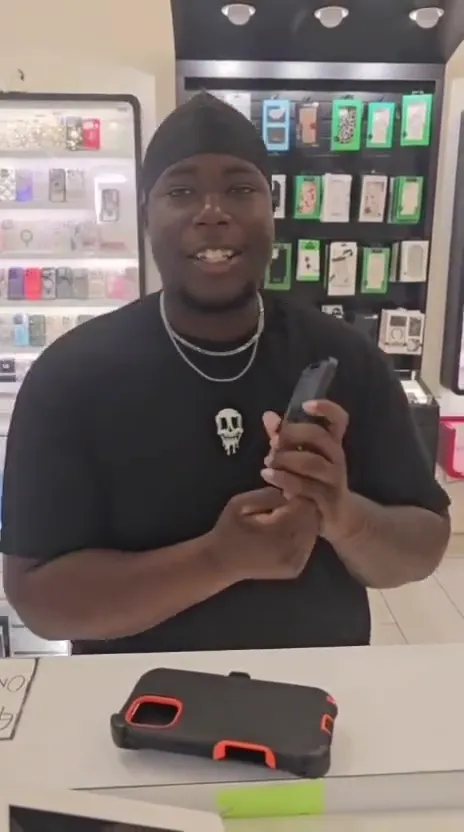
A customer with his repaired phone at the counter.
Phone repair, in store
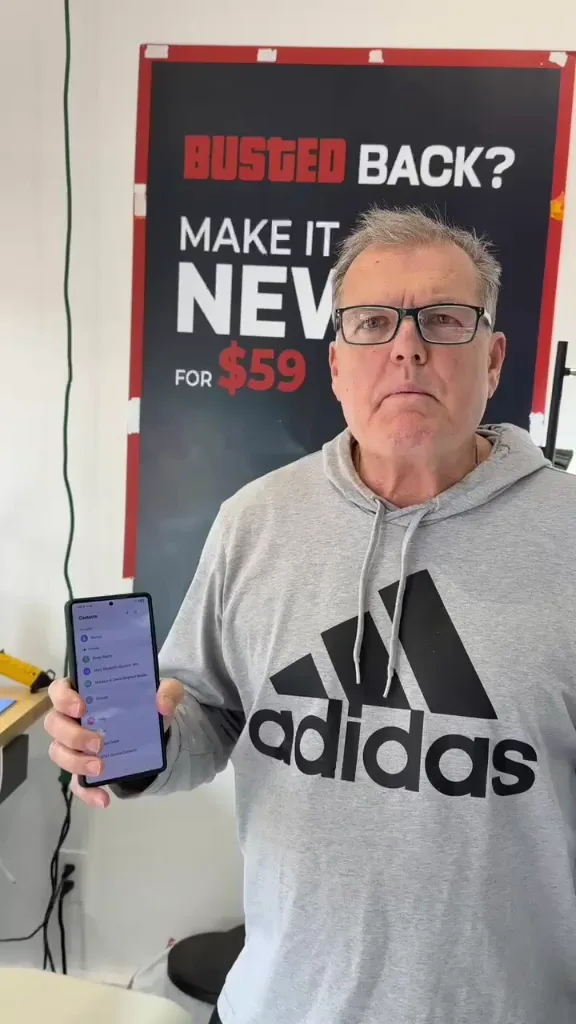
A customer holding up his repaired phone in the store.
Phone repair, in store
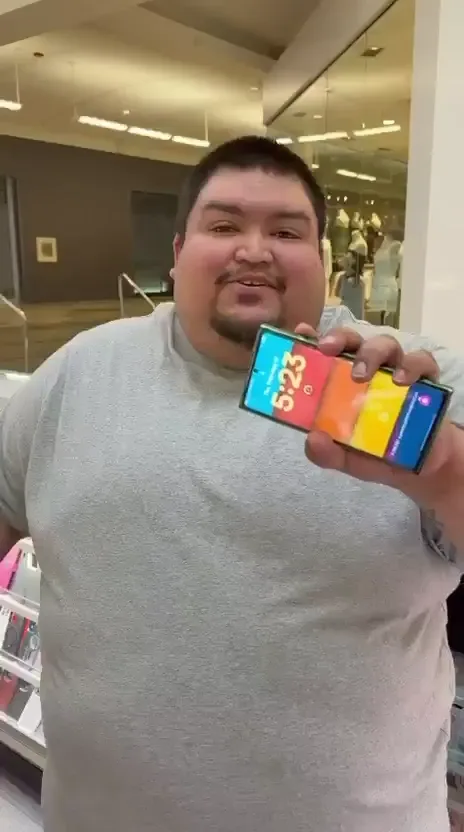
A customer holding up his repaired phone on the mall concourse.
Phone repair, in store
I dropped it in the car park on a Tuesday morning and had written the phone off in my head by lunchtime. They took it in, quoted me on the spot and handed it back the same afternoon with the old panel in a bag so I could see what had actually broken.
Alicia R.
iPhone 14 Pro screen repair
It was down to twenty percent before lunch every single day and I assumed I was being sold a new battery whatever I said. They tested it in front of me first, showed me the health reading, then swapped it and had me out inside the hour.
Tomas G.
Galaxy S23 battery replacement
I put a full cup of coffee across the keyboard and had four years of work on there with no backup. They opened it the same day, cleaned the board properly rather than just drying it out, and every key on it still works months later.
Priya N.
MacBook Air liquid damage
The last place I used quoted one number on the phone and a different one at the counter. These people looked at the port, told me what it would cost before they touched anything, and that was exactly what I paid when I collected it.
Kevin M.
iPad 10th generation charging port
The back was shattered end to end and pieces of it were coming away in my hand. I left it with them on my lunch break, came back after work, and there is no seam and no gap anywhere on it. You would not know it had happened.
Samuel O.
Pixel 8 back glass repair
What actually decided it for me was the 90 day malfunction warranty, because I had been burned by a cheap repair before that failed inside a fortnight. Nothing has gone wrong with this one, but I would have had somewhere to go if it had.
Renata C.
iPhone 12 camera repair
Why CELLTECH
Screen damage can involve the outer glass, touch system, display panel, frame, or another connected component. The visible crack does not always show the full extent of the damage. CELLTECH starts with the device and symptoms before recommending a repair. When you choose CELLTECH, you also get access to fast repair options and warranty protection after service. At CELLTECH:
Sometimes a cell phone screen cracks while the picture remains clear, touch works normally, there are no colored lines, no black patches, and brightness stays normal.
This does not automatically mean that only the outer glass can be replaced.
Many modern devices use laminated display assemblies where the glass, touch system, and display panel are closely integrated.
The available repair depends on the exact device and screen construction.
Cracked glass can also become worse after additional pressure or another impact.
If the cracks are sharp, spreading, or making the device difficult to use, have the screen inspected.
Get Your Cracked Screen Checked.
If the screen is cracked and also has black areas or missing parts of the image, the impact may have damaged the display underneath the glass. You may notice:
Small black spots, Large dark patches, Part of the image missing, Ink-like marks, Purple or black areas
These symptoms can indicate internal display damage rather than only cosmetic glass damage.
Display replacement may be required.
A hard impact can damage the display panel underneath the outer glass. On an LCD, damaged areas may appear as dark or ink-like patches. On an OLED display, damaged pixels can create black, purple, or discolored areas. Display damage can sometimes spread after an impact and reduce the usable area of the screen.
If the display is getting worse and the device is still usable, back up important information before the screen becomes harder to access.
A vertical or horizontal line can appear even when the outer glass looks normal. The line may be:
Green, Pink, White, Purple, Black, Multicolored
A persistent line can indicate a display panel, display connection, or related screen problem.
Restart the device and install available software updates first.
Also check whether a screen protector or protective film may be contributing to the visible issue.
If the line remains across different apps and screens, the display should be inspected.
Get Your Display Checked.
Internal display damage does not always leave a visible crack in the outer glass. Pressure, an impact, or a drop can affect the display panel underneath while the surface remains intact. Possible symptoms include:
Colored lines, Black sections, Display distortion, Flickering, Partial image loss, Touch problems
A screen that looks physically unbroken can still have internal damage.
CELLTECH can inspect the display and determine whether hardware repair is appropriate.
A black screen does not automatically mean the entire cell phone has stopped working. If the device still:
Rings, Vibrates, Makes notification sounds, Connects to power, Receives calls
the device may still be operating while the display is not producing an image.
The problem may involve the display, display connection, or another related component.
Restart the device first if possible.
If the display remains black, the device should be inspected before screen replacement is recommended.
A cell phone with no visible display, sound, vibration, or response to power should not automatically be treated as a screen repair. The problem may involve:
Battery, Charging system, Display, Power related hardware, Another internal component
A completely unresponsive device requires diagnosis before a repair is recommended.
A display can look completely normal while the touch system stops working correctly. Possible symptoms include:
Dead touch areas, Delayed response, Touch working intermittently, Swipes not registering, Typing problems
Touch working only on one part of the screen
The problem can involve the screen, but software, accessories, or another component can sometimes cause similar symptoms.
Basic troubleshooting should happen before replacement is assumed.
Ghost touches happen when the screen registers input you did not intentionally make. You may notice:
Apps opening by themselves, Random typing, Screen scrolling without input, Buttons activating unexpectedly, The device becoming difficult to control
A damaged touch system can cause these symptoms.
Before assuming the screen has failed: clean the screen, restart the device, check the screen protector, and remove an incompatible protector where it is safe to do so.
If the problem continues, the display may need inspection.
Screen flickering may appear as:
Display flashing, Rapid brightness changes, Image disappearing and returning, Part of the display flickering, Unstable brightness
The cause may involve software, the display, or another component.
If flickering begins after physical impact and continues after basic troubleshooting, the screen should be inspected.
Display problems can sometimes cause:
Yellow tint, Blue tint, Washed out colors, Uneven brightness, Incorrect contrast, Dark sections
Before seeking repair, check relevant display, accessibility, color filter, and night mode settings.
If the color problem began after a drop or previous display replacement, the screen or replacement component should be checked.
A pixel that does not behave normally may appear:
Black, White, Red, Green, Blue
A single affected pixel does not necessarily make the entire device unusable.
Whether display replacement makes sense can depend on: pixel location, how noticeable it is, how much it affects normal use, device value, and screen replacement cost.
For a minor defect, replacement may not always make financial sense.
Many modern devices use OLED or AMOLED display technology. These displays can develop persistent image retention or permanent burn-in after static interface elements remain in the same position repeatedly over long periods. You may notice faint outlines of:
Navigation controls, Keyboard, Status icons, Clock, App controls
Temporary image retention may fade.
Permanent burn-in remains visible across different apps and content.
If permanent burn-in becomes severe enough to affect normal use, display replacement is the hardware repair option.
If the screen begins separating from the frame or a new gap appears around the device, have it professionally inspected. A damaged or swollen battery can sometimes push against the screen from underneath. Other possible causes include:
Frame damage, Adhesive failure, Previous repair issues, Internal pressure
If battery swelling is suspected, stop using and charging the device and arrange professional inspection.
Do not press the screen back into place.
The required repair may involve the battery rather than the screen itself.
Explore Battery Replacement.
A hard drop can damage more than the display. The same impact may affect:
Frame, Back glass, Camera, Charging components, Internal connections
If the frame is bent or distorted, that should be considered before installing a replacement screen.
A replacement display needs to sit correctly within the device.
A screen that becomes black, flickering, distorted, unresponsive, or covered in colored lines after liquid exposure may have more than a display problem. Liquid can affect several internal components at the same time.
The device should be inspected for liquid damage before screen replacement alone is recommended.
Because liquid exposure can require additional diagnosis, a 20 minute repair should not automatically be assumed.
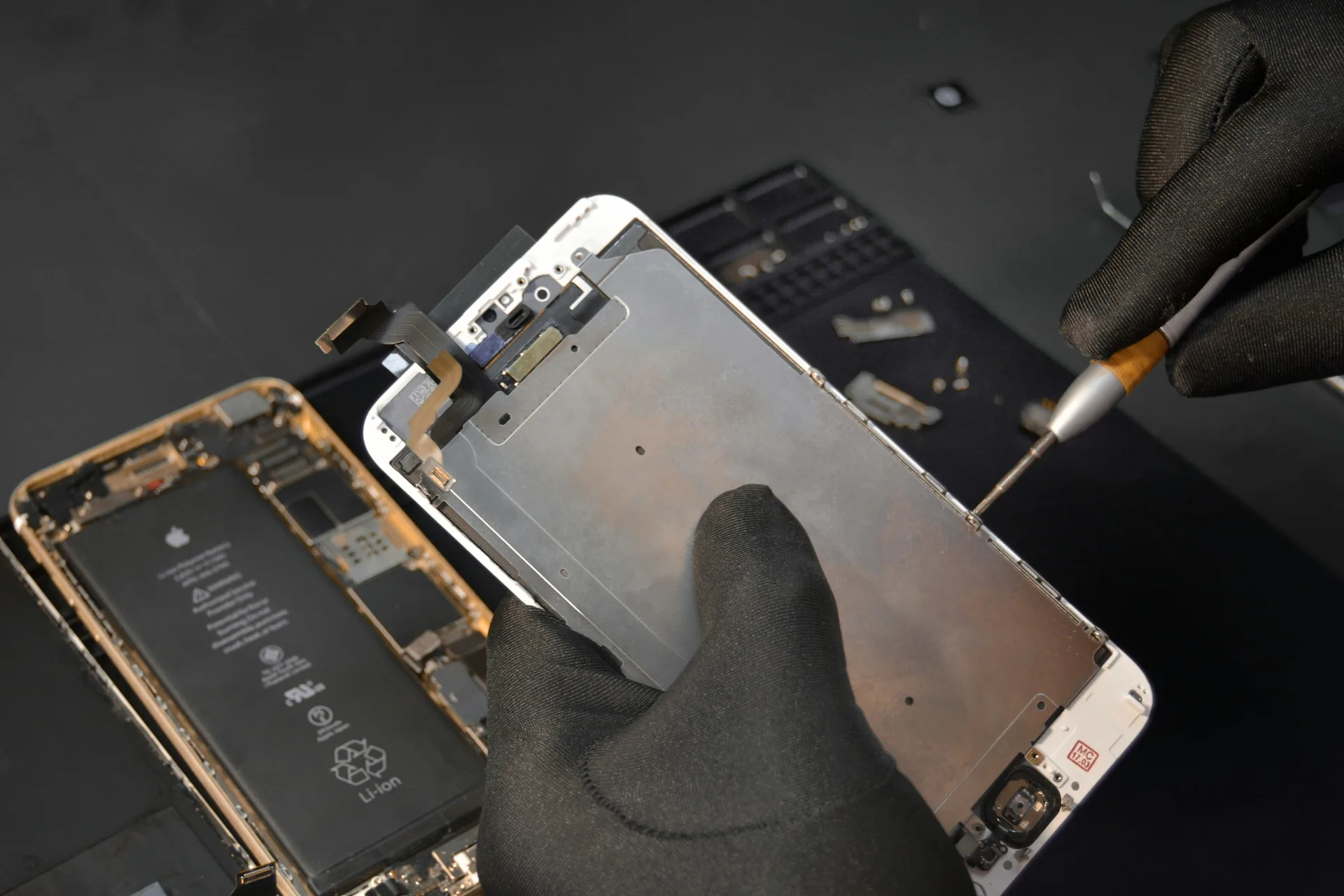
Screen anatomy
What people commonly call the screen can contain several different components. The exact construction depends on the device.
This is the outer surface you touch. It protects the display underneath and can crack, chip, or shatter after impact. If only visible glass damage is present, inspection is still needed because modern display assemblies can combine several layers.
The touch system detects taps, swipes, and gestures. Damage can cause:
Dead touch areas, Delayed response, Ghost touches, Incorrect input
Touch working only on part of the screen
On many modern devices, the touch system is closely integrated with the display assembly.
The display panel creates the image you see. Display damage can cause:
Black areas, Colored lines, Flickering, Distortion, Dark patches, Brightness problems, Complete image loss
Burn-in on some OLED and AMOLED displays
The exact display technology affects the replacement component and repair price.
On some devices, the replacement display may be supplied with additional frame components. This can affect both the repair process and price. Two devices with similar looking cracks can require very different replacement parts. The display assembly can also affect whether a repair is available the same day or can be completed in as little as 20 minutes.
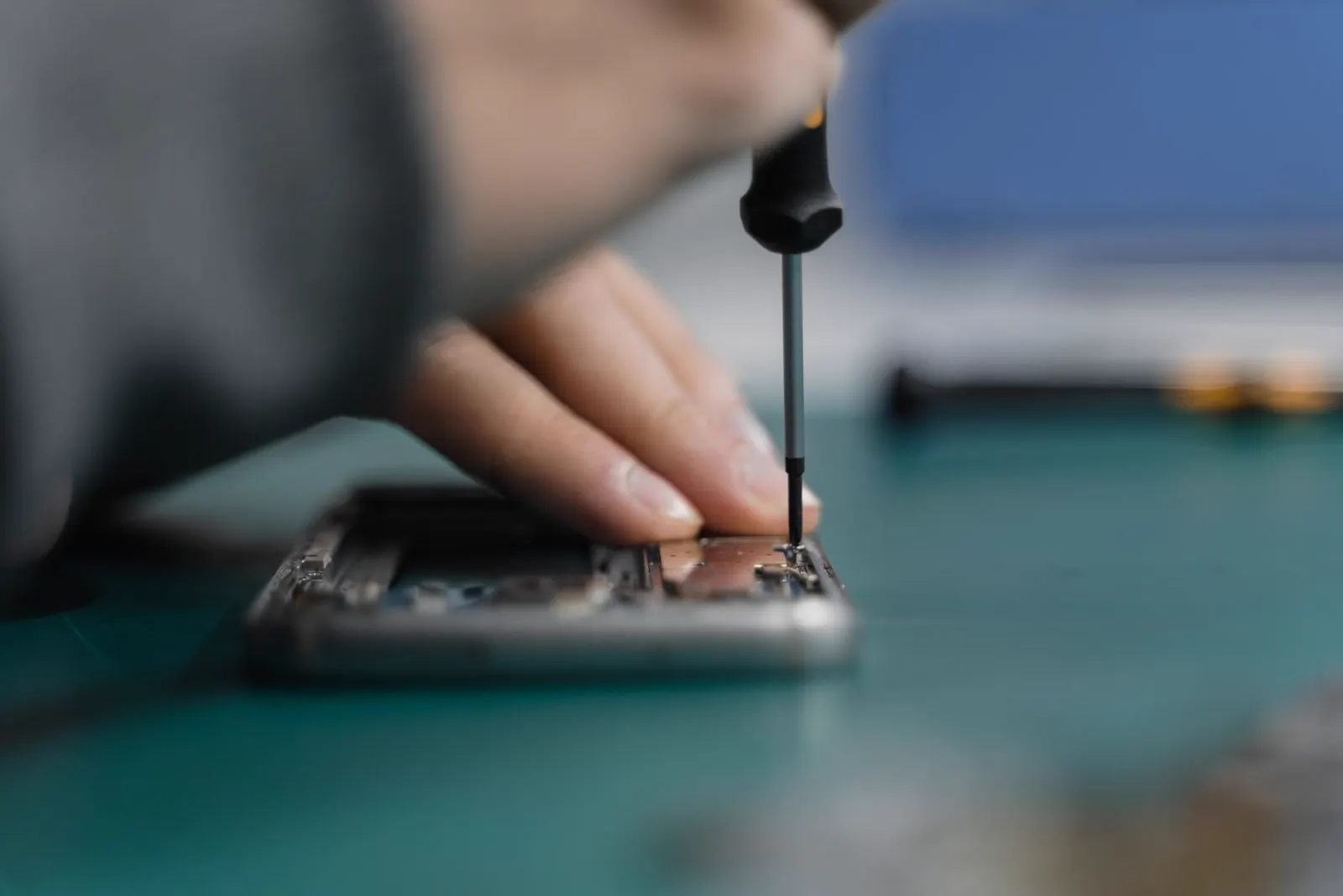
Repair options
It depends on the device. On many modern devices, the outer glass, touch system, and display panel are laminated together into an integrated assembly. That means standard screen repair may involve replacing the complete display assembly rather than only removing the broken outer glass. Some devices use different construction. Certain tablets, laptops, and older devices can have more separately serviceable components. CELLTECH can explain the available repair after identifying the exact device and display assembly. Once the part is identified, the store can also confirm:
Display technology
Different devices use different display technologies. This can affect replacement parts, screen characteristics, and repair cost.
LCD screens use a separate backlight to illuminate the display. They are used on many devices and product generations. Replacement screen availability depends on the exact model.
OLED pixels produce their own light. OLED displays can provide deep blacks and different image characteristics compared with LCD panels. Replacement OLED parts can differ in cost and availability from LCD screens.
AMOLED is a type of OLED based display technology used on many modern devices, including several Samsung Galaxy models. You do not need to know which display technology your device uses. The exact model determines the appropriate replacement component.
Different device generations may use:
Flat displays, Curved displays, Edge style displays
Screen construction can affect: replacement part price, repair method, parts availability, frame design, same day service availability, and repair time.
Do not assume that every device from one manufacturer uses the same screen construction.
Model notes
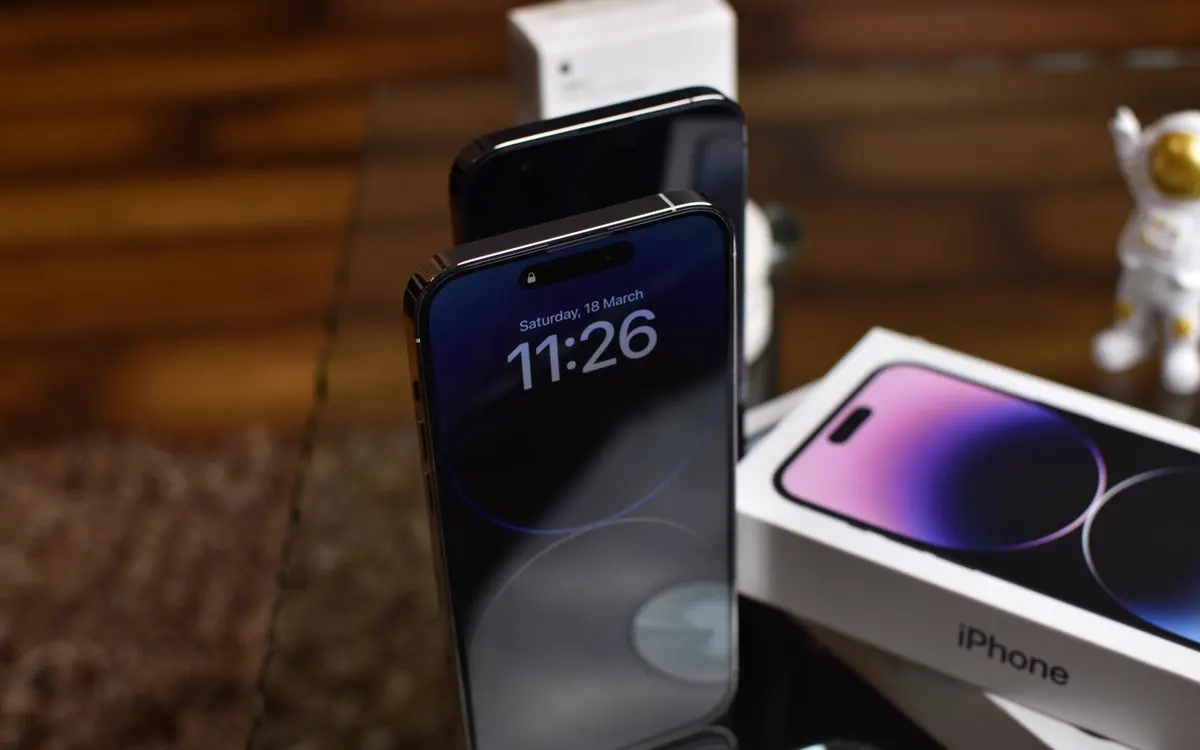
iPhone displays work closely with iOS. After screen replacement, display behavior can depend on:
Replacement display, Exact iPhone model, Repair process, Repair configuration
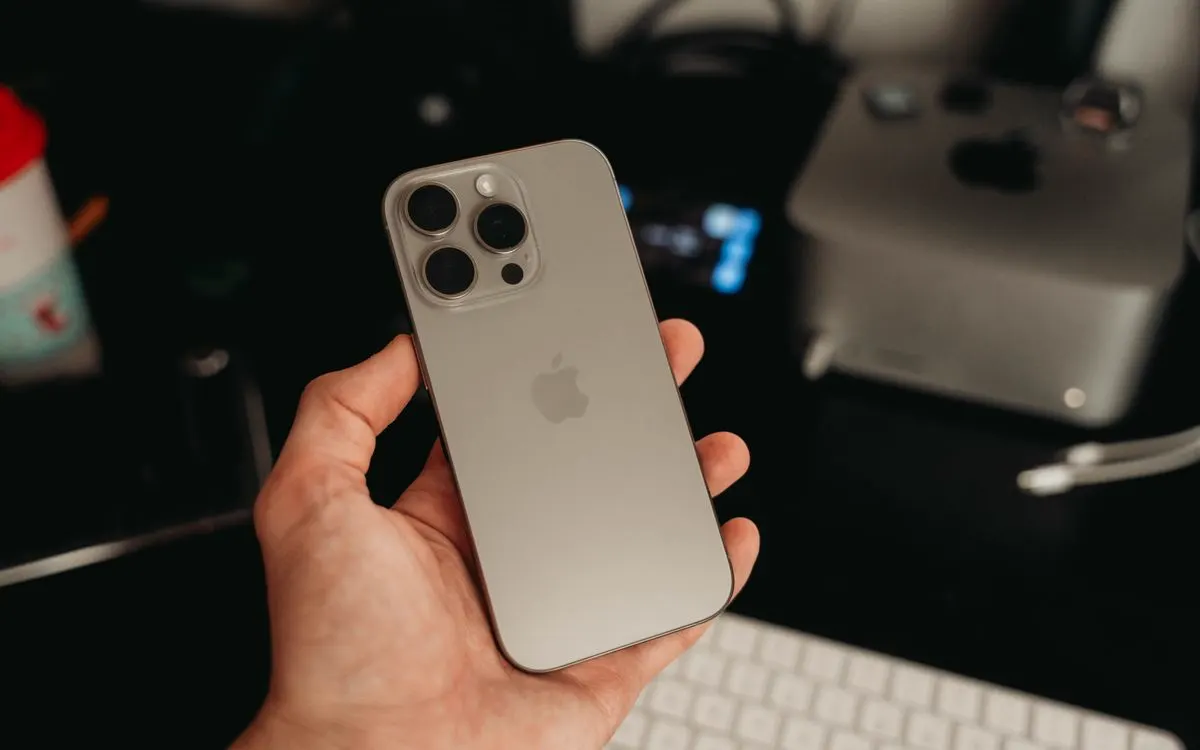
A cracked iPhone display does not automatically mean Face ID is damaged. However, physical damage near the upper display or front camera area can affect related components. If Face ID is already not working before repair, tell the technician before service begins. Face ID should also be tested after relevant repair work.
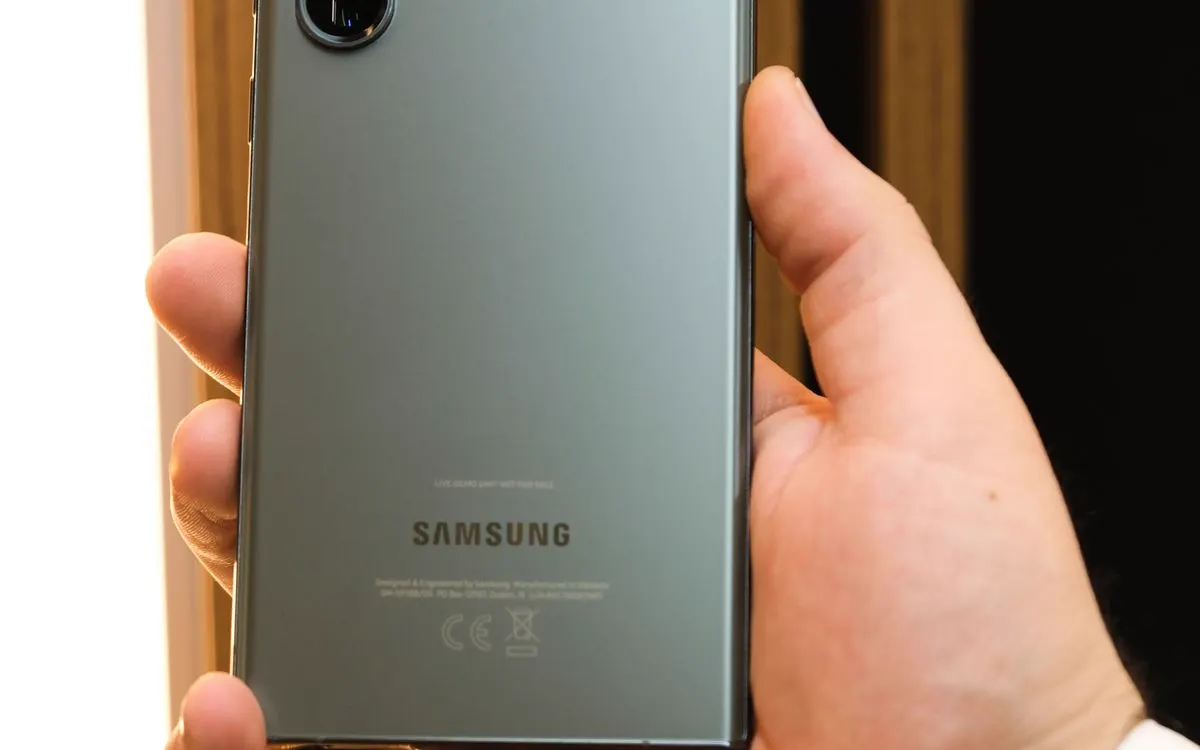
Some Samsung Galaxy devices use fingerprint sensors beneath the display. Screen damage, replacement displays, and some screen protectors can affect fingerprint recognition. Same day Samsung screen repair may be available when the correct display is in stock.
What we cover
CELLTECH provides screen repair options for several device categories. Repair availability depends on the exact model and required replacement component.
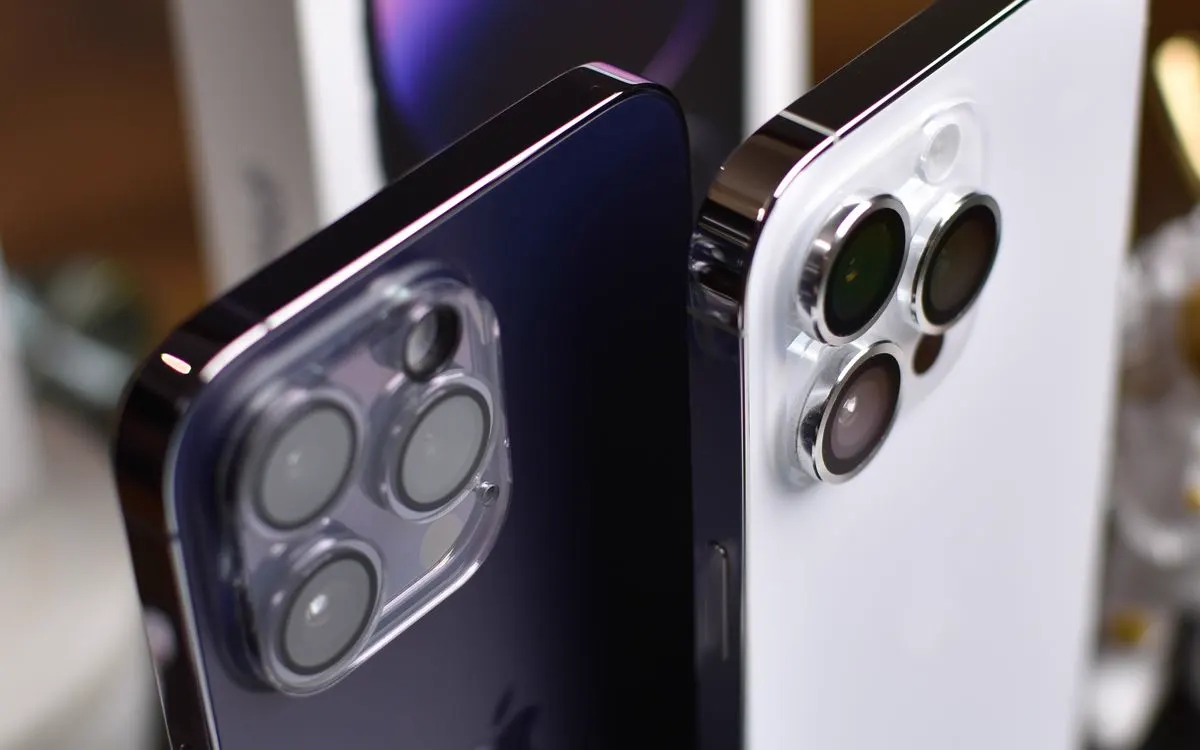
Supported models may include devices from:
Apple iPhone, Samsung Galaxy, Google Pixel, Motorola, LG, OnePlus, Other Android cell phones

Screen repair options may include:
Apple iPad, Supported Android tablets
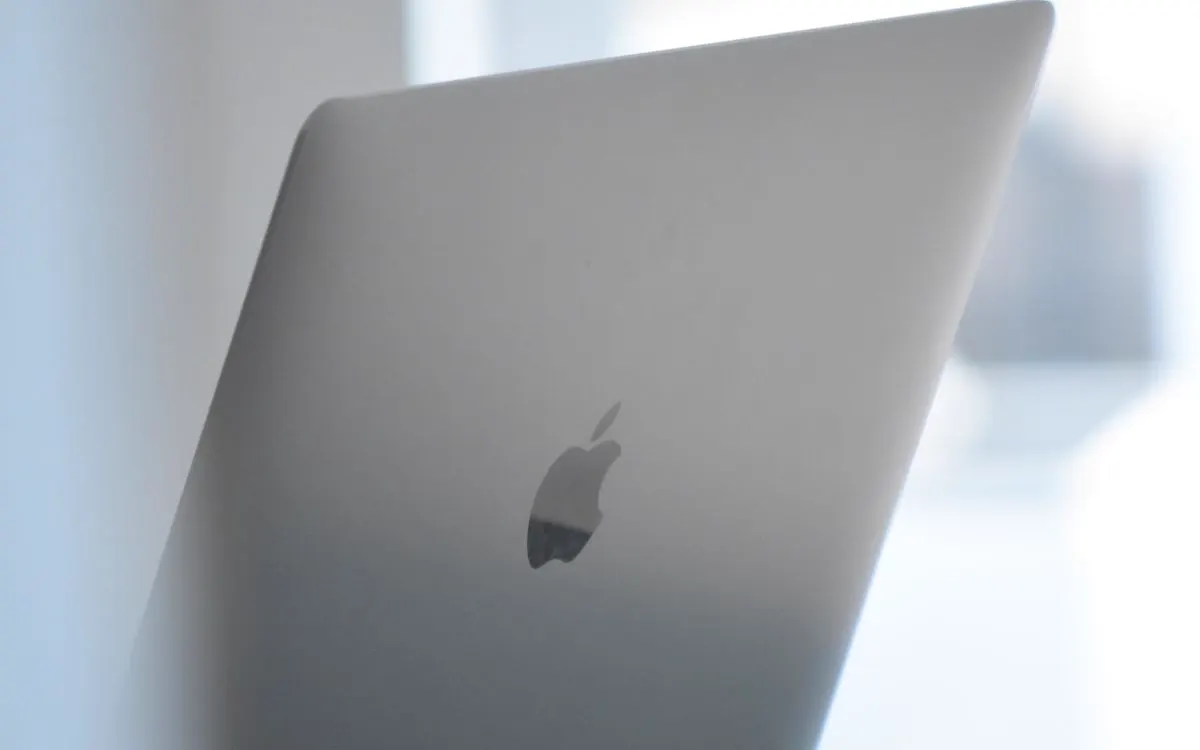
CELLTECH also provides screen replacement options for:
MacBook, Supported Windows laptops
How it works
Tell us what the device is doing: cracked glass, unresponsive touch, a black or flickering display, colored lines, or the drop or spill that started it. You do not need to work out which layer failed.
We check the visible damage, the display behavior and the touch response, and look past the obvious crack. An impact that broke the glass can also reach the panel, the frame or the digitizer underneath.
You get the replacement component type, the price, whether same-day screen repair is available for your model, and whether it can be done in as little as 20 minutes, before anything is approved.
You decide whether to go ahead. Work starts only once the recommended screen repair and its price have been explained, and many common repairs are finished during the same visit.
Pricing
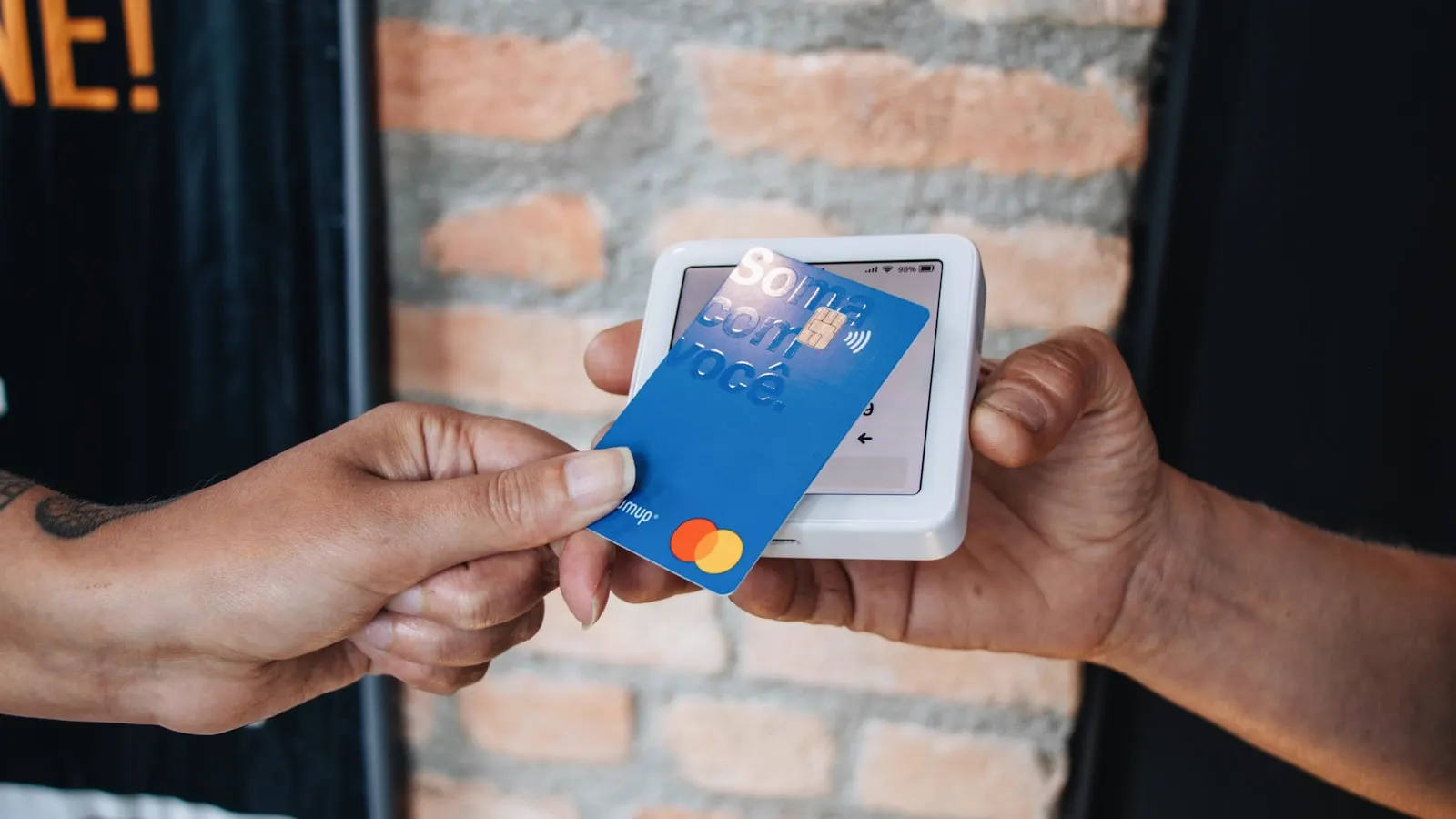
Screen repair prices can vary significantly. There is no single price that applies to every device.
Different devices use different display assemblies and replacement components. The exact model is required to identify the correct screen and price.
LCD, OLED, and AMOLED replacement displays can have different component costs. Display technology can also affect parts availability and repair time.
A small cell phone display and a large laptop panel are different components with different repair requirements. This can affect both price and turnaround.
Curved or edge style displays may use more specialized replacement components. These displays can have different part costs and repair procedures.
Some replacement screens are supplied together with additional frame components. This can change:
Replacement part cost, Repair method, Repair time, Parts availability
Replacement screen characteristics can influence:
Brightness, Color accuracy, Touch response, Viewing quality, Feature compatibility
Before approving a repair, ask what type of screen is being installed on your exact device.
Also ask about the 90 day malfunction warranty that applies to the repair.
A hard drop can also damage:
Frame, Camera, Back glass, Other internal components
Additional damage can increase repair time and price.
Very new, older, or less common devices can have different replacement component availability. Parts availability can also determine whether the repair:
Is available the same day
Can be completed in as little as 20 minutes
Requires additional ordering time
CELLTECH provides a quote after confirming the device and repair required.
Turnaround
You may not have to spend the entire day without your device. Many common cell phone screen repairs at CELLTECH can be completed in as little as 20 minutes when the correct replacement screen is available and no additional damage is found. Same day screen repair is also available for many supported devices. Repair time depends on:
Many common cell phone screen repairs are among the faster services.
Tablet and laptop screen repairs can require different components and additional disassembly, so their turnaround may differ.
Your CELLTECH store can provide a more accurate time estimate after confirming the exact device and required repair.
Repair or replace
A cracked screen does not automatically mean you need a new cell phone, tablet, or laptop. Repair may make sense when:
Before your visit
A few simple steps can make the repair process easier.
A cracked screen protector can sometimes look like a cracked display. Look around the edges to see whether the visible damage may be limited to the protector. Do not disturb loose or broken display glass while checking.
Temporary touch, display, or software problems can sometimes clear after restarting. If the problem remains after restarting, hardware inspection may be appropriate.
If the device remains usable, install available system updates before assuming that every visual issue is hardware related. Persistent problems after an impact should still be inspected.
If a visual or touch problem appears only inside one app, the physical display may not be causing the problem. Test the screen in several areas of the operating system where practical.
If the device still works, back up important:
Photos, Videos, Contacts, Messages, Documents, Authentication information, Other important files
Many screen repairs do not normally require personal information to be removed, but backing up important data is still recommended.
Device access may help test the repaired screen properly after service. Testing can include:
Touch, Brightness, Cameras, Face ID, Fingerprint recognition, Other functions affected by the repair
Knowing the model can help the store check parts availability before repair. It can also help confirm:
Same day service, 20 minute repair availability, Replacement screen pricing
Avoid pulling loose pieces from a badly shattered display. Broken glass can be sharp and additional pressure can make the damage worse.
A lifting display can indicate a battery, frame, adhesive, or other internal problem. If battery swelling is suspected, stop using and charging the device and arrange professional inspection.
If getting your device back quickly is important, ask whether the correct replacement screen is available. Many common cell phone screen repairs are available the same day, and some can be completed in as little as 20 minutes.
CELLTECH screen repairs are backed by a 90 day malfunction warranty. Ask how the warranty applies to your exact replacement screen before service begins.
After the repair
Before leaving the store, check the functions related to the repair. Depending on the device, this can include:
If something does not behave correctly, mention it before leaving the store.
If a covered malfunction appears afterward, the repair is backed by CELLTECH's 90 day malfunction warranty according to the applicable warranty terms.
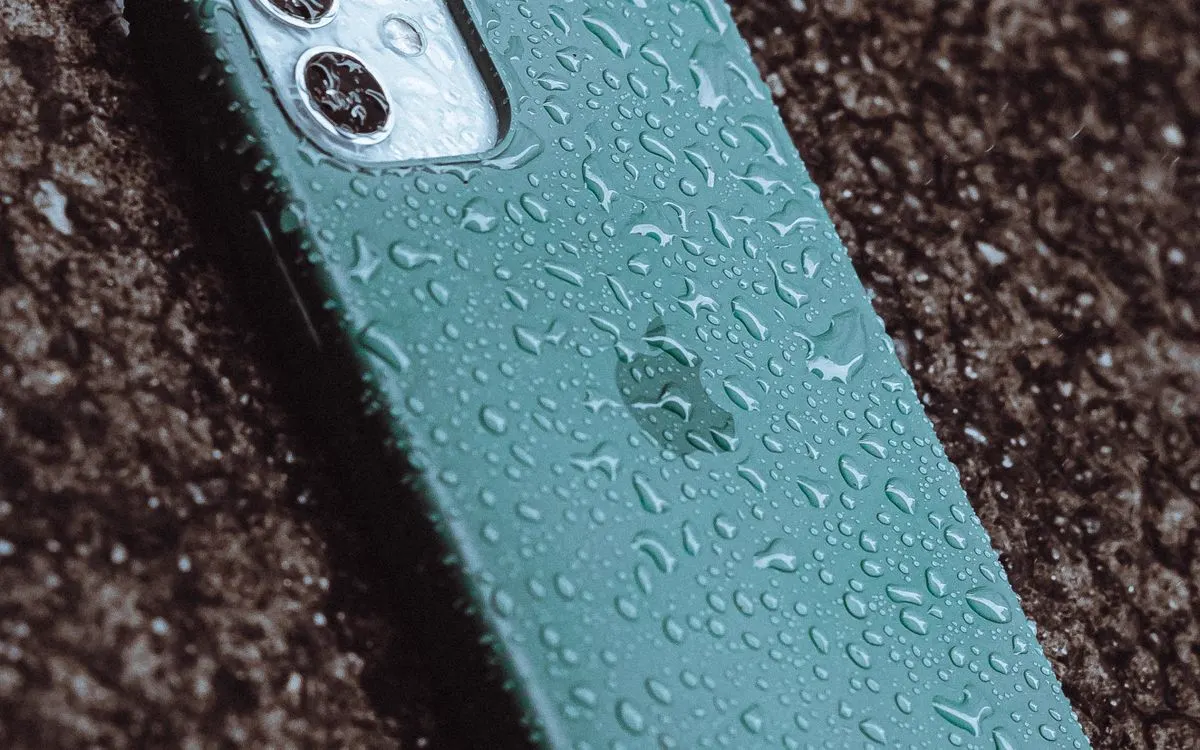
Water resistance
Water resistance is not permanent. It can decrease because of:
If screen repair requires opening the device, ask what sealing process applies afterward.
Do not assume that a repaired device has exactly the same water resistance it had when new.
The 90 day malfunction warranty applies to covered repair related malfunctions and should not be interpreted as protection against new liquid exposure or accidental water damage.
CELLTECH screen repairs are backed by a 90 day malfunction warranty. This warranty gives you added confidence after your screen repair. If the repaired or replaced screen develops a covered malfunction within the 90 day malfunction warranty period, bring your device and repair information back to CELLTECH so the issue can be reviewed according to the applicable warranty terms. The 90 day malfunction warranty applies to qualifying repair related malfunctions. New accidental damage, another cracked screen, physical impact, new liquid exposure, misuse, or unrelated device problems may be treated separately. Before approving service, you can ask:
Other repairs
CELLTECH also provides repair services for other device problems.
Our locations
CELLTECH provides cell phone, tablet, and laptop screen repair across Dallas and El Paso. Many CELLTECH locations are inside major shopping centers.
Use the store finder to choose your nearest location and view current contact information, directions, and store hours.
Seven Texas stores · Open 7 days a week
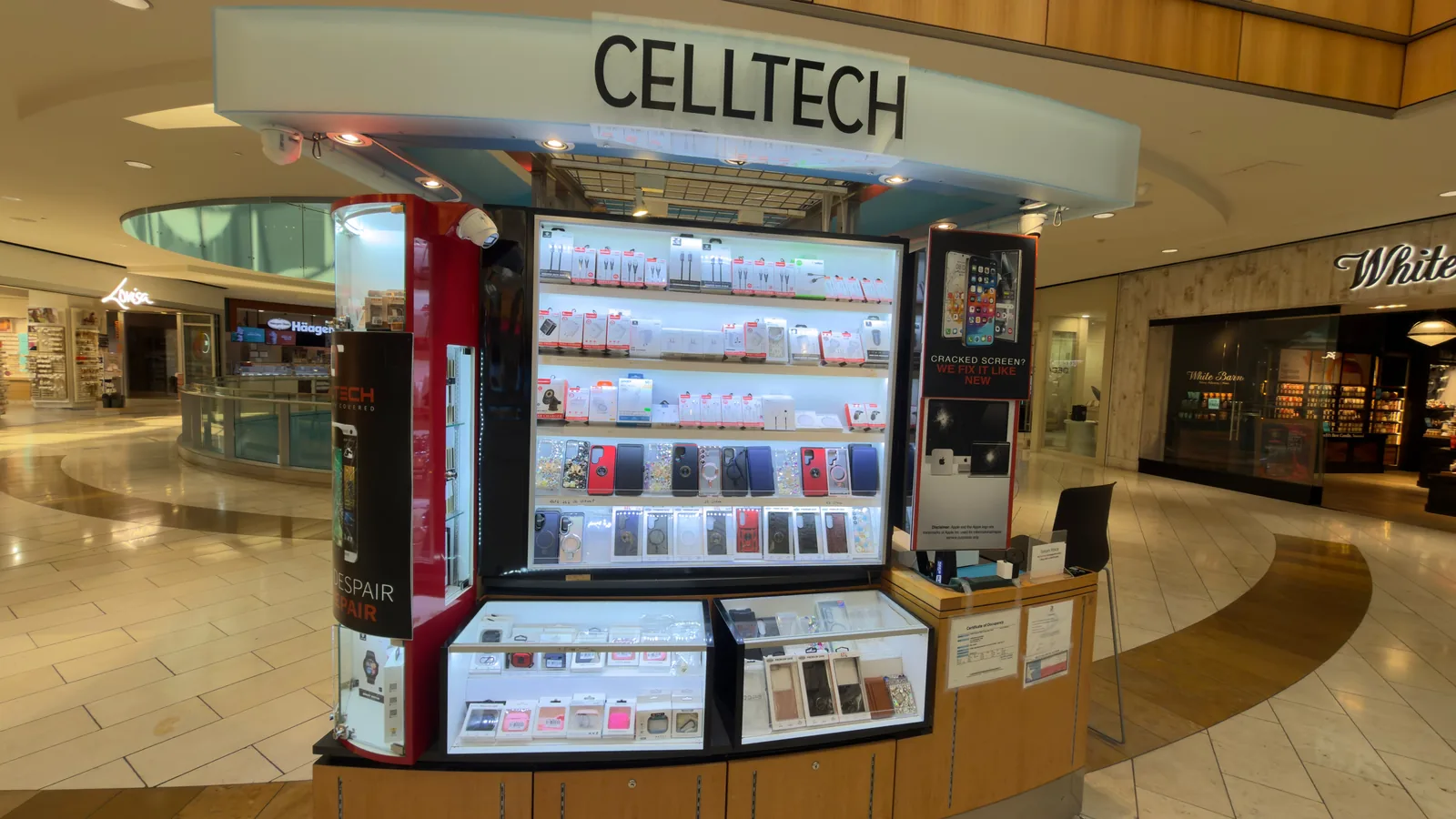
13350 Dallas Pkwy, Kiosk 6505, Dallas, TX 75240
Find CELLTECH located on Level 2 by Bath and Body Works.

3811 S Cooper St, Suite 2402, Arlington, TX 76015
Find CELLTECH located on Level 2 next to GameStop.
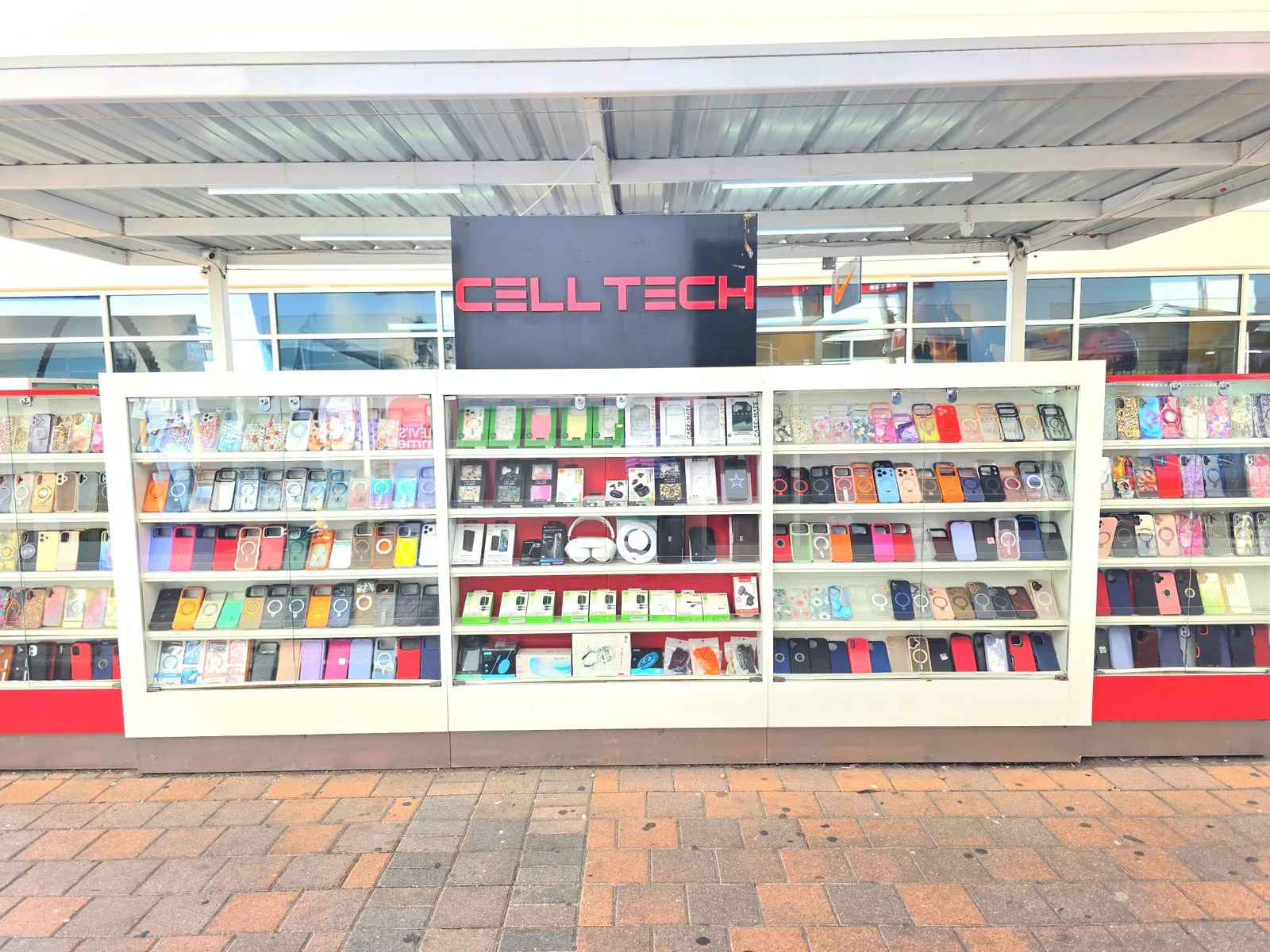
2950 W Interstate 20, Grand Prairie, TX 75052
Visit CELLTECH at Grand Prairie Premium Outlets.
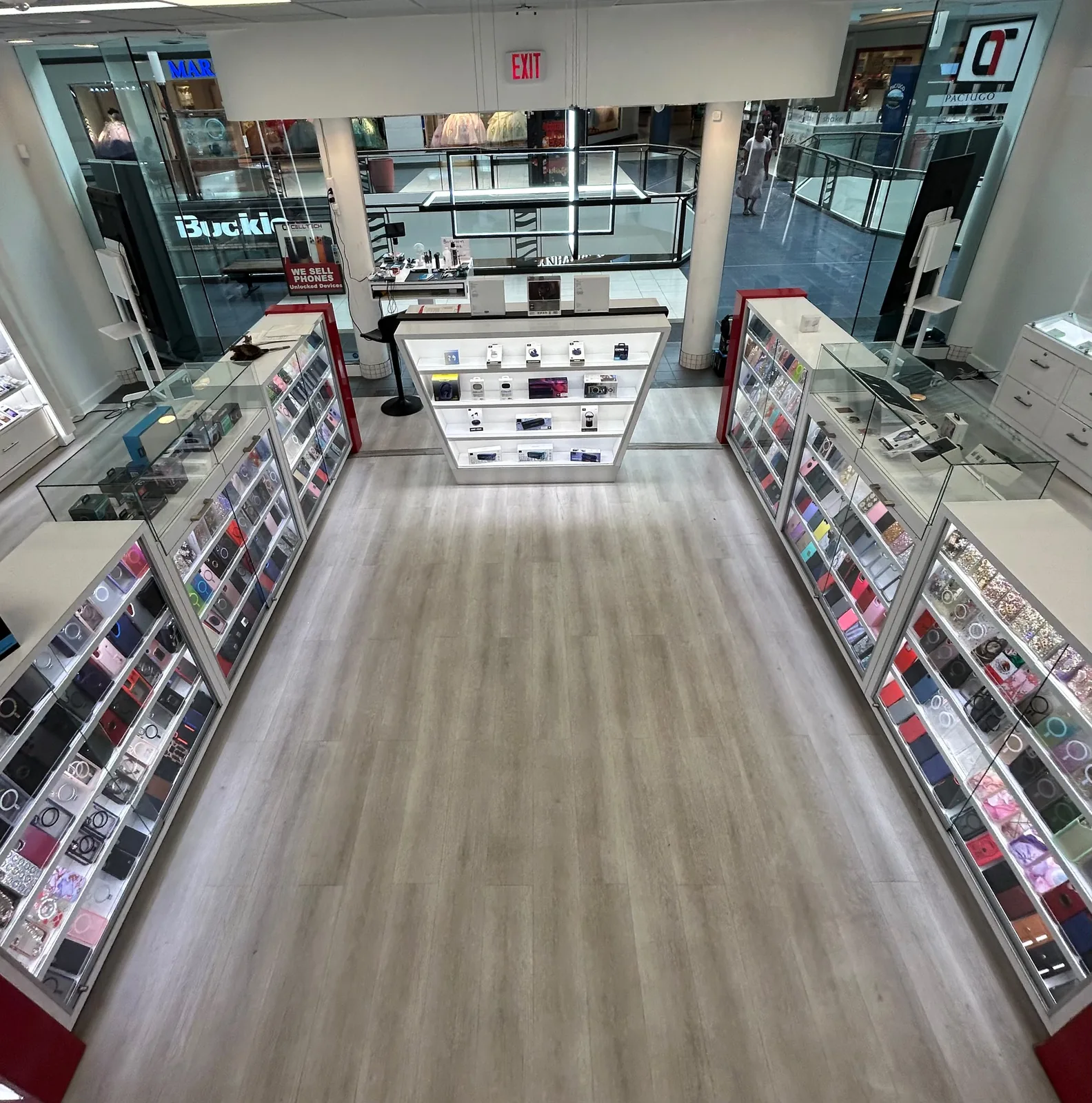
2063 Town East Mall, Kiosk 2208, Mesquite, TX 75150
Find CELLTECH located on Level 2 inside Town East Mall.
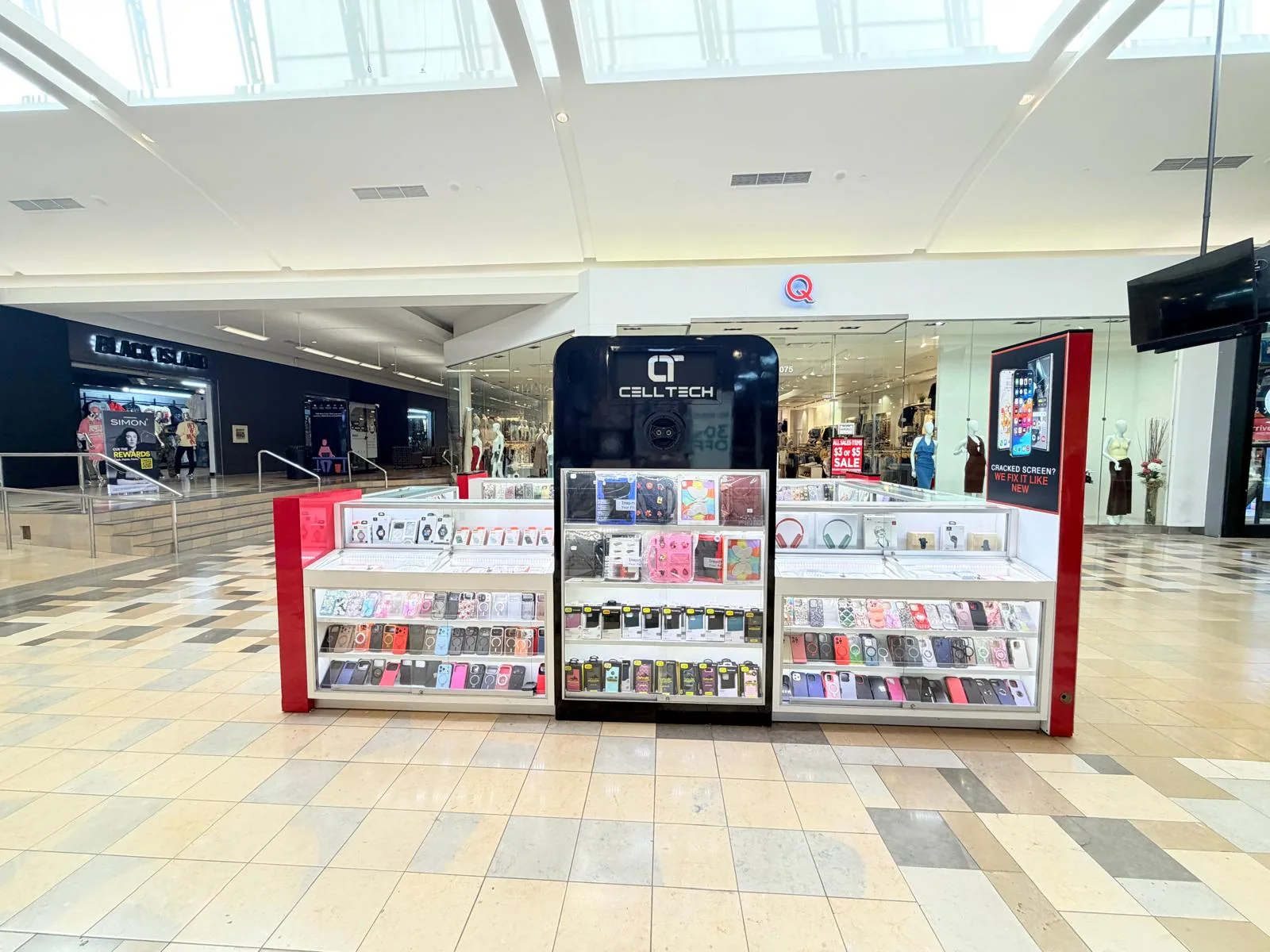
1101 Melbourne Rd, Kiosk 92, Hurst, TX 76053
Find CELLTECH in front of James Avery inside North East Mall.
8401 Gateway Blvd W, Kiosk K113, El Paso, TX 79925
Find CELLTECH located on Level 2 inside Cielo Vista Mall, in front of Hollister & Zumiez.
2601 Preston Rd, Suite 2210, Frisco, TX 75034
Visit CELLTECH at Stonebriar Centre in Frisco.
Straight answers to what people usually ask before bringing a cracked or damaged screen in for repair.
CELLTECH provides screen repair options for many cell phones with cracked glass, display damage, and touch problems. The exact repair depends on the device model and which parts of the display assembly are damaged. Many common cell phone screen repairs may be completed the same day, and some supported repairs can take as little as 20 minutes when the correct screen is available. Covered repairs include the 90 day malfunction warranty.
It depends on the device. Many modern devices use laminated display assemblies where the outer glass, touch system, and display panel are closely integrated, so standard screen repair may involve replacing the complete assembly rather than only the broken outer glass. The available repair should be confirmed after the device is identified.
Not necessarily immediately. However, cracked glass can spread, become sharper, make the device uncomfortable to use, or leave the display more vulnerable to additional damage. An inspection can confirm the available repair. Same day repair may be available when the correct screen is in stock.
A cracked protector can look similar to a broken display. If you are unsure, have the device checked before replacing the display.
Not necessarily. If the device still rings, vibrates, or makes notification sounds, the display system may be causing the visible problem. Restart the device if possible and have it inspected if the display remains black. If screen replacement is required, same day service may be available.
Not necessarily. A completely unresponsive device may have a battery, charging, power, display, or another internal problem. Diagnosis should happen before screen replacement is recommended.
A persistent colored line can indicate a display panel or display connection problem. Restart the device, check for available updates, and inspect any screen protector first. If the line remains, the display should be inspected.
Flickering can result from software, display hardware, or another related component. If basic troubleshooting does not resolve the issue, the device may need inspection.
Ghost touches happen when a screen registers input that you did not intentionally make. A damaged screen can cause them, but screen protectors, software, or other issues can sometimes produce similar symptoms.
Yes. A poorly fitted or incompatible screen protector can interfere with touch response or fingerprint recognition on some devices.
A lifting screen can indicate pressure from a damaged battery, frame damage, adhesive failure, or another internal problem. If battery swelling is suspected, stop using and charging the device and arrange professional inspection.
Permanent OLED or AMOLED burn-in involves display pixel wear. If the problem is severe enough to justify repair, display replacement is the hardware repair option.
Not always. It depends on the location of the pixel, how distracting it is, device value, and repair cost.
True Tone behavior can depend on the replacement display, exact iPhone model, and repair process. Ask what display is being installed before approving the repair.
Supported iPhones can show display repair information under Parts and Service History. The information shown depends on the device, replacement component, and repair configuration.
On devices with an under-display fingerprint sensor, fingerprint recognition should be tested after repair. Depending on the device and repair process, fingerprints may need to be registered again.
CELLTECH provides screen repair options for supported iPad and Android tablet models. Availability depends on the exact tablet and replacement part. Same day service may be available for some supported tablet models.
CELLTECH provides screen replacement options for supported MacBook and Windows laptop models. Parts availability and repair time depend on the exact model. Laptop screen repairs generally have different turnaround requirements from common cell phone screen repairs.
Many screen repairs do not normally require personal files to be removed. However, backing up important information before repair is recommended whenever the device still works.
Price depends on the device, display technology, replacement component, screen construction, parts availability, and any additional damage. CELLTECH provides a quote after the device and required repair are confirmed. Covered repairs include a 90 day malfunction warranty.
Repair time depends on the device, replacement component, parts availability, and extent of the damage. Many common cell phone screen repairs can be completed in as little as 20 minutes when the correct part is available. Same day screen service is also available for many supported devices. Tablet and laptop repair times can differ.
Yes. Same day screen repair is available for many supported devices. Availability depends on exact device model, replacement screen availability, screen construction, extent of damage, and additional repairs. Your nearest CELLTECH store can confirm availability for the exact device.
Many common CELLTECH cell phone screen repairs can be completed in as little as 20 minutes. The exact repair time depends on the model, replacement screen, frame condition, and whether additional damage is present.
Yes. CELLTECH screen repairs are backed by a 90 day malfunction warranty. The warranty applies to covered repair related malfunctions according to CELLTECH's applicable warranty terms.
No appointment is required for a standard walk-in visit. Walk-ins are welcome at CELLTECH stores. You can also contact your nearest location first to check replacement screen availability and same day repair options.
From the workshop
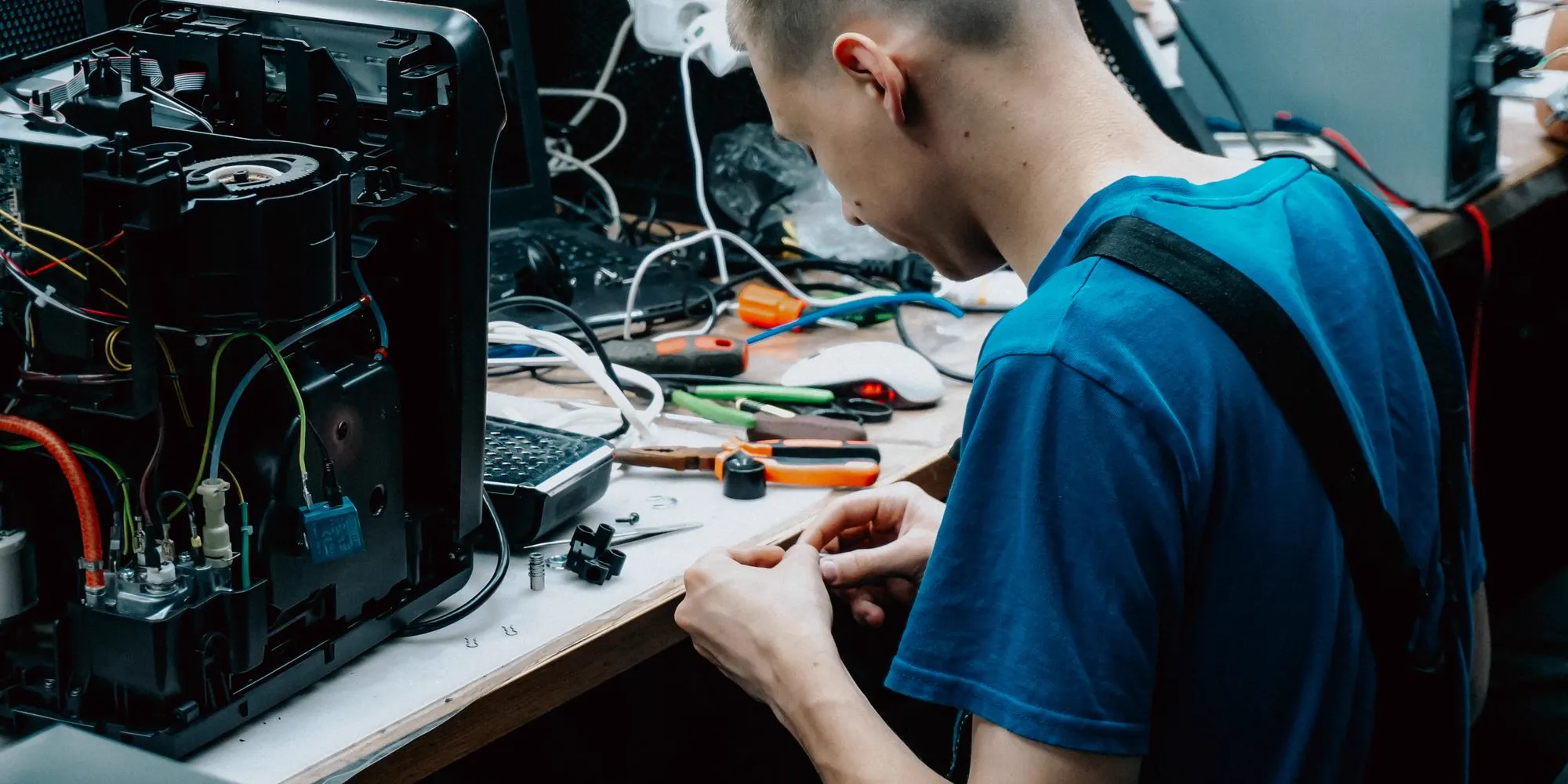
A cracked display rarely stays as it is. Glass keeps spreading from the point of impact, the exposed edge starts catching fingers, and an opening in the panel gives dust and moisture a way in. Bring the device to your nearest CELLTECH store and find out what the screen actually needs before anything is ordered.