



How to Recover Data from a Broken Phone Before It’s Too Late
Blogs4 min read
No appointment needed
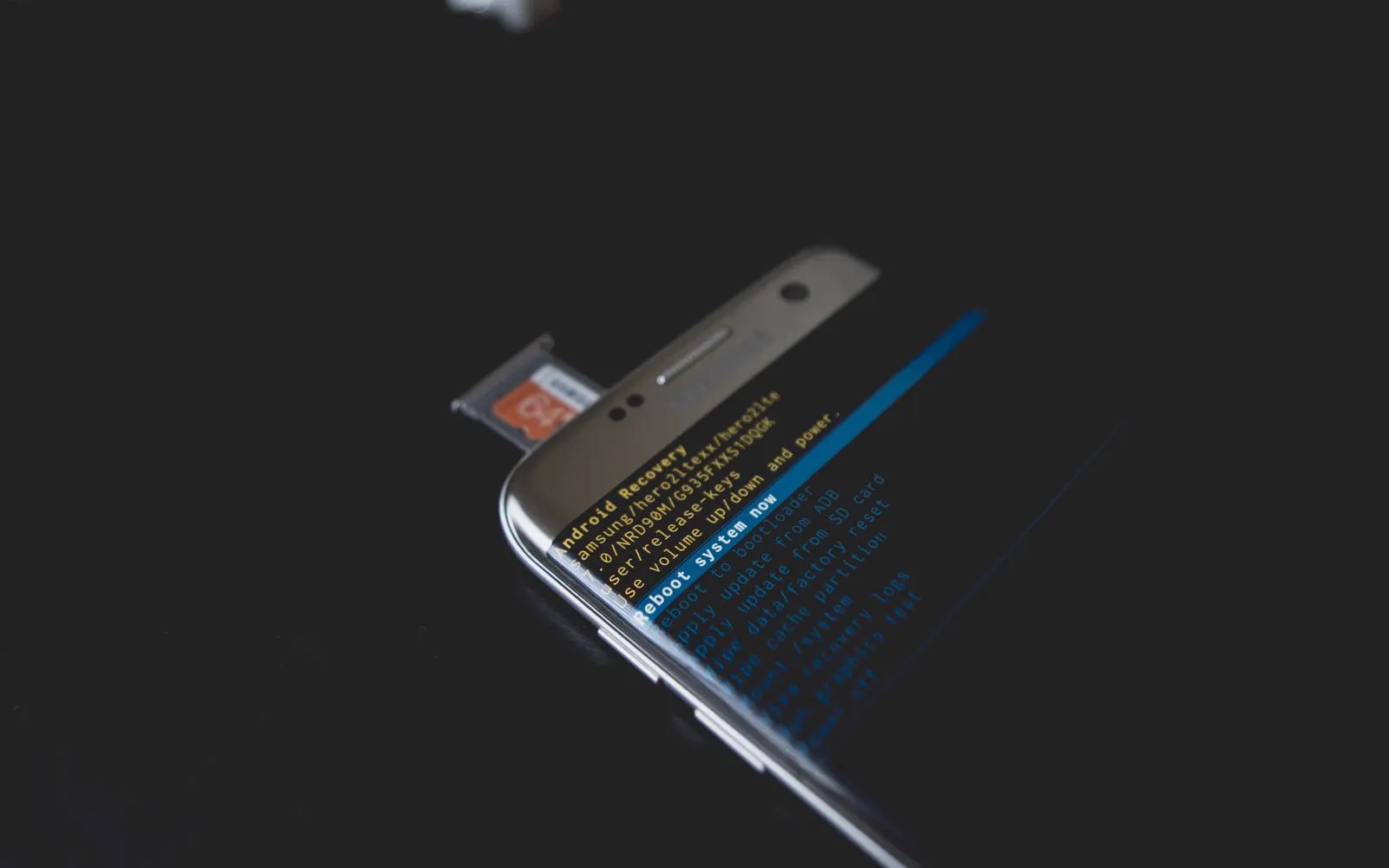
Data recovery help
Losing access to photos, contacts, documents, school files, work files, or other important information can be more stressful than the device damage itself. A cracked screen, liquid exposure, charging problem, failed battery, damaged storage component, or device that does not turn on can sometimes prevent you from accessing data that may still exist on the device or in an existing backup. CELLTECH provides data recovery assessment and available recovery options for supported cell phones, tablets, MacBooks, and Windows laptops across Dallas and El Paso.
Need access to your important files quickly? Data recovery itself is not guaranteed in every case. The condition of the device, storage, encryption, backups, credentials, and type of damage all affect what can be recovered. Bring your device to a CELLTECH store and explain what happened. The device and symptoms can be assessed before available recovery options, limitations, expected turnaround, and pricing are explained.
Some data access problems are a straightforward screen, battery, or charging repair away. The assessment establishes that before anything more complicated is considered.
Customers who trust CELLTECH
A customer holding up a repaired iPhone at the CELLTECH counter.
Screen repair, in store

A customer checking a repaired phone before leaving the store.
Charging port repair, in store

A customer on the shop floor after a same day repair.
Same day repair
A customer collecting his phone at the case wall.
Phone repair, in store

A customer outside the store after an iPhone 15 repair.
iPhone 15 repair

A customer with his repaired phone at the counter.
Phone repair, in store
A customer holding up his repaired phone in the store.
Phone repair, in store

A customer holding up his repaired phone on the mall concourse.
Phone repair, in store
I dropped it in the car park on a Tuesday morning and had written the phone off in my head by lunchtime. They took it in, quoted me on the spot and handed it back the same afternoon with the old panel in a bag so I could see what had actually broken.
Alicia R.
iPhone 14 Pro screen repair
It was down to twenty percent before lunch every single day and I assumed I was being sold a new battery whatever I said. They tested it in front of me first, showed me the health reading, then swapped it and had me out inside the hour.
Tomas G.
Galaxy S23 battery replacement
I put a full cup of coffee across the keyboard and had four years of work on there with no backup. They opened it the same day, cleaned the board properly rather than just drying it out, and every key on it still works months later.
Priya N.
MacBook Air liquid damage
The last place I used quoted one number on the phone and a different one at the counter. These people looked at the port, told me what it would cost before they touched anything, and that was exactly what I paid when I collected it.
Kevin M.
iPad 10th generation charging port
The back was shattered end to end and pieces of it were coming away in my hand. I left it with them on my lunch break, came back after work, and there is no seam and no gap anywhere on it. You would not know it had happened.
Samuel O.
Pixel 8 back glass repair
What actually decided it for me was the 90 day malfunction warranty, because I had been burned by a cheap repair before that failed inside a fortnight. Nothing has gone wrong with this one, but I would have had somewhere to go if it had.
Renata C.
iPhone 12 camera repair
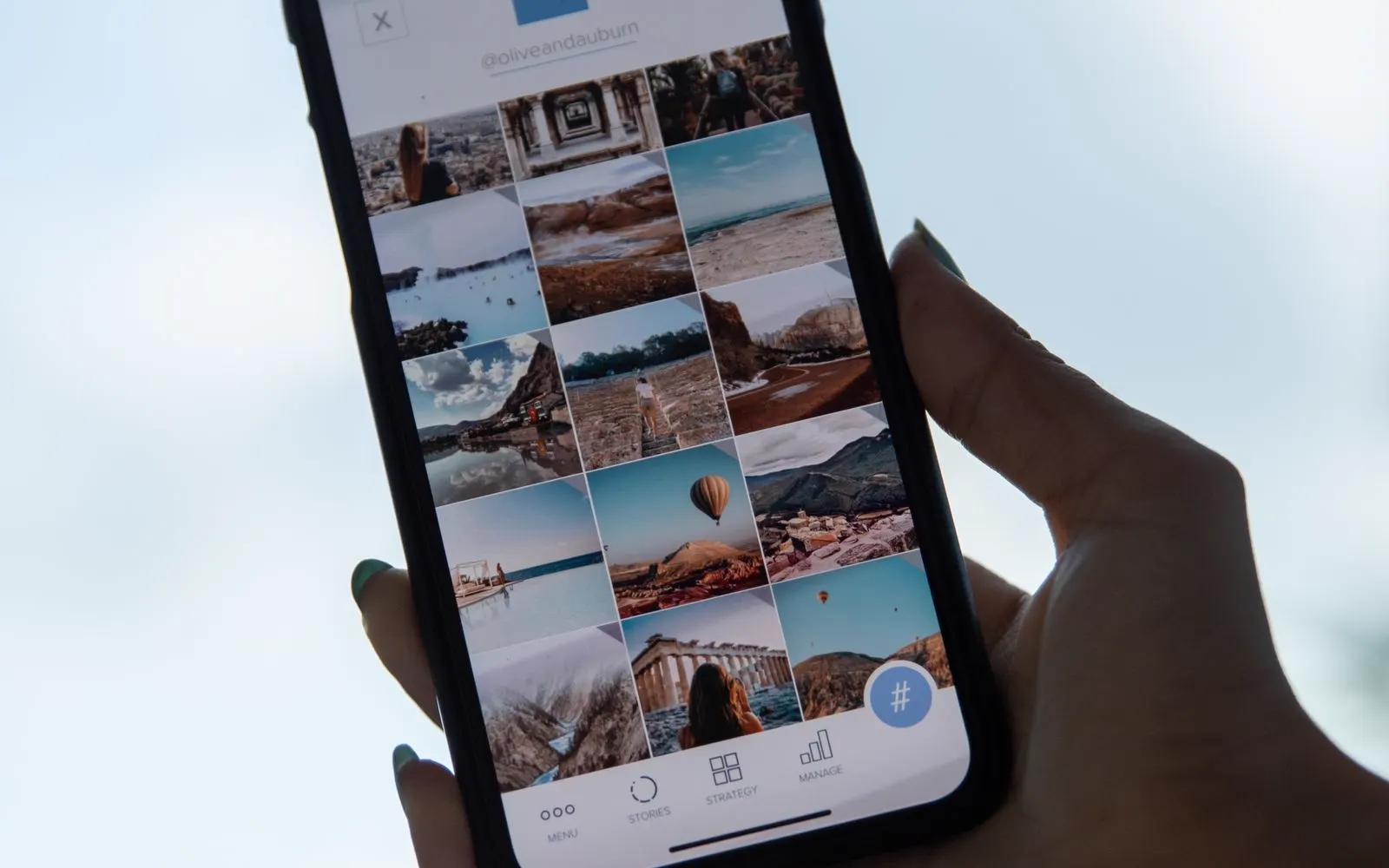
What matters
Depending on the device, users may be trying to regain access to:
The data available for recovery depends on where it was stored, whether it was backed up, the condition of the device, encryption, and the type of failure. CELLTECH does not guarantee that every file can be recovered. The assessment is used to understand what options are realistically available.
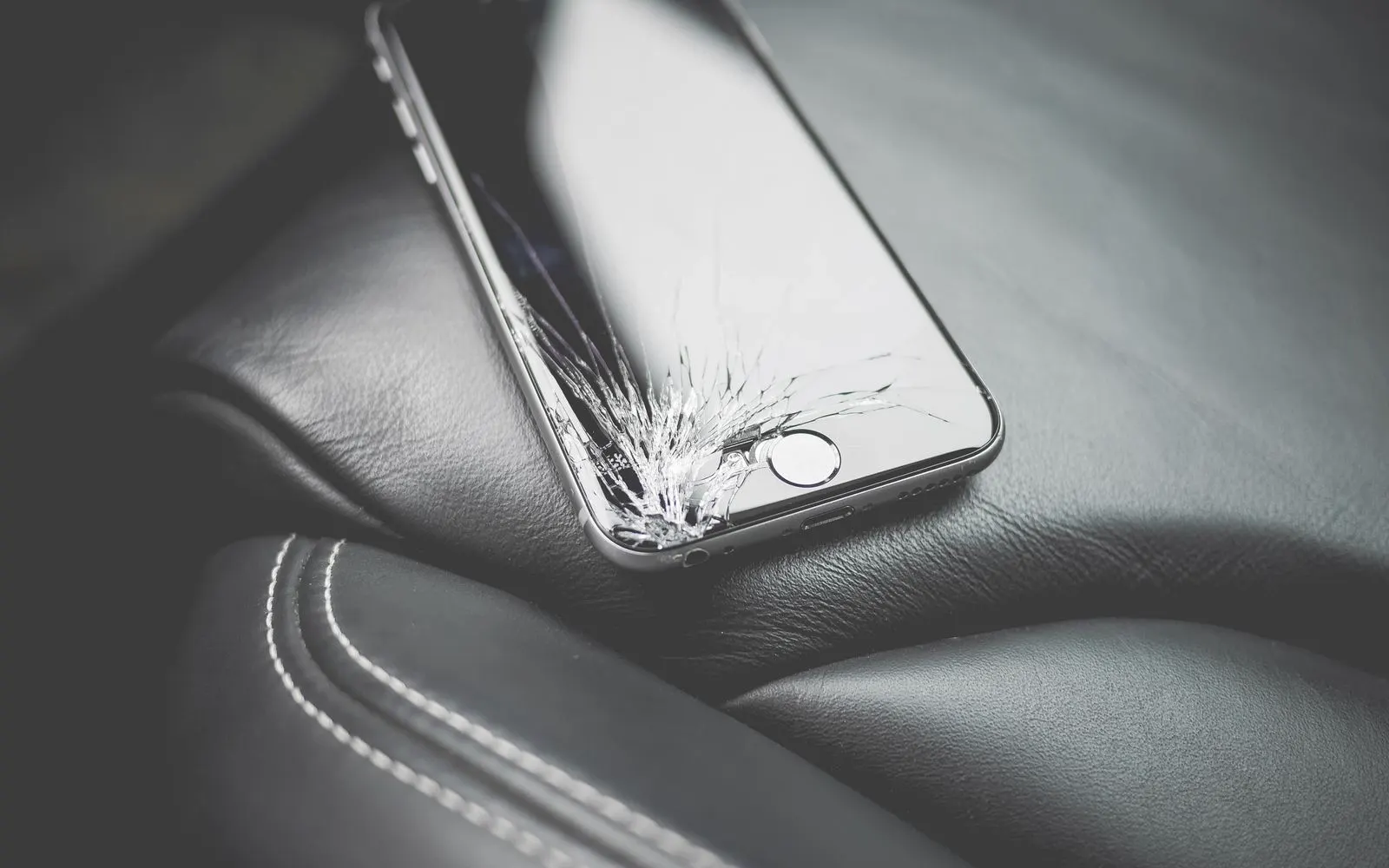
Why you lost access
Start with what happened to the device. Open the description that matches your situation — each one explains what it can mean for the data and what to avoid doing before the device is assessed.
A device that does not power on does not automatically mean the data has been erased. The failure may involve:
Battery, Charging system, Display, Power related hardware, Storage, Software, Another internal component
In some situations, repairing enough of the device to regain normal access may be part of the recovery path.
For example, a failed battery or charging component may prevent the device from remaining powered long enough to access or back up files.
In other cases, the underlying problem can make recovery more difficult or unavailable.
The device should be assessed before a recovery outcome is promised.
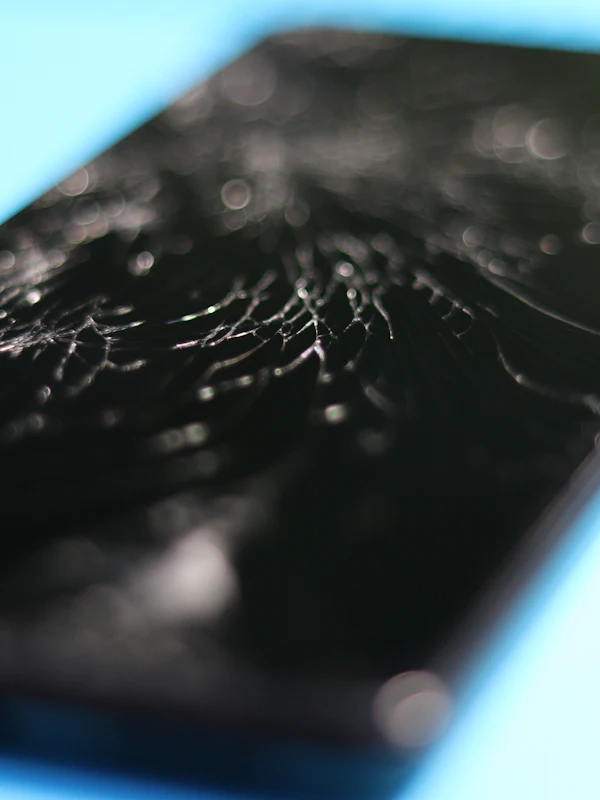
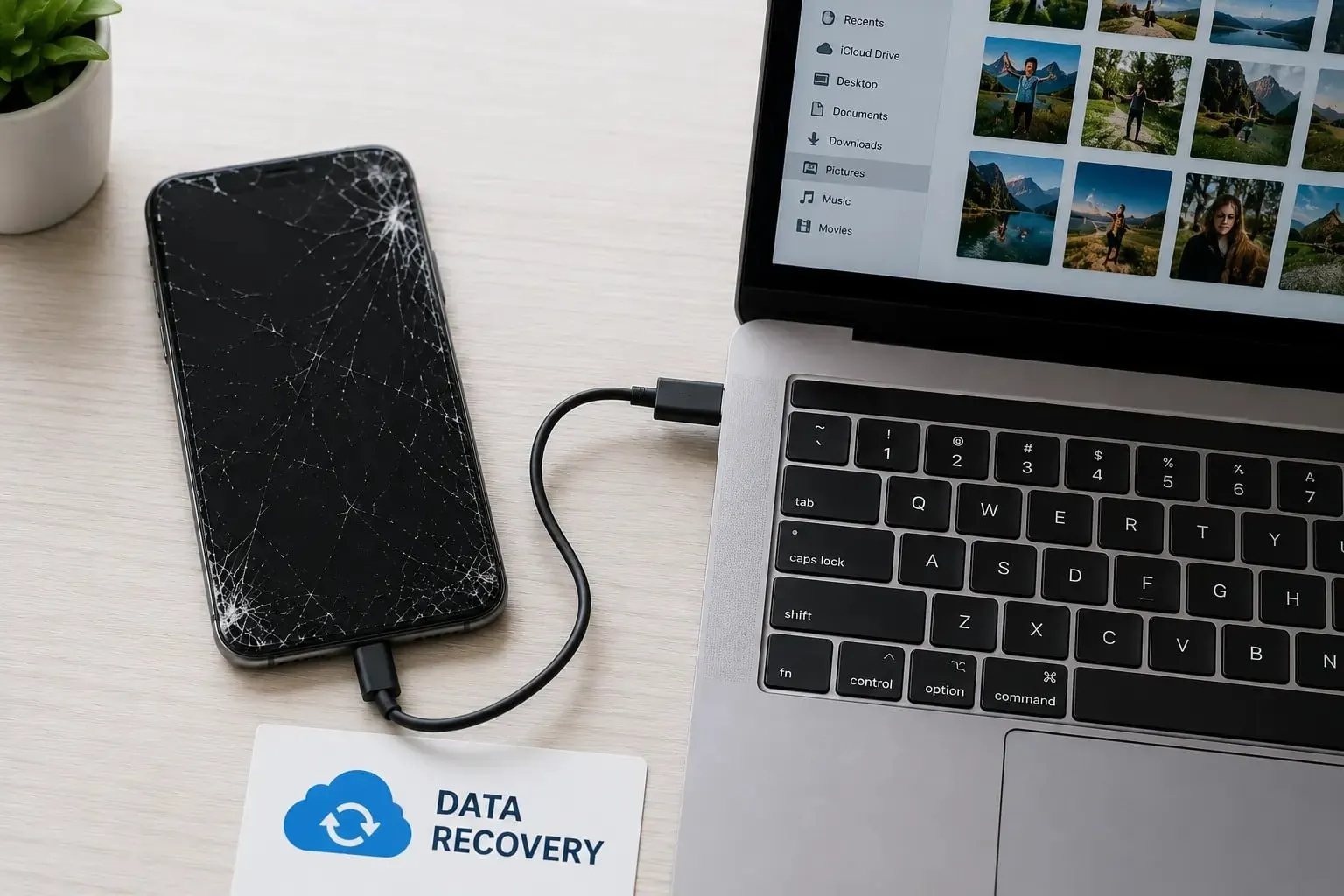
Sometimes the device is still operating normally but the damaged screen prevents access. Possible situations include:
Screen remains black, Touch does not respond, Only part of the display works, Display shows colored lines, Screen is badly cracked, Device still rings or receives notifications
If the underlying device and storage remain functional, restoring normal access to the device may allow files to be backed up or transferred.
This can sometimes make screen repair the most practical first step.
The screen and device condition should be checked before determining the recovery approach.
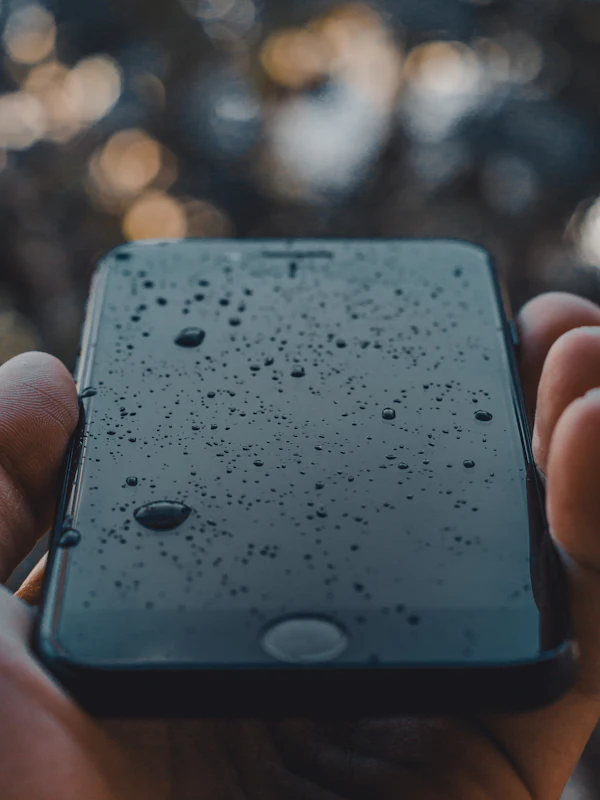
Liquid exposure can affect several components at the same time. Possible problems include:
Device does not turn on, Display remains black, Charging stops working, Touch becomes unresponsive, Storage cannot be accessed, Device repeatedly shuts down, Camera or other hardware fails
If important data is stored on a liquid damaged device, avoid unnecessary repeated attempts to power or charge a malfunctioning device.
Bring it in for assessment and explain what liquid exposure occurred.
Data recovery from liquid damaged electronics cannot be guaranteed because the extent of internal damage varies significantly.
Complex liquid damage should not be treated as a guaranteed 20 minute recovery.
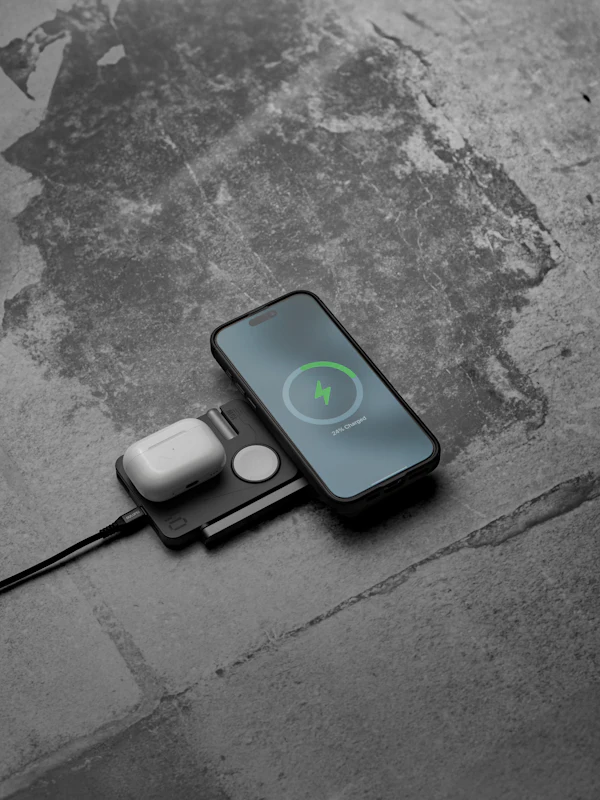
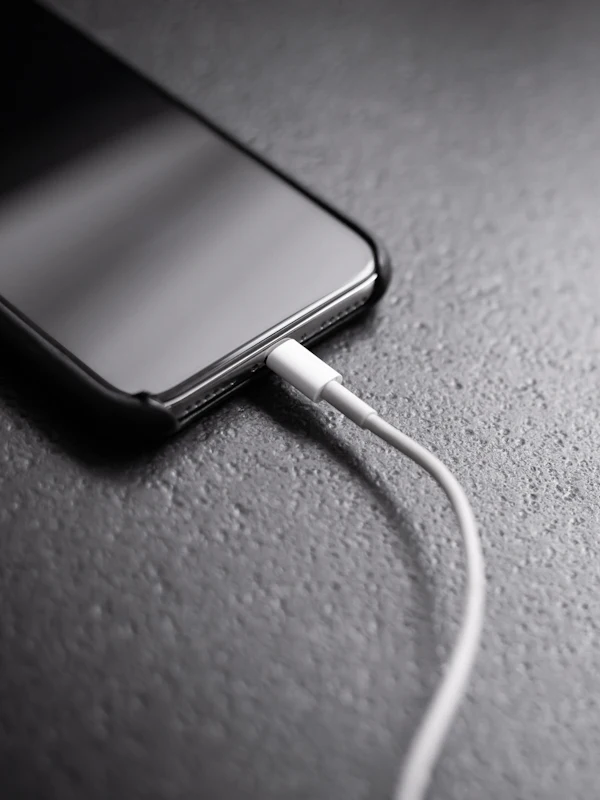
A device that cannot charge may still contain accessible data. Possible causes can include:
Charging cable, Power adapter, Charging port, Battery, Moisture, Internal charging hardware
If restoring reliable power allows the device to operate normally again, data may become accessible without a separate storage recovery procedure.
This is why diagnosis should come before assuming that the storage itself has failed.
A severely degraded or failed battery can sometimes prevent normal device use. Possible symptoms include:
Device does not stay powered on, Device shuts down unexpectedly
Device works only while connected to power
Battery percentage behaves abnormally
Device cannot remain on long enough to back up files
If the storage and other components remain functional, resolving the power problem may restore access to the data.
Battery replacement should still be recommended only after the battery related problem is confirmed.
Accidentally deleted files are one of the most common reasons people search for data recovery. However, deleted data recovery is highly dependent on the device, storage system, backup status, encryption, and what has happened since the deletion. Recovery cannot be guaranteed. If important files disappeared unexpectedly, avoid unnecessary actions that could complicate recovery, such as factory resetting or reinstalling the operating system before the situation has been assessed. Also check whether the files already exist in:
Cloud backup, Recently Deleted folders, Another synced device, Computer backup, External backup drive, Google Photos, iCloud, OneDrive, Another backup service you already use
Finding an existing backup can sometimes provide a faster and safer path to your files than attempting recovery directly from damaged storage.
A device that powers on but never finishes starting up usually still has its storage intact. What that looks like:
Logo appears and stays, Startup screen loops, Device restarts repeatedly, Boot screen freezes, Startup takes far longer than usual
A device that reaches the logo has power and is running, which often means the storage is still readable even though the operating system cannot finish loading.
Avoid a factory reset while important files are still on the device. A reset can remove exactly what you are trying to reach.
Have the startup failure assessed before any reset or reinstall is attempted.
Files can disappear after a software update, a restore, or a reset that did not go as expected. Common situations include:
Photos gone after an update, A new and empty user profile, Documents missing after a restore
A device set up as new by mistake
Files no longer syncing
The information may still exist in a cloud account, in an older backup, or under a profile the device is no longer signing in to.
Do not repeat the update, restore, or reset while the files are missing, and avoid adding new data to the device if you can.
Explain exactly what was done and when, because the sequence of events changes what is realistically recoverable.
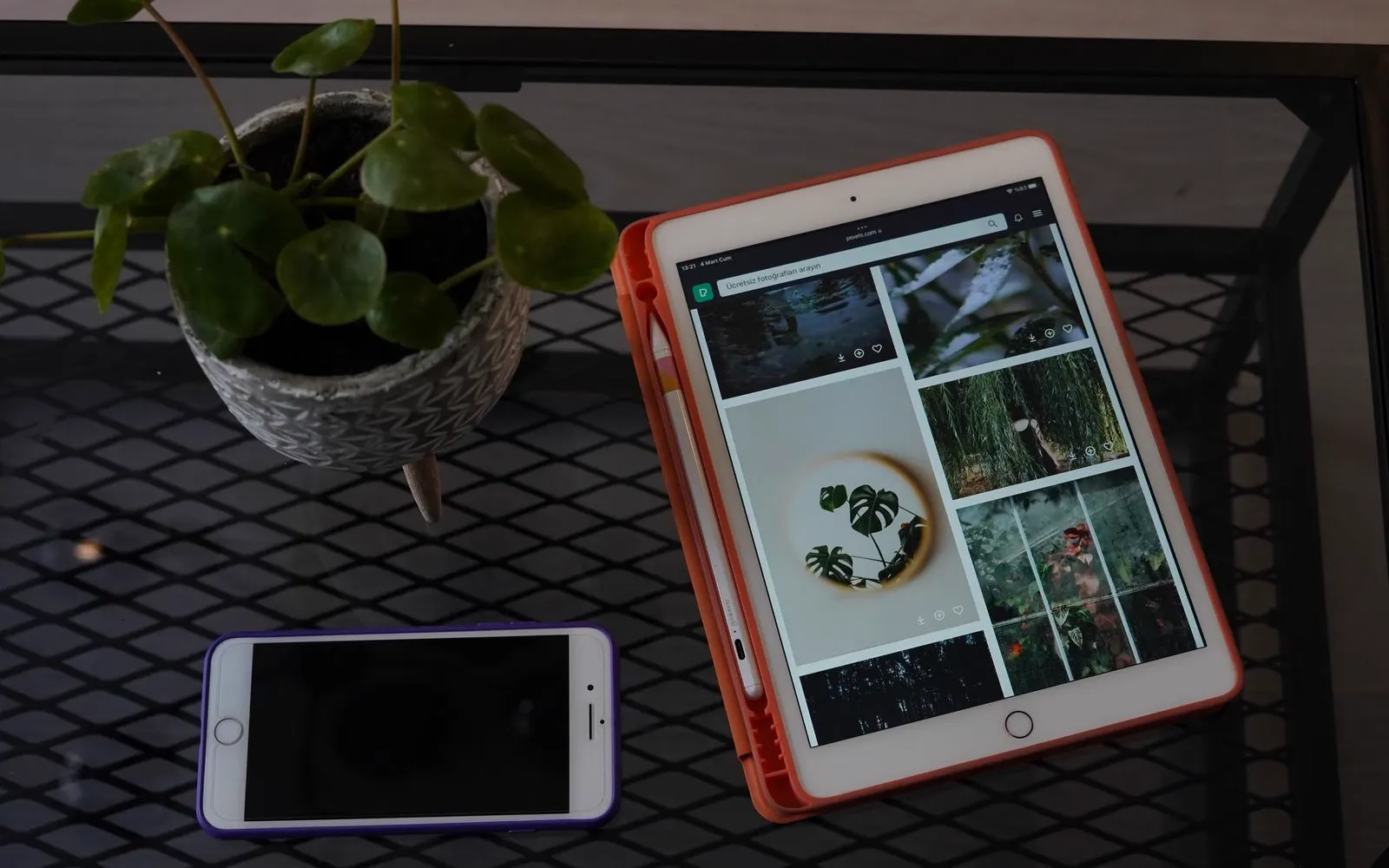
Phones and tablets
What is possible depends on the platform as much as the damage, because the account, the backup, and the security on the device all decide what can legitimately be reached.
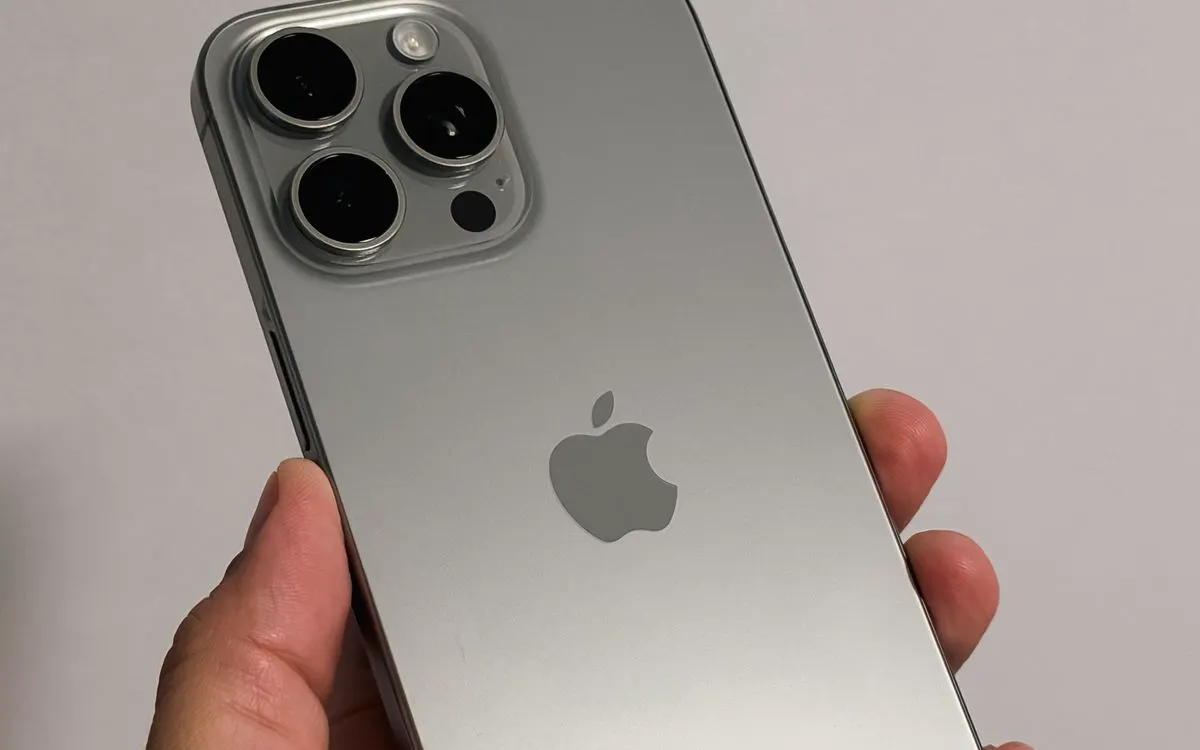
CELLTECH can assess data access problems on supported iPhone models. Possible situations can include:
iPhone screen is broken, iPhone does not turn on, iPhone does not charge, Liquid exposure, Battery failure, Important files appear missing, Existing backup needs to be identified
If normal device access can be restored through a supported screen, battery, or charging repair, that may be the fastest route to backing up the data.
If your iPhone was previously using iCloud Backup, some or all important information may already exist in your Apple account. An existing iCloud backup can sometimes provide a copy of device information when an iPhone or iPad is damaged, lost, or replaced. Before pursuing a more complicated recovery path, it can therefore be useful to determine whether a recent backup already exists.
Modern iPhones use strong security protections. Access to encrypted information may require the correct device passcode, Apple Account credentials, or other legitimate authentication. CELLTECH does not bypass activation locks, device passcodes, account security, or encryption. If credentials are required, the device owner needs to provide or recover them through legitimate account recovery methods.
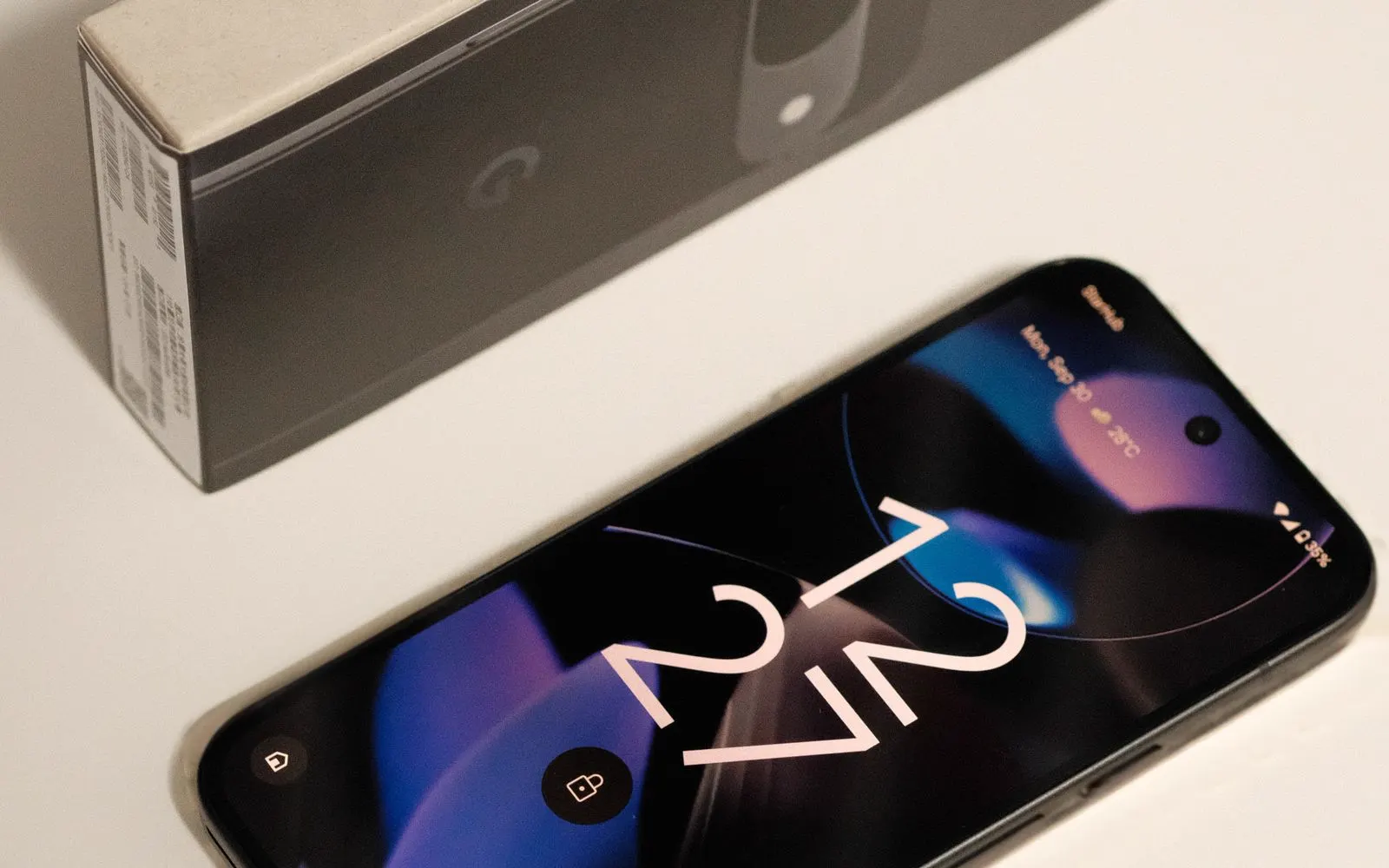
Data access problems can also affect Android devices from manufacturers such as Google Pixel, Samsung Galaxy, Motorola, and other supported brands. Possible recovery situations include:
Broken display, Device not turning on, Charging failure, Battery failure, Liquid damage, Files missing, Device unable to complete startup
If a straightforward hardware repair restores normal device access, files may become available again without a more complicated storage recovery procedure.
Android can back up supported information to a Google Account. Depending on settings and applications, backed up information may include items such as contacts, device settings, messages, and other supported data. Some backed up Android information can also be protected using the device screen lock. This means account access and legitimate credentials can be important during restore or recovery.
CELLTECH does not advertise bypassing:
Screen locks, Google account protection, Factory Reset Protection, Device encryption, Other security controls
Data recovery should only proceed with appropriate device ownership and authorization.
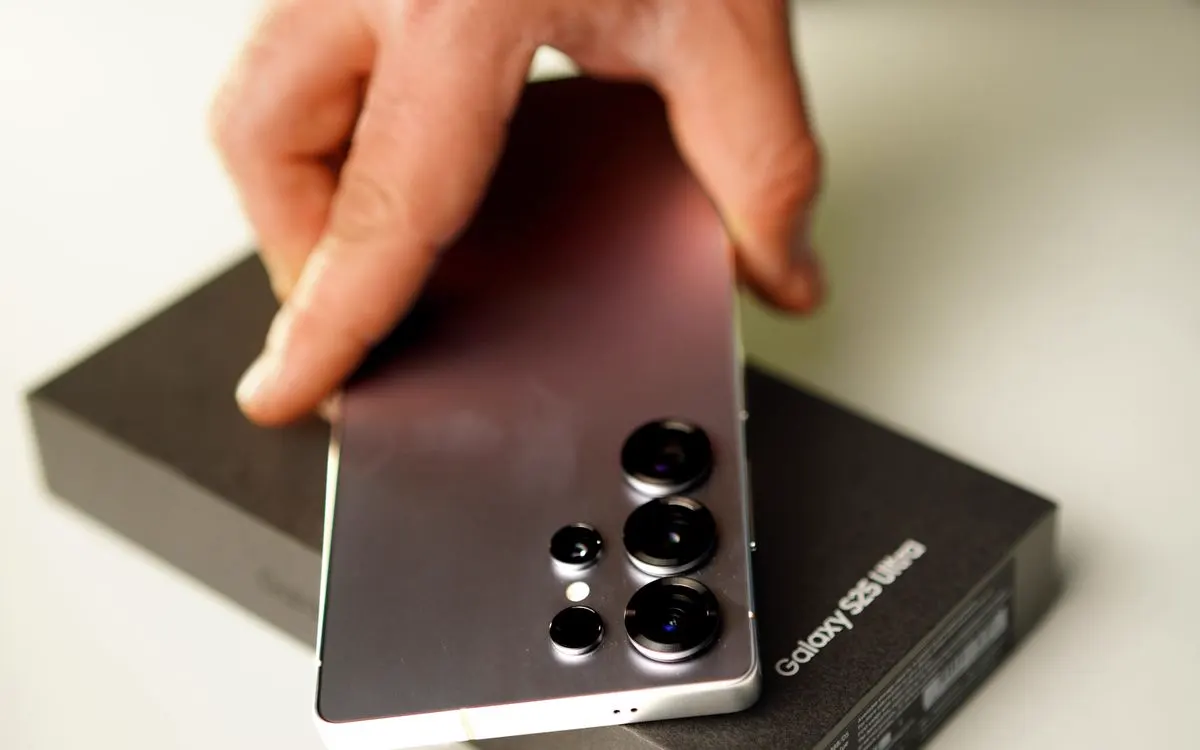
Samsung Galaxy devices can experience data access problems after:
Screen damage, Battery problems, USB-C charging failure, Liquid exposure, Device power failure, Other hardware problems
If the Galaxy can be restored to normal operation without affecting stored data, the next priority can be creating a backup of important information.
If the device remains inaccessible, available recovery options depend on its condition and security configuration.
Important photos, files, notes, documents, and other information may be stored locally or synchronized through iCloud and other services. Data access can be interrupted by:
Broken display, Touch failure, Charging problems, Battery failure, Liquid damage, Device not turning on
If an iCloud or computer backup exists, restoring from that backup may be simpler than recovering information directly from damaged hardware.
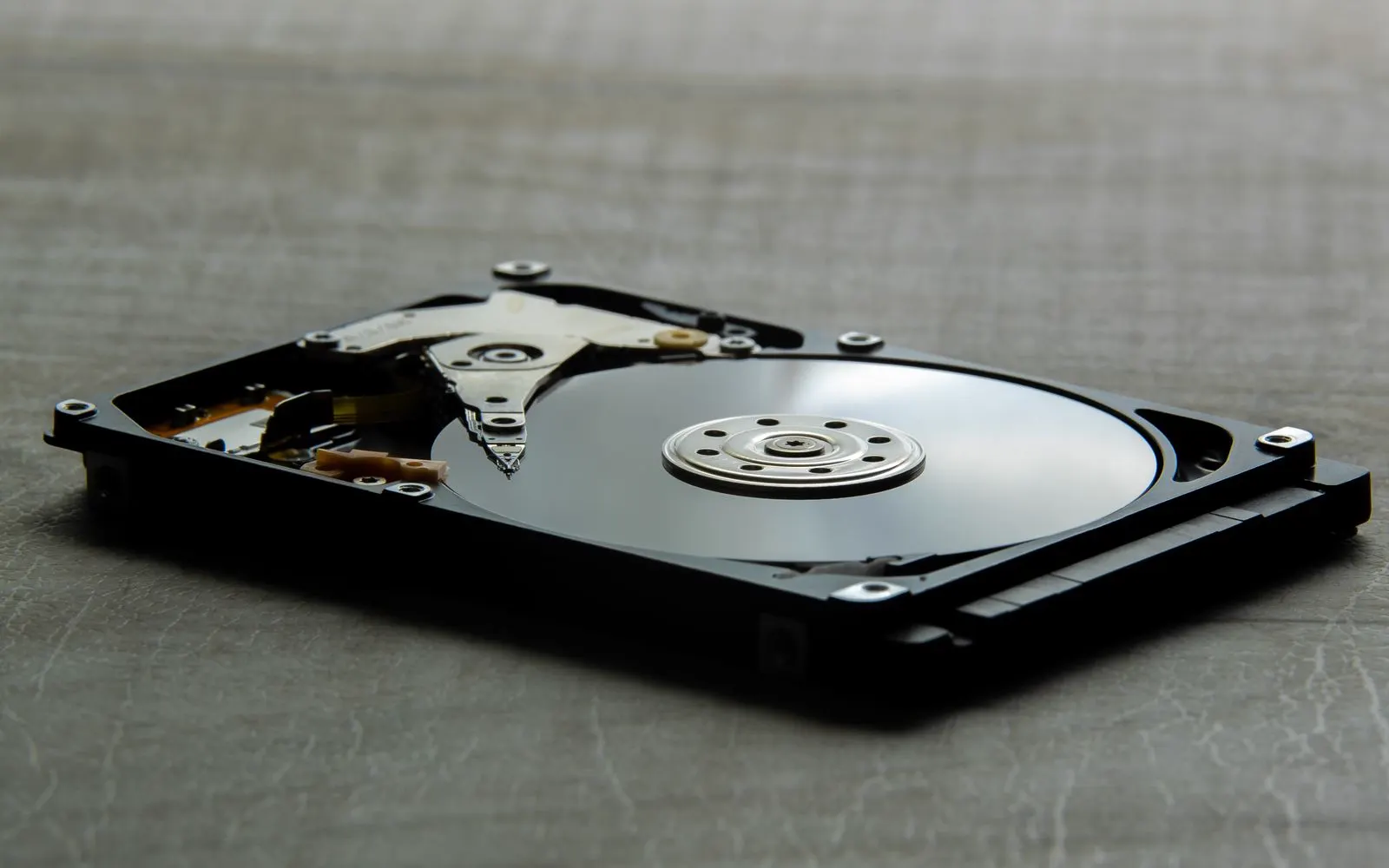
Laptops and drives
A laptop that will not start is not the same problem as a drive that has failed, and the difference decides how the files are reached. These are the situations that come in most often.
Laptop data problems can involve the operating system, internal storage, power system, or another hardware component. Common situations include:
Laptop does not start, Windows does not load, MacBook does not boot, Internal drive is not accessible, Files appear missing, Operating system reports storage problems, Laptop was dropped, Laptop experienced liquid damage
The appropriate recovery path depends on whether the storage itself is damaged or another laptop component is preventing access.
In some cases, restoring power, a display, or another common hardware function may restore access to files.
Before performing a Windows reset or reinstall when important files are at risk, consider the data first. Some Windows recovery and reinstall options can remove personal files. If a Windows laptop is still partially functional but important files are inaccessible, have the situation assessed before performing a full reset or reinstall. If the problem is caused by another repairable laptop component rather than failed storage, restoring that component may provide a simpler path to the files.
Some Windows devices use BitLocker encryption. Access to encrypted data can require the correct BitLocker recovery key. CELLTECH does not bypass BitLocker encryption. If the recovery key is unavailable, the user may need to retrieve it through the legitimate Microsoft account or organization that manages the device.
A MacBook may become inaccessible because of:
Power failure, Battery failure, Display damage, Liquid exposure, macOS problems, Storage related issues, Other hardware faults
Where the MacBook still functions, an existing Time Machine or cloud backup should also be considered.
If hardware repair is needed simply to restore normal access to the MacBook, that may be different from recovery from failed storage itself.
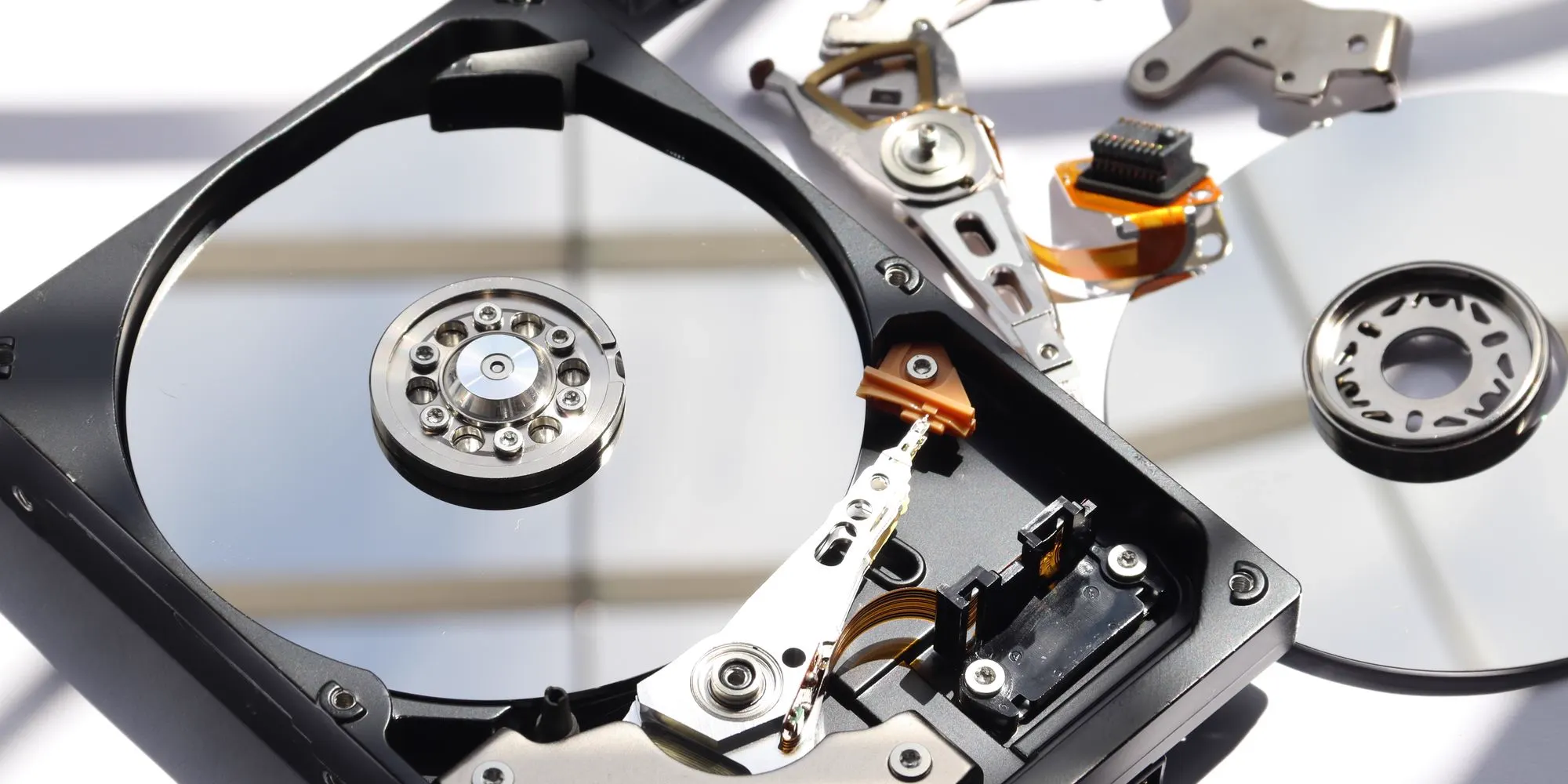
Laptops and computers may use hard disk drives, solid-state drives, or other forms of internal storage. Symptoms of storage related problems can include:
Drive not appearing, Operating system failing to start, Files becoming inaccessible, Storage errors, Computer repeatedly freezing during file access
Not every startup problem means the storage device itself has failed.
Power, software, connectors, and other components can produce similar symptoms.
The device should be assessed before a recovery method is recommended.
Advanced storage recovery options depend on the exact situation and available CELLTECH service for that device.
No advanced HDD or SSD recovery result should be promised before the case has been assessed.
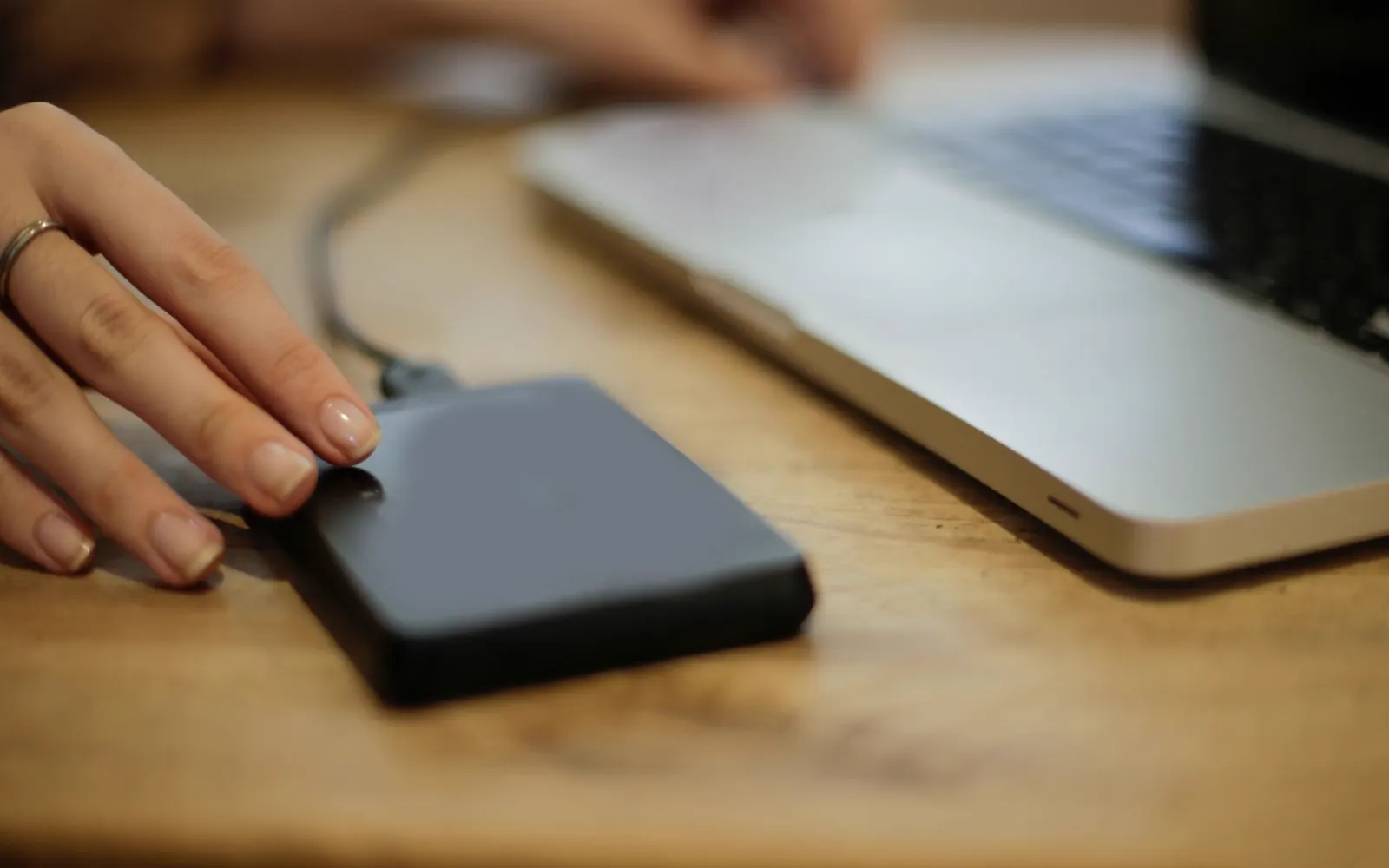
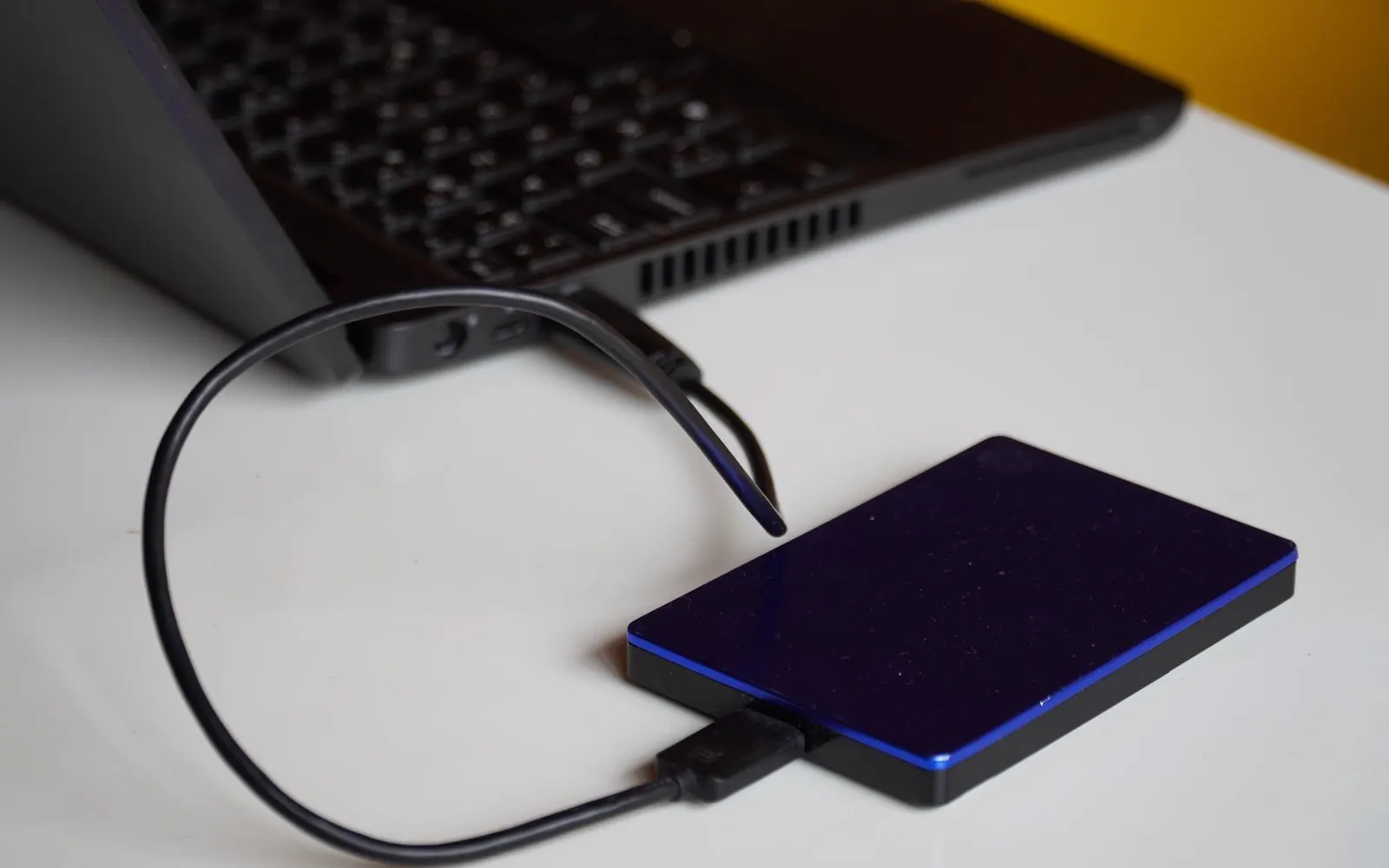
An external drive that no longer appears can fail at its enclosure rather than at the drive inside it. Symptoms include:
Drive does not appear, Drive appears then disappears, The computer asks to format it, Clicking or buzzing sounds
The drive light does not come on
A drive that is asking to be formatted should not be formatted. That step can turn a recoverable situation into a much harder one.
Clicking or grinding usually points to physical damage inside the drive, and repeated power-up attempts can make that worse.
Bring the drive and its cable in so the enclosure, the connection, and the drive itself can be assessed separately.
An update that fails partway through can leave a laptop unable to boot while the files themselves are untouched. You may see:
An update screen that never finishes, A recovery or repair loop
A blue or black screen at startup
A message about a missing operating system
A prompt to reset or reinstall
A failed update is a software problem more often than a storage failure, and personal files usually still exist on the drive.
Do not accept a reinstall or reset prompt while important files are unaccounted for.
Have the laptop assessed so the files can be considered before the operating system is repaired or replaced.
A drop while the machine is powered on is harder on a traditional hard drive than a drop while it is off. Signs worth mentioning:
Clicking or ticking from the drive
The laptop froze at the moment of impact
It has not started since
Files that opened before will not open now
A drive damaged while running can degrade further each time it is powered up, so repeated start attempts are worth avoiding.
A solid-state drive has no moving parts and usually survives a drop better, so the type of storage in the laptop changes the outlook.
Tell the store the laptop was dropped while it was running. That one detail changes how the assessment is approached.
Backup or recovery
These are related but different services.
Backup restore uses an existing copy of your information from a service or storage location such as:
Data recovery attempts to regain access to information when the normal copy or device is unavailable. Recovery difficulty depends on:
Security
Your information may include private photos, documents, messages, login data, and other sensitive files. Data recovery should respect device security and ownership. Depending on the device, you may need:
CELLTECH does not bypass account locks, activation locks, encryption, or other security protections. Appropriate ownership and legitimate access are required.
Your data
Not automatically. Many common hardware repairs do not normally require personal files to be removed. If a broken screen, battery, charging component, or similar problem is preventing normal access, restoring that hardware may allow the device to function again without intentionally deleting personal data. However, the condition of the device, storage, software, and security configuration can affect data access. No data retention outcome should be guaranteed before the device is assessed.
Pricing
There is no single price that applies to every recovery case. Cost can depend on:
An iPhone, Android device, tablet, MacBook, and Windows laptop can require very different recovery approaches.
Examples include:
Broken screen, Battery failure, Charging failure, Liquid damage, Software problem, Storage problem, Accidental deletion
A straightforward hardware access problem can require a very different service from damaged storage.
A working device with an inaccessible display is different from a completely unresponsive device. The condition of the device affects both the available recovery method and expected turnaround.
Some situations can be resolved by restoring normal device access or locating an existing backup. Other cases may require more specialized work. CELLTECH provides pricing after the situation and available service have been identified.
Locating a usable iCloud, Google, Time Machine, or computer backup can change the job entirely. Restoring from a copy you already have is normally simpler than reaching information on damaged hardware, which is why the assessment looks for one before anything more involved is proposed.
Where the shortest route to the files is a screen, battery, or charging repair, the quote includes that component. Parts availability for the exact model affects both the price and how quickly the device can be handed back.
Encrypted storage, account locks, and recovery keys can add steps that have nothing to do with the hardware. Where legitimate credentials are available the process is usually straightforward; where they are missing, the available options narrow and the assessment will say so.
A quote covers the assessment findings, the work being proposed, and any replacement component involved. Qualifying repair work carried out as part of restoring access carries the 90 day malfunction warranty. Data recovery itself is never sold as a guaranteed outcome.
Turnaround
Recovery time depends on:
A simple access problem can have a very different turnaround from a physically damaged or unresponsive device.
Some simple data access problems caused by a common screen, battery, or charging issue may be resolved in as little as 20 minutes when the repair is straightforward and the required part is available.
Same day service is available for many eligible cases.
Complex storage problems, liquid damage, encryption issues, missing credentials, and heavily damaged devices can require additional time.
Your CELLTECH store can provide a more accurate estimate after assessment.
Limits
No. Data recovery is never guaranteed in every situation. Recovery can be limited by:
The correct approach is to assess the device before making any promises about what can be recovered.
CELLTECH's 90 day malfunction warranty applies only to qualifying repair work performed as part of the service.
It is not a guarantee that lost data can always be recovered or that recovered data can never be lost again.
Repair or replace
Sometimes. If the storage itself is still working but another component prevents normal access, repairing that component may be the most practical recovery path. Examples can include:
Repair to reach the data may make sense when:
The device still contains important data.
Storage appears accessible after normal operation is restored.
The repair is straightforward.
Parts are available.
The repair cost is reasonable.
Assessment
The reason you cannot access your files matters. A device with a broken screen may have a very different recovery path from a device with liquid damage, failed storage, account problems, or complete power loss. CELLTECH starts by understanding the device and problem rather than promising a recovery result before inspection. Depending on the situation, the assessment may consider:
Whether account credentials or recovery keys are required
Whether physical damage is preventing normal access
Whether a straightforward repair can restore normal device access
Whether a more complex recovery path may be required
In some cases, the fastest path to your files is not an advanced recovery procedure.
A screen, charging, or battery repair may restore normal access to the device.
How it works
Tell us what happened before access was lost: a drop, a broken screen, liquid, charging that stopped, an operating system that will not load, files that vanished, or a reset.
We assess the device and the data situation together, to work out whether normal access can be restored or whether a different recovery path is going to be needed.
You get the available recovery path, the price, and the limits that apply, explained before any work begins, so you know what is realistic rather than what is reassuring.
You decide whether to continue. No recovery outcome is promised before the device and the situation have been assessed, and the assessment tells you what is actually possible.

Before your visit
If the data is important:
A reset can remove information and make some recovery situations more difficult or impossible. If important data is still inaccessible, have the device assessed first.
If important laptop files are inaccessible, do not automatically reinstall Windows or macOS before considering the data. A reinstall can change or remove information depending on the process used.
Look for existing backups in services you already use. Examples can include:
iCloud, Google backup, Google Photos, OneDrive, Time Machine, Computer backup, External drive, Another cloud service
Finding an existing backup may provide the easiest route to your important files.
If legitimate access requires a passcode, account login, or recovery key, have that information available. This can include:
Device passcode, Apple Account, Google Account, Windows credentials, BitLocker recovery key
Mention any recent water or liquid exposure. Liquid can affect multiple components and change the recovery approach.
Tell the store if another repair, reset, restore, or recovery attempt has already been performed. This information can be important when evaluating the next step.
If access to the files is urgent, ask which repair the assessment points to and whether the part it needs is in stock. Turnaround depends on that more than on anything else.
Warranty
CELLTECH backs qualifying repair work performed as part of restoring device access with a 90 day malfunction warranty. For example, if a covered screen, battery, charging, or other repaired component develops a qualifying malfunction during the 90 day malfunction warranty period, the issue can be reviewed according to CELLTECH's applicable warranty terms. The 90 day malfunction warranty covers qualifying repair related malfunctions. It does not mean:
Why CELLTECH
A data access problem is a device problem, an account problem, or a storage problem, and which one it turns out to be decides what can realistically be done. When you choose CELLTECH:
Other repairs
The cause of lost data access may be another repair problem. CELLTECH also provides:
Our locations
CELLTECH has physical locations across Dallas and El Paso. Many CELLTECH locations are inside major shopping centers.
Use the store finder to choose your nearest location and view current contact information, directions, and store hours.
Seven Texas stores · Open 7 days a week

13350 Dallas Pkwy, Kiosk 6505, Dallas, TX 75240
Find CELLTECH located on Level 2 by Bath and Body Works.
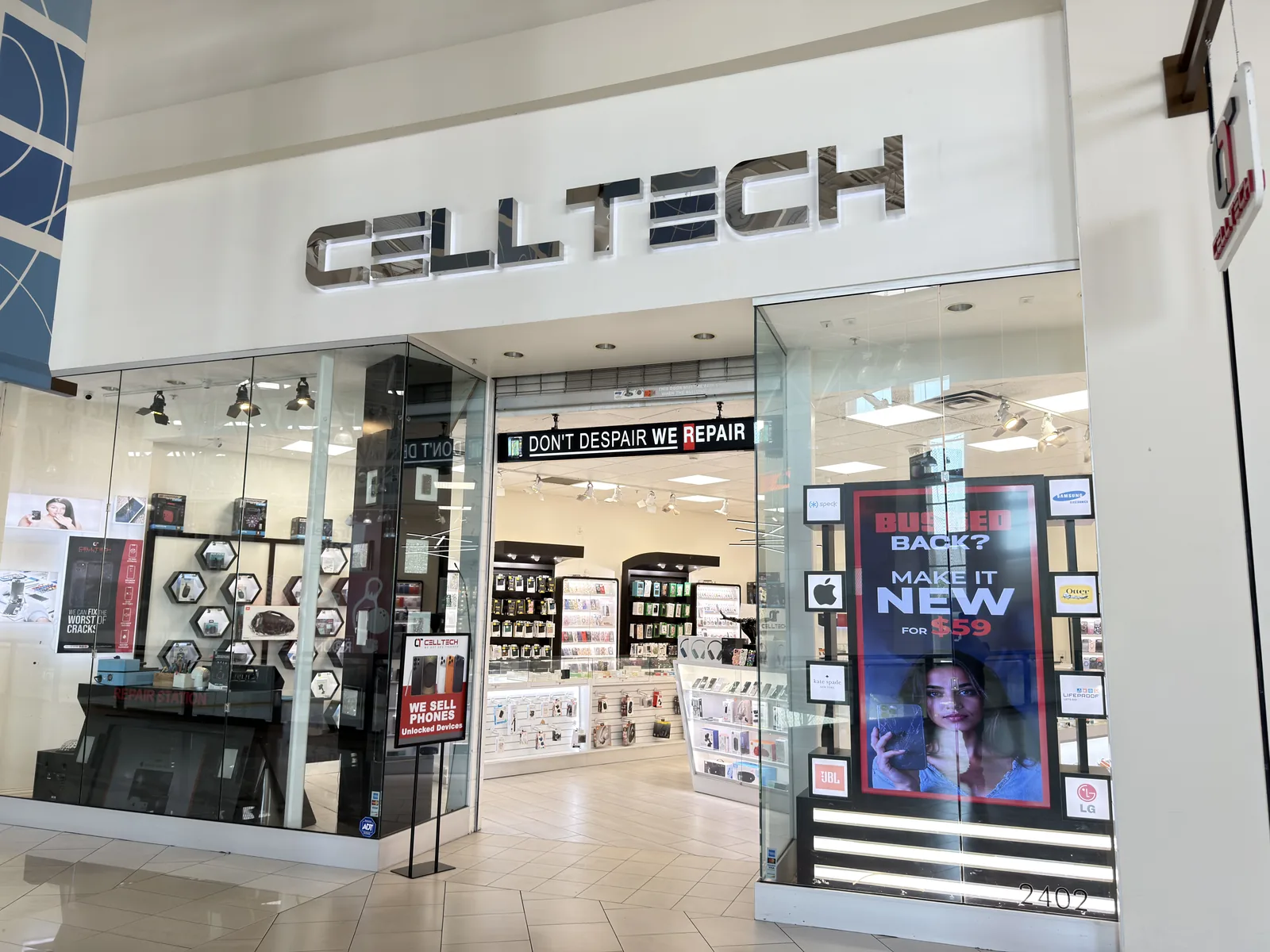
3811 S Cooper St, Suite 2402, Arlington, TX 76015
Find CELLTECH located on Level 2 next to GameStop.
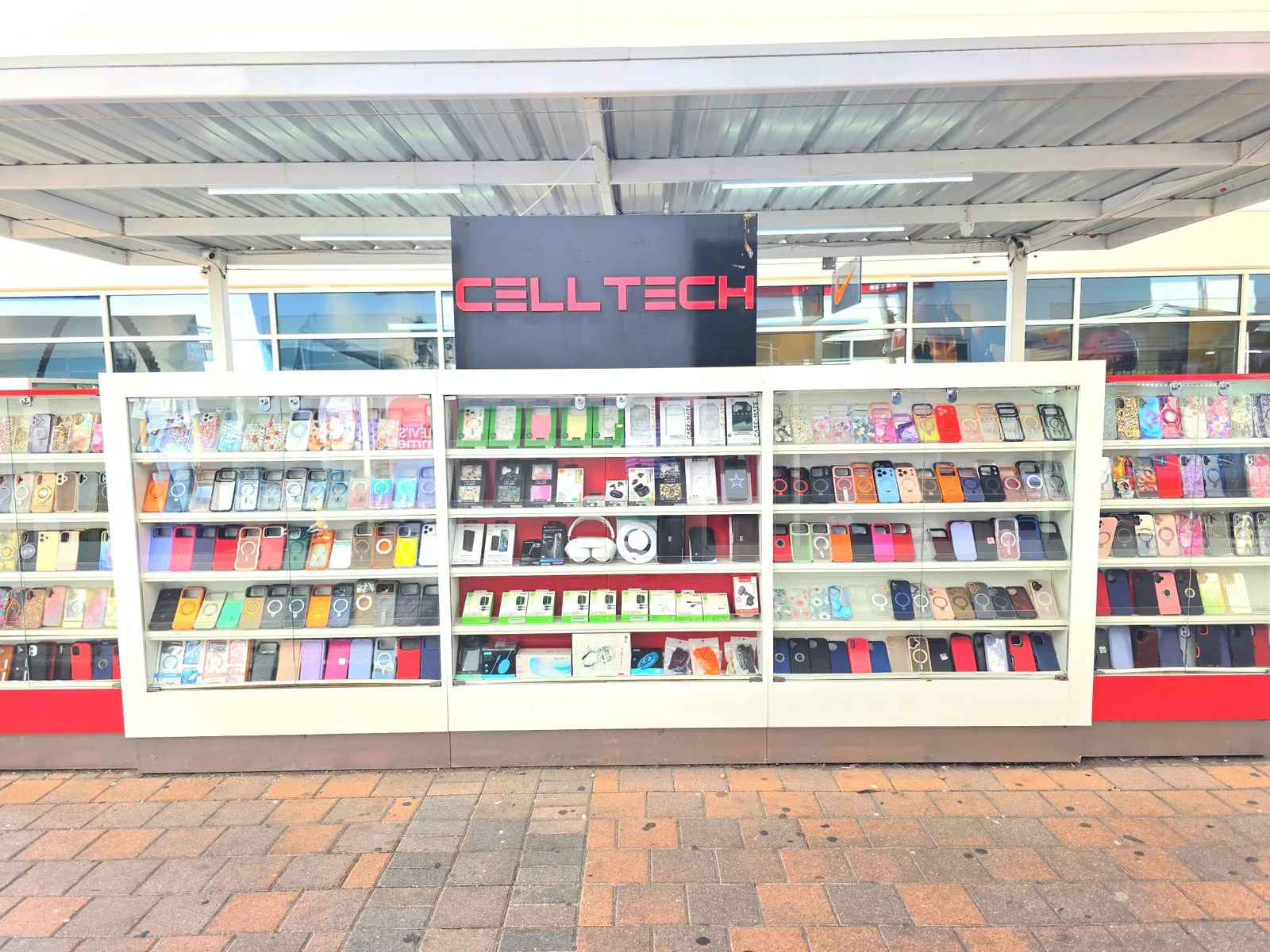
2950 W Interstate 20, Grand Prairie, TX 75052
Visit CELLTECH at Grand Prairie Premium Outlets.

2063 Town East Mall, Kiosk 2208, Mesquite, TX 75150
Find CELLTECH located on Level 2 inside Town East Mall.
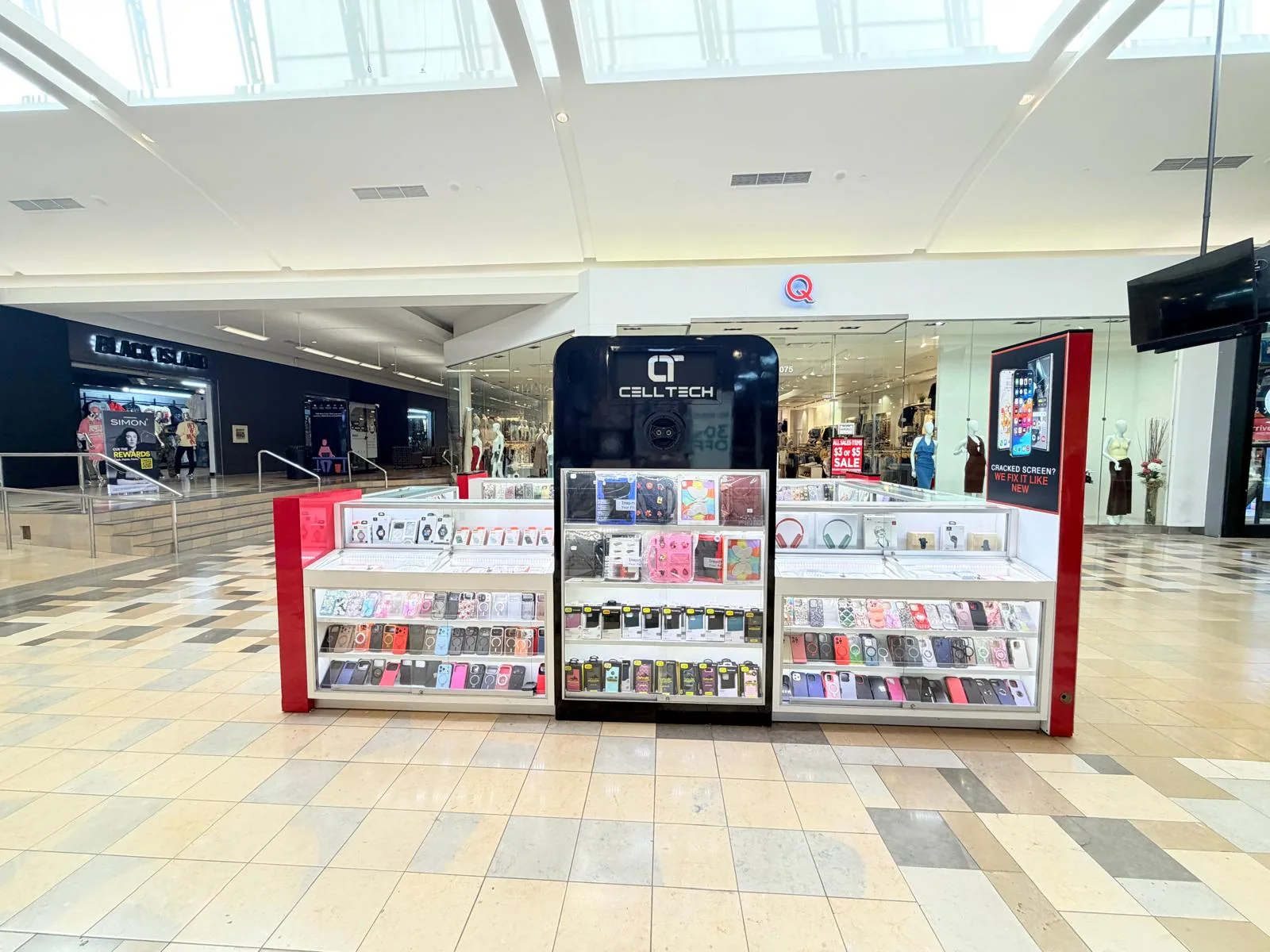
1101 Melbourne Rd, Kiosk 92, Hurst, TX 76053
Find CELLTECH in front of James Avery inside North East Mall.
8401 Gateway Blvd W, Kiosk K113, El Paso, TX 79925
Find CELLTECH located on Level 2 inside Cielo Vista Mall, in front of Hollister & Zumiez.
2601 Preston Rd, Suite 2210, Frisco, TX 75034
Visit CELLTECH at Stonebriar Centre in Frisco.
Straight answers to what people usually ask before bringing a device in for data recovery.
Sometimes. It depends on why the device does not turn on and whether its data remains accessible. If a battery, charging, display, or another common repair related issue is preventing access, restoring normal device operation may allow the data to become accessible again. The device should be assessed before recovery is promised.
If the device itself still works and only the display or touch system prevents access, repairing or restoring access to the device may allow the data to be backed up.
It may be possible in some cases, but liquid can damage multiple internal components. Recovery cannot be guaranteed before inspection. Complex liquid damage can require additional time.
Deleted file recovery depends on the device, storage, backups, encryption, and what happened after deletion. Successful deleted photo recovery cannot be promised before the case is assessed. Check existing cloud backups and Recently Deleted folders first where applicable.
CELLTECH can assess supported iPhone data access problems. Recovery possibilities depend on device condition, backups, security, and the cause of data loss.
Android data access problems can be assessed for supported devices. Existing Google backups should also be checked.
Data access problems on supported MacBook and Windows laptops can be assessed. The available recovery approach depends on whether the problem involves storage or another laptop component.
Recovery after a factory reset can be very limited, particularly on modern encrypted devices. Successful recovery after a reset should not be guaranteed. Existing backups should also be checked.
No. Data recovery does not bypass passcodes, account locks, activation protections, encryption, or other security controls. Legitimate credentials or account recovery methods may be required.
Encrypted BitLocker data generally requires the correct recovery key or authorized credentials. Bring the recovery key if you have it. CELLTECH does not bypass BitLocker security.
No, not when important data is still inaccessible. A reset can remove information. Have the situation assessed first.
Cost depends on the device, cause of data loss, damage, recovery complexity, repair required, and available recovery method. A quote is provided after assessment.
Timing depends on the device and recovery situation. Some simple repair related access problems may be resolved in as little as 20 minutes when the repair is straightforward and the required part is available. Same day service is available for many eligible cases. Complex storage, liquid damage, encryption, or heavily damaged device cases can take longer.
Same day service is available for many eligible data access cases. This is most realistic when normal access can be restored through a straightforward repair or existing backup. More complex storage and physical damage cases can require additional time.
Some simple repair related data access problems may be resolved in as little as 20 minutes. For example, a straightforward screen, battery, or charging repair may restore normal device access when storage itself is still working. This does not mean every data recovery case can be completed in 20 minutes.
No. No responsible data recovery service should promise successful recovery in every case before assessing the device. Recovery depends on device condition, storage, encryption, backups, credentials, and type of damage.
Qualifying repair work performed as part of restoring device access is backed by CELLTECH's 90 day malfunction warranty. The warranty applies to covered repaired or replaced components according to CELLTECH's applicable terms. The warranty is not a guarantee that every lost file can be recovered.
It can be when the missing information is important and the device has not yet been properly assessed. Some cases may have a simple explanation such as: Broken screen, Failed battery, Charging problem, Existing cloud backup. An assessment helps determine whether there is a realistic recovery path before unnecessary work begins.
No appointment is required for a standard walk-in visit. Walk-ins are welcome at CELLTECH locations. For complex or unusual devices, contact your nearest store to confirm the available assessment options.
From the workshop
Blogs4 min read
Blog7 min read
Blog12 min read
Blog9 min read
You will get a straight answer here rather than a hopeful one. Bring the device to your nearest CELLTECH store and say exactly what happened and what has already been tried, because the order of those attempts matters more than most people expect, and it decides what is still reachable.